What Is a Timestamp Camera? A Practical Guide and Real-World Uses
A practical introduction to timestamp cameras, how they work, and where they help in inspections, documentation, delivery proof, and personal photo records.
Add date, time, address, GPS-style location, QR codes, logos, signatures, and proof-style overlays to photos online. Batch process images, edit existing timestamps, and export directly in your browser.
20:03:15
Nov 28, 2023 · Saturday
San Francisco, CA · 37.7749°N, 122.4194°W
Build documentation photos that are clearer, more standardized, and easier to review later. The editor combines timestamp control, location overlays, branded marks, proof-style layers, and image cleanup in one browser workflow.
Add date and time with millisecond precision, multiple preset formats, manual text editing, and drag-based placement.
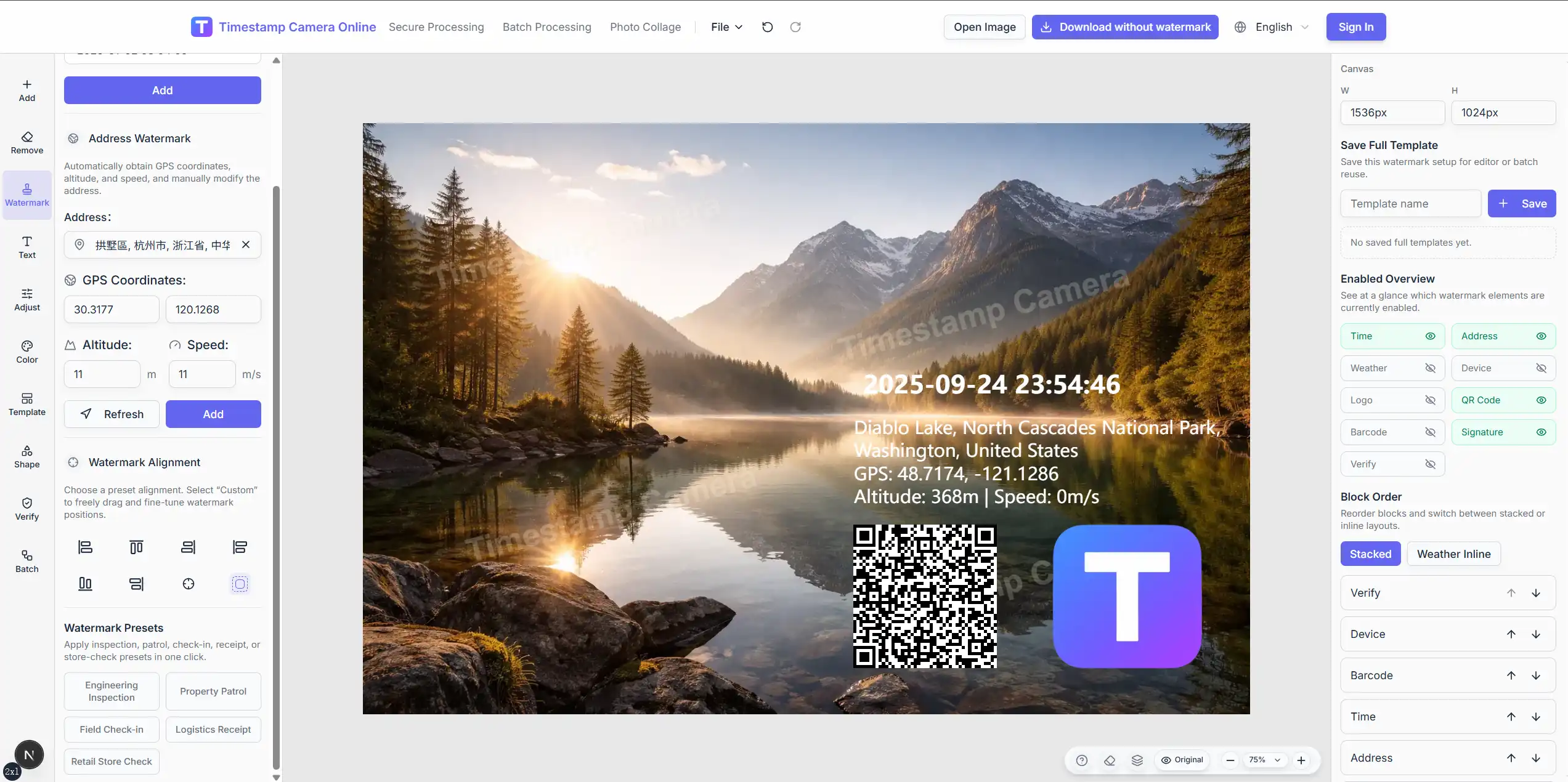
Combine time, address, coordinates, altitude, speed, weather, device info, QR codes, barcodes, logos, signatures, seal-style marks, and custom text on the same photo.
Cover, blur, or pixelate sensitive areas, add simple shape markers, and use verification-style badges when your workflow needs more standardized presentation.
Apply one layout across many images, reuse templates for field work, and pair watermark settings with crop, rotation, color adjustment, and export rules.
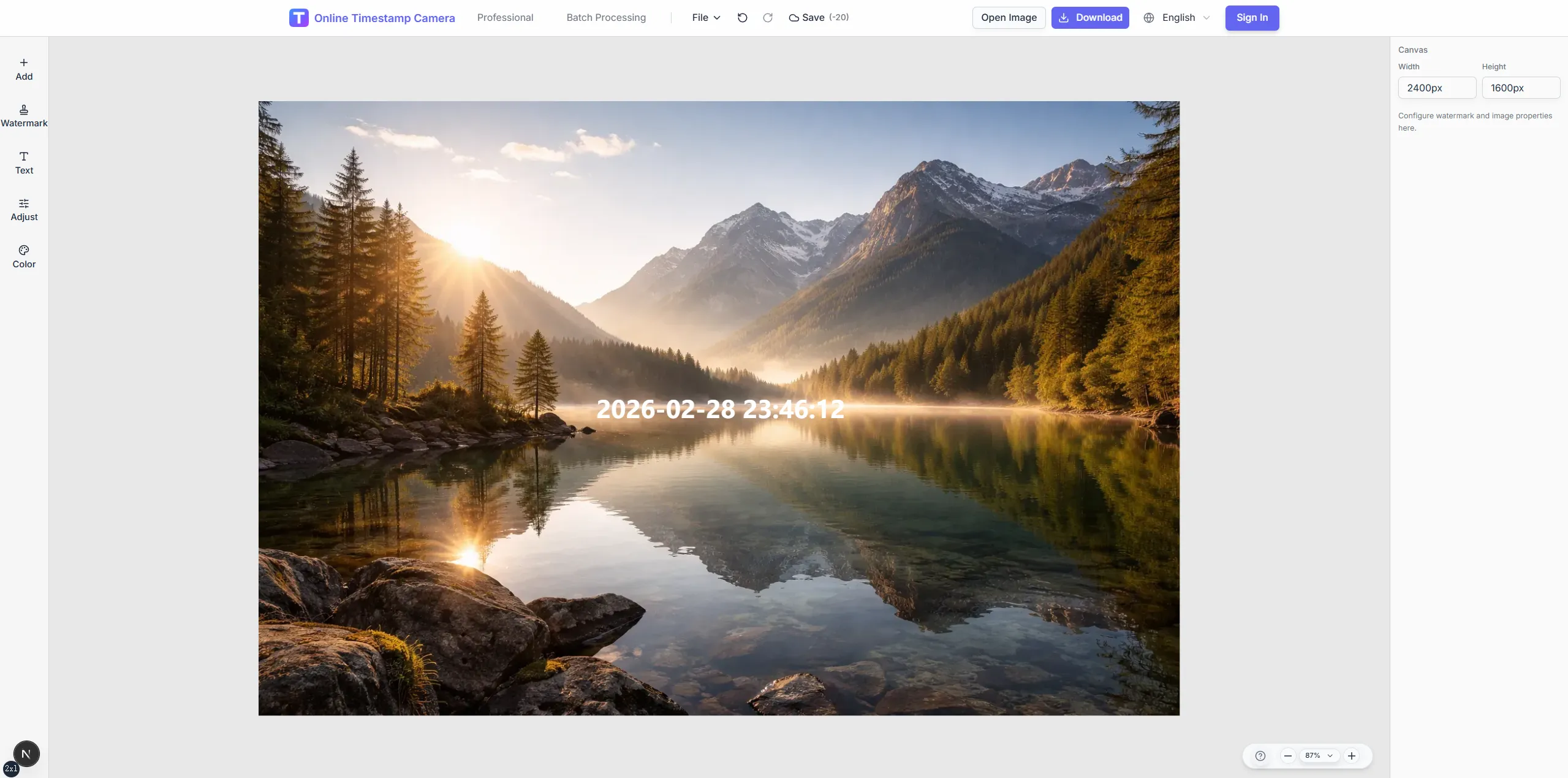
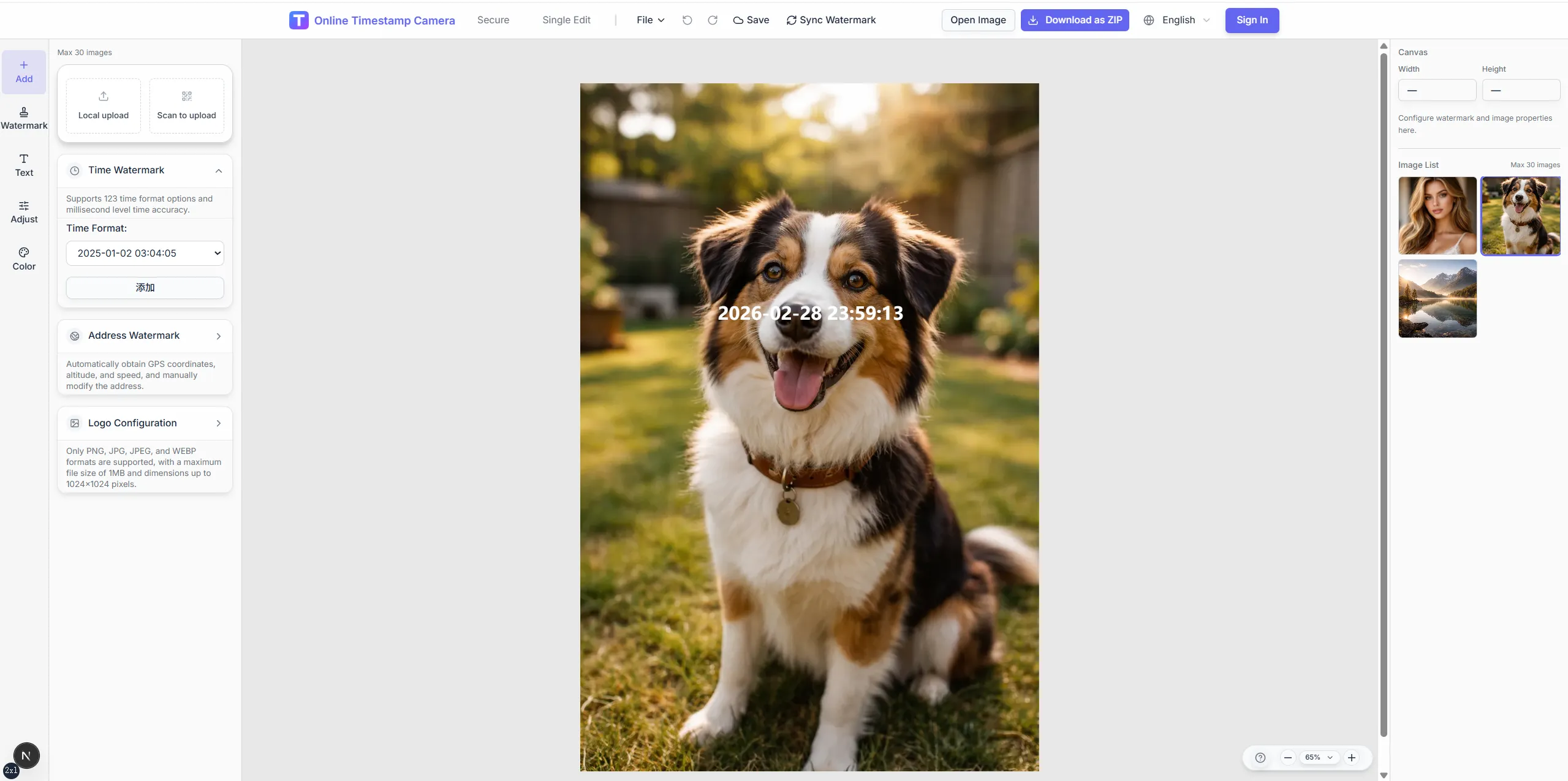
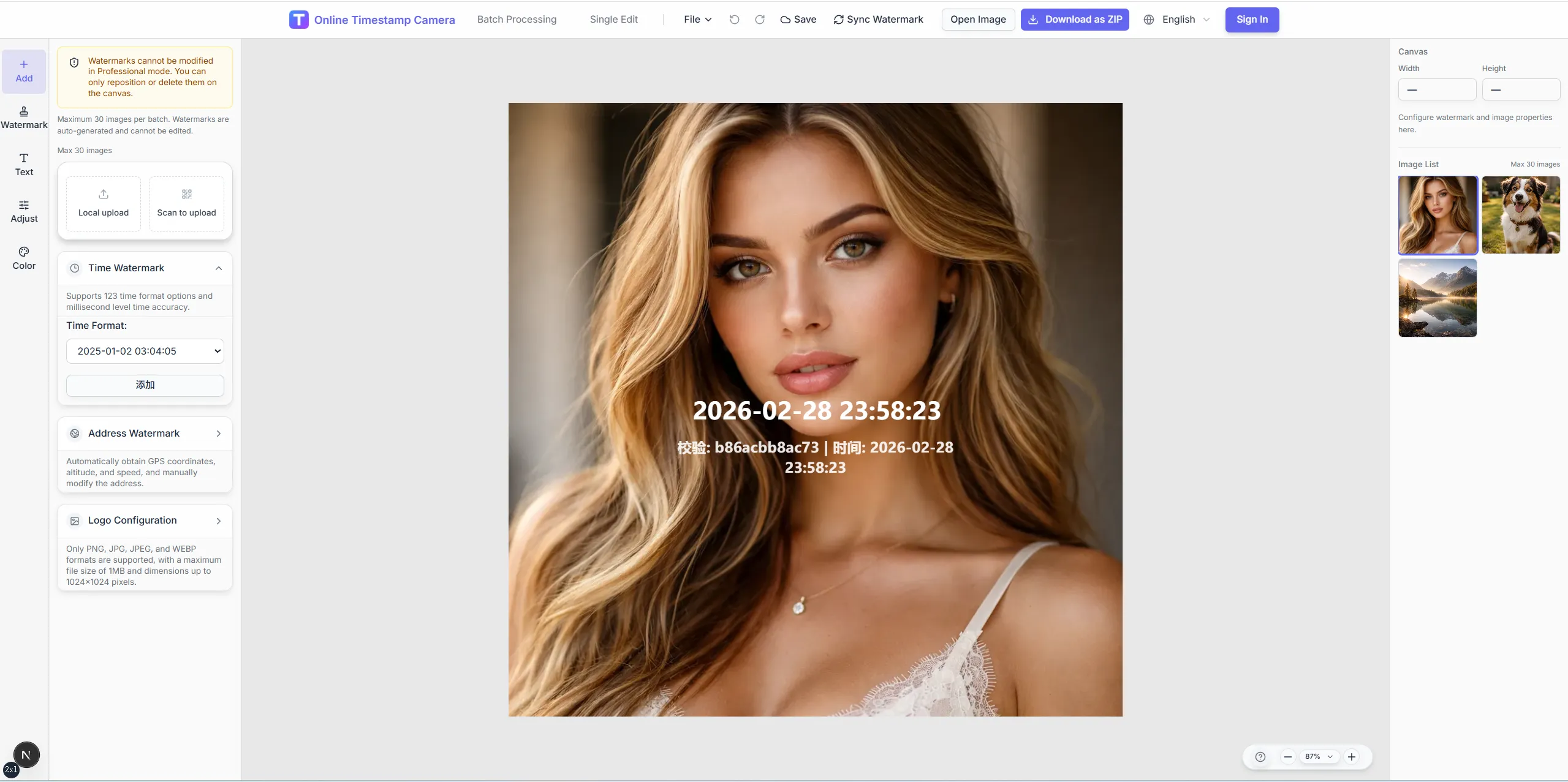
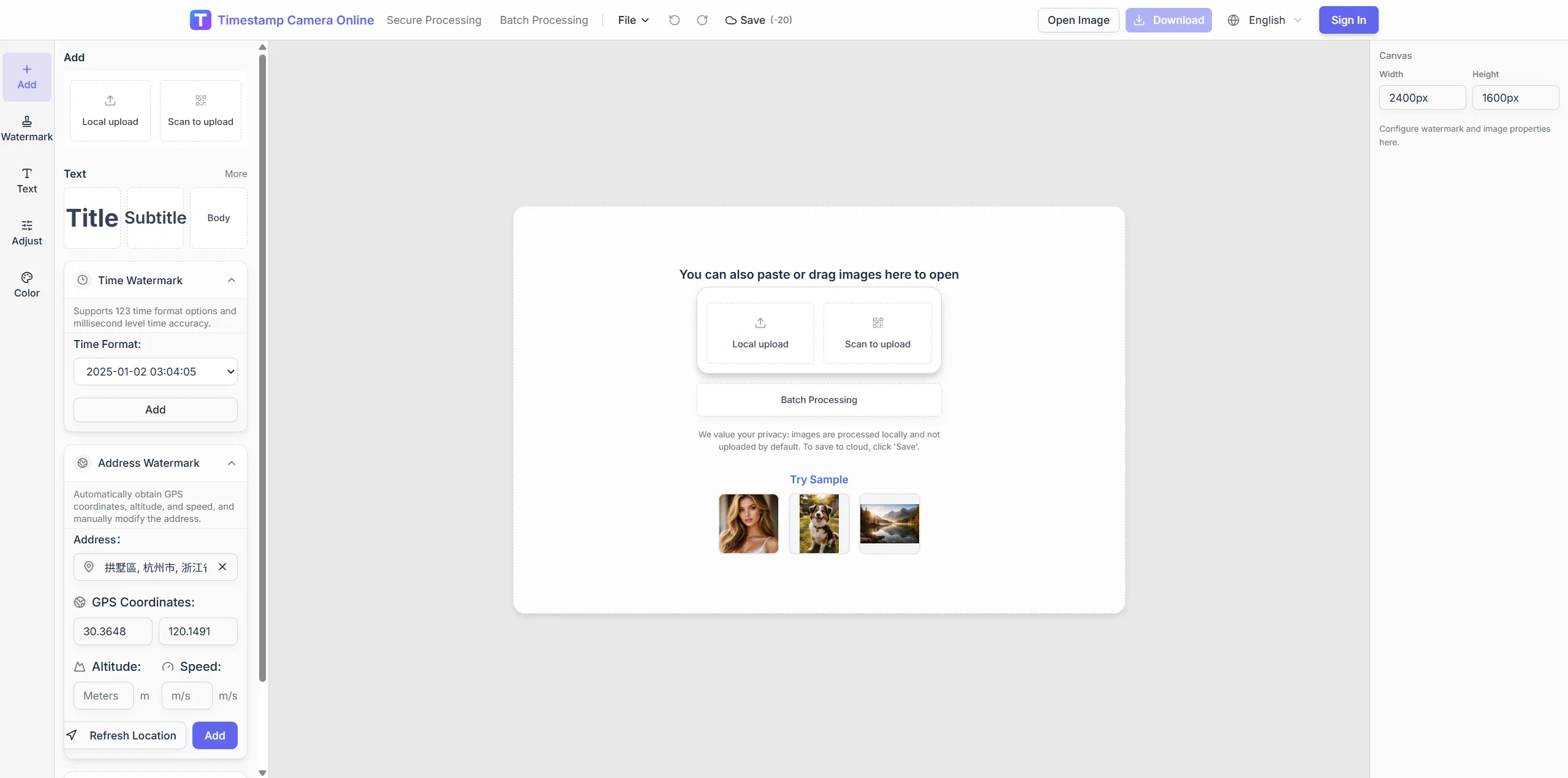
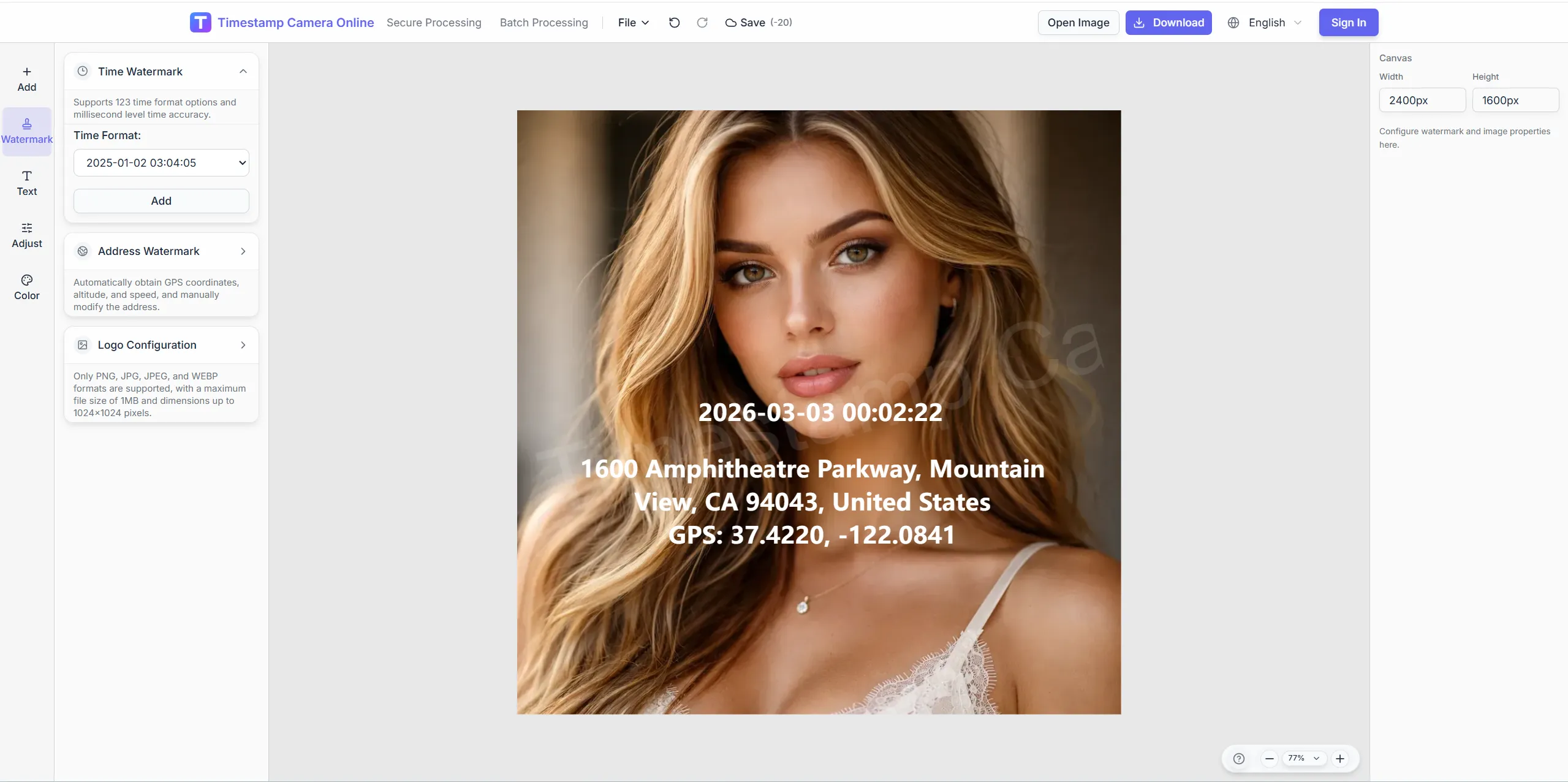
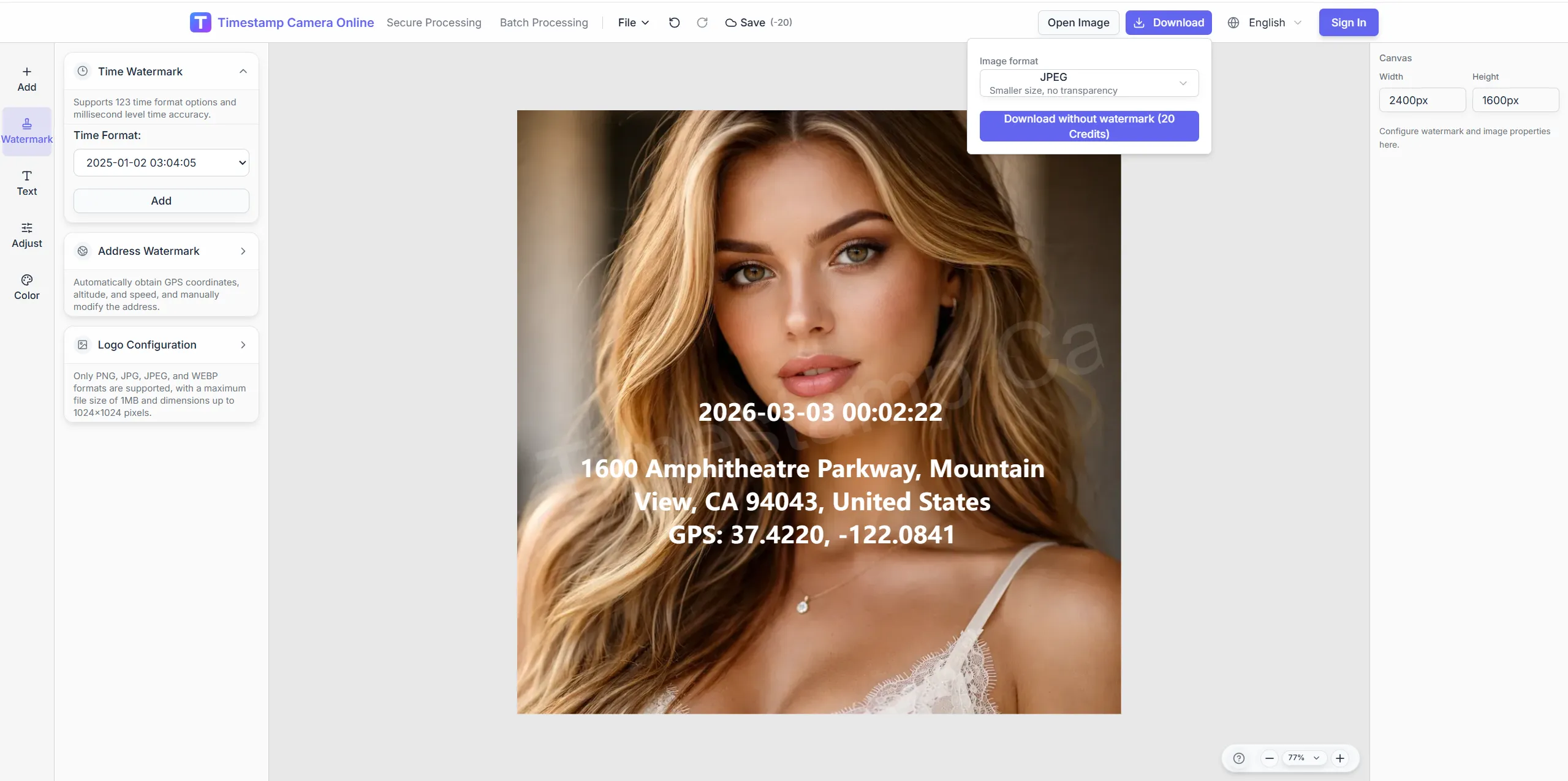
The editor goes beyond a basic timestamp line. It includes crop and rotation, color presets, signature and seal overlays, QR and barcode layers, and sensitive-info removal tools.
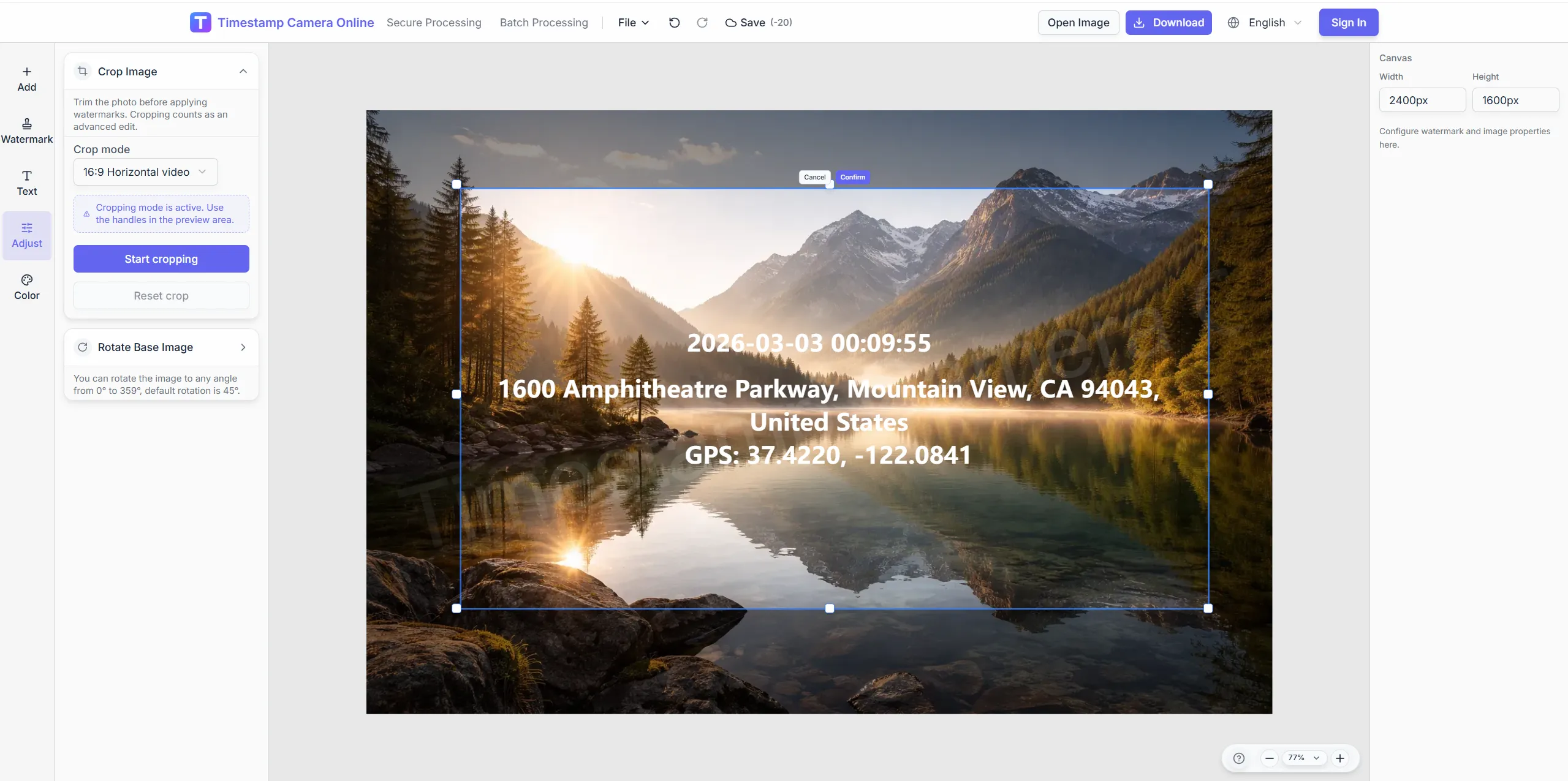
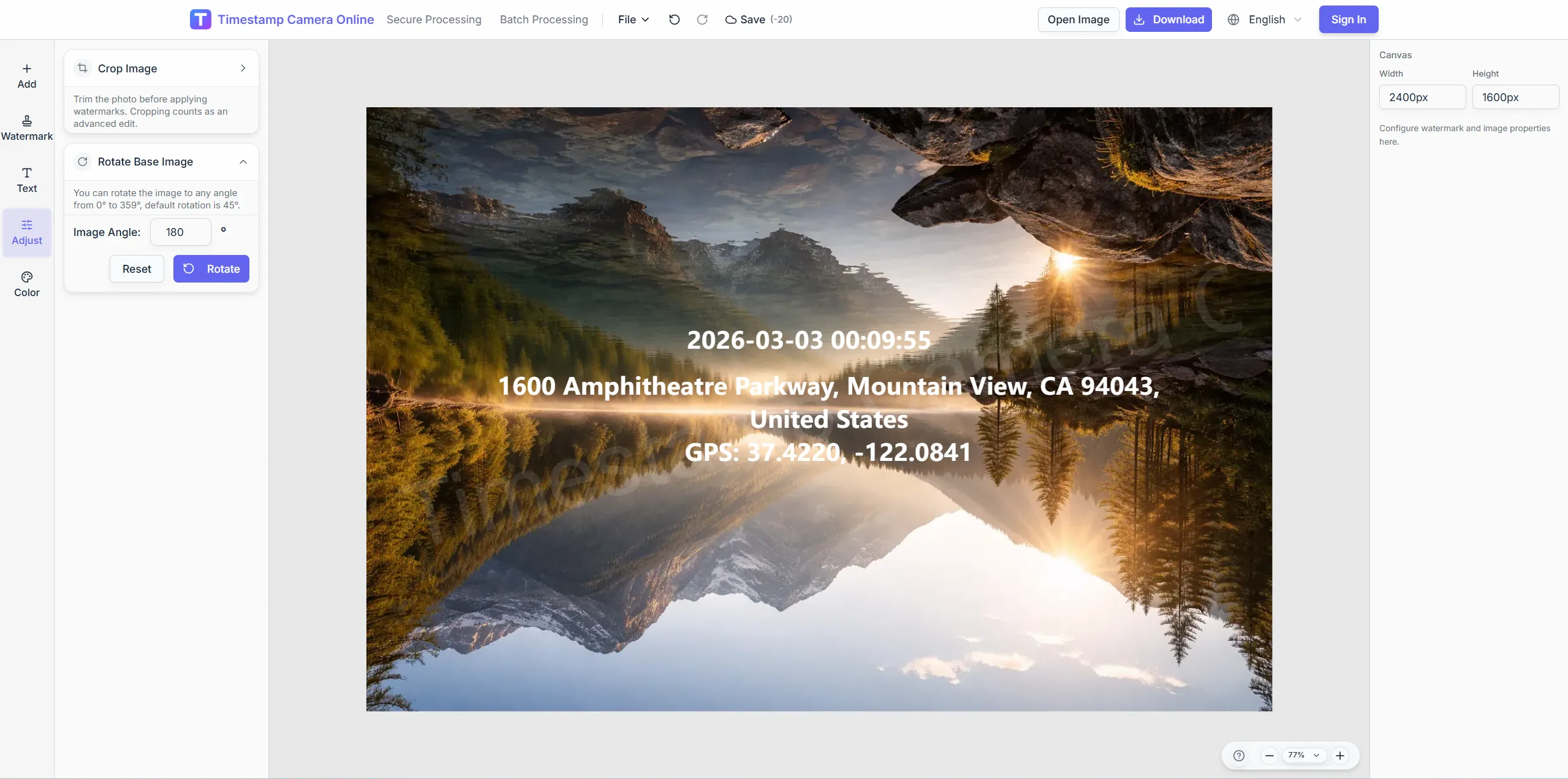
Use preset aspect ratios, free crop, rotate, and flip controls before you place the final overlay.
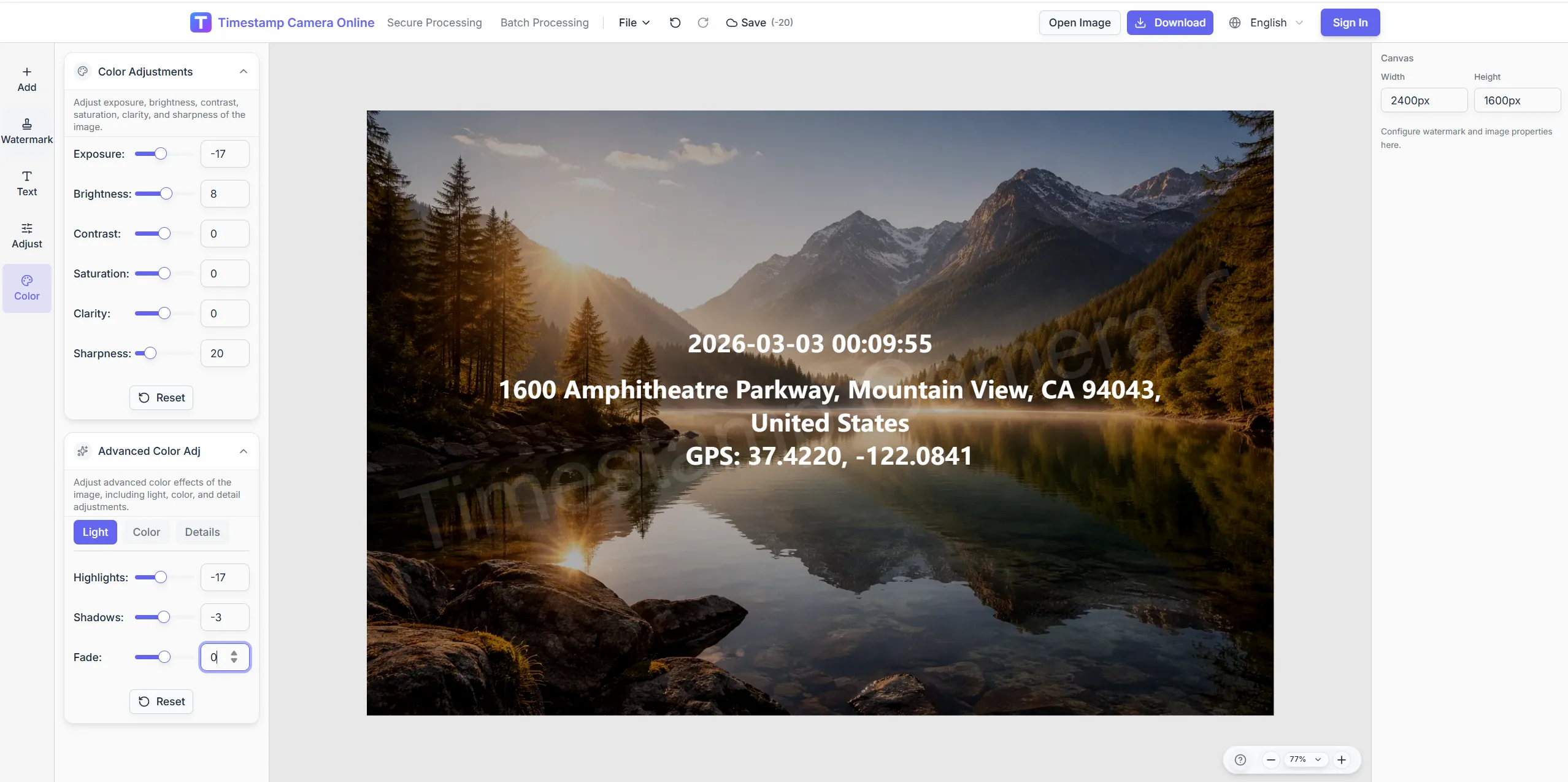
Apply exposure, contrast, clarity, advanced tone controls, and scene-based optimization hints.
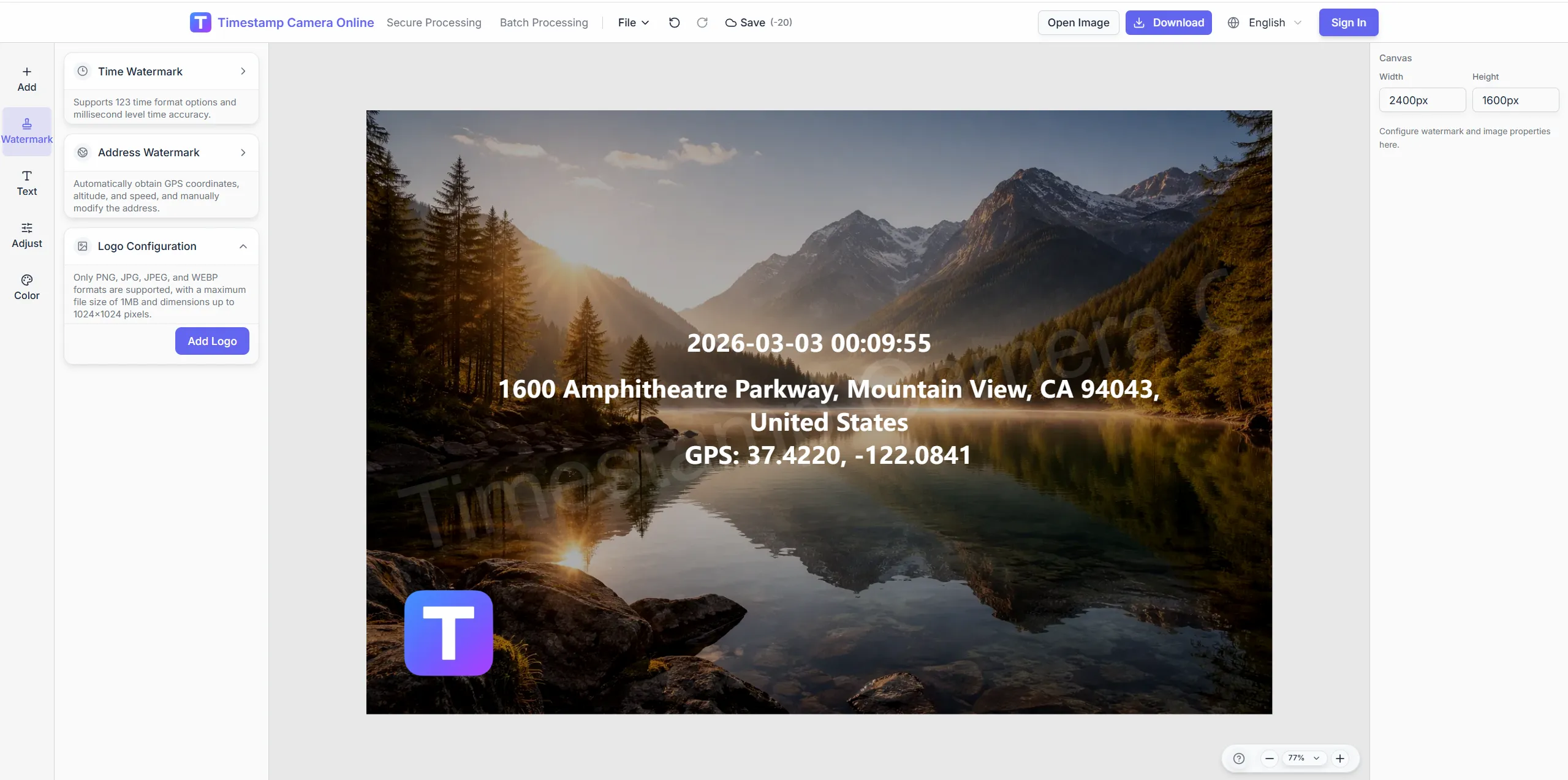
Add hand-signature style marks, seal-style stamps, or branded logo overlays for clearer ownership and review.
Cover, blur, or pixelate license plates, addresses, phones, ID strips, and other sensitive regions before export.
The product is built for work records, field documentation, proof-style exports, and branded image delivery. It helps teams standardize what appears on the photo and how that output is reviewed later.
Use visible time, location, and optional device details to keep check-in photos easier to review across office, retail, and field teams.
View solution
Create more standardized photo records with consistent time, place, and summary overlays when internal review or audit trails matter.
View solution
Keep personal photo logs with date, time, place, and styled overlays that are easier to organize later.
View solution
Use reusable templates for inspections, site progress, and field check-ins where time, address, weather, and device context all help explain the photo.
View solution
Prepare clearer incident photos with visible time and location details so the record is easier to review and discuss.
View solution
Apply one format across repeated milestone photos so project archives stay readable and consistent over time.
View solution
Add visible timing and location context to field or lab images when the record needs stronger provenance at a glance.
View solution
Document events, visits, and deliveries with time-and-place overlays that help others understand what happened and when.
View solution
Share standardized timestamped images in distributed teams so reports are easier to compare and archive.
View solution
Pair visible time, location, signature, or seal-style marks when supervision records need clearer structure.
View solution
Combine time, place, device details, and QR or barcode layers when inspection photos need stronger operational context.
View solution
Add logos, signatures, stamps, and custom overlays when you want a more branded or author-labeled export.
View solution
Jump straight into the workflow that matches your task: quick timestamps, location overlays, batch processing, QR code overlays, privacy cleanup, or secure proof-style exports.
Add a timestamp online
Upload a photo and add date and time in the browser, then fine-tune format and placement.
Add time and location
Show capture time, address, and GPS-style location details on the same image.
Batch watermark photos
Apply one shared timestamp and overlay layout to many photos for inspections and field records.
Add a QR code
Place a scannable code together with timestamps, logos, or summary text on the final export.
AI photo location online
Upload photos to analyze shooting location and details online. Batch processing, Excel export, and labeled metadata watermarks.
Hide sensitive information
Mask or blur license plates, faces, addresses, and other privacy areas before sharing.
See how customers use the editor in actual field, reporting, and branded-output workflows.
During site inspections, every photo must accurately record the time and location. Timestamp Cameras allows our supervision team to quickly generate photo reports with GPS, significantly improving work efficiency.

John Smith, Project Manager
When traveling for business and capturing travel content, I like to add precise time and location tags. Timestamp Cameras' customizable watermarks make the photos more professional and help organize travel diaries.

Budi Santoso, Content Creator
公司员工上下班打卡使用水印相机网页版,照片带有时间和位置,考勤记录更准确,管理也更方便。

李伟, 现场工程师
Step-by-step tutorials for adding timestamps, location overlays, batch editing, QR codes, and secure proof-style exports in your browser.
A practical introduction to timestamp cameras, how they work, and where they help in inspections, documentation, delivery proof, and personal photo records.
A feature-focused guide to timestamp cameras, covering time formats, location overlays, QR codes, signatures, cleanup tools, templates, batch workflows, and proof-style image records.
Learn how to save your current editor setup as a batch preset and reuse the same watermark layout in single-image and batch workflows.
Learn how to use verification badges in the browser editor for capture-time seals, device labels, hash markers, and anti-tamper cues on documentation photos.
Learn how to add arrows, circles, boxes, warning tags, and number badges to documentation photos so reviewers can see key areas faster.
Learn how to apply reusable watermark layouts for inspections, patrol records, logistics proof, and other repeatable documentation workflows in the browser editor.
Learn the practical limits and strengths of the current browser-based editor so you can match the tool to the job.
Add millisecond timestamps, time-and-location overlays, signatures, QR codes, and standardized proof-style layers to photos in your browser.