Can timestamps show milliseconds?
Yes. Enable millisecond precision and pick a format that fits your audit standard.
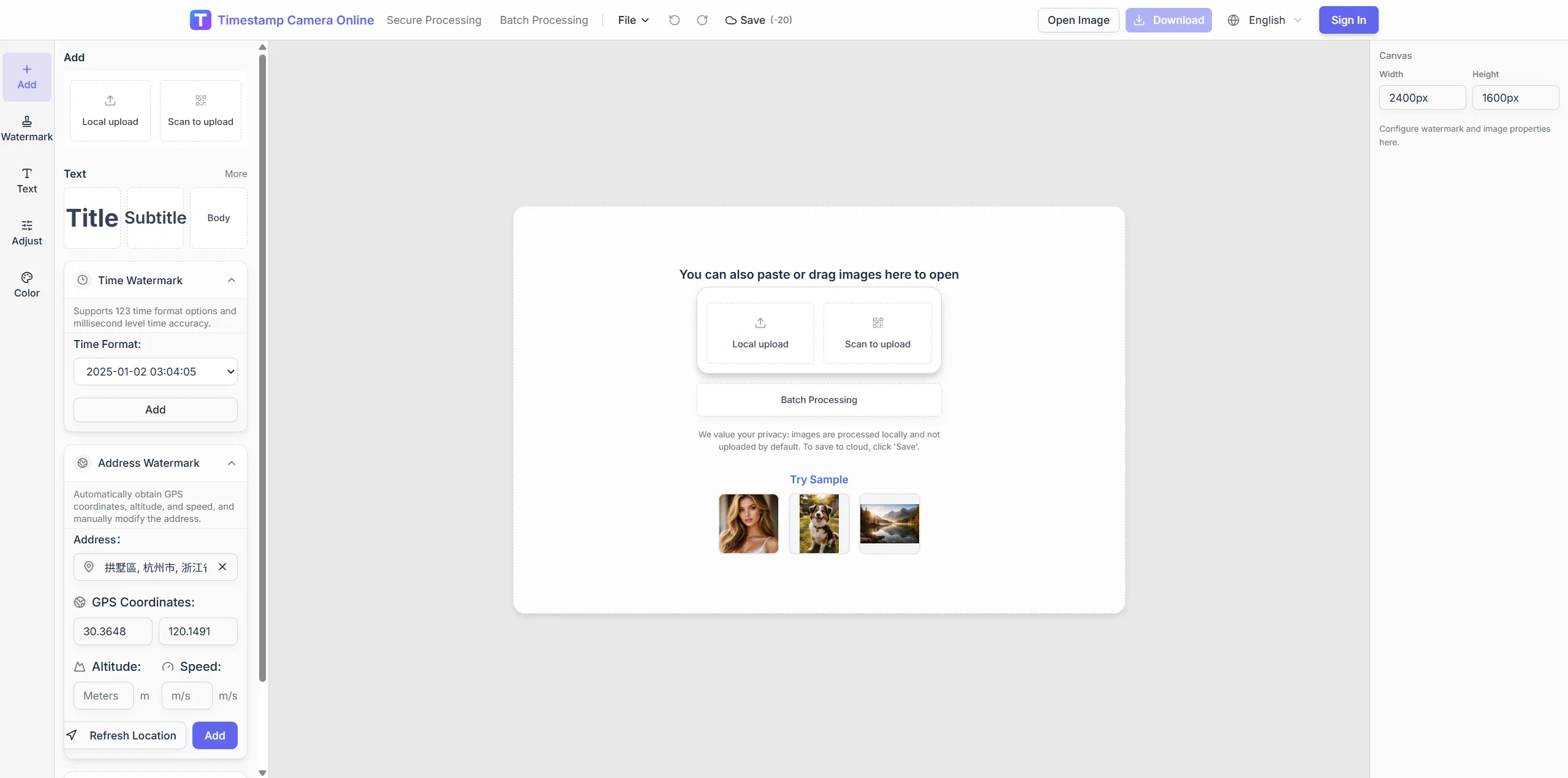
Free trial · Add time, location, and proof overlays in your browser
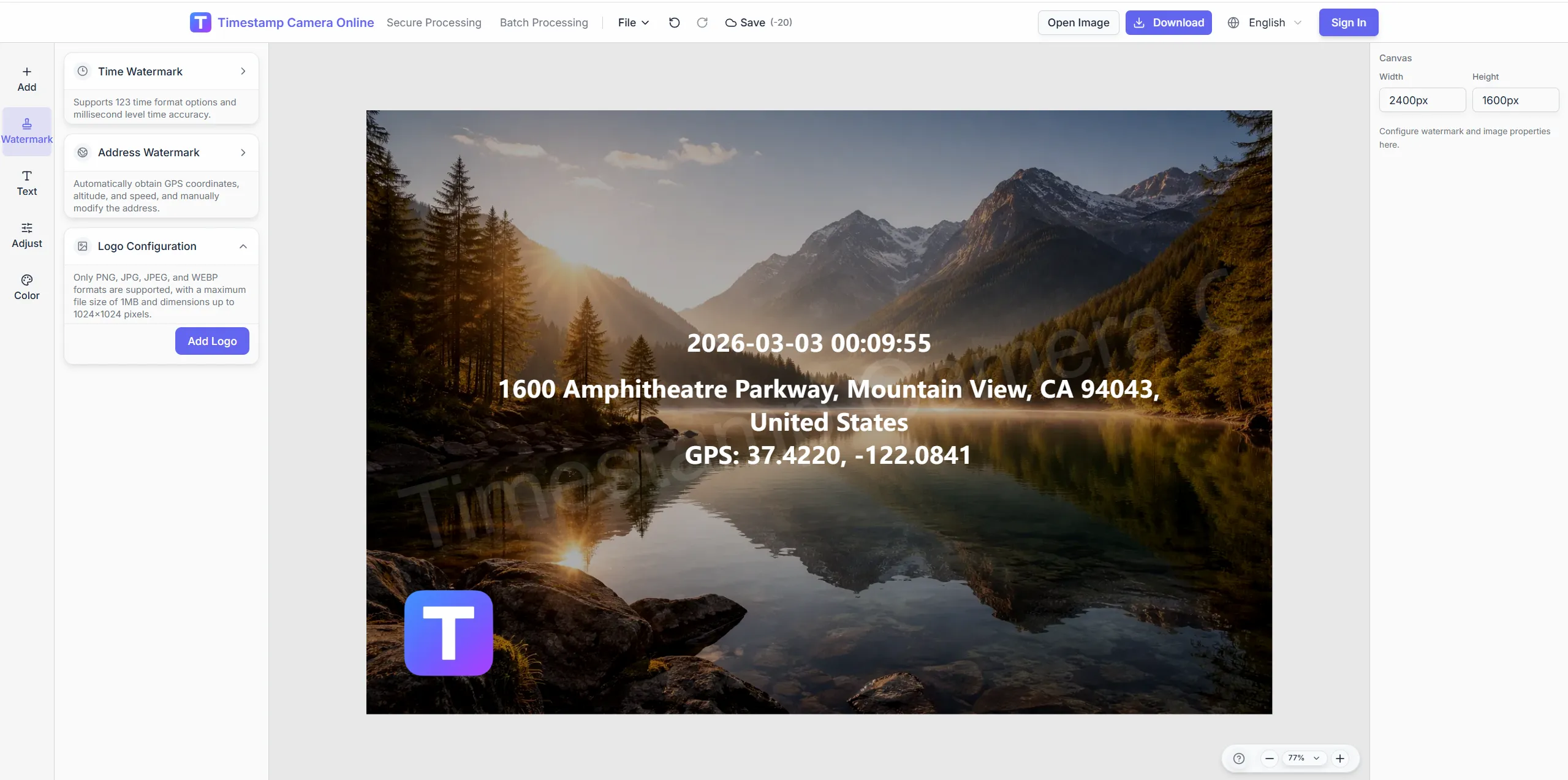
Add visible date and time—including millisecond precision—to photos for check-ins, milestones, and proof exports. Drag placement, preset formats, and batch apply keep records consistent.
14:32:08
Oct 21, 2024 · Monday
Denver, CO · 39.7392°N, 104.9903°W
Choose preset formats or custom text, then pair time with location, weather, or device lines on the same photo.
Switch between regional date styles, 12/24-hour clocks, and custom separators.
Combine timestamp blocks with GPS or address lines for stronger context.
Save timestamp placement for daily check-ins or recurring inspections.
Apply one time layout across dozens of site or shift photos.
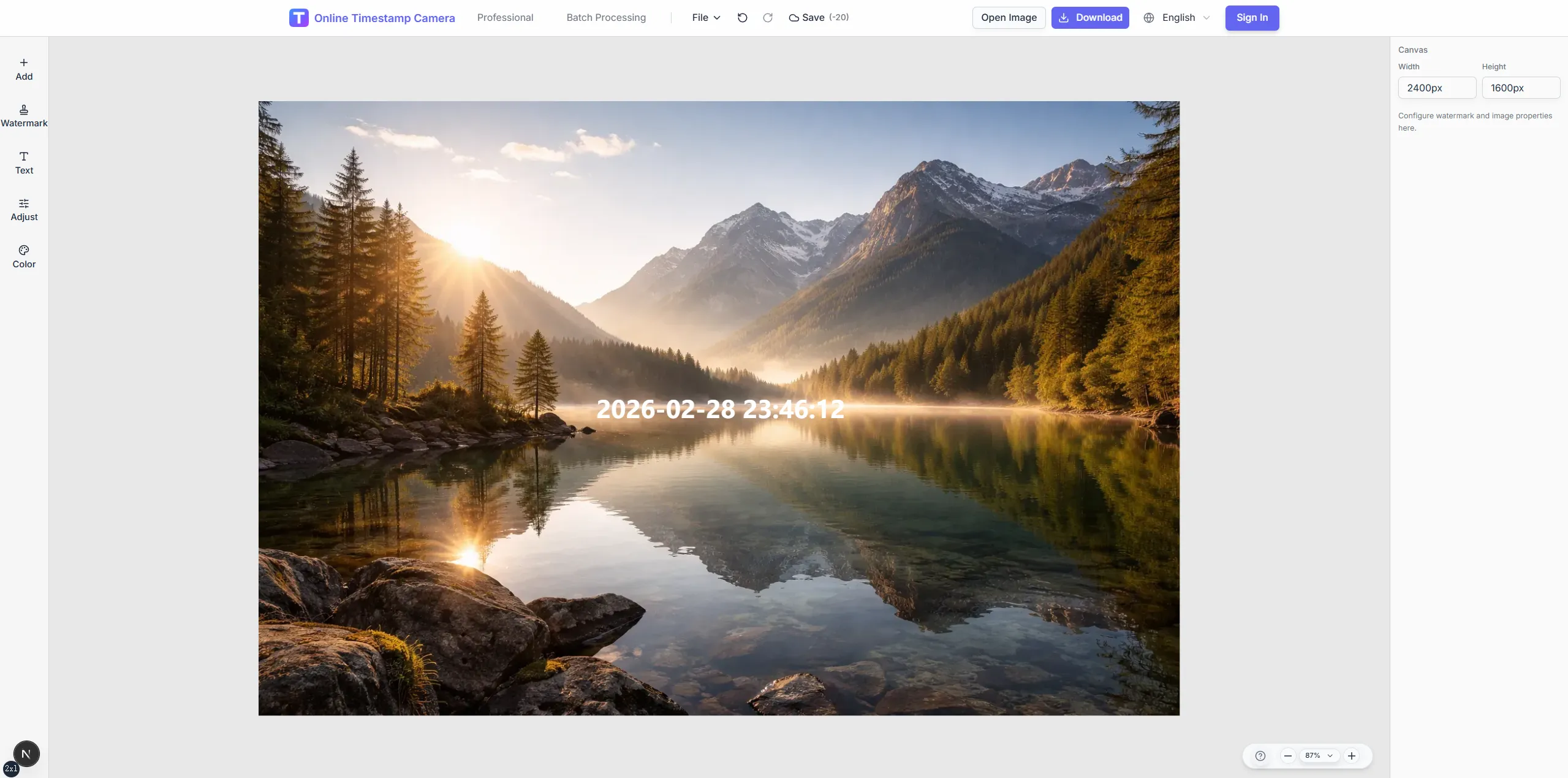
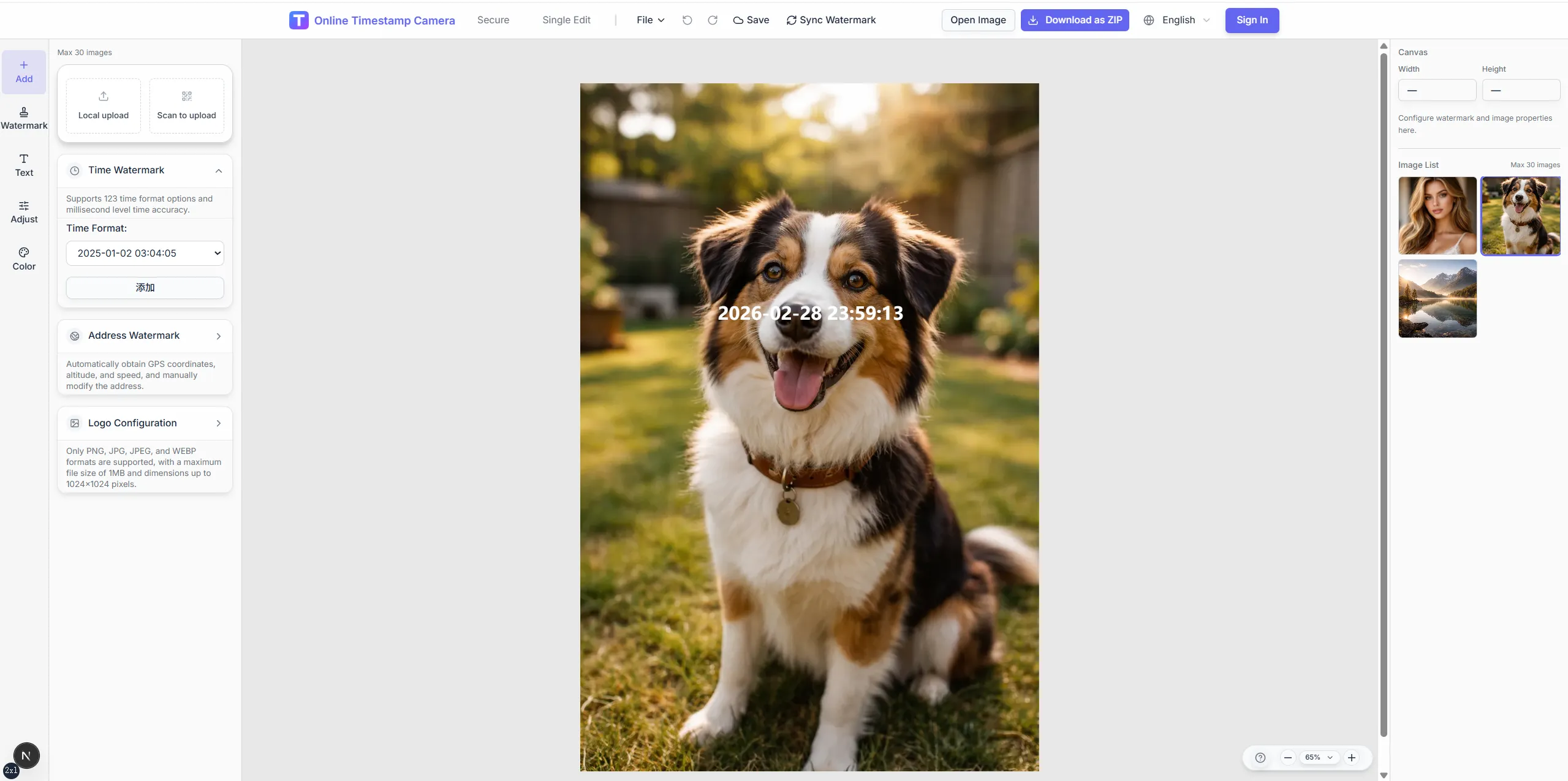
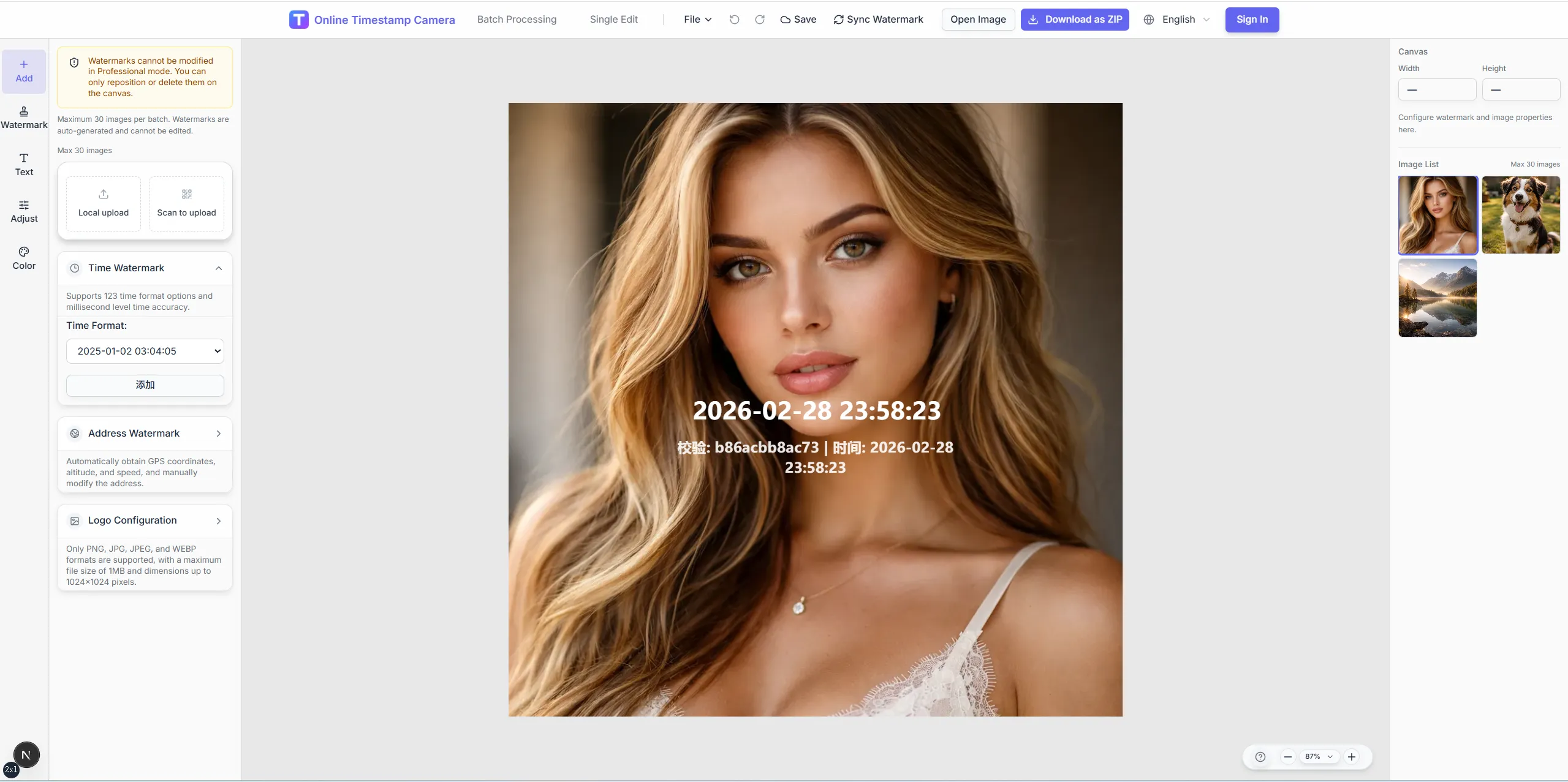
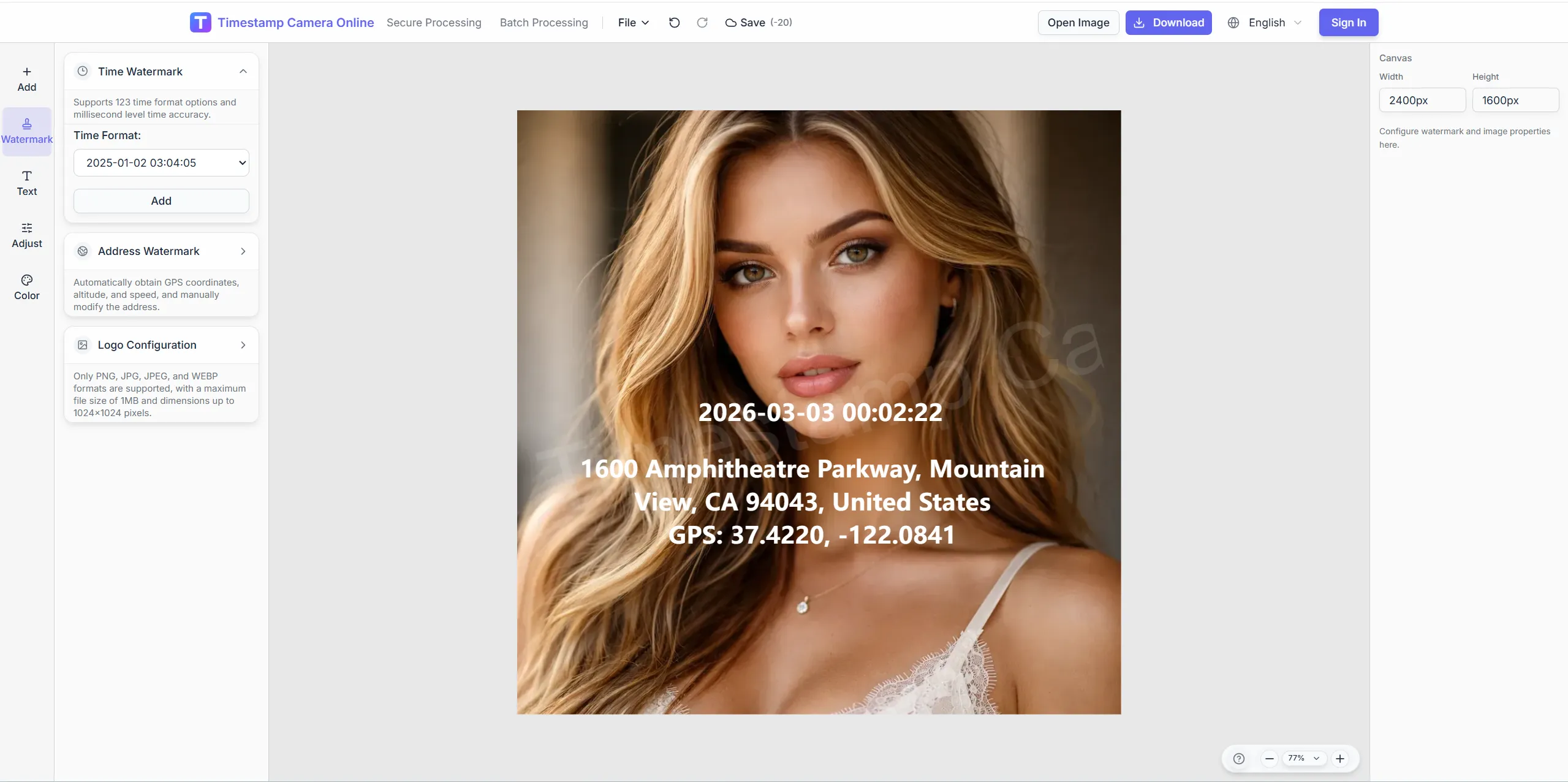
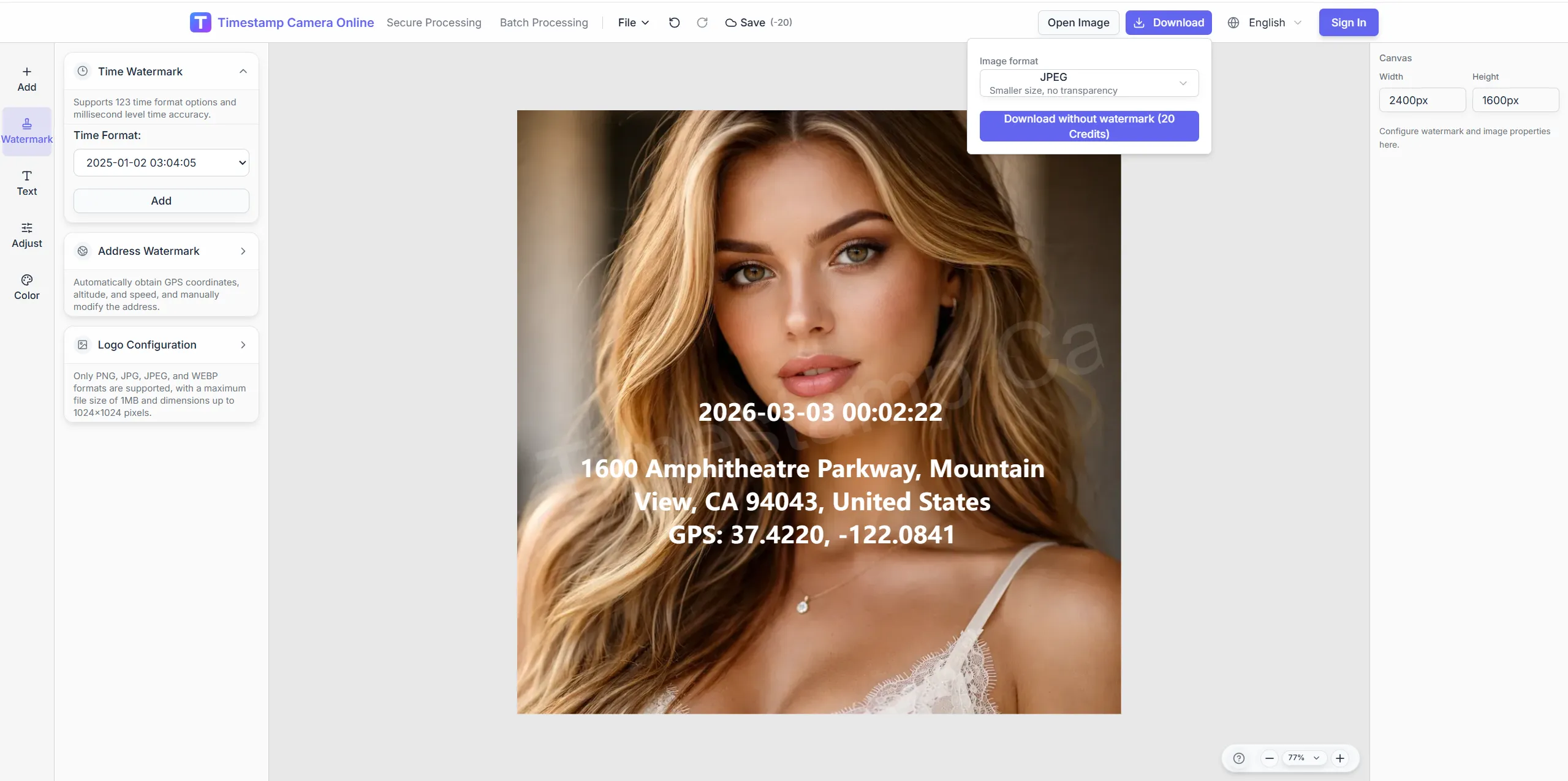
Keep the capture moment visible while preserving one repeatable layout for daily records and batch sets.
Crop, color, and layout tools keep timestamp text readable on bright sites, dark interiors, and batch attendance exports.
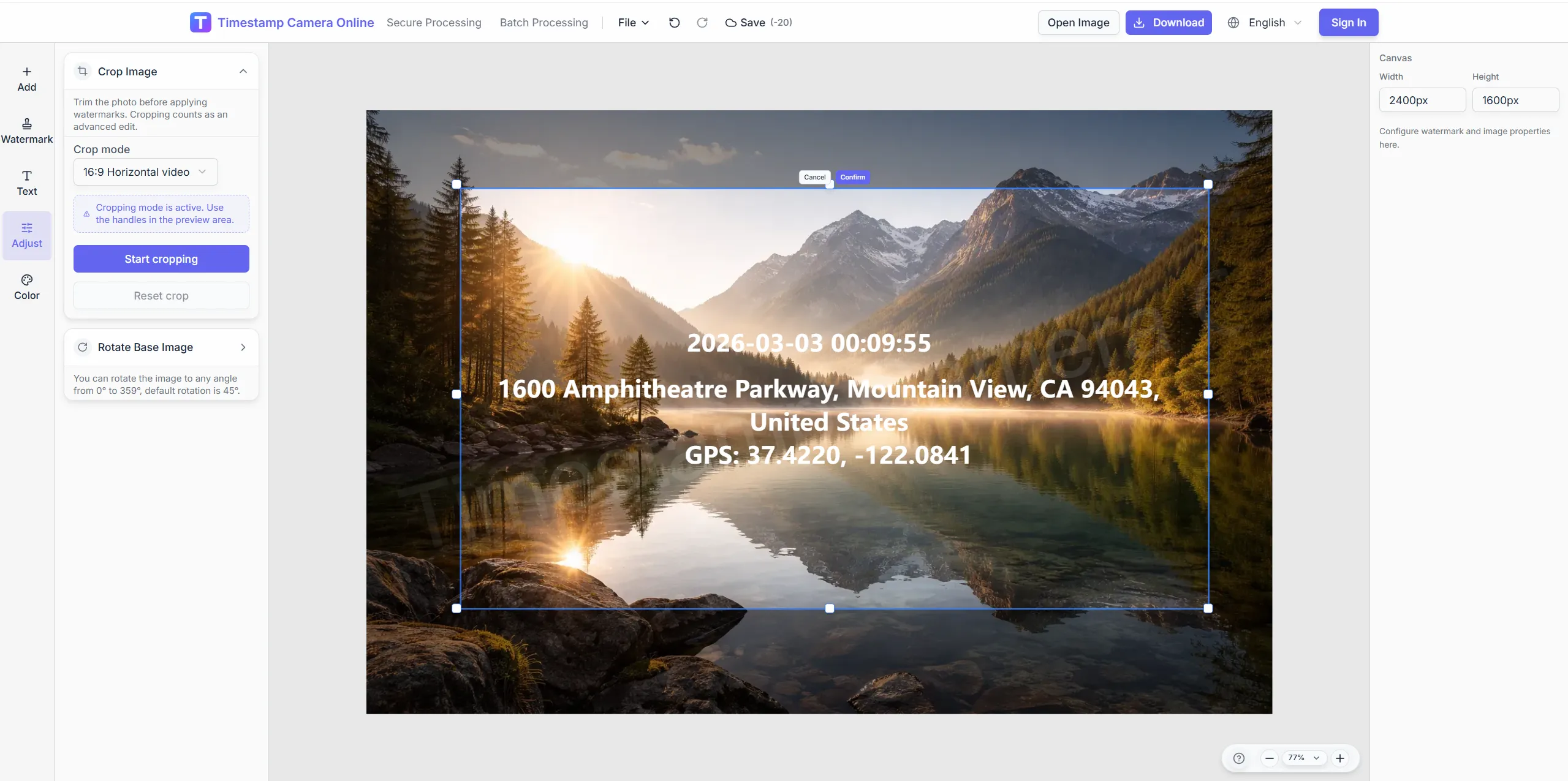
Leave a clean margin where the time block will sit.
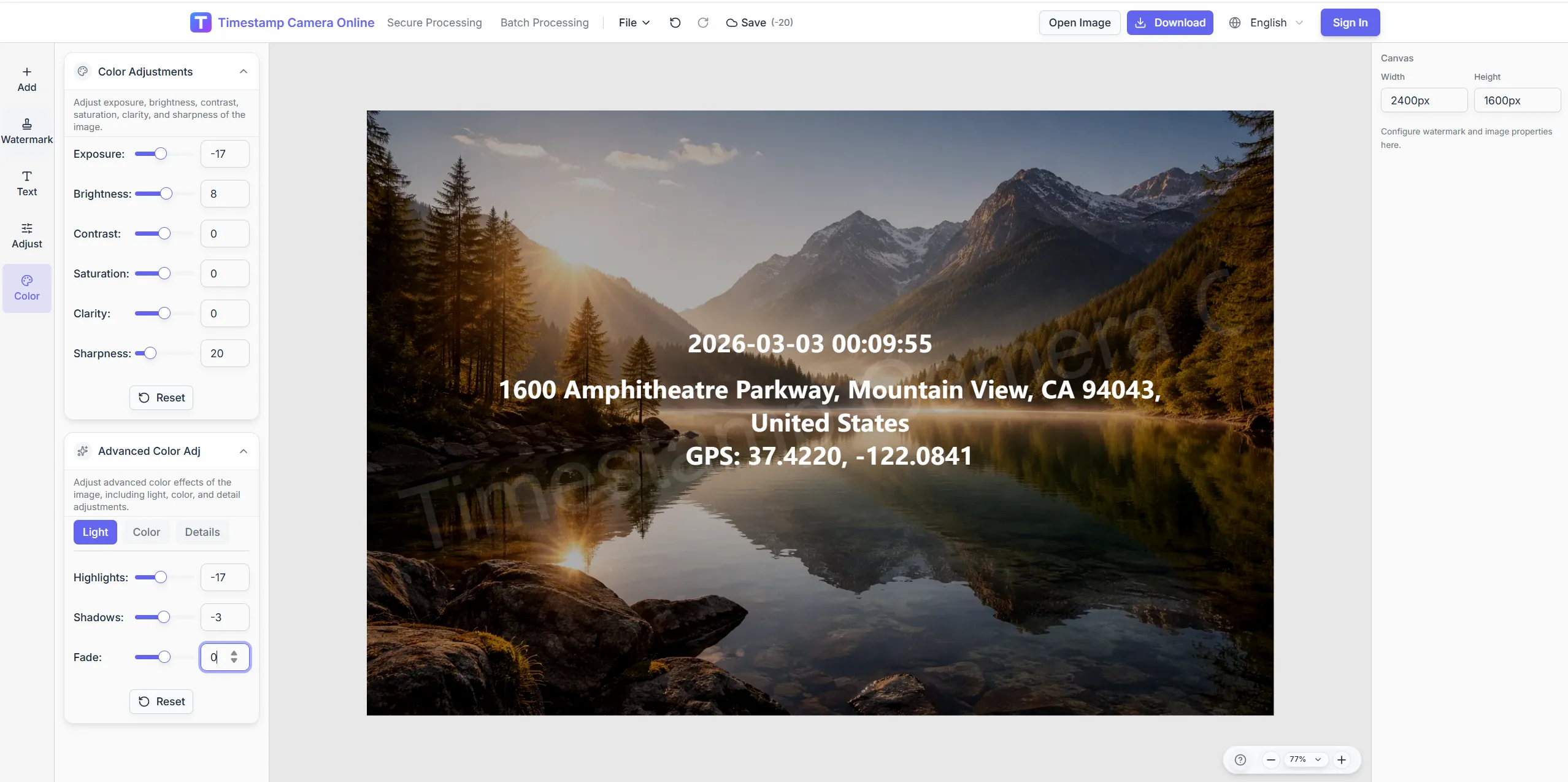
Use color presets so timestamps read on busy backgrounds.
Add approver marks next to the time line for sign-off photos.
Cover badge numbers while keeping the timestamp visible.
Overlay visible date and time for attendance, inspections, or milestones.
JPG, PNG, or HEIC—single or batch.
120+ formats including milliseconds and weekday lines.
Drag the clock block for bright or dark scenes.
Download or stack GPS and QR fields in the editor.
Timestamped photos are most useful when the same record also needs verification marks, attendance context, audit structure, or project history.
Add proof marks when timestamped photos need a stronger review trail.
View scenario
Confirm who checked in, where, and when with the timestamp visible in the image.
View scenario
Keep audit fields consistent when timestamped photos move into formal review.
View scenario
Compare milestone photos across weeks or months with the capture time visible.
View scenario
Prepare incident photos for claim review with clear time and location context.
View scenario
Make remote updates easier to compare by keeping each image on the same timestamp format.
View scenario
Human-readable capture time—not EXIF-only metadata.
Originals are not uploaded during editing.
Reviewers read time on the image, not property panels.
One clock format scales across daily logs.
Visible watermark edits may not change EXIF capture time.
Operations and project teams share how consistent visible timestamps reduce disputes around when a photo was captured.
Dallas retail HR now receives opening photos with millisecond timestamps that match badge swipes within seconds. We batch-stamp two hundred stores before payroll closes each Sunday. Late-arrival tickets dropped twenty-two cases in Q1 alone.
Daniel Cho · HR operations, Dallas TX
As an adjuster in Miami, millisecond stamps settled a disputed hail timeline when carrier logs disagreed by four minutes. Policyholders follow one clock format so I rarely request retakes. FNOL folders pass first review about eighty percent of the time now.
Laura Mendez · Claims adjuster, Miami FL
Our Charlotte supers batch timestamp weekly walk-downs for three towers using one corner placement. Owner reps compare pours without asking for relabeled photos. Progress meetings shortened because timestamps answer when without extra slides.
James Okafor · Project engineer, Charlotte NC
Check-in, online timestamp, and Discord time tools.
Questions about millisecond precision, timezone formats, template reuse, and batch stamping for check-ins and milestones.
Yes. Enable millisecond precision and pick a format that fits your audit standard.
You can apply a shared layout; adjust individual timestamps when each shot needs its own moment.
Drag the time block anywhere on the frame and tweak font, shadow, and background.
Export stamped stills from key frames by uploading screenshot captures.
This workflow adds visible time; EXIF changes depend on export settings.
Yes—switch precision in preview.
Upload and adjust visible time text and placement.
Scenario page covers attendance/inspection; tool page is a quick entry.
Save a template and run batch watermark.
Standardize UTC or local format; pair with Discord timestamp for coordination.
Upload a photo and place date-time proof in seconds.