Can drivers send from phone browser?
Yes. Mobile upload with a saved delivery template works without an app install.
Free trial · Add time, location, and proof overlays in your browser
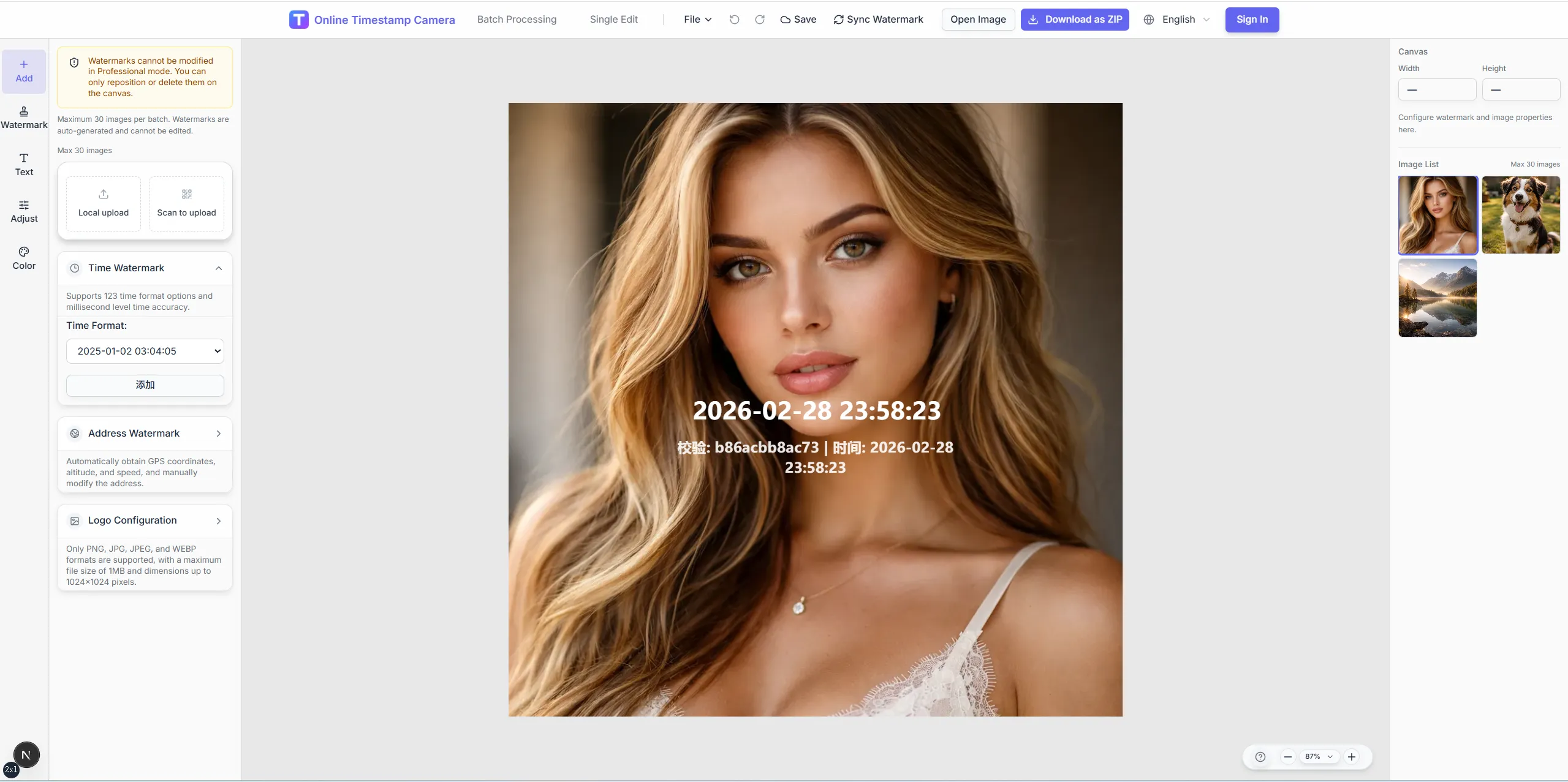
Show when a package arrived, a booth opened, or a client was seen with visible overlays sales and logistics teams can share instantly.
12:33:55
Dec 12, 2024 · Thursday
Miami, FL · 25.7617°N, 80.1918°W
Replace scattered chat photos with standardized delivery and visit exports customers and managers recognize.
Stamp time and address on doorstep or dock photos.
Add account name and rep ID for CRM attachments.
Mark build time and venue on booth photos.
Layer sign-off marks beside delivery details.
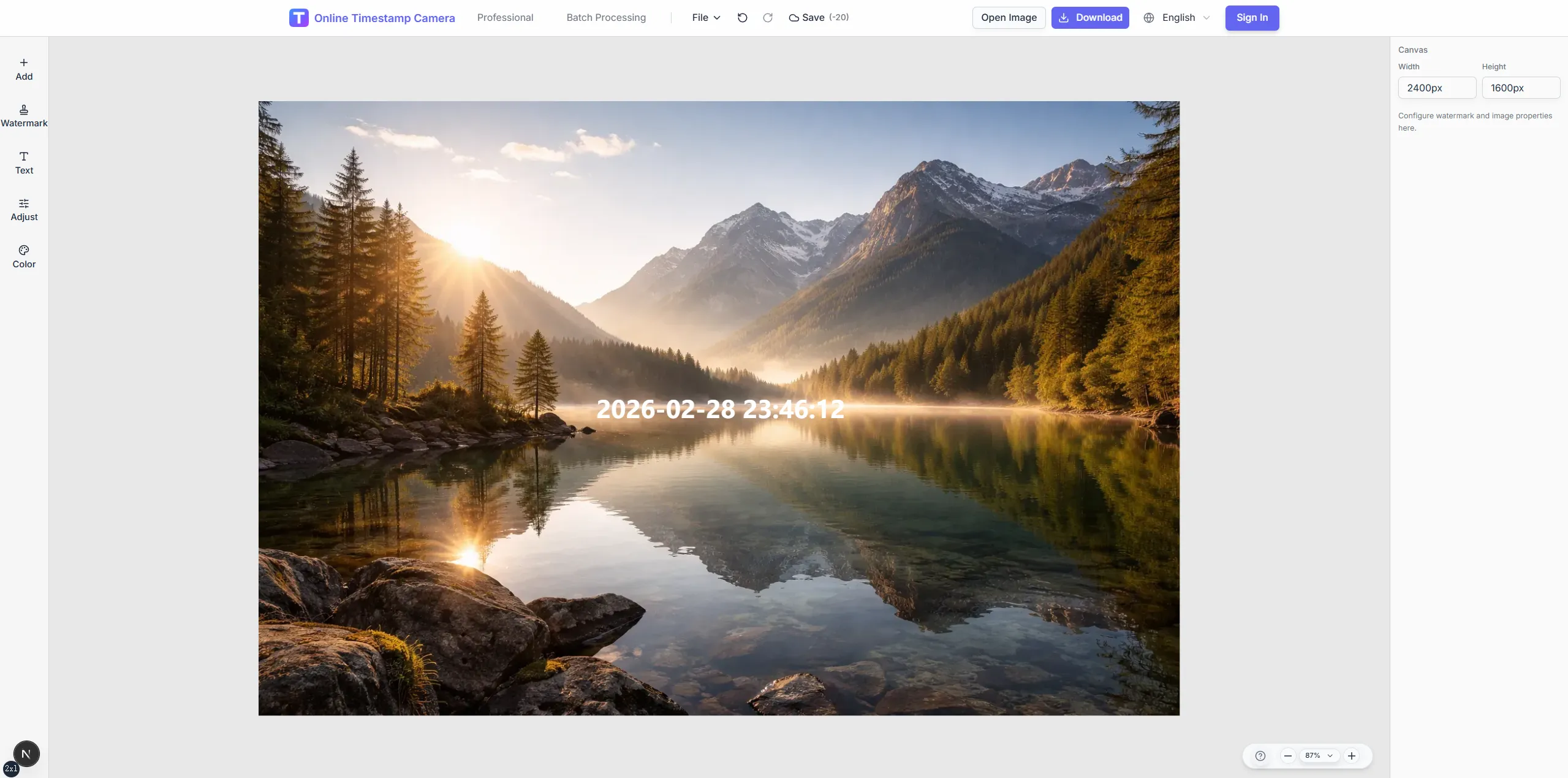
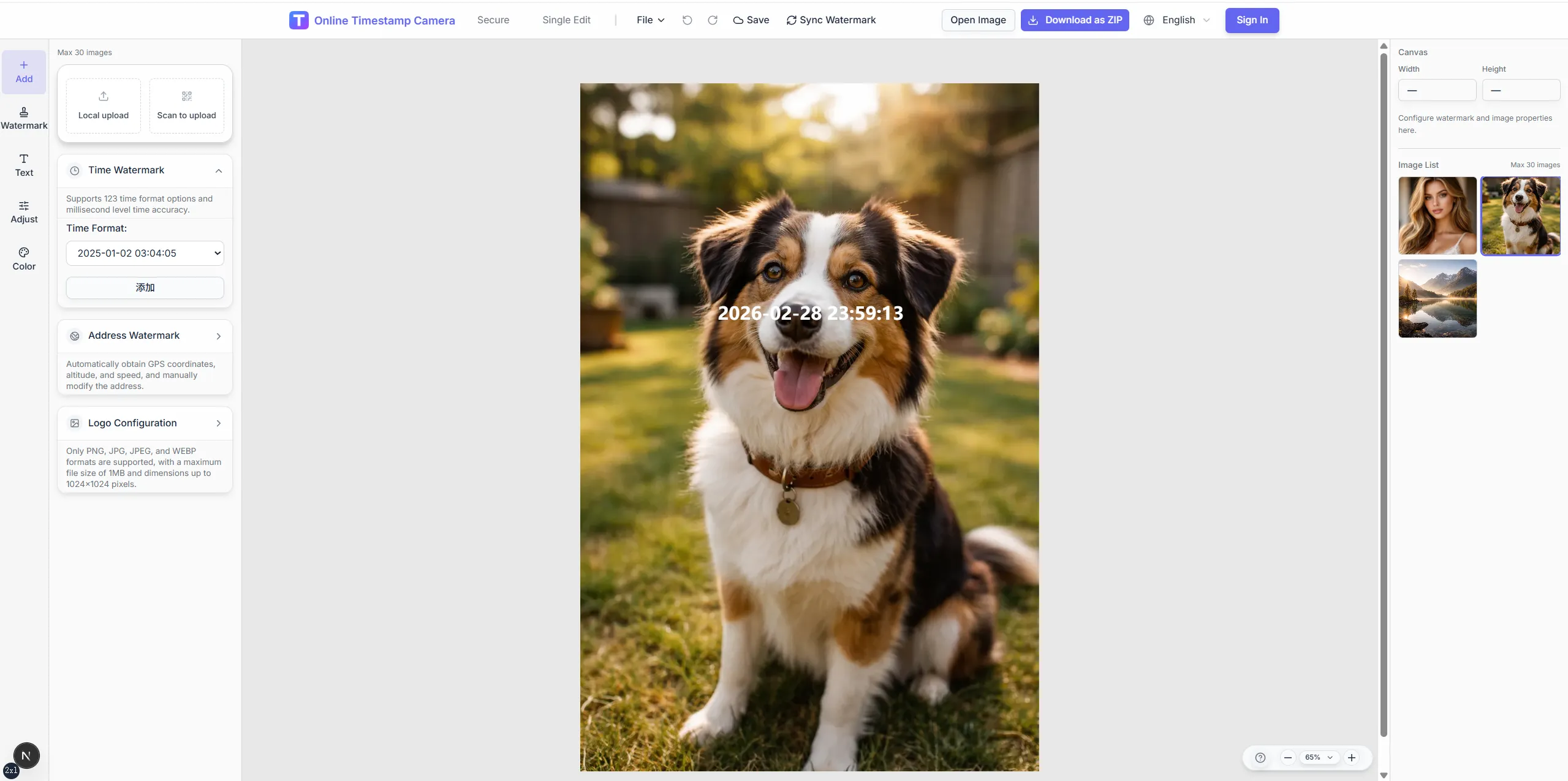
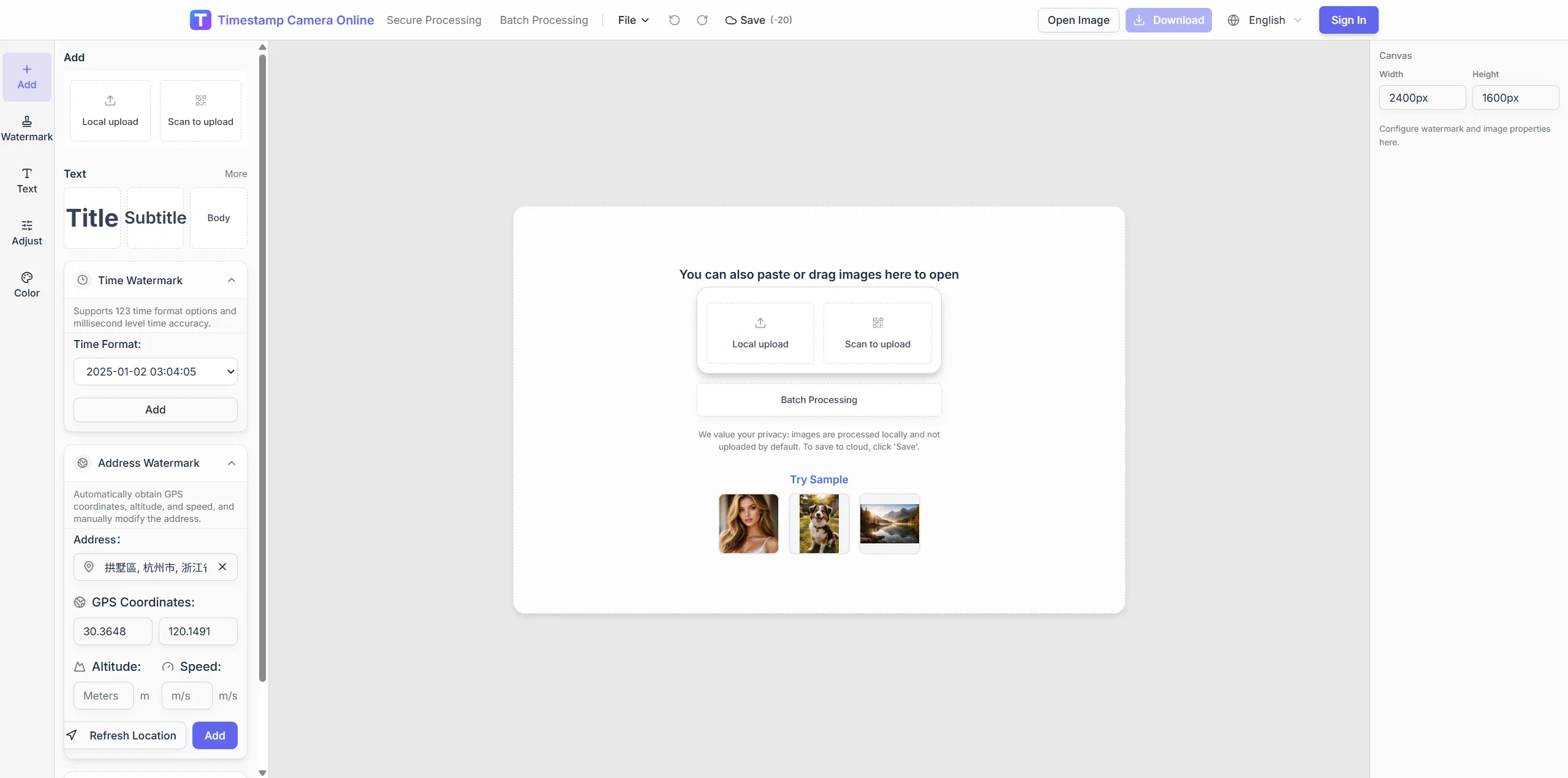
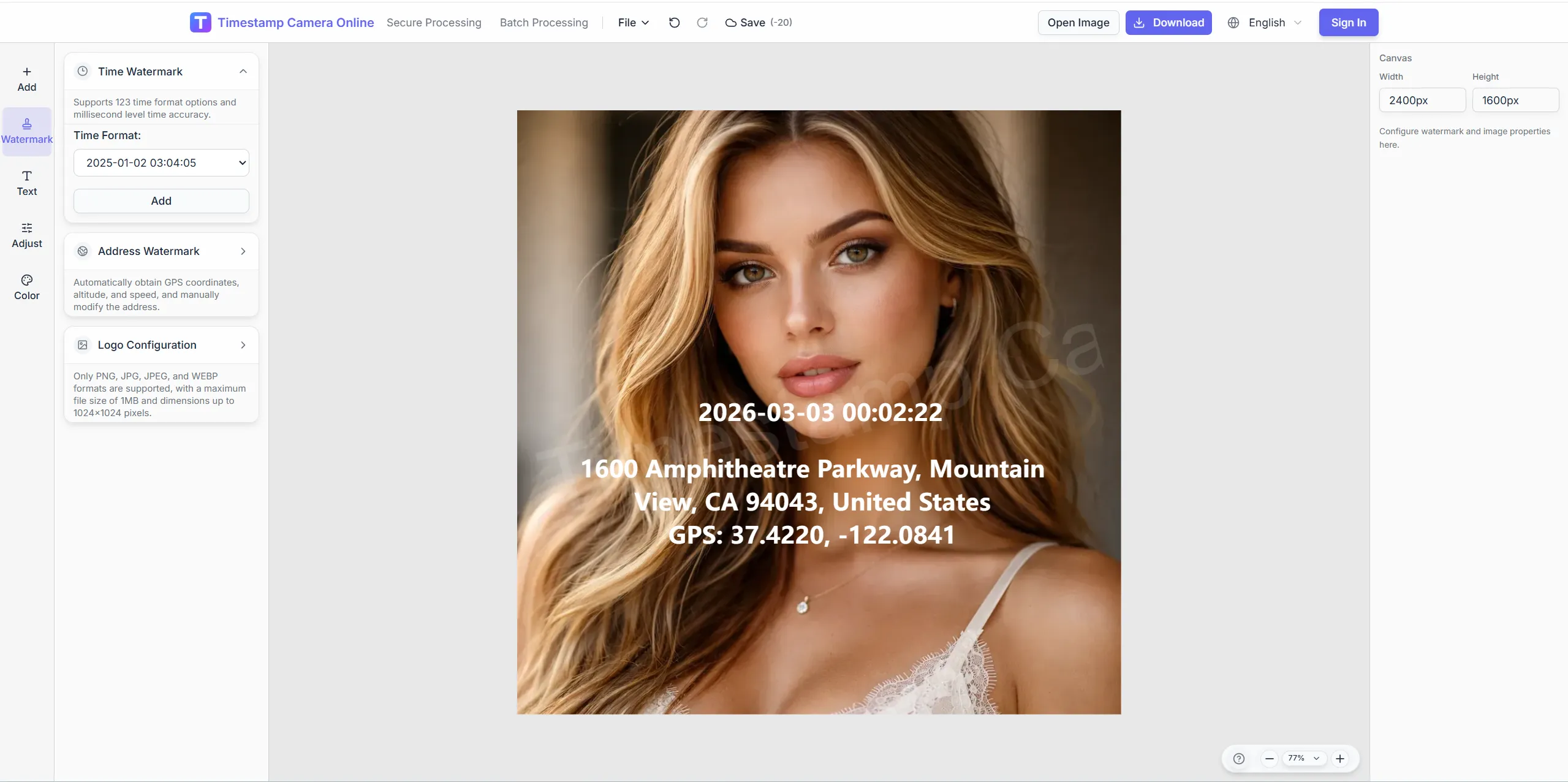
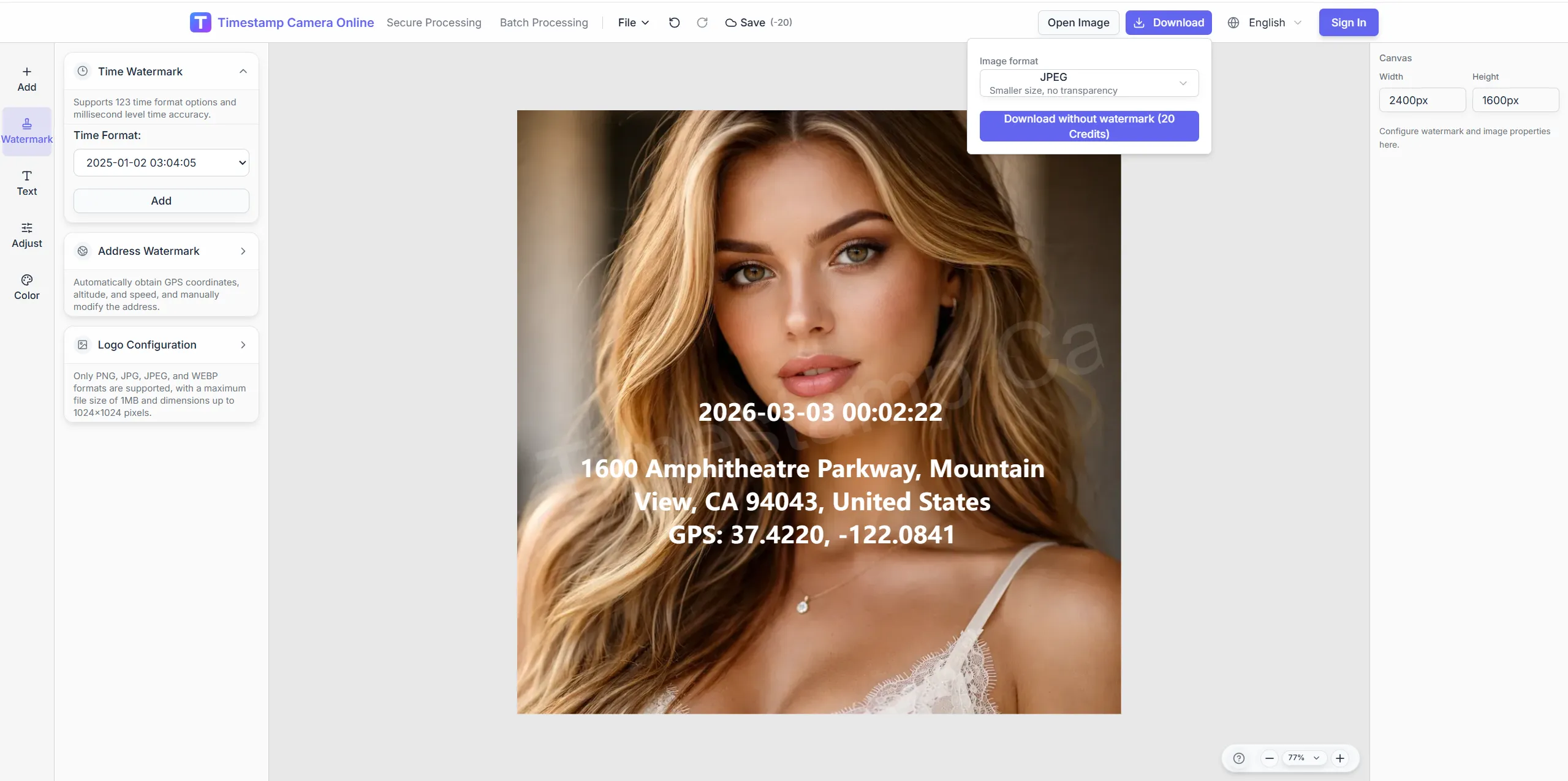
Create proof-of-visit or proof-of-delivery images that are ready for CRM notes, client updates, or route archives.
Improve doorstep and booth shots, brand delivery-proof images, and blur apartment numbers when privacy policy requires.
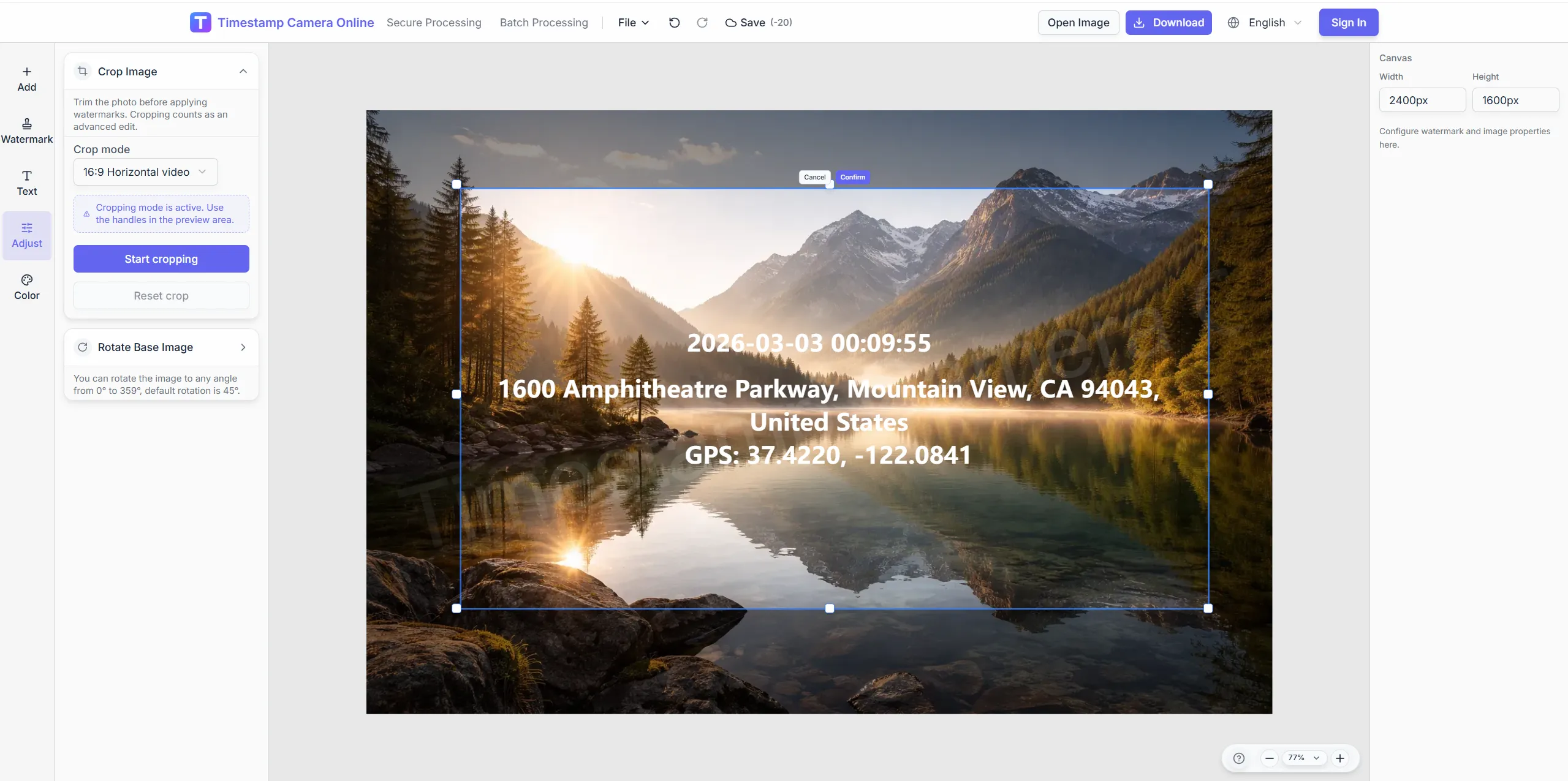
Crop to show label and doorstep context.
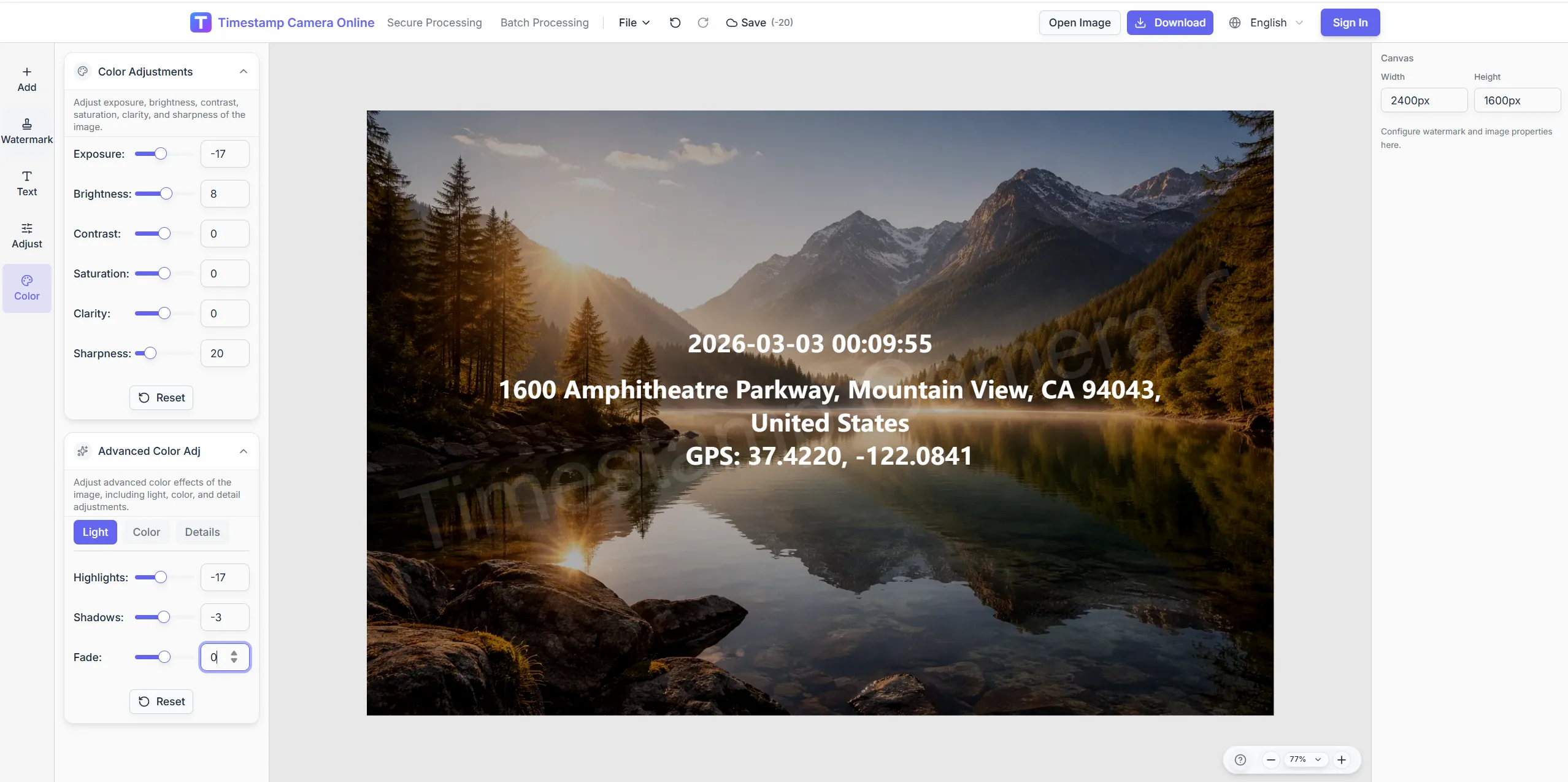
Lift shadows on evening drop-off shots.
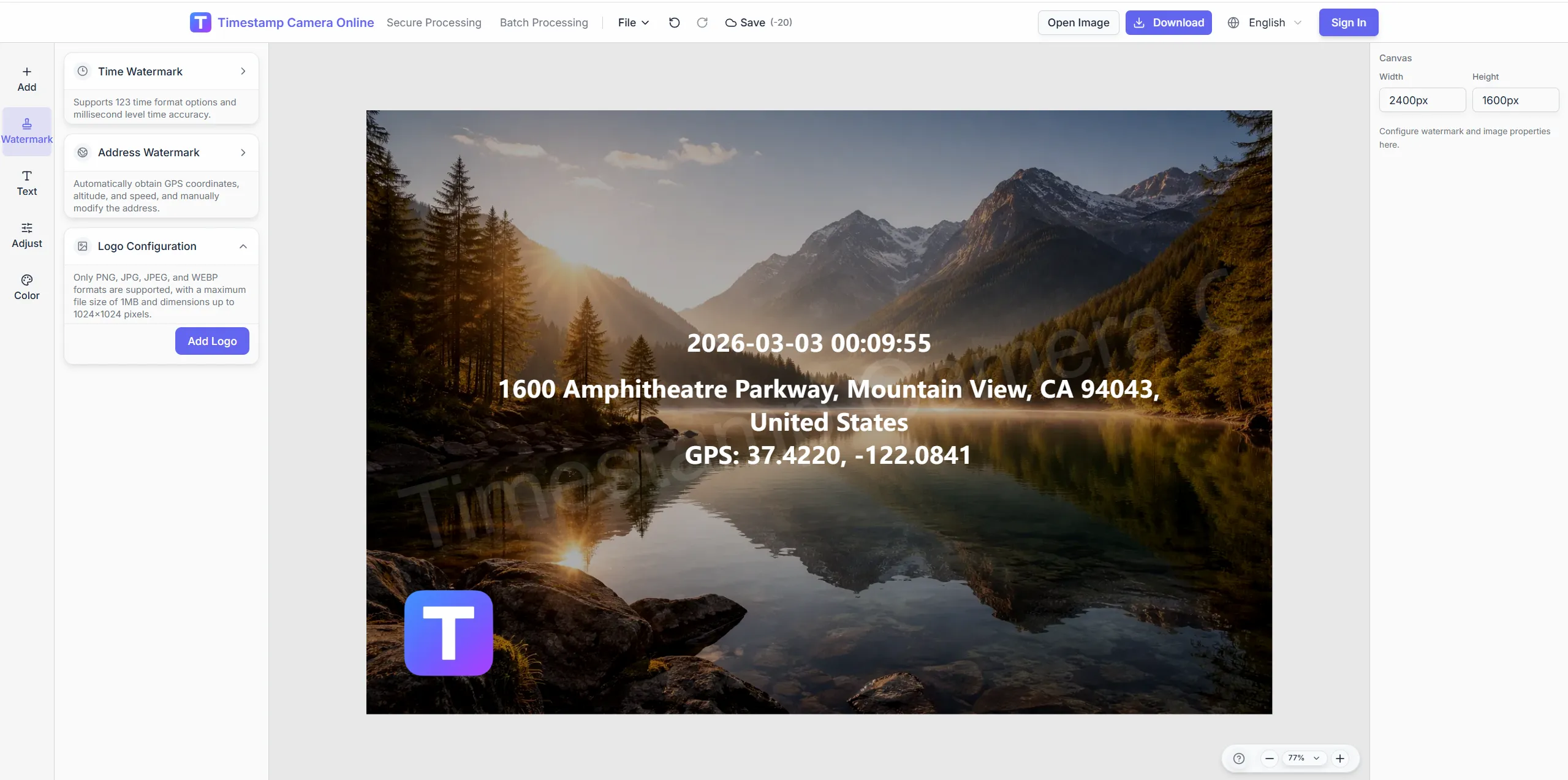
Brand proof-of-delivery images.
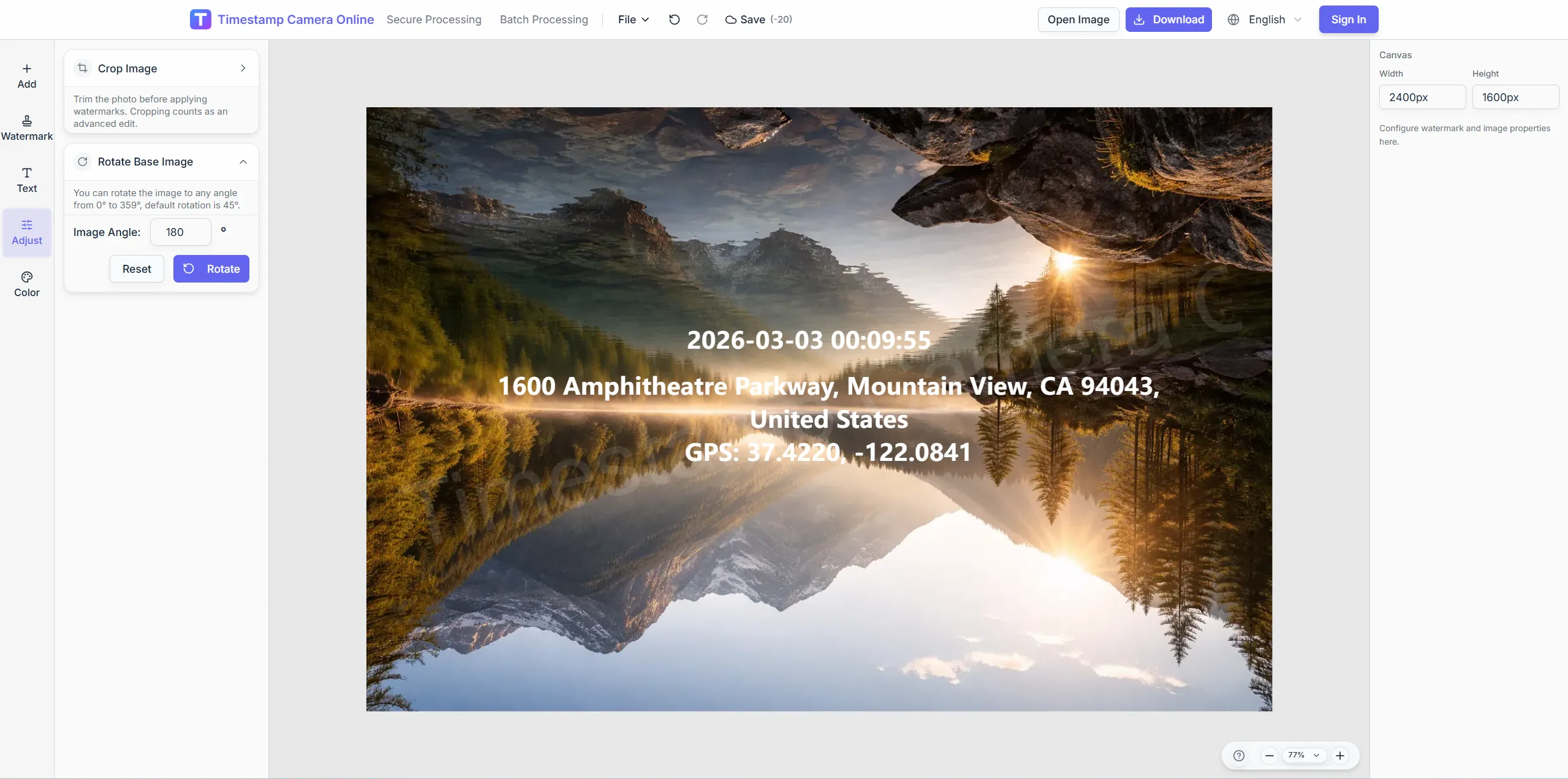
Mask apartment digits when privacy matters.
Stamp time and place on setup, visit, and sign-off photos.
Import JPG, PNG, or HEIC.
Configure layers for this scenario.
Confirm reviewers can read at a glance.
Download or refine in the editor.
Visit and delivery records become more useful when teams connect them to check-ins, verification marks, branded proof, distributed reports, or damage notes.
Confirm who made the visit, where it happened, and when it was recorded.
View scenario
Add proof marks when delivery or visit records need faster review.
View scenario
Deliver proof-of-performance images with approved brand marks and layout.
View scenario
Roll visits and delivery stops into distributed reports that stay comparable.
View scenario
Organize event or route photos by place and time for later review.
View scenario
Prepare damage-on-delivery photos with context for claim discussion.
View scenario
Stamp time and place on setup, visit, and sign-off photos.
Local browser editing—originals not uploaded.
Visible layers beat EXIF-only for non-technical reviewers.
Templates and batch watermark suit recurring field work.
Not blockchain proof; social shares may lack GPS.
Delivery, sales, and event teams describe how proof photos make stops, visits, and setup work easier to confirm.
Austin last-mile customers stopped disputing arrival windows once doorstep photos showed stamped address and time. Drivers upload from mobile browser without installing another app. Dispatch attaches exports straight to CRM notes—about six minutes saved per stop.
Paul Hendricks · Last-mile ops, Austin TX
Field sales in Dallas photograph client lobby visits with rep ID and timestamp before CRM upload. Managers compare forty territories without reformatting chat images. Q2 visit compliance scores rose twelve points after template rollout.
Isabel Cruz · Sales enablement, Dallas TX
Nashville experiential teams send booth setup photos with venue lines matching sponsor briefs. Overnight build crews batch export before doors open at 7 a.m. Client disputes on setup timing basically vanished last festival season.
Noah Kim · Experiential producer, Nashville TN
Pick upstream/downstream links for this scenario.
Answers about delivery timestamps, visit proof exports, branded delivery emails, and batch processing for field sales teams.
Yes. Mobile upload with a saved delivery template works without an app install.
Custom text and QR layers support order references.
Reuse template; change address text per stop.
Add logos and colors for polished POD emails.
Delivery emphasizes client sign-off; remote reporting emphasizes internal progress.
Address, time, and door number in frame with a fixed bottom-left template.
Batch export named by booth ID.
Export both branded and clean sets.
Adjust color before export.
Most CRMs accept JPG/PNG uploads directly.
Upload a visit photo and add time-place confirmation.