Can QR link to our CMMS URL?
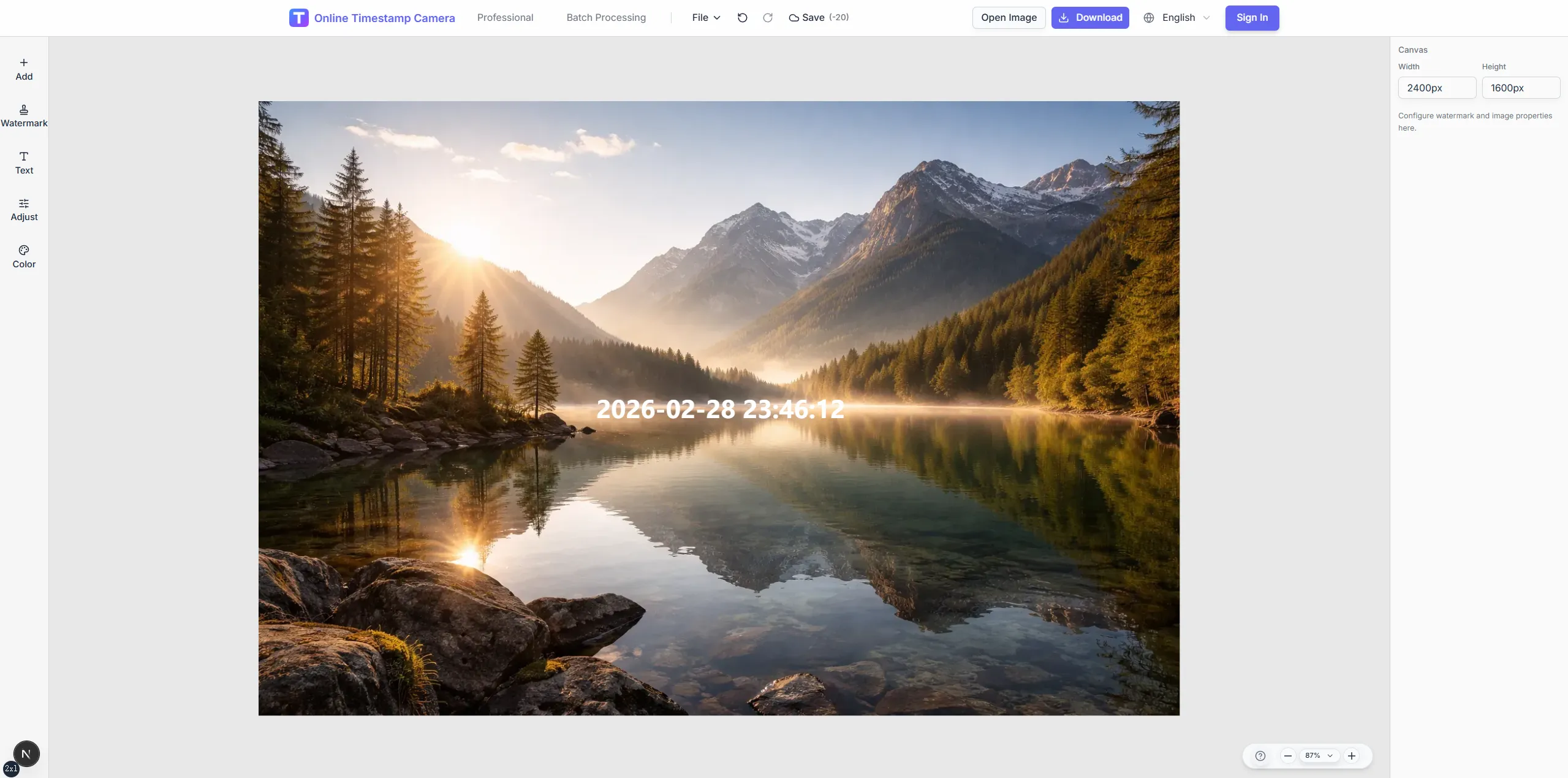
Generate QR layers pointing to any URL or encoded asset ID you provide.
Free trial · Add time, location, and proof overlays in your browser
Scan or embed QR codes on equipment photos so maintenance history, condition reports, and audit walks trace back to the right asset instantly.
Dallas, TX · 32.7767°N, 96.7970°W
11:12:41
Jun 18, 2024 · Tuesday
Combine QR layers, asset IDs, and condition notes so CMMS entries and photo folders stay synchronized.
Place scannable codes linking to CMMS or spreadsheet rows.
Add text for wear, readings, or follow-up tasks.
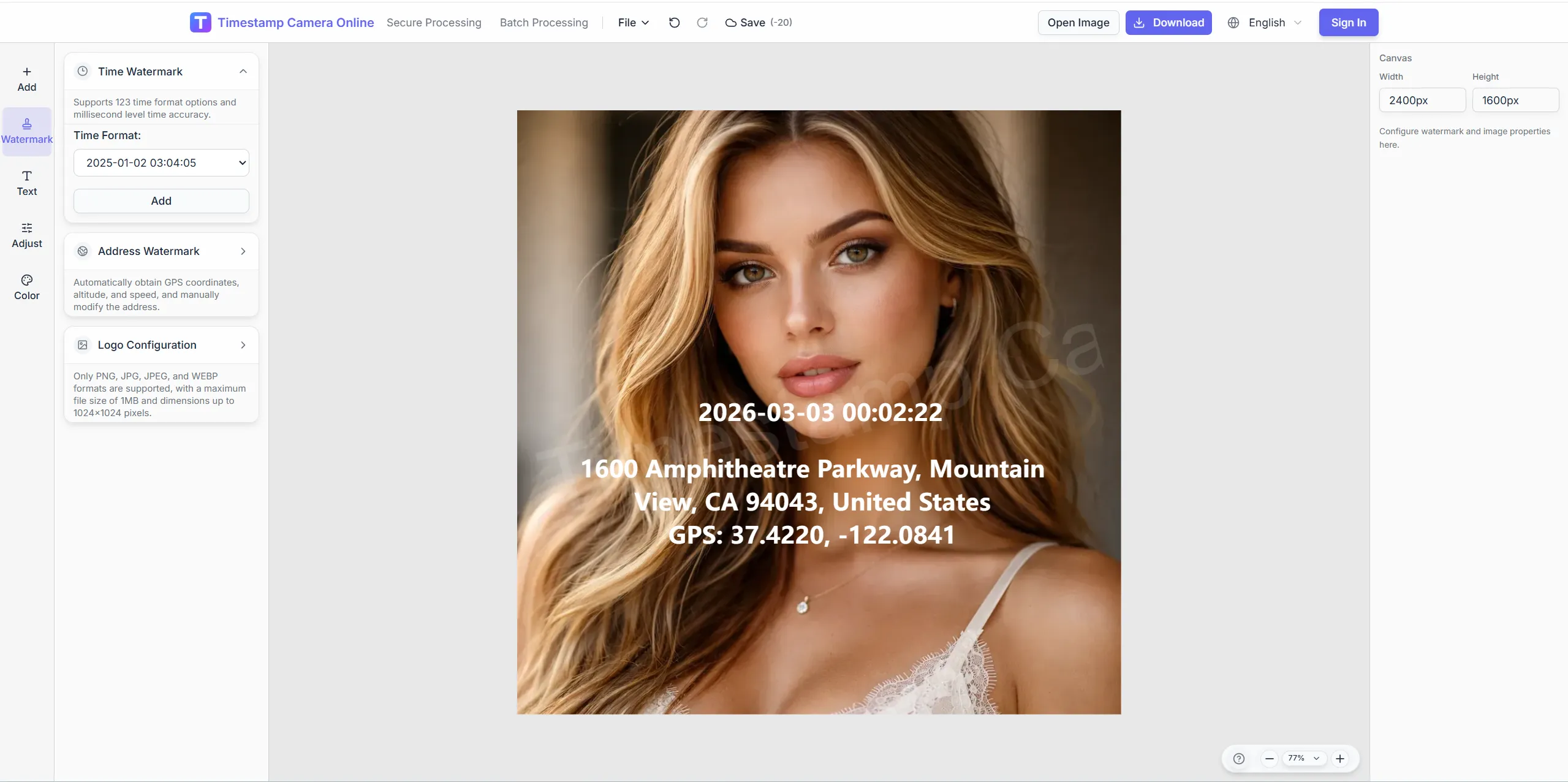
Show building, floor, or GPS for outdoor assets.
Reuse layouts for PM walks and fire inspections.
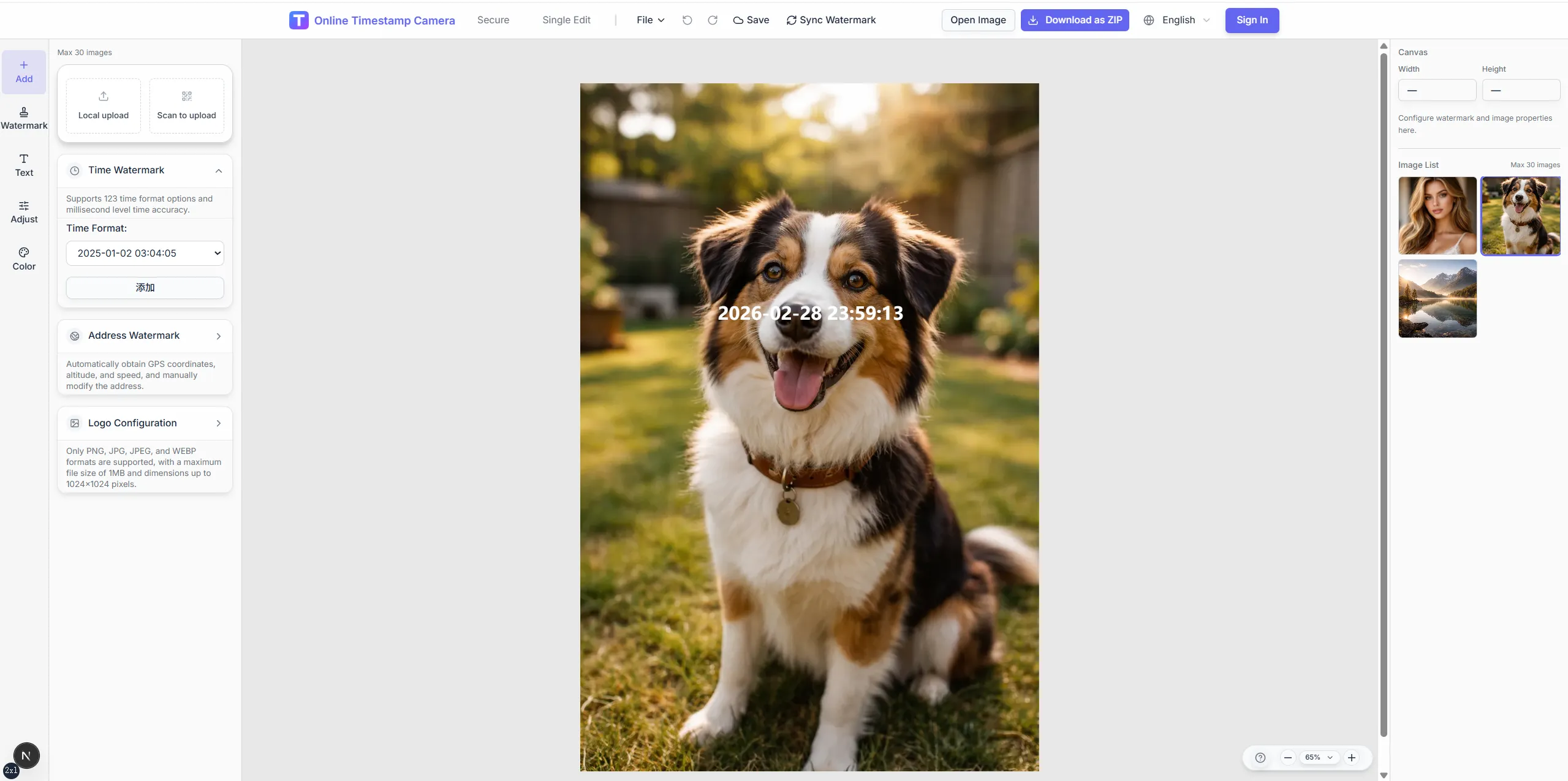

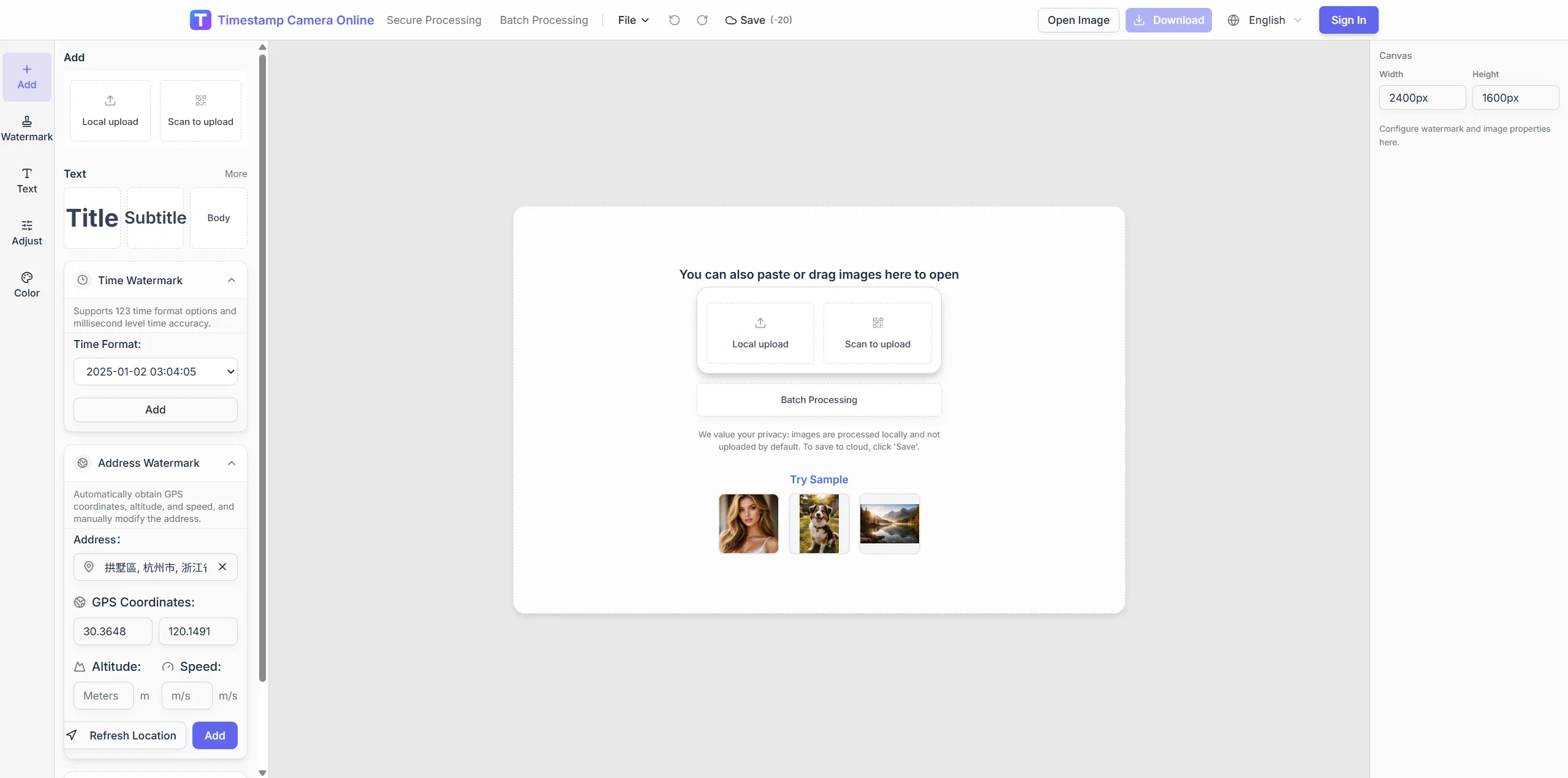
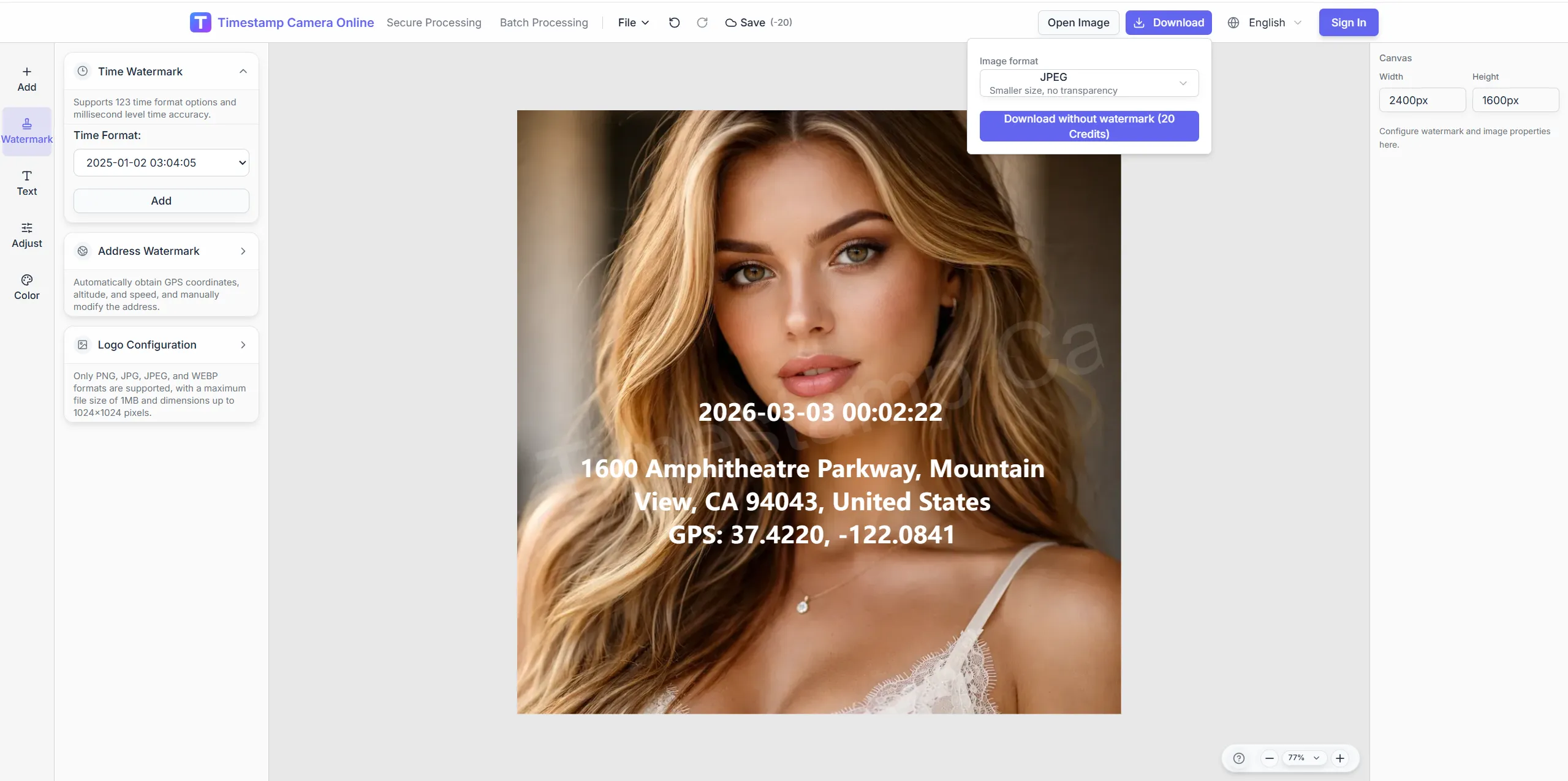
Connect asset photos to QR codes, IDs, and condition notes before they move into CMMS or shared folders.
Frame equipment clearly, keep QR codes scannable after export, and note condition details beside asset ID overlays.
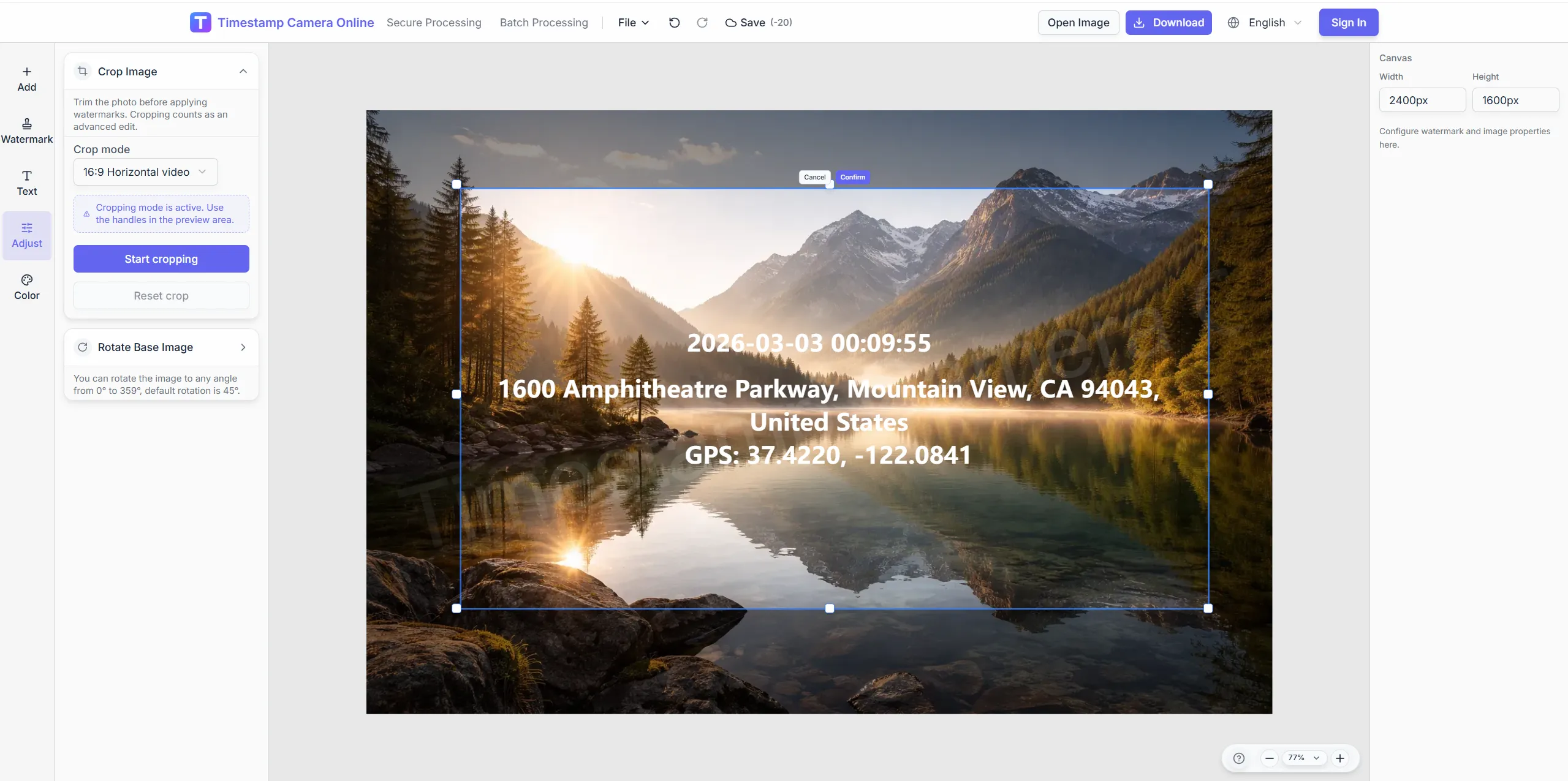
Crop so codes scan reliably in exports.
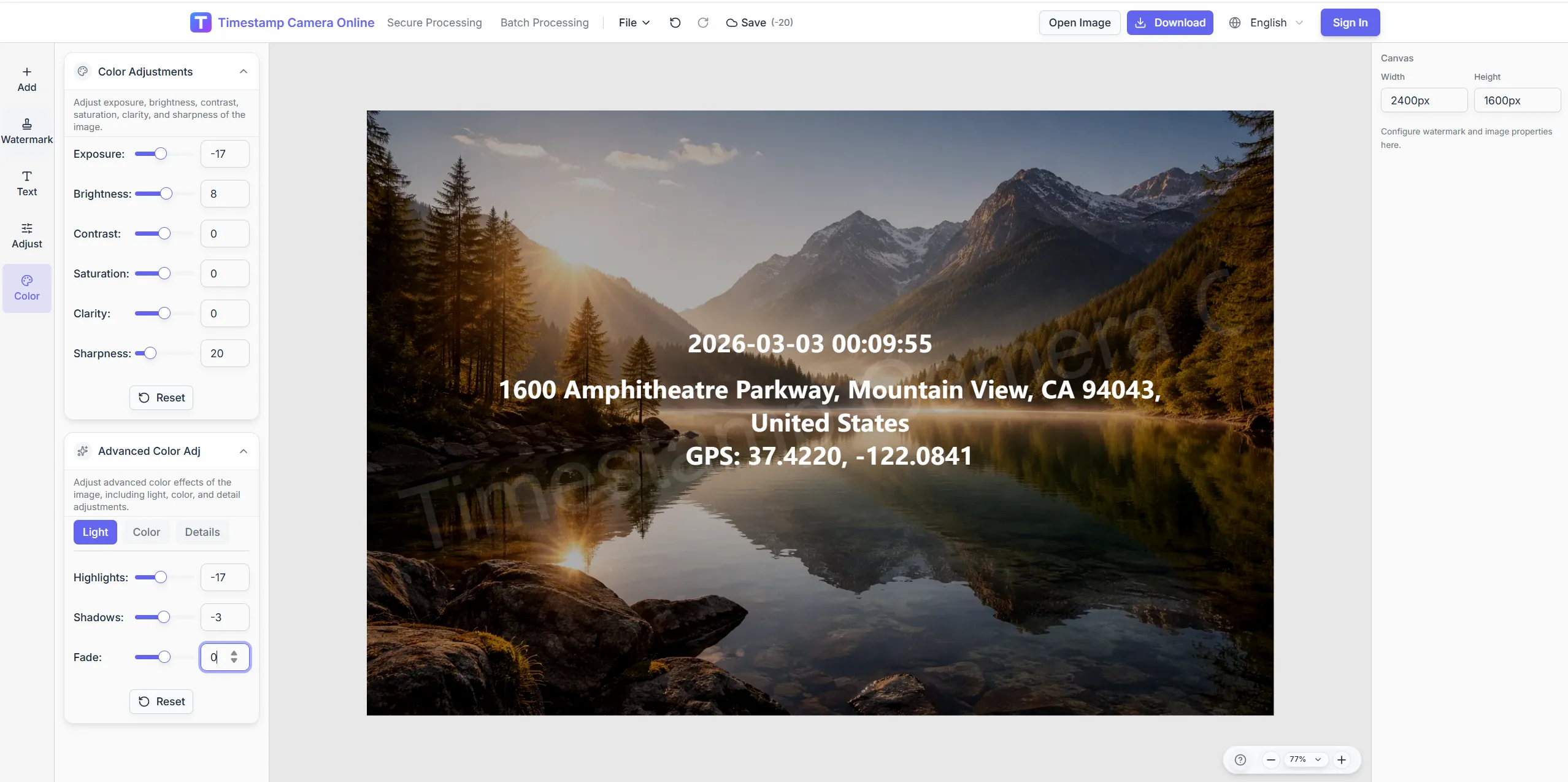
Adjust contrast on meter close-ups.
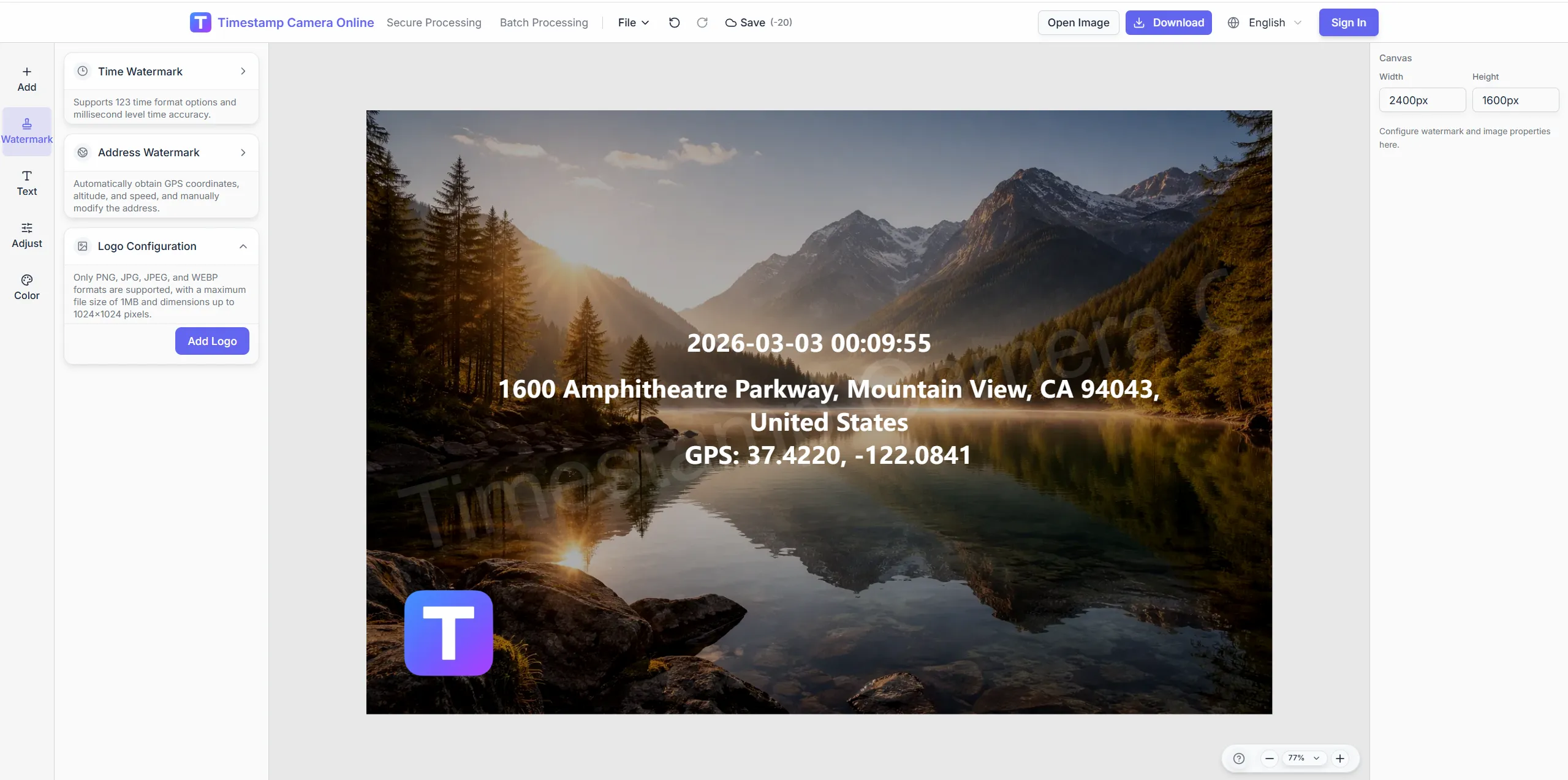
Mark official inspection exports.
Mask sensitive serial regions when sharing vendors.
Add QR/barcode plus time and place on equipment photos for CMMS.
Import JPG, PNG, or HEIC.
Configure layers for this scenario.
Confirm reviewers can read at a glance.
Download or refine in the editor.
Asset QR photos sit at the center of maintenance, audit, lab, check-in, installation, and damage-claim workflows.
Add site context when asset photos need to explain field conditions.
View scenario
Keep asset inspections aligned with audit fields and review cycles.
View scenario
Connect lab instrument images to samples, observations, and equipment records.
View scenario
Confirm technician rounds with visible time, location, and staff context.
View scenario
Track installations and upgrades as comparable milestone photos.
View scenario
Prepare asset damage photos with context for claim review.
View scenario
Add QR/barcode plus time and place on equipment photos for CMMS.
Local browser editing—originals not uploaded.
Visible layers beat EXIF-only for non-technical reviewers.
Templates and batch watermark suit recurring field work.
Not blockchain proof; social shares may lack GPS.
Facilities and maintenance teams share how QR-linked inspection photos keep assets, work orders, and evidence aligned.
Cleveland hospital technicians scan chiller photos in CMMS and land on the correct asset first try. QR exports link PM tickets before quarterly rounds close. We finished last fire inspection cycle two days early across three campuses.
George Patel · Facilities manager, Cleveland OH
Ann Arbor campus fire inspectors reuse one QR layout on air handlers every semester. Outdoor pump stations include GPS lines county auditors expect on walk-throughs. Technicians stopped emailing serial photos without asset context.
Linda Morris · Safety officer, Ann Arbor MI
Public works in Sacramento geotags remote pump stations for county audit photos. Batch PM walks cover forty assets before lunch using shared overlay positions. CMMS closure rates improved after photo links matched barcodes.
Eric Boone · Public works, Sacramento CA
Pick upstream/downstream links for this scenario.
Questions about QR linking, CMMS integration, preventive-maintenance exports, and tagging photos to the correct asset on first scan.
Generate QR layers pointing to any URL or encoded asset ID you provide.
Place QR on photo near tag; ensure export resolution keeps codes scannable.
Process many assets with shared overlay positions.
Add GPS lines for remote pump, tower, or trail assets.
CMMS work-order URL or asset ID page you configure.
Asset page emphasizes QR/barcode; inspection emphasizes site grid.
Adjust tone and enlarge QR quiet zone.
Scenario covers inventory flow; tool page is the fast entry.
Place barcode-style QR or text ID lines.
QR can link to air-handler history records.
Upload equipment photos and link them to asset tags.