Can I add QR codes for case IDs?
Yes. Link QR layers to case numbers or document URLs alongside verification text.
Free trial · Add time, location, and proof overlays in your browser
Combine time, place, and proof-style marks on images so reviewers can trust what they see. Built for adjusters, auditors, and teams that need clear, standardized exports.
Jan 9, 2024 · Tuesday
16:08:51
Washington, DC · 38.9072°N, 77.0369°W
Layer timestamps, coordinates, QR codes, and seal-style marks so evidence reads consistently in hearings and internal reviews.
Use verification badges and structured text blocks for formal submissions.
Pair visible metadata with secure-style export when policy requires.
Blur or cover IDs and plates before sharing verification sets.
Apply one proof layout across incident or audit photo batches.
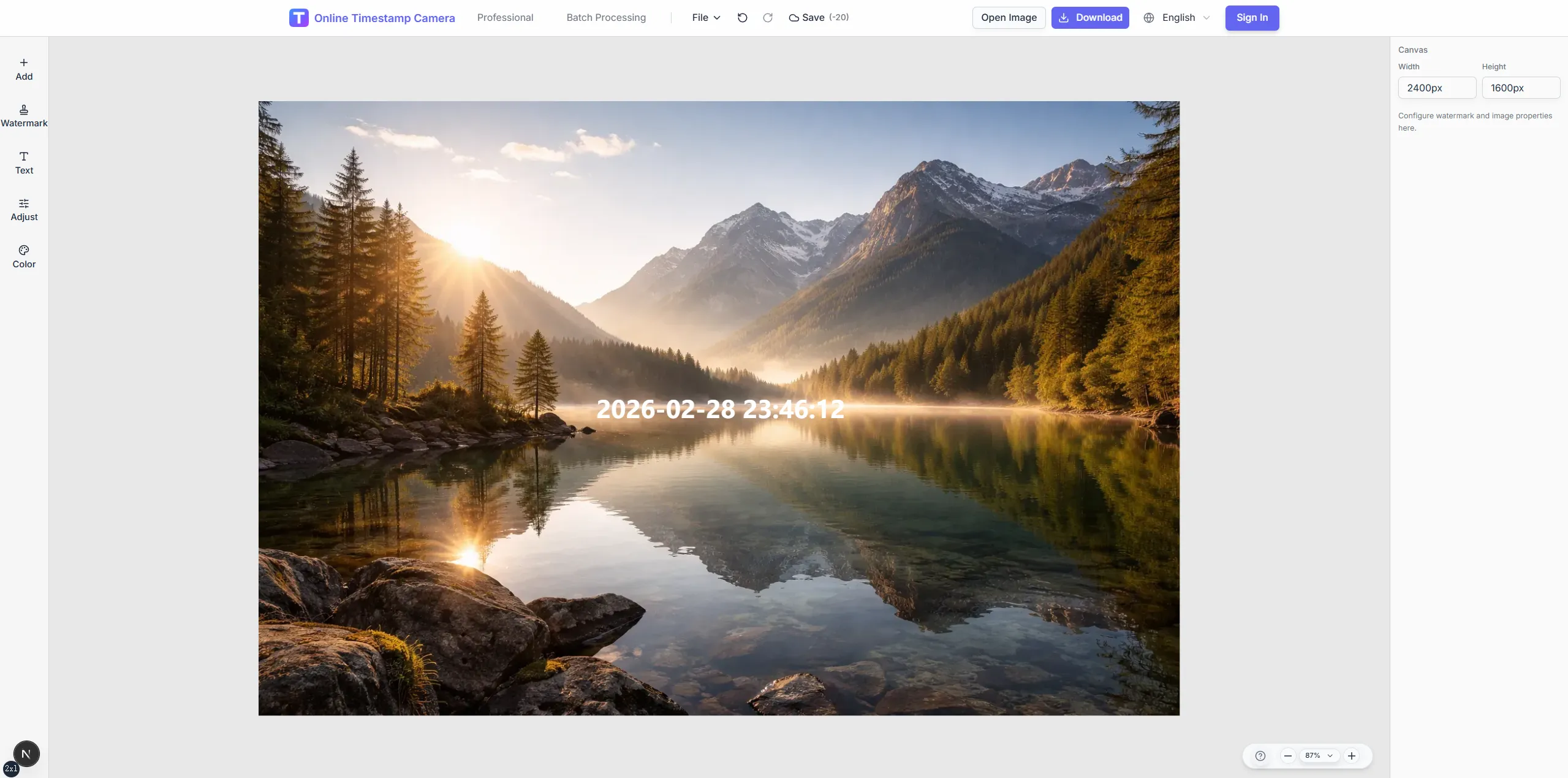
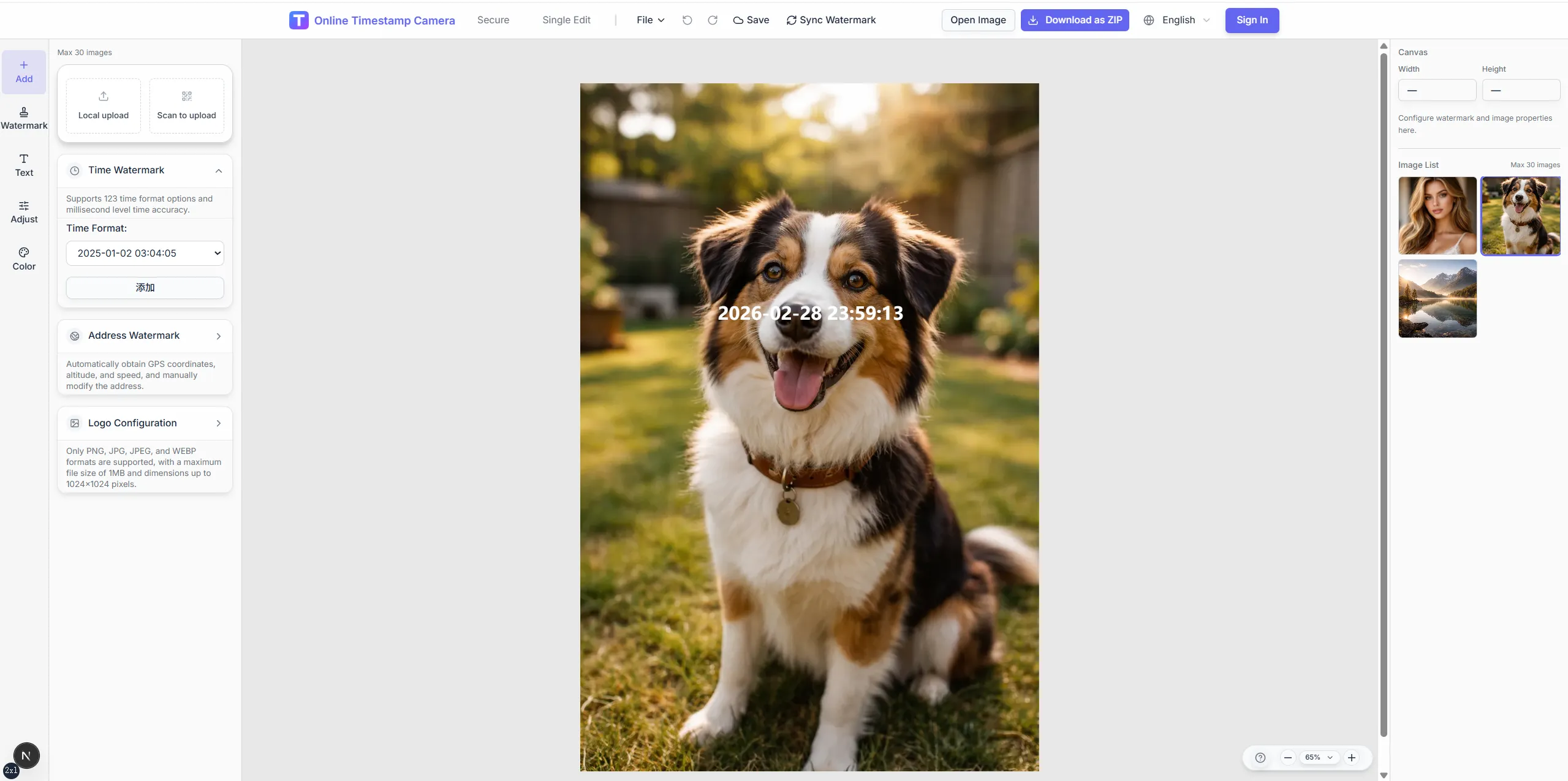
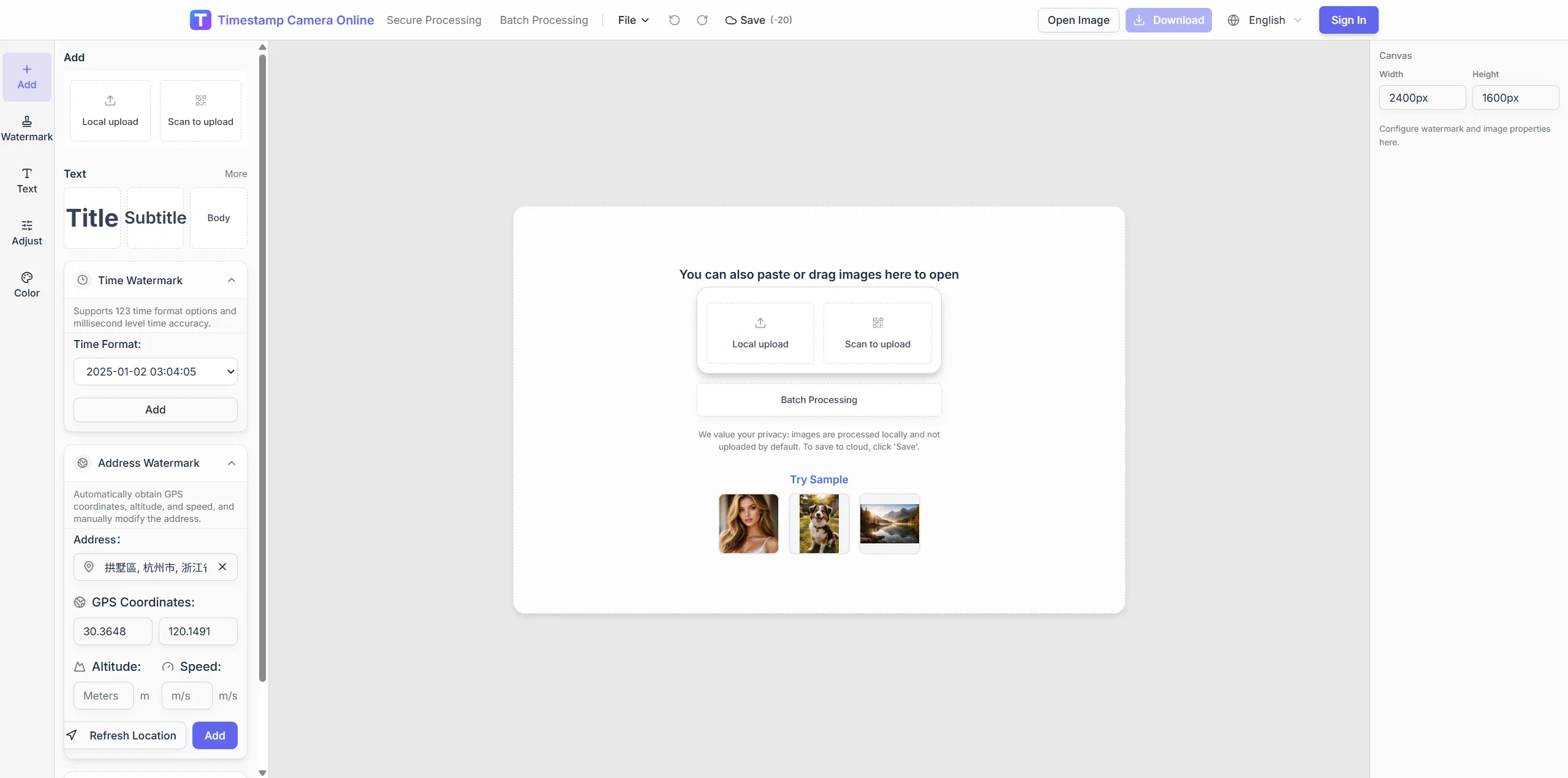
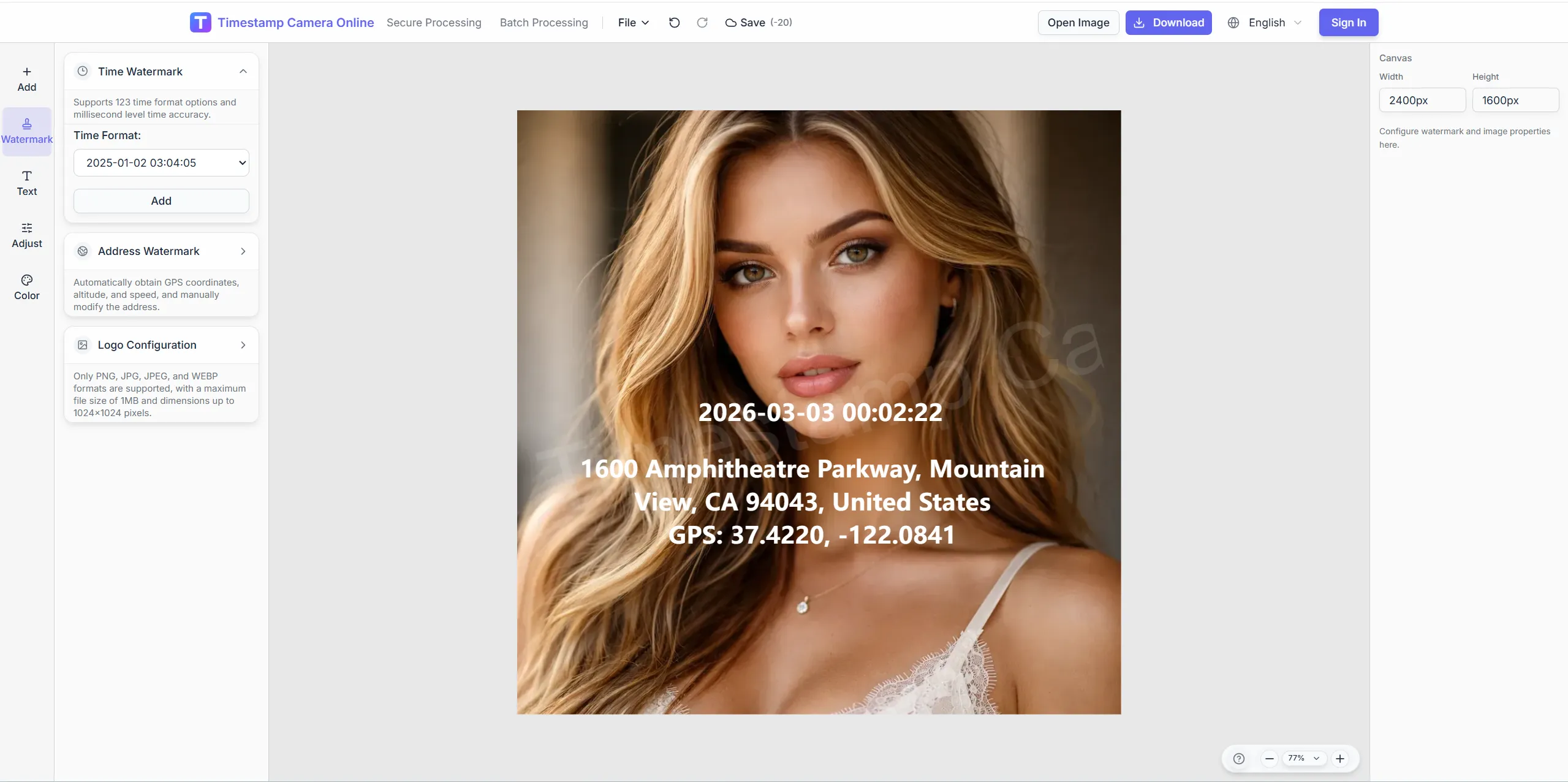
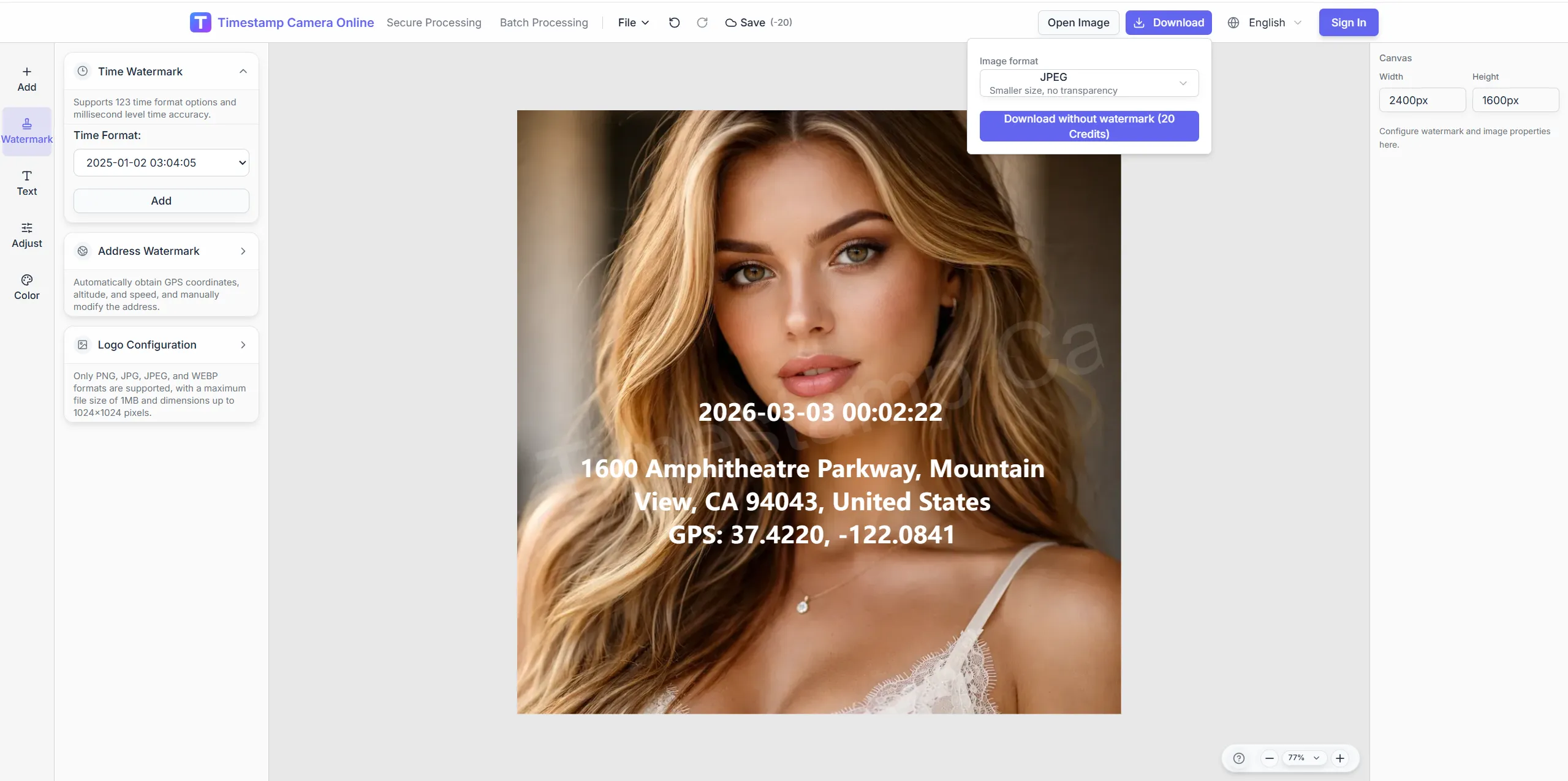
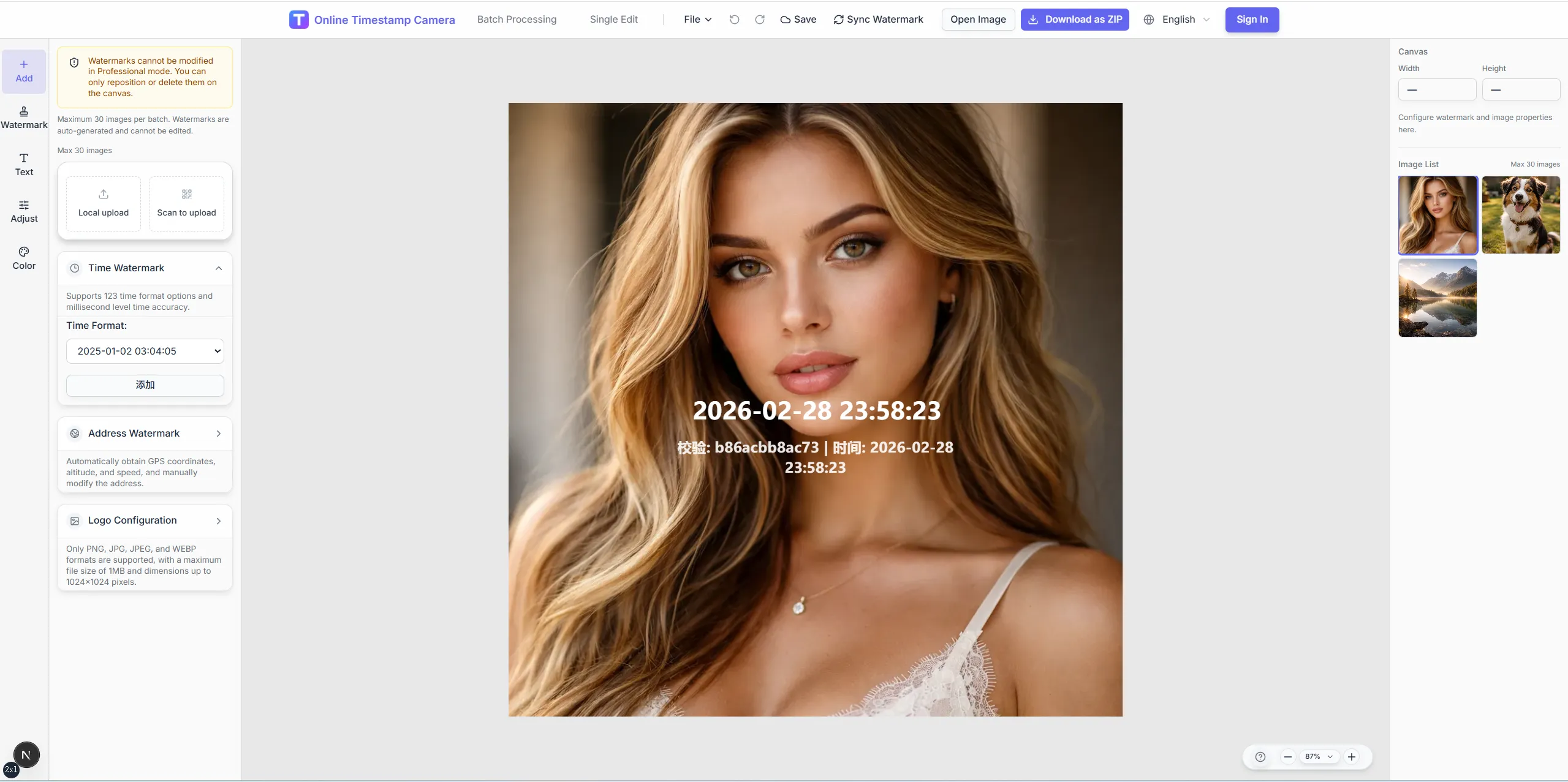
Prepare photos for review with visible time, place, proof marks, and privacy cleanup in one pass.
Refine proof exports with redaction, seals, and contrast tools so verification marks stay legible under review.
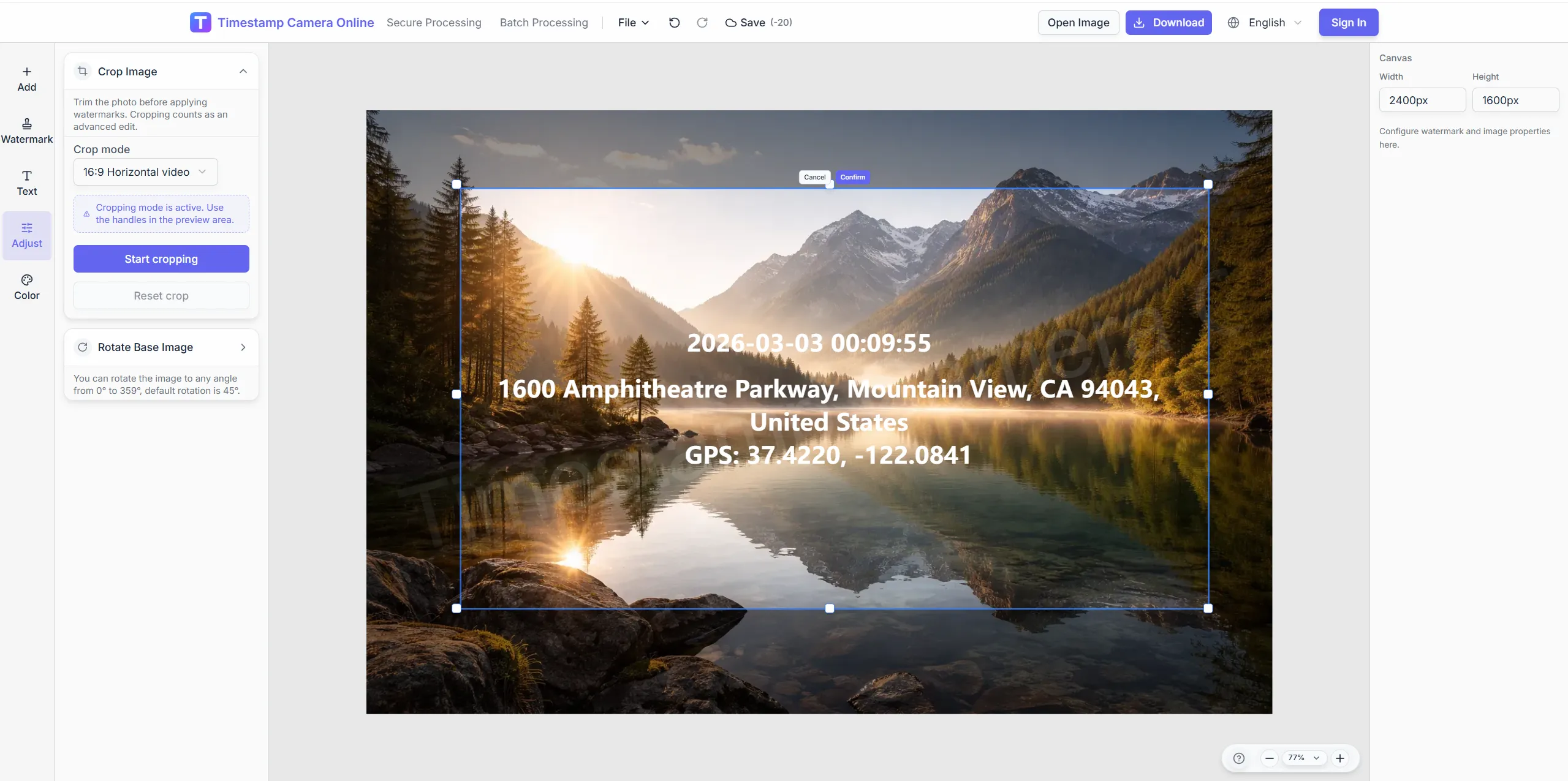
Frame the subject before adding verification text.
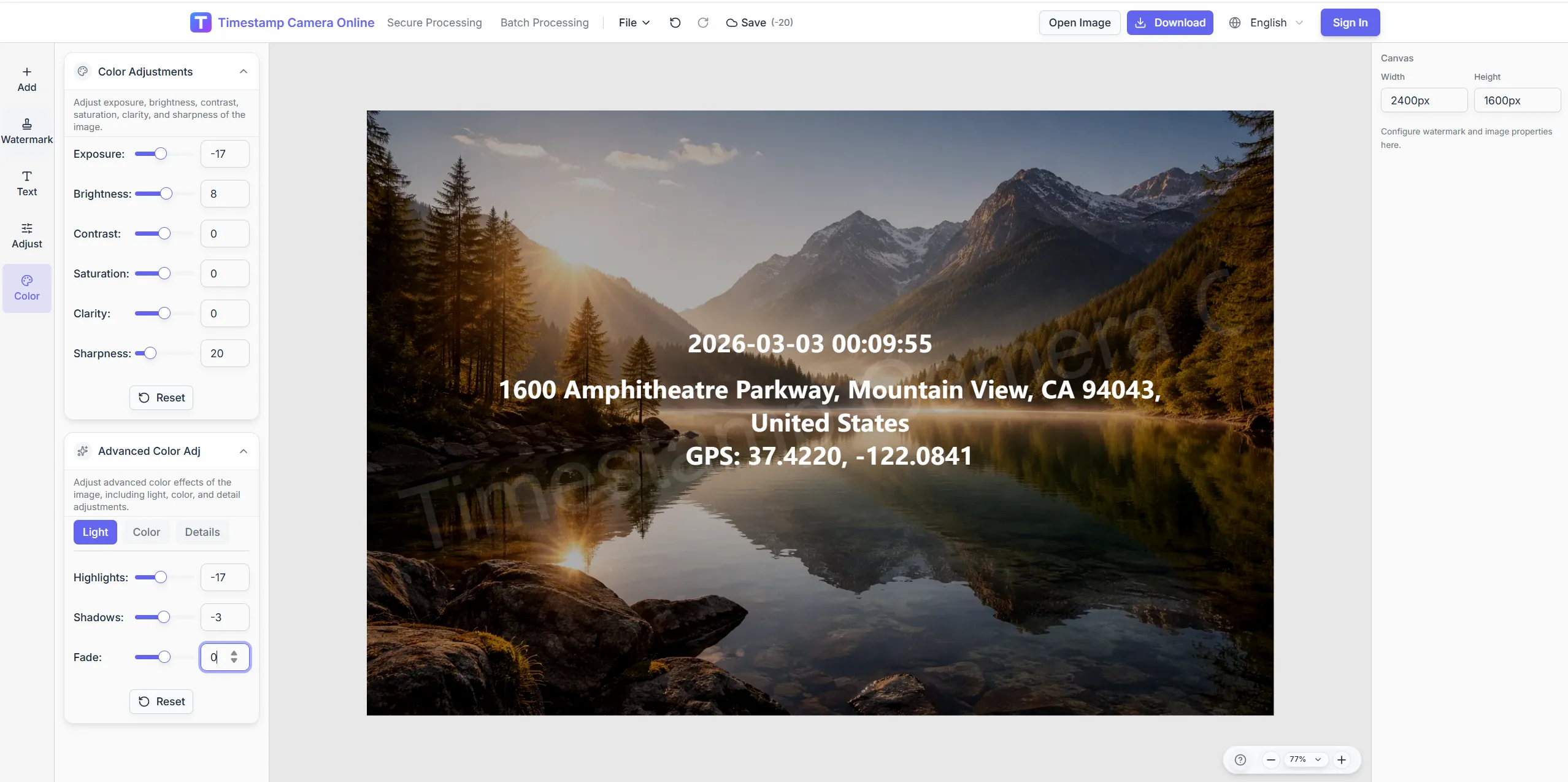
Tune colors so proof marks stay visible on varied backgrounds.
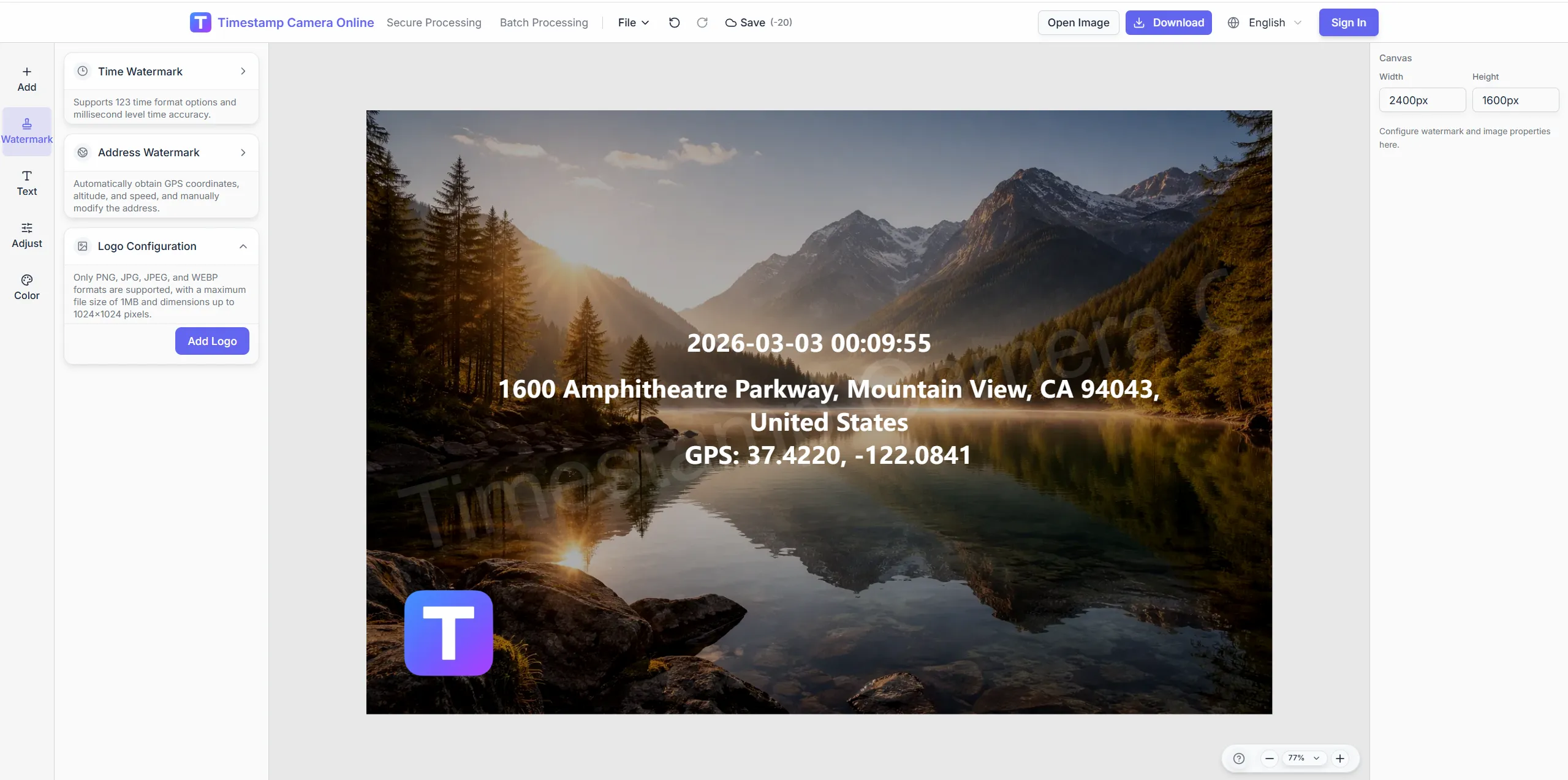
Place stamp-style marks beside verification lines.
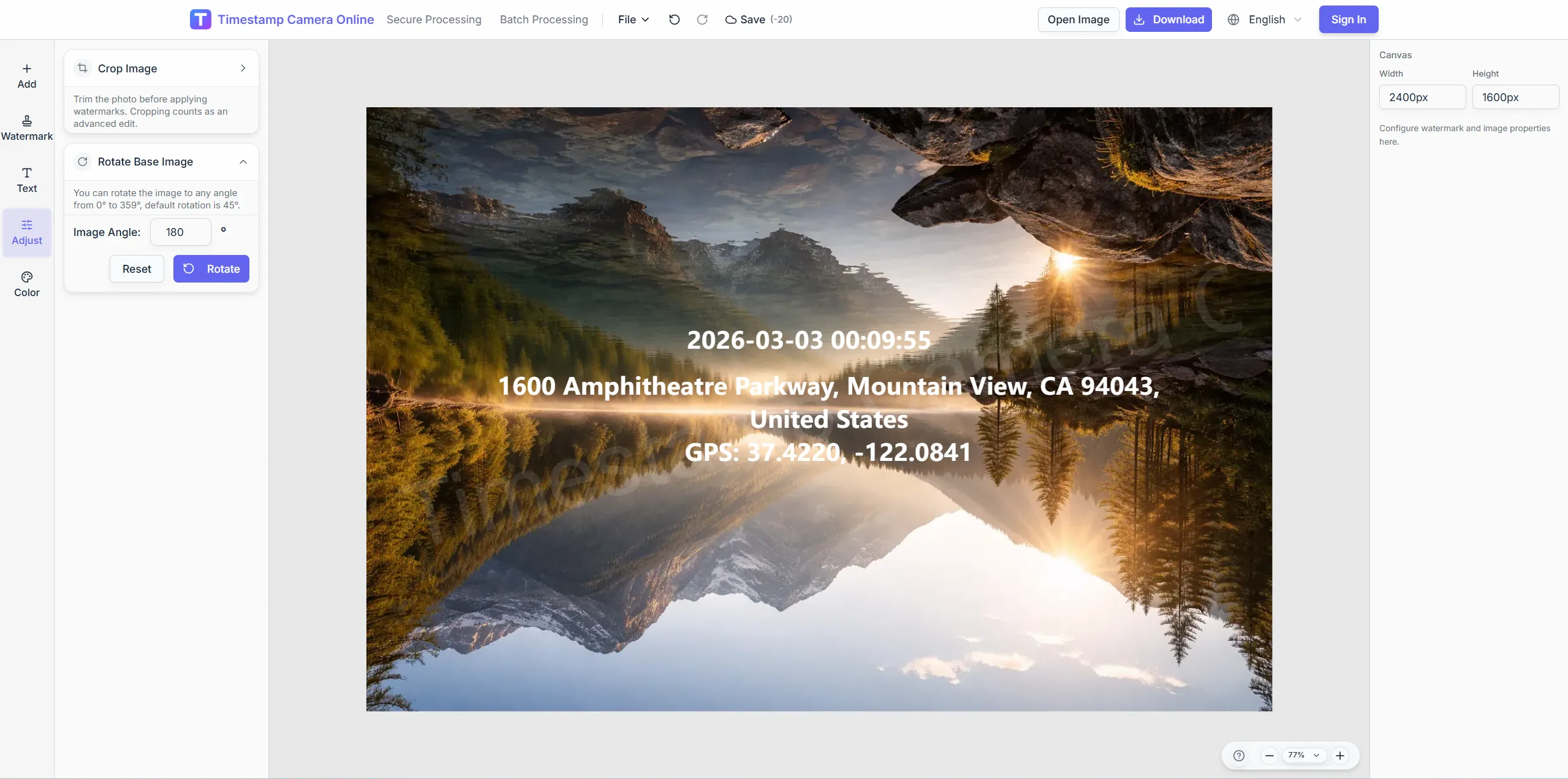
Redact faces or IDs while preserving time and place data.
Stack time, location, and proof-style marks for audit handoffs.
Import JPG, PNG, or HEIC.
Configure layers for this scenario.
Confirm reviewers can read at a glance.
Download or refine in the editor.
Verification exports often sit beside claims, audits, check-ins, research records, and branded packets where reviewers need visible context quickly.
Show capture time directly on proof photos so reviewers do not need metadata.
View scenario
Use audit-ready fields when verified photos need a formal review trail.
View scenario
Package incident photos with visible context for faster claim discussion.
View scenario
Apply proof-style overlays to check-ins that need manager or HR review.
View scenario
Connect images to samples, observations, and collection context for research records.
View scenario
Deliver verified photo packets with approved brand marks and consistent layout.
View scenario
Stack time, location, and proof-style marks for audit handoffs.
Local browser editing—originals not uploaded.
Visible layers beat EXIF-only for non-technical reviewers.
Templates and batch watermark suit recurring field work.
Not blockchain proof; social shares may lack GPS.
Risk, legal, and operations teams describe how proof-style overlays make review packets easier to trust and discuss.
Tampa adjusters receive verification badges and capture times aligned to FNOL in every export. Agents teach one layout and retake requests fell roughly half last storm season. Legal review cycles shortened when redaction stayed separate from proof marks.
Rachel Kim · Insurance team lead, Tampa FL
Minneapolis compliance packs now look consistent without weekend Photoshop work. External auditors praised identical proof headers across two plants. PHI redaction before export kept our healthcare folders clean during the last OCR review.
Oliver Grant · Compliance manager, Minneapolis MN
Risk counsel stopped bouncing claim photos for missing verification lines after we locked one template. PII masks and proof badges export together yet stay visually separate. Settlement prep time dropped about thirty percent on complex files.
Sofia Alvarez · Risk counsel, Chicago IL
Pick upstream/downstream links for this scenario.
Answers about verification badges, redaction vs proof layers, audit-friendly exports, and template standards for reviewers.
Yes. Link QR layers to case numbers or document URLs alongside verification text.
Use secure-style processing when your policy calls for tamper-resistant output.
Blur, pixelate, or cover regions before exporting verification sets.
Save reusable layouts so every submission uses the same proof structure.
This scenario page covers audit handoffs; /secure focuses on tamper-evident export styling.
Visible proof raises tamper cost but is not blockchain certification.
Time plus location on one frame is recommended; add coordinates manually if missing.
Lock proof block placement and redact faces and plates before upload.
Save a template and run batch watermark across the set.
Proof page emphasizes trust at handoff; compliance page emphasizes long-term archive rules.
Upload evidence and add proof layers in one session.