Can templates differ by region?
Save separate layouts for date format, language, and required fields per region.
Free trial · Add time, location, and proof overlays in your browser
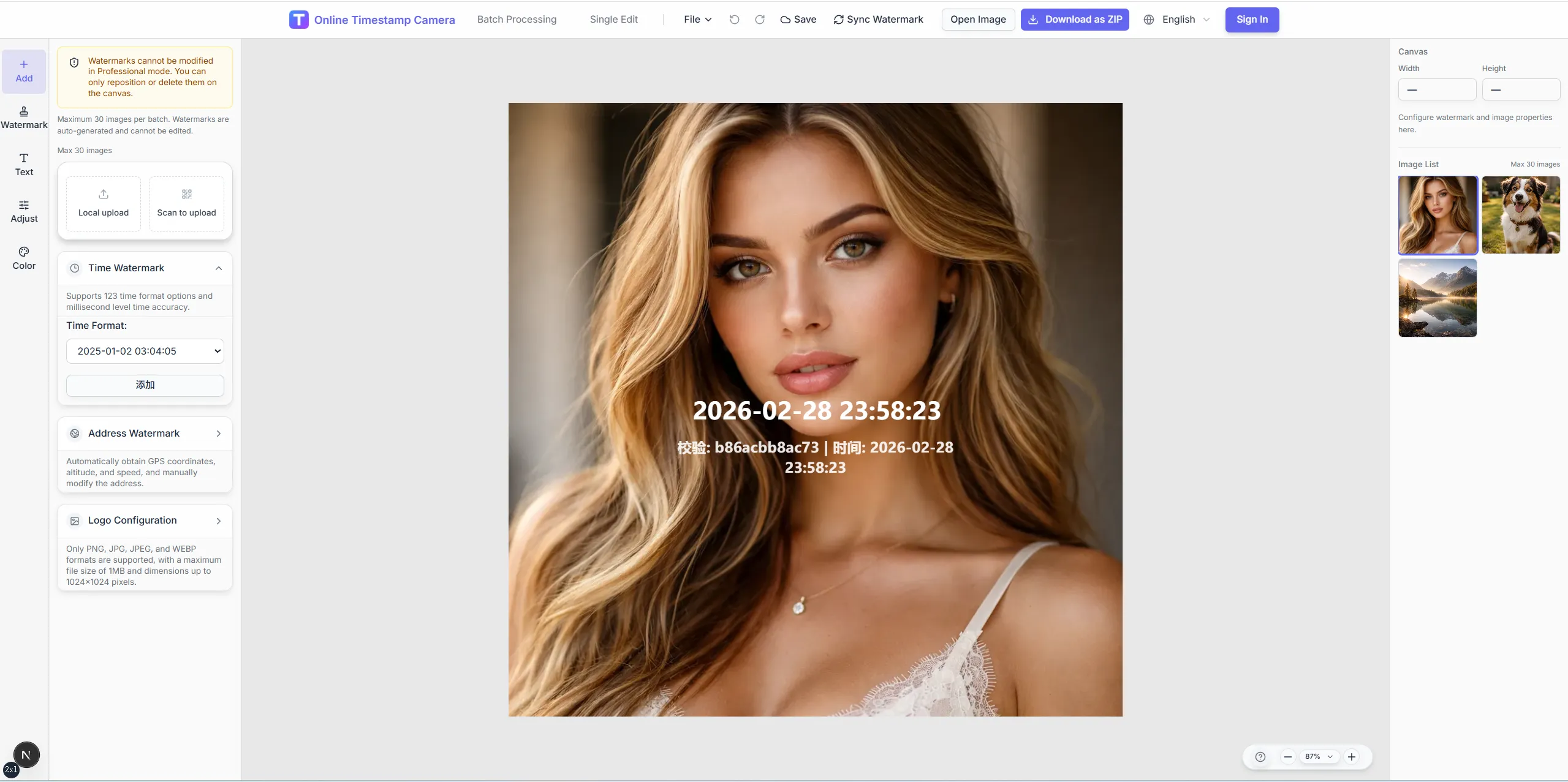
Stamp time and place on shift photos so attendance records are easier to verify across stores, sites, and routes. Batch templates keep formats identical every day.
Check-in place
Office · Store · Field
08:02:15
Feb 5, 2024 · Monday
Seattle, WA · 47.6062°N, 122.3321°W
Give every location the same timestamp and address layout so HR and ops compare shifts without reformatting.
Reuse one template for opening, closing, and route check-ins.
Show address or coordinates beside the clock for remote sites.
Add device or operator lines when policy requires.
Process a folder of check-in shots with one settings pass.
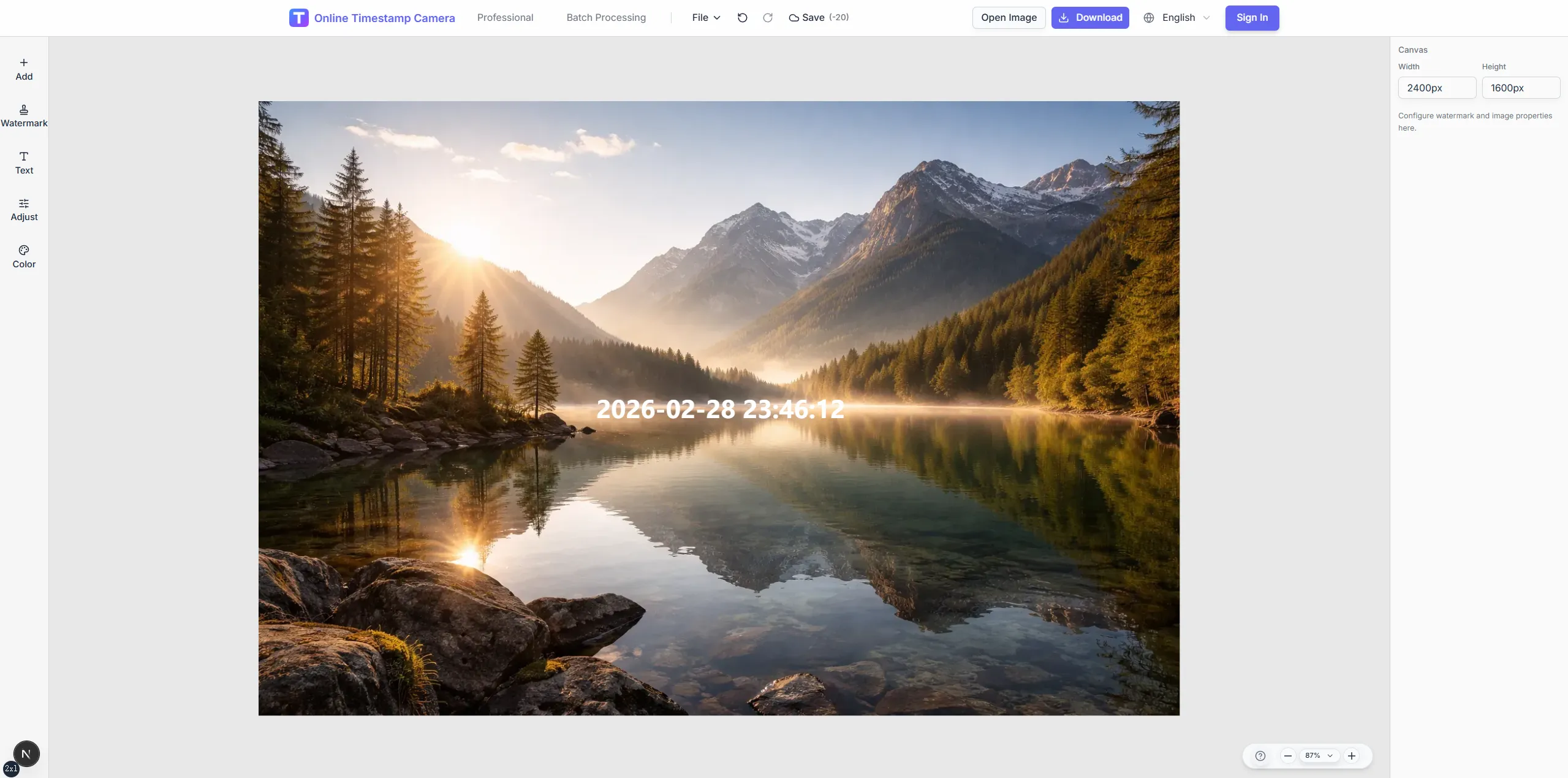
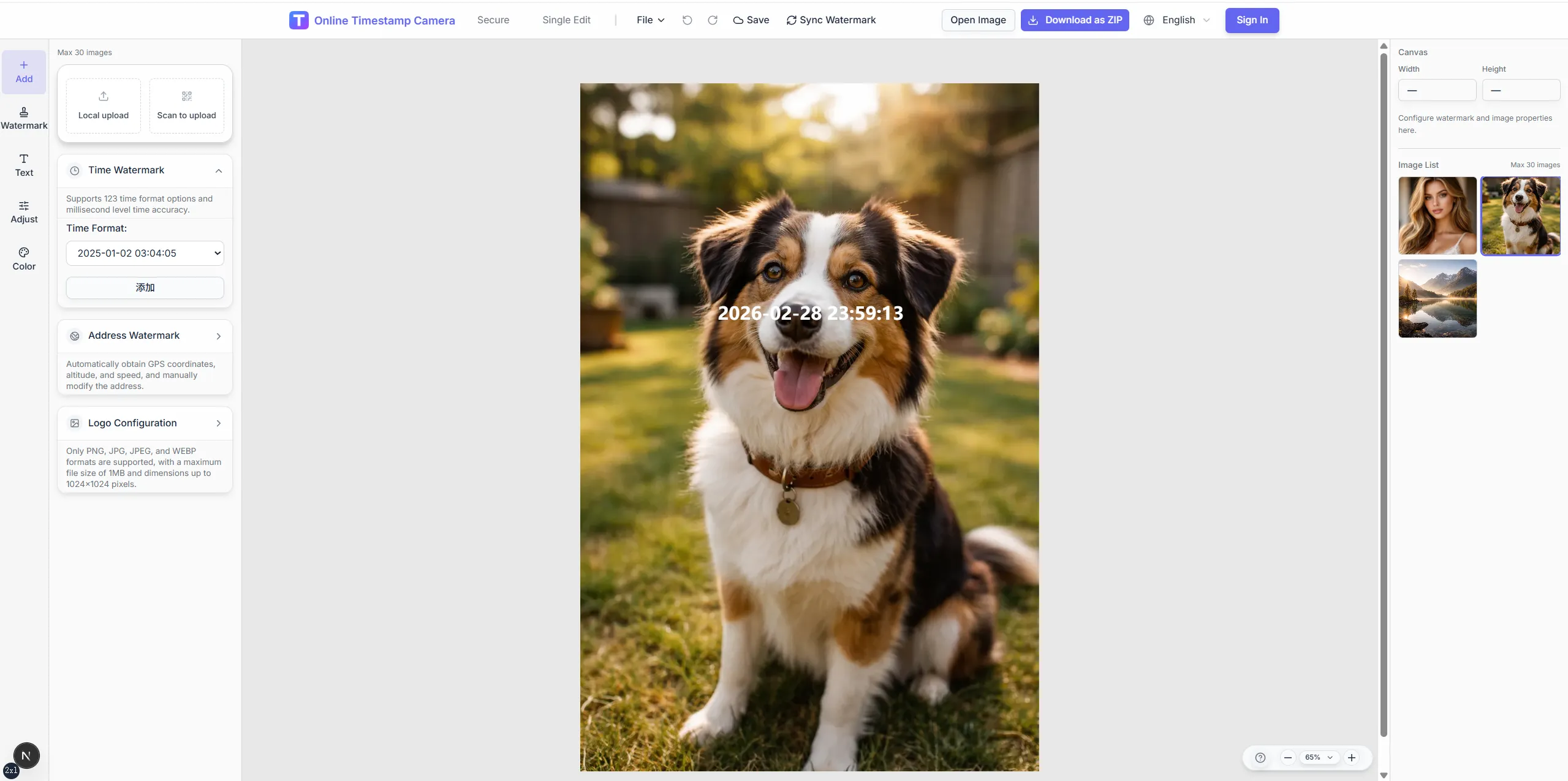
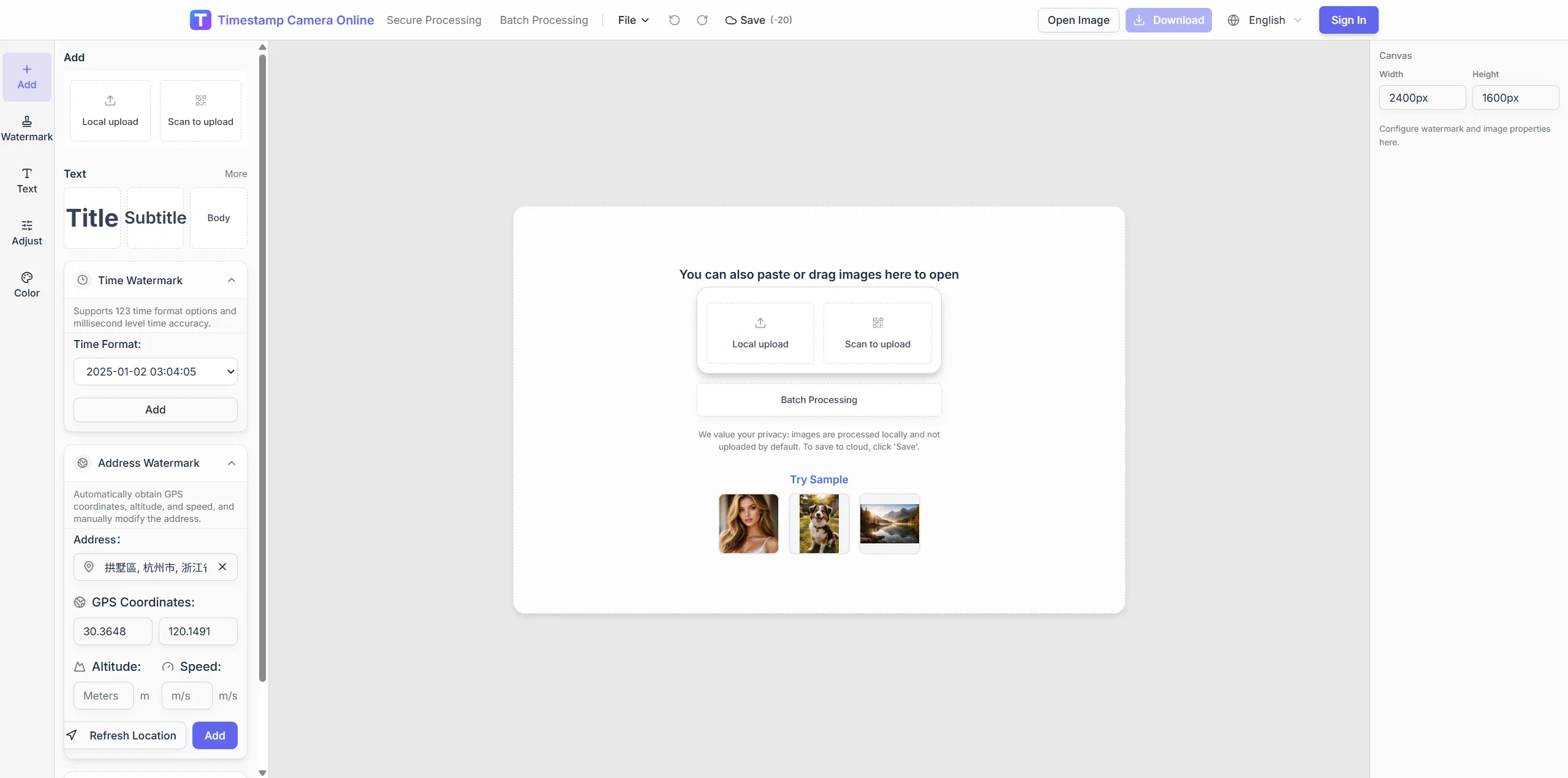
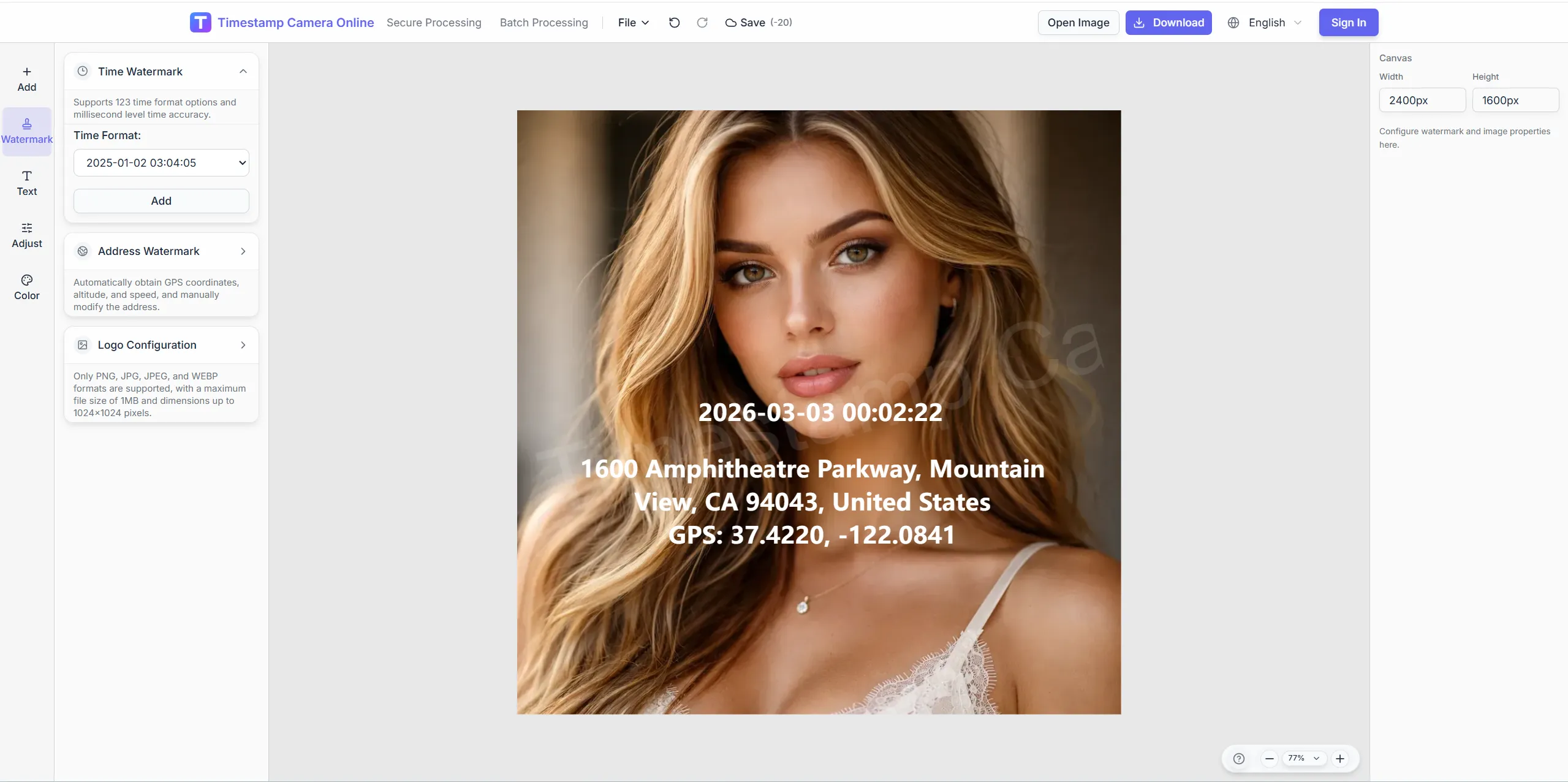
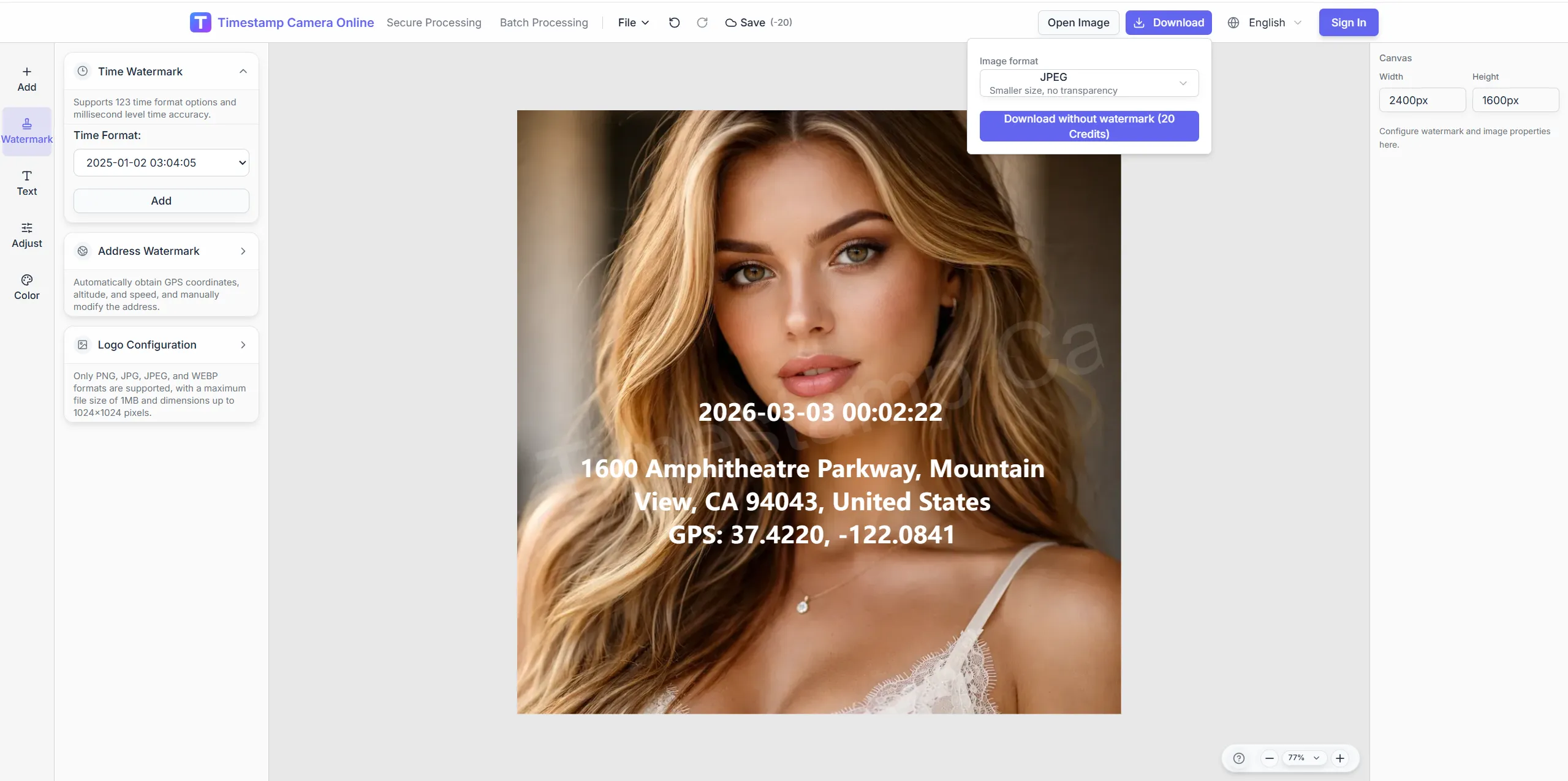
Give every shift or route check-in the same reviewable format before managers compare the day.
Crop store fronts, tune exposure, and blur sensitive background details before check-in photos reach HR or payroll.
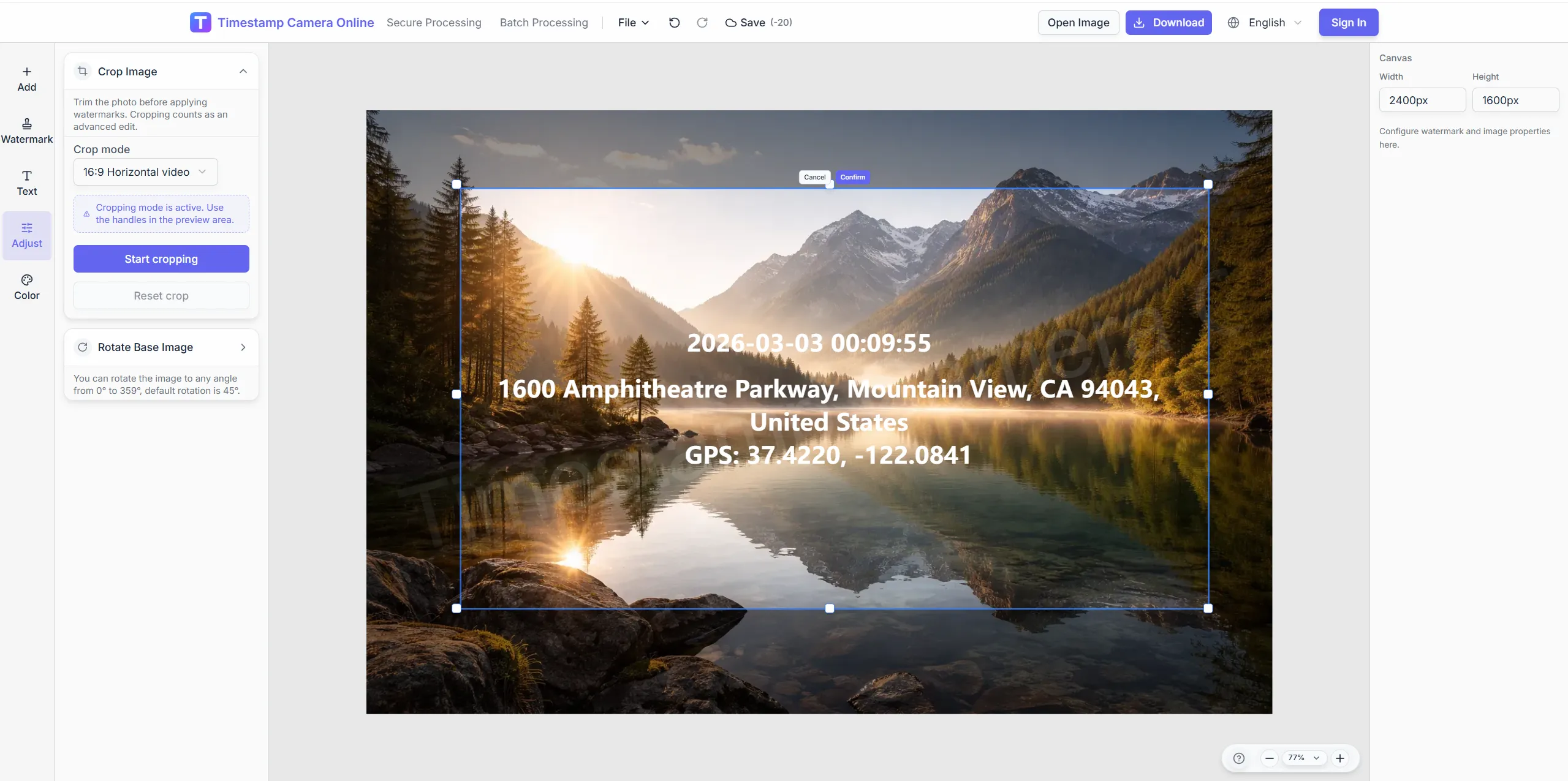
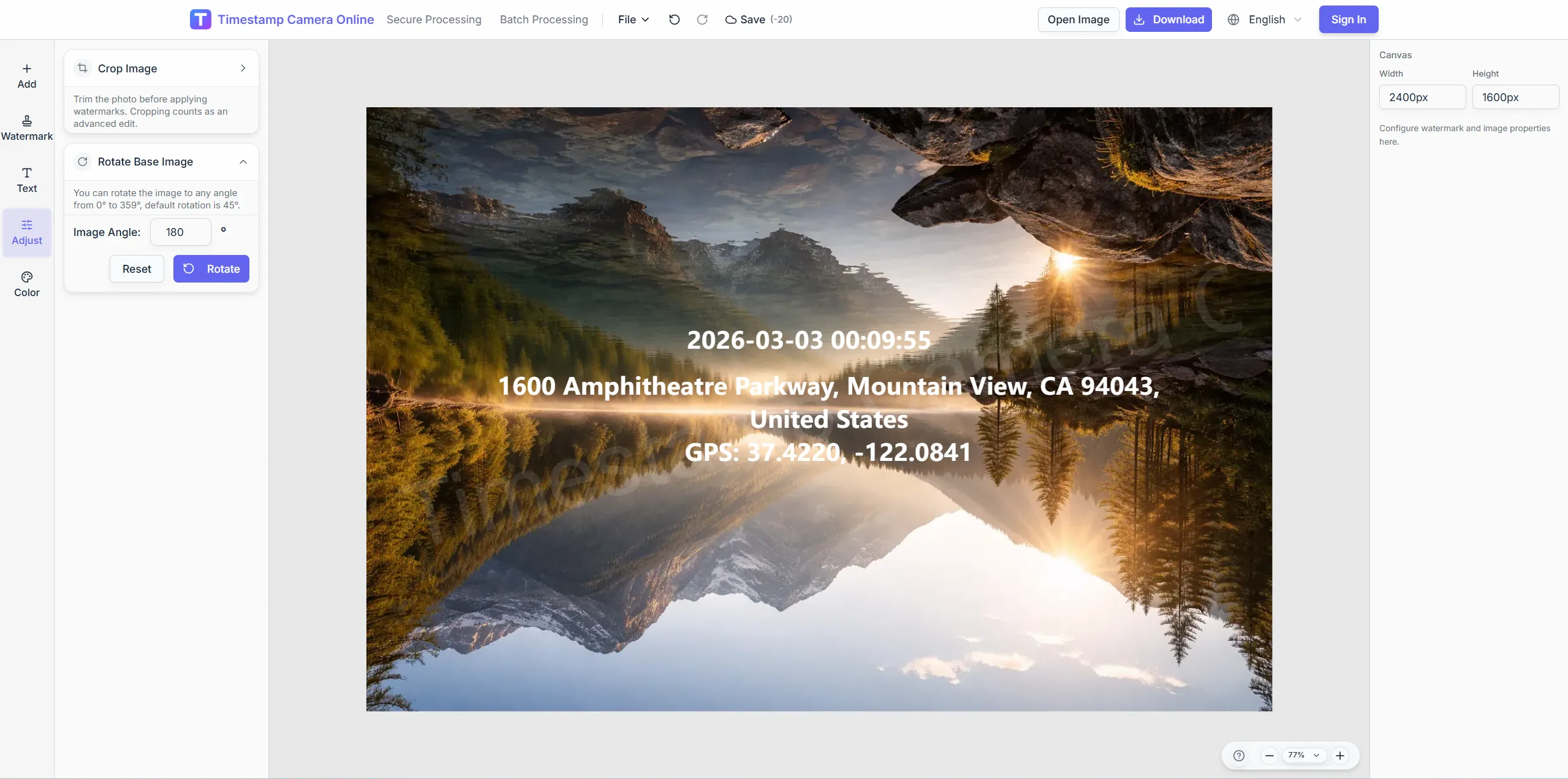
Rotate vertical check-in shots for cleaner timestamp placement.
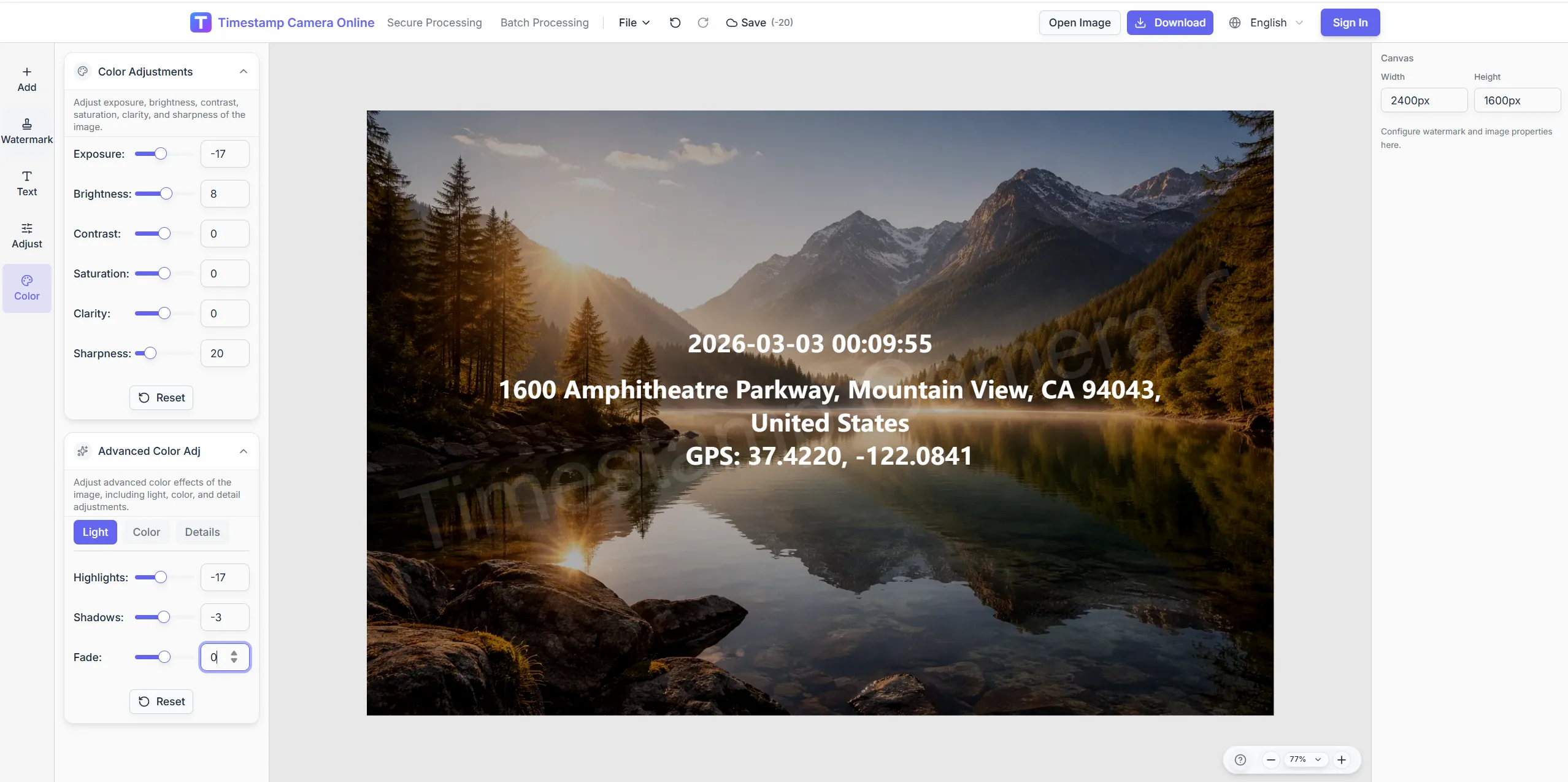
Adjust exposure so badge and time text both show.
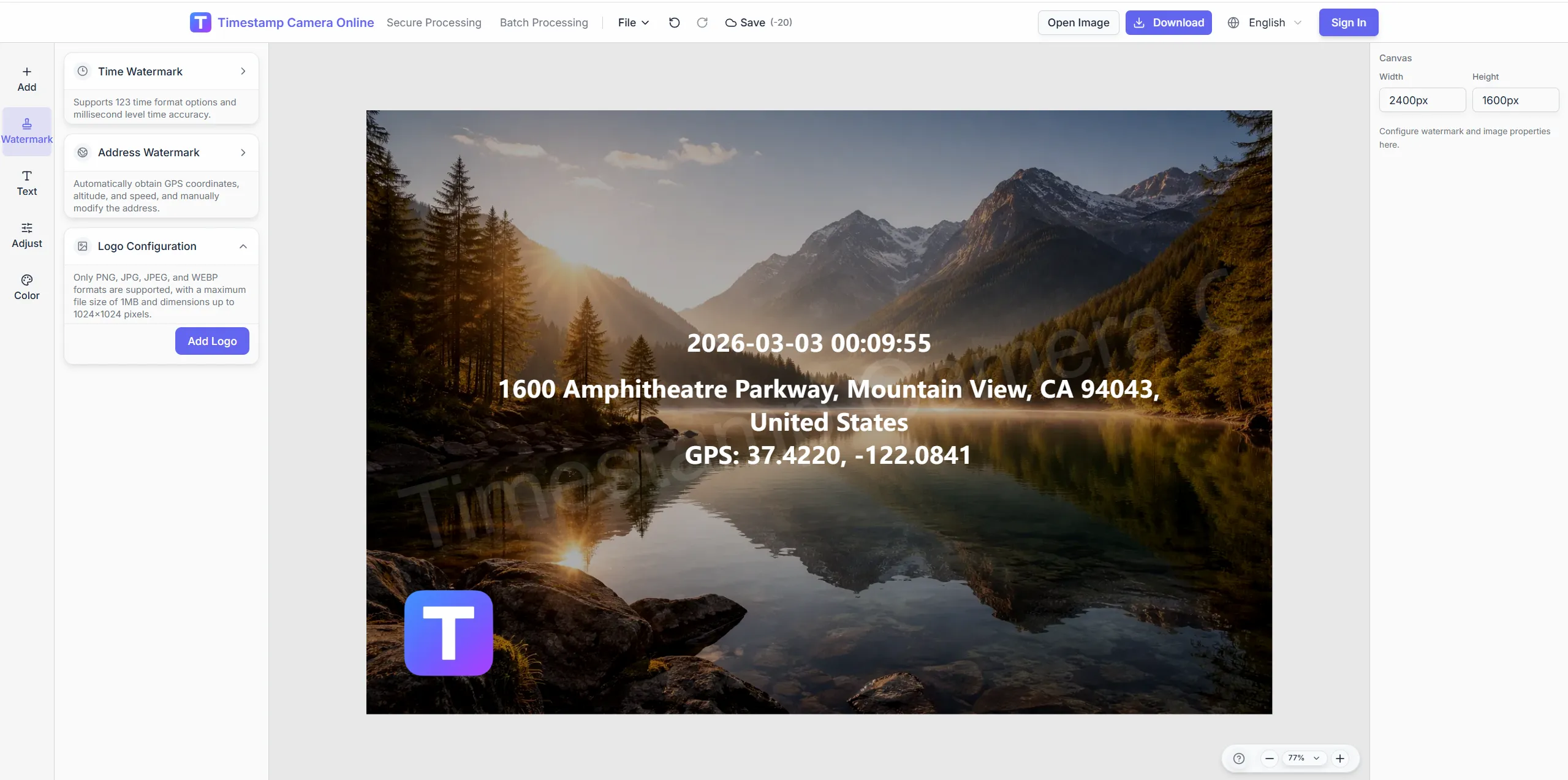
Add brand marks for franchise compliance packs.
Blur background shoppers on retail floor photos.
Prove arrival with visible time and place for retail and field crews.
Import JPG, PNG, or HEIC.
Configure layers for this scenario.
Confirm reviewers can read at a glance.
Download or refine in the editor.
Check-in photos can support payroll, site arrival, visit confirmation, and GPS review when every team uses the same visible fields.
Add a clear time block when check-in photos need payroll or shift review.
View scenario
Roll check-in photos into remote reports that managers can compare quickly.
View scenario
Use site context when arrival photos also need to explain field conditions.
View scenario
Keep attendance evidence consistent for labor, safety, or internal audits.
View scenario
Confirm sales visits, deliveries, or setup work with a visible check-in record.
View scenario
Turn ordinary check-in photos into GPS-stamped records for location review.
View scenario
Prove arrival with visible time and place for retail and field crews.
Local browser editing—originals not uploaded.
Visible layers beat EXIF-only for non-technical reviewers.
Templates and batch watermark suit recurring field work.
Not blockchain proof; social shares may lack GPS.
Retail, security, and mobile teams share how consistent check-in photos reduce callbacks and attendance disputes.
Two hundred Chicago franchise stores now send identical check-in formats to HR every Monday. Opening photos show street address and shift time in the same corner. GPS plus timestamp cut remote site disputes we used to escalate weekly.
Kevin Walsh · Retail ops director, Chicago IL
Phoenix solar crews photograph substation arrival with hard-hat selfies stamped for payroll. I compare twelve job sites without opening a separate maps app. Union auditors accepted our photo folder verbatim during the last labor review.
Mei Chen · Construction PM, Phoenix AZ
Night security rounds in Atlanta upload through QR without emailing attachments to dispatch. Guards apply one template and managers batch-download before dawn. Missing check-in callbacks fell from dozens to single digits per week.
Diego Romero · Security manager, Atlanta GA
Pick upstream/downstream links for this scenario.
Questions about shift timestamps, multi-site templates, privacy redaction, and batch check-in exports for managers.
Save separate layouts for date format, language, and required fields per region.
Browser upload works without installs; access depends on your rollout policy.
Export many check-in images at once after batch processing.
Type address or site codes manually and keep the timestamp automatic.
Export JPG/PNG for import into existing HR tools—no direct API.
Add device model or custom employee ID lines in the editor.
Check-in proves arrival; remote reporting summarizes end-of-day progress.
Require GPS, time, and storefront background in one frame with a fixed template.
Brighten with color tools before placing the time block.
Split batch watermark runs—roughly 100 photos per batch.
Upload a shift photo and apply your team template.