Do I need to install software?
No. Upload and edit in a modern browser on desktop or phone.
Free trial · Add time, location, and proof overlays in your browser
Stamp time, place, and proof details onto photos for geotagging, attendance, inspections, claims, research, and branded exports. Edit locally in the browser with batch tools and reusable templates.
08:15:42
Nov 28, 2023 · Tuesday
San Francisco, CA · 37.7749°N, 122.4194°W
Combine timestamps, coordinates, addresses, weather, device lines, QR codes, logos, and signatures so field records stay readable across teams and review cycles.
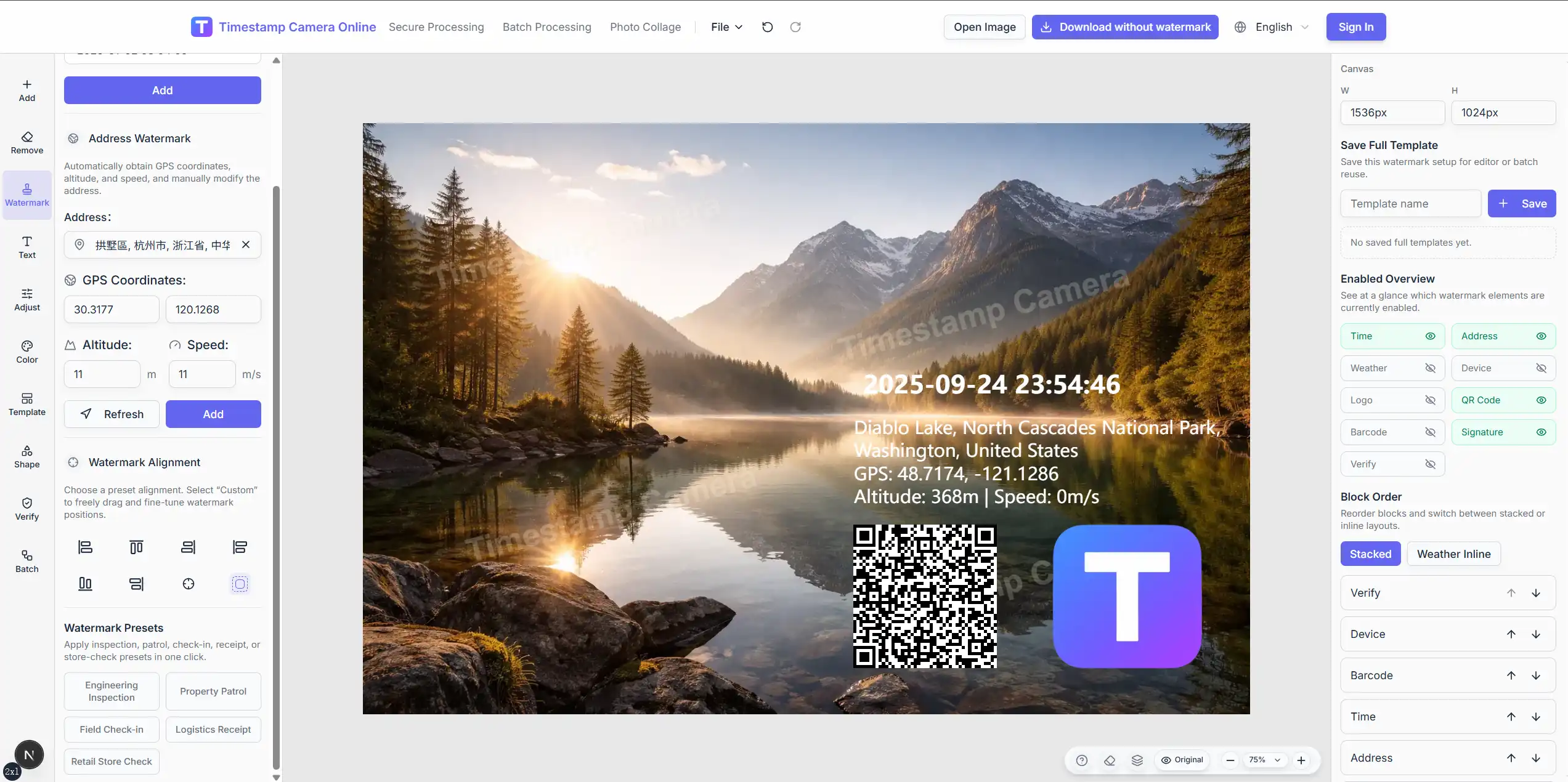
Add date, time, address, coordinates, and custom summary lines with drag placement.
Combine QR codes, logos, signatures, seals, and verification-style badges on one photo.
Redact sensitive regions, crop, rotate, and apply one template across many images.
Process photos without installs; export when records are ready for teams or clients.
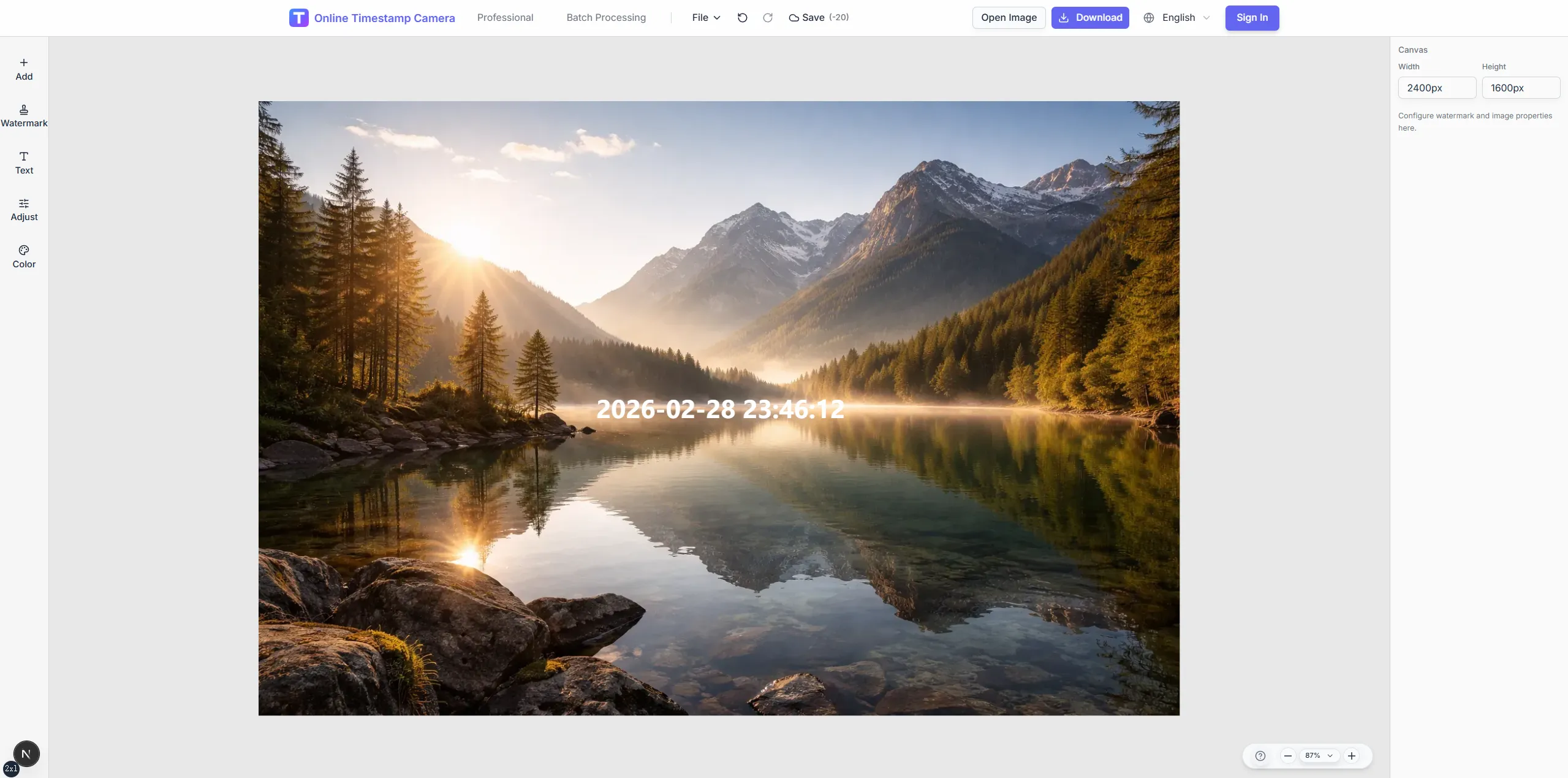
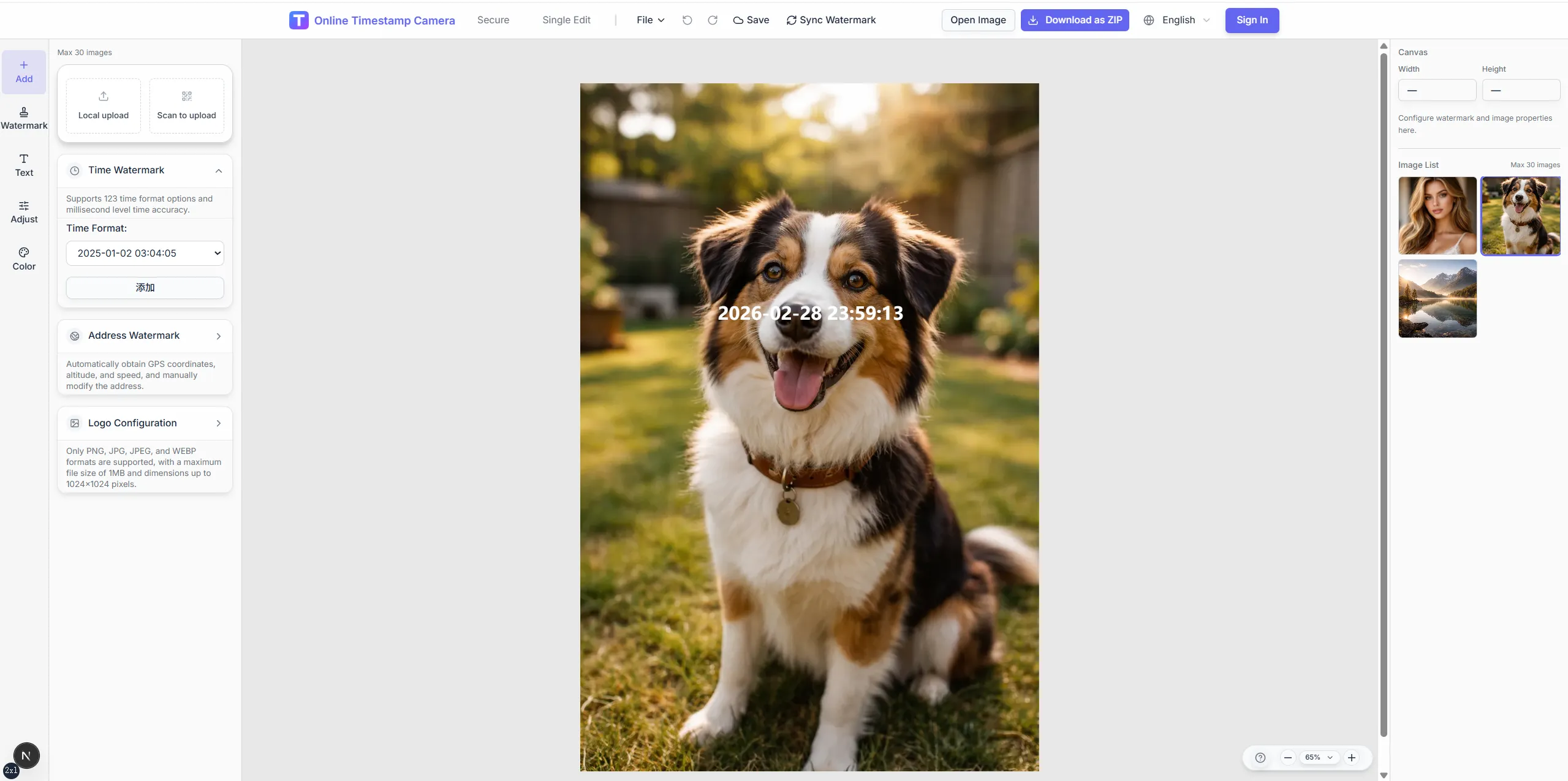
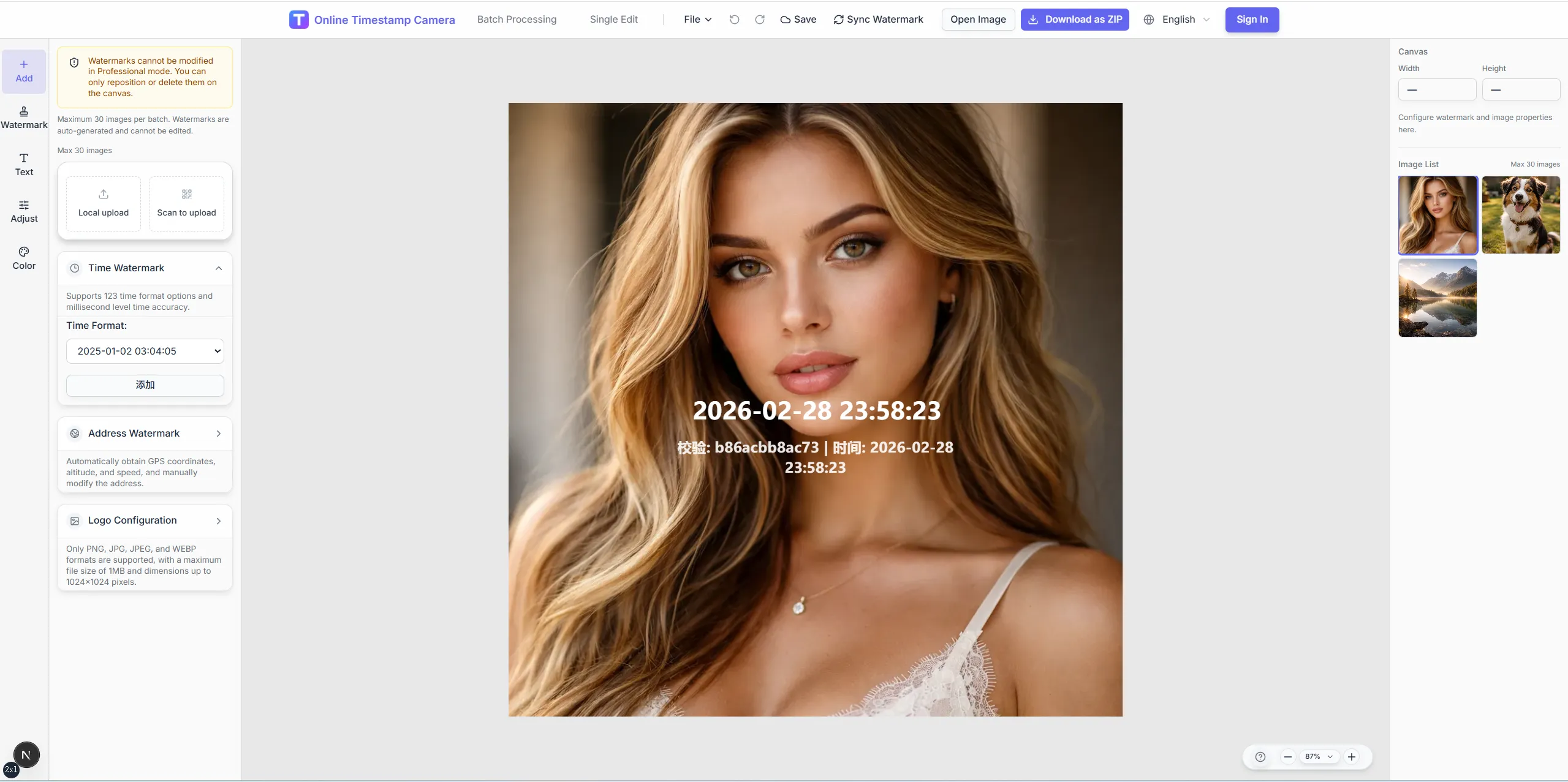
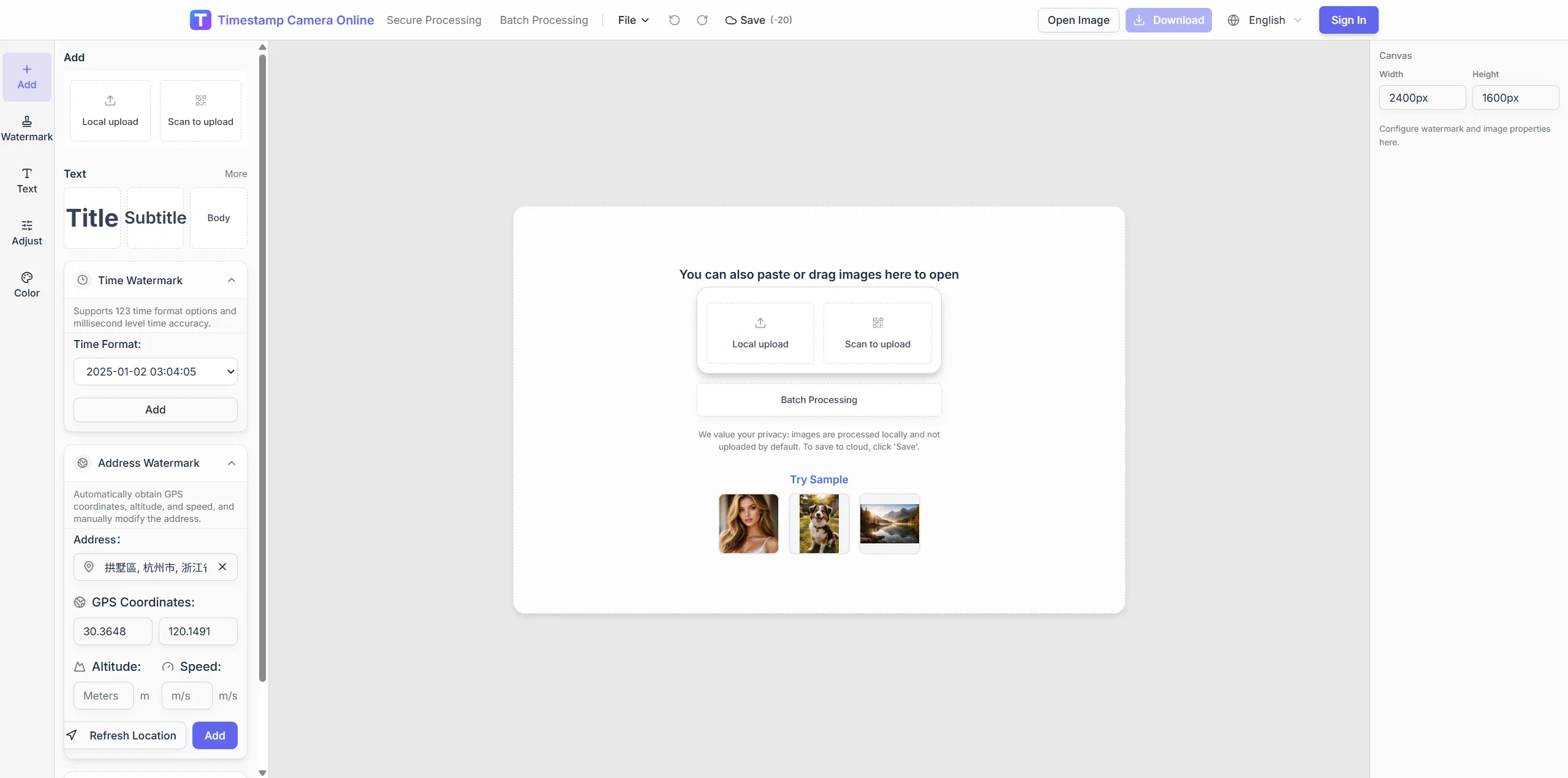
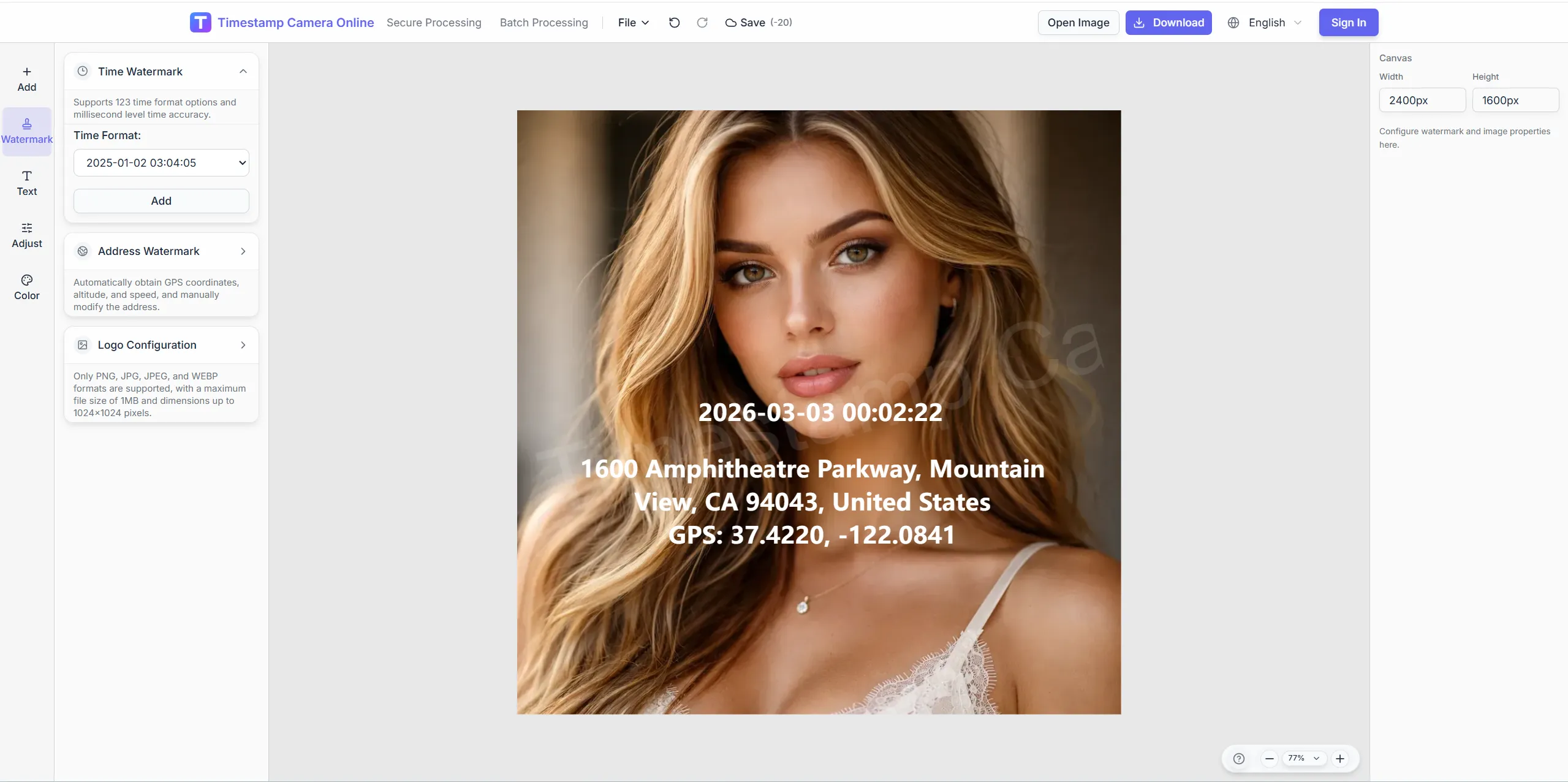
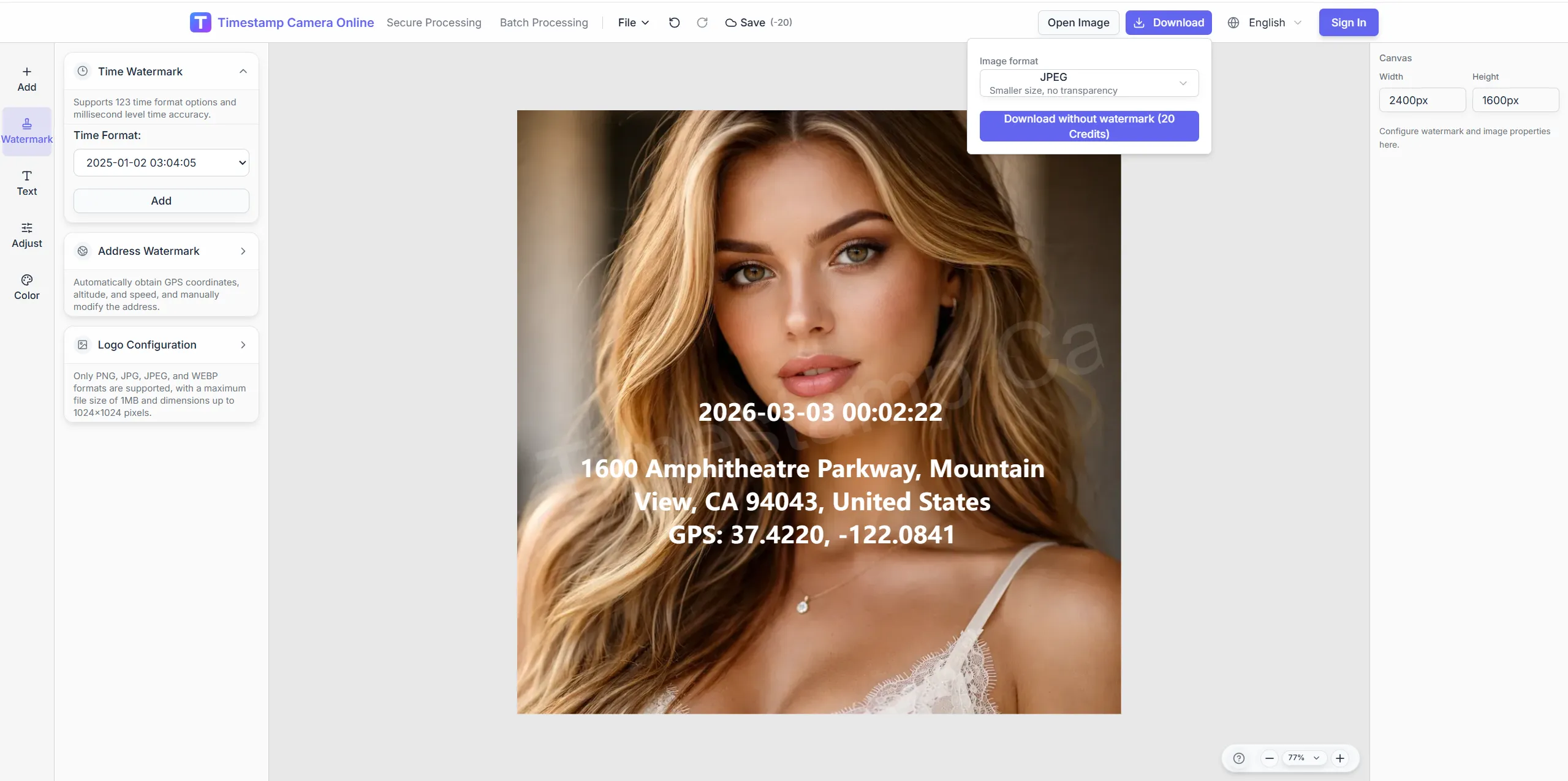
Follow one repeatable path from upload to export, whether the photo needs time, location, QR, signature, or redaction layers.
Crop, color, logo, and privacy tools help you finish polished exports after timestamps and location layers are set.
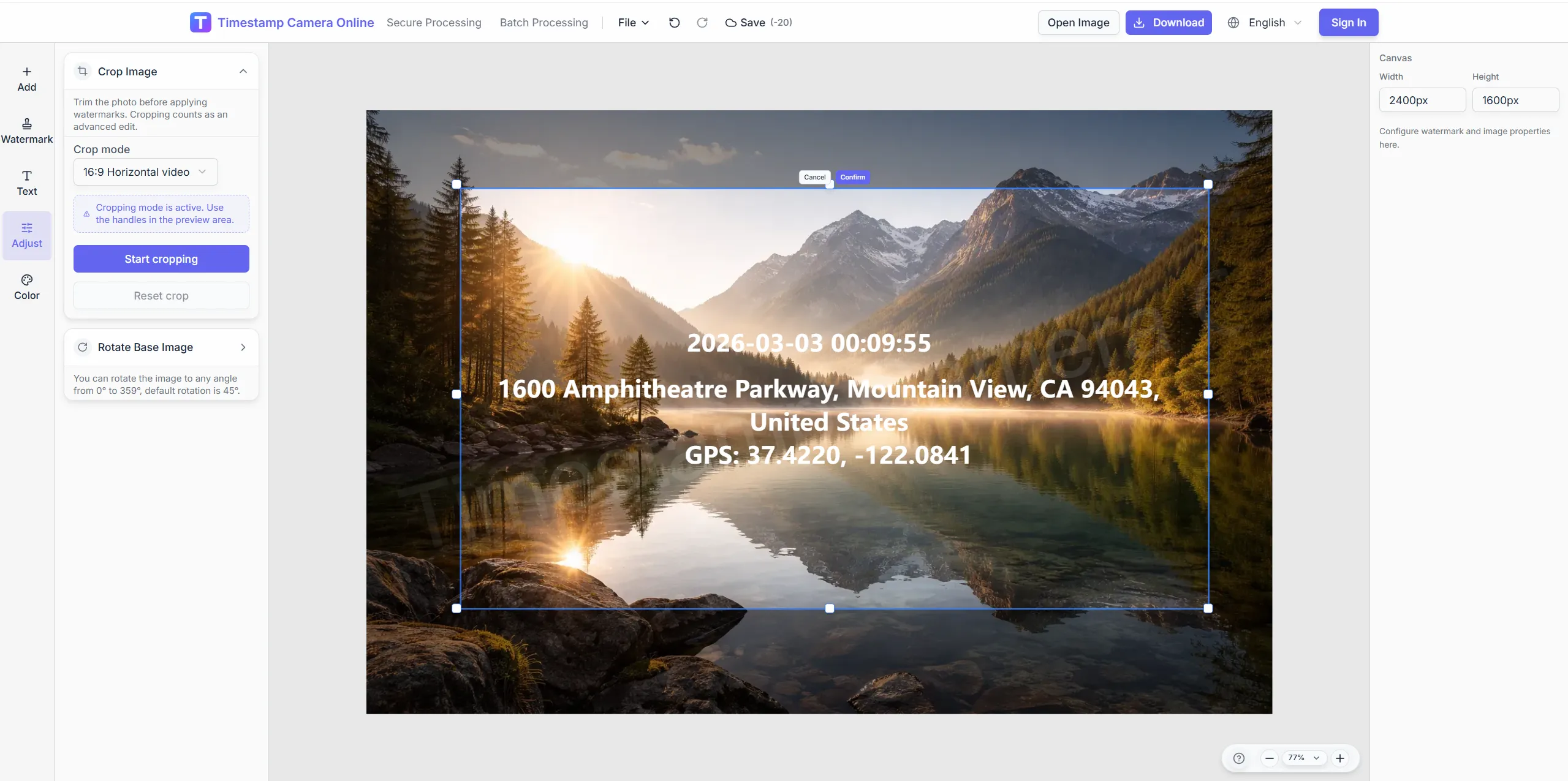
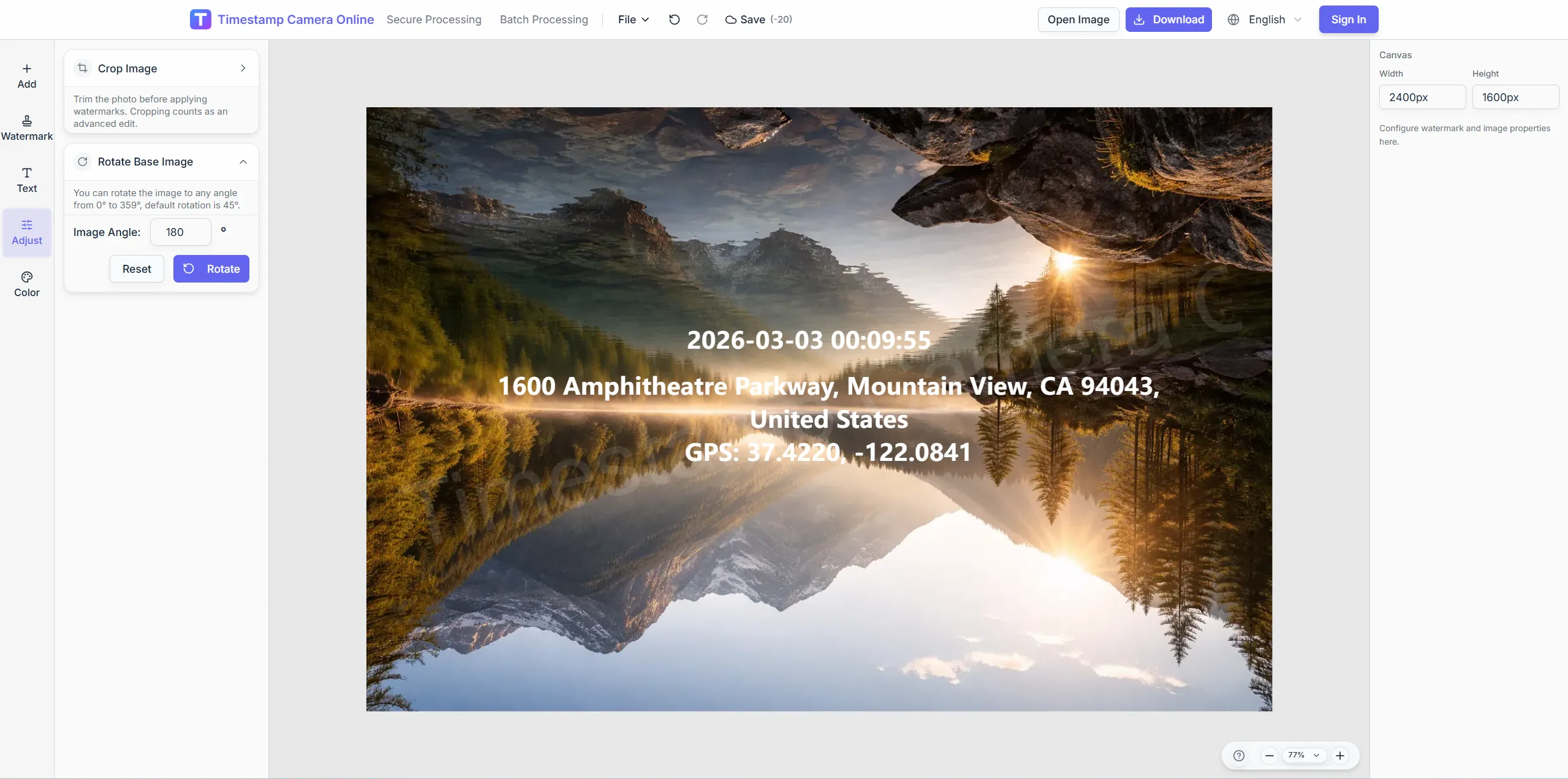
Frame shots before placing timestamp and location blocks.
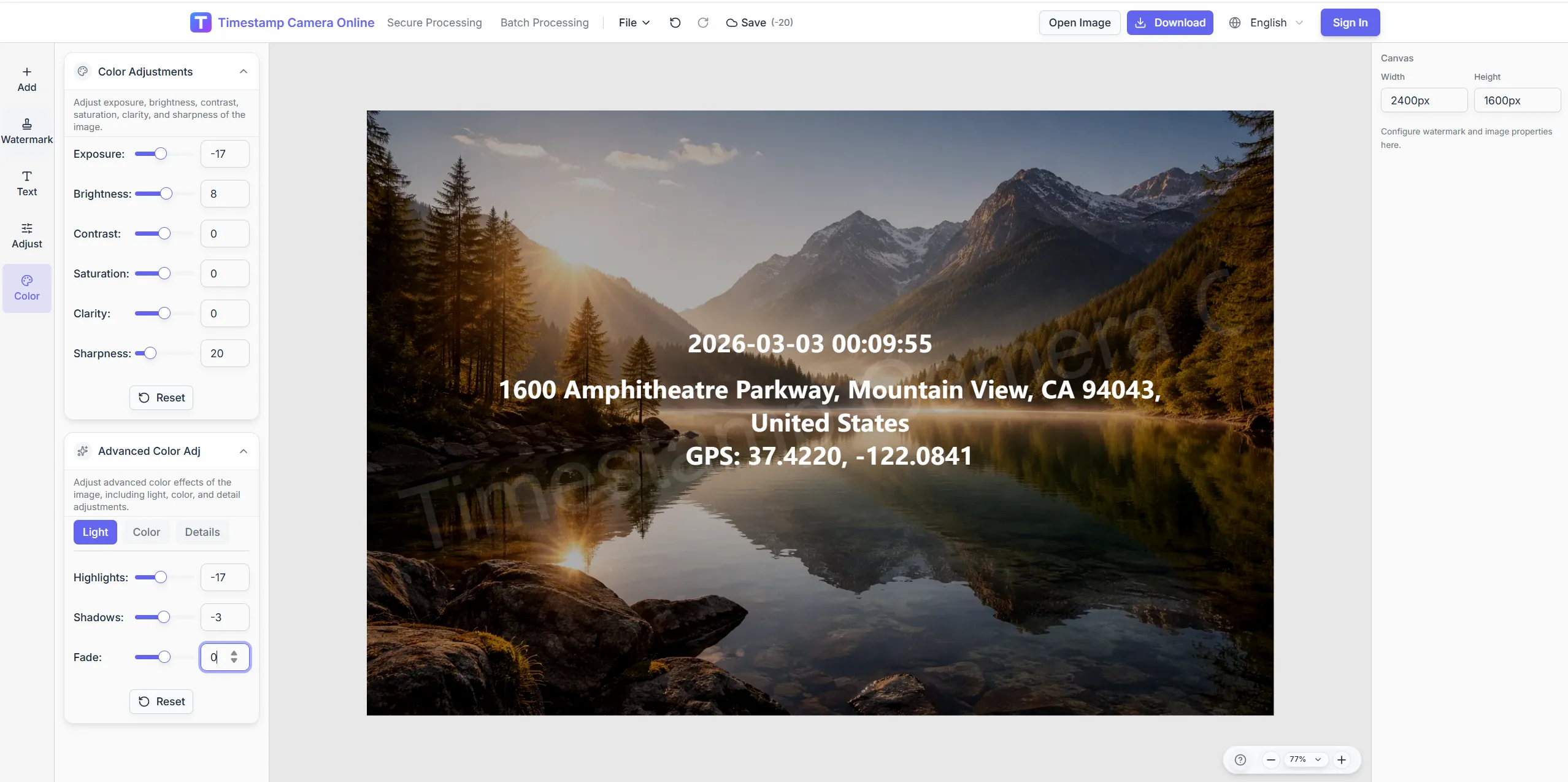
Keep overlay text readable on bright or dark scenes.
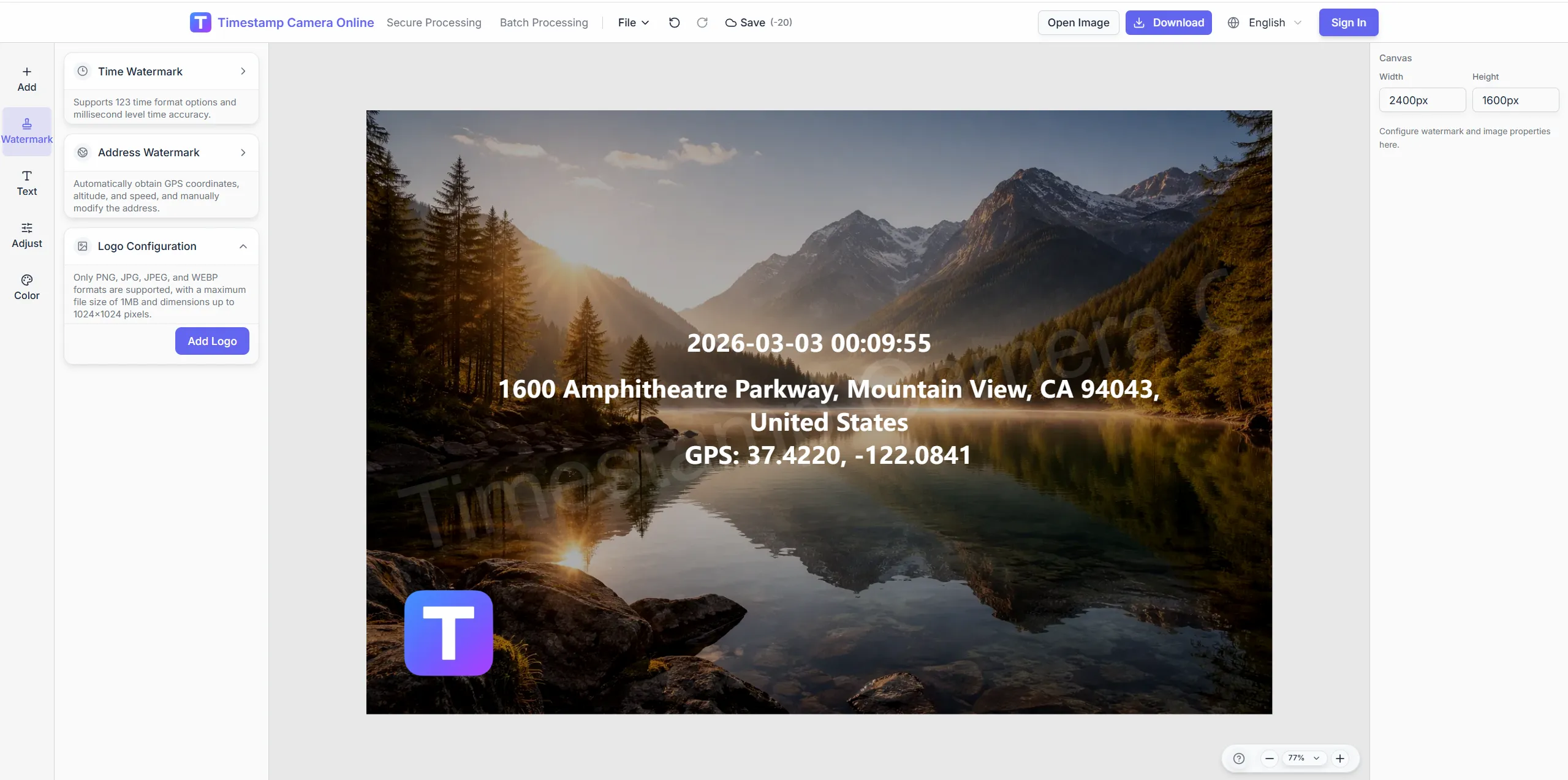
Add brand or approver marks on delivered exports.
Blur plates, faces, or IDs before sharing externally.
Standardize time, location, and proof layers from upload to export in the browser.
Drag files on desktop or scan the QR code to pull phone captures into the session.
Stack timestamps, GPS, weather, device lines, QR codes, or signatures.
Confirm overlays stay readable; redact sensitive regions when needed.
Download finished images or jump to batch templates and secure-style exports.
Start with the field workflows teams adopt first—location proof, precise clocks, check-ins, inspections, asset labels, and verification exports—each with realistic roles and outcomes.
Embed coordinates, addresses, and map-style location lines on field photos so mapping and patrol records stay easier to review.
View scenario
Overlay visible date and time on photos when attendance, inspections, claims, or milestones need a clear capture moment.
View scenario
Use visible time, location, and optional device details to keep check-in photos easier to review across office, retail, and field teams.
View scenario
Use reusable templates for inspections and site progress where time, address, weather, and device context help explain the photo.
View scenario
Combine time, place, device details, and QR or barcode layers when inspection photos need stronger operational context.
View scenario
Combine time, place, and proof-style marks when audit, claim, or compliance handoffs need stronger trust at a glance.
View scenario
A workflow entry for field teams—not a single-feature shortcut page.
Processing stays in the browser, suited to sensitive field and claims material.
Check-ins, inspections, and claims need different layer mixes; starting by scenario reduces rework.
Save a layout once and apply it across recurring field sets via batch watermark.
Visible overlays are not blockchain proof; photos without GPS need manual coordinates or the location analyzer first.
Field, compliance, and delivery teams describe how standardized photo overlays reduce disputes, retakes, and manual reformatting.
We rolled browser photo overlays to forty-two field offices across Texas without pushing a mobile app. Operations finally compares check-ins, geotags, and inspection headers in one format. Payroll disputes on remote routes dropped eighteen percent last quarter.
Diana Cole · Operations VP, Austin TX
Temporary storm crews in Tampa adopted QR upload from phones and stamped proofs the same day. Legal stopped asking for reshoots once timestamps and redaction lived in one export. Our account teams deliver client folders every Friday without design tickets.
Raj Mehta · Program director, Tampa FL
Batch export replaced overnight Photoshop shifts for our Denver construction portfolio. Owner reps read weekly progress sets without calling supers for labels. Investor updates pull from an archive that finally looks intentional.
Elena Vogt · Account lead, Denver CO
Jump to the editor, batch tools, or high-traffic scenario pages.
Photo editor
Combine time, location, and brand layers after upload.
GPS photo geotagging
Add coordinates and address lines to field shots.
Field check-in
Stamp time and place on attendance photos.
Batch watermark
Apply one field template to many images.
Photo location online
Read EXIF then write visible location lines.
Quick answers about browser editing, privacy, formats, and when to use batch or secure-style exports.
No. Upload and edit in a modern browser on desktop or phone.
Geotagging, timestamps, check-ins, inspections, claims, research, events, remote reports, exams, assets, and branded delivery.
Editing runs locally in the browser; redact sensitive areas before export.
Yes. Apply one template across many photos for recurring workflows.
No. A modern browser on desktop or phone is enough to upload, edit, and export.
Match the workflow: GPS for mapping, check-in for attendance, claims for evidence, branded for client delivery.
Yes. Redact plates, faces, or IDs with the privacy tool before external sharing.
Save a template in the editor, then run batch watermark for same-layout exports.
These workflows emphasize human-readable overlays for reviewers who do not open metadata panels.
Core editing has a free trial; Excel export and some advanced features may need an account and credits.
Upload an image and add time, location, and proof layers in minutes—no install required.