Can templates match campus branding?
Add logos, colors, and fixed text blocks per institution guidelines.
Free trial · Add time, location, and proof overlays in your browser
Document room setup, seating, and proctor rounds with visible time and place overlays that align with academic integrity policies.
08:30:00
Apr 2, 2024 · Tuesday
Boston, MA · 42.3601°N, 71.0589°W
Give proctors a simple browser workflow to produce consistent photos before, during, and after sessions.
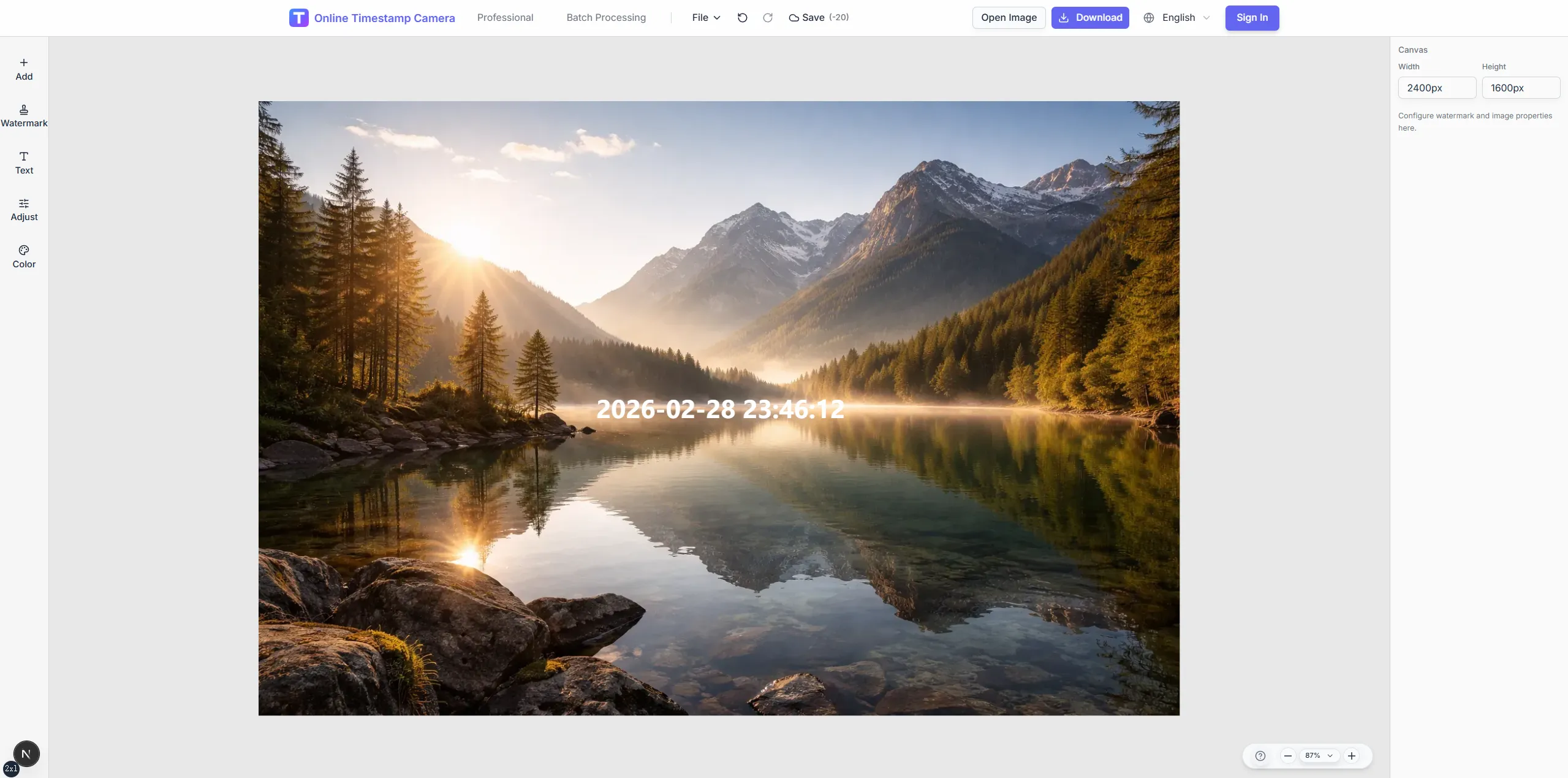
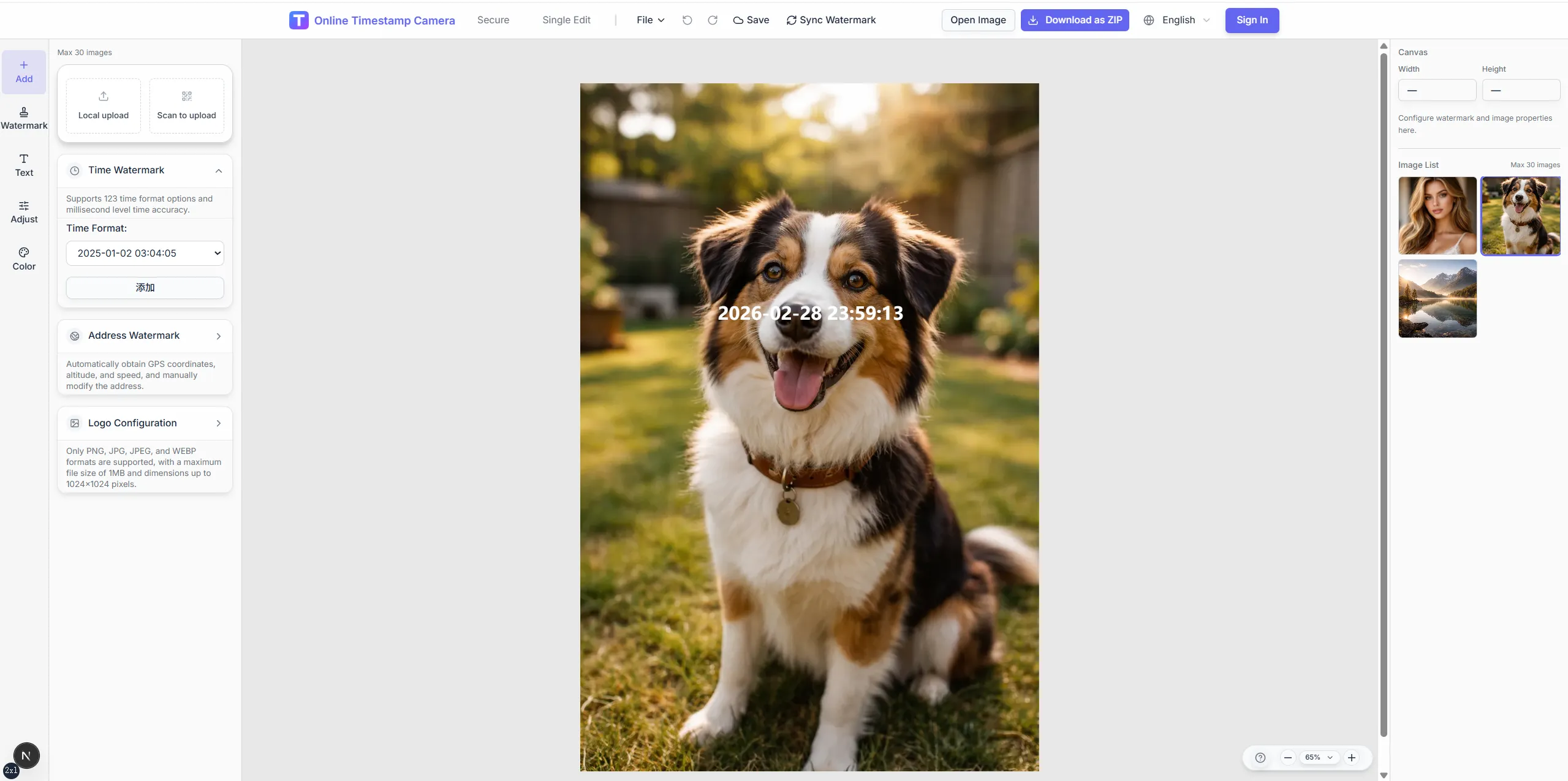
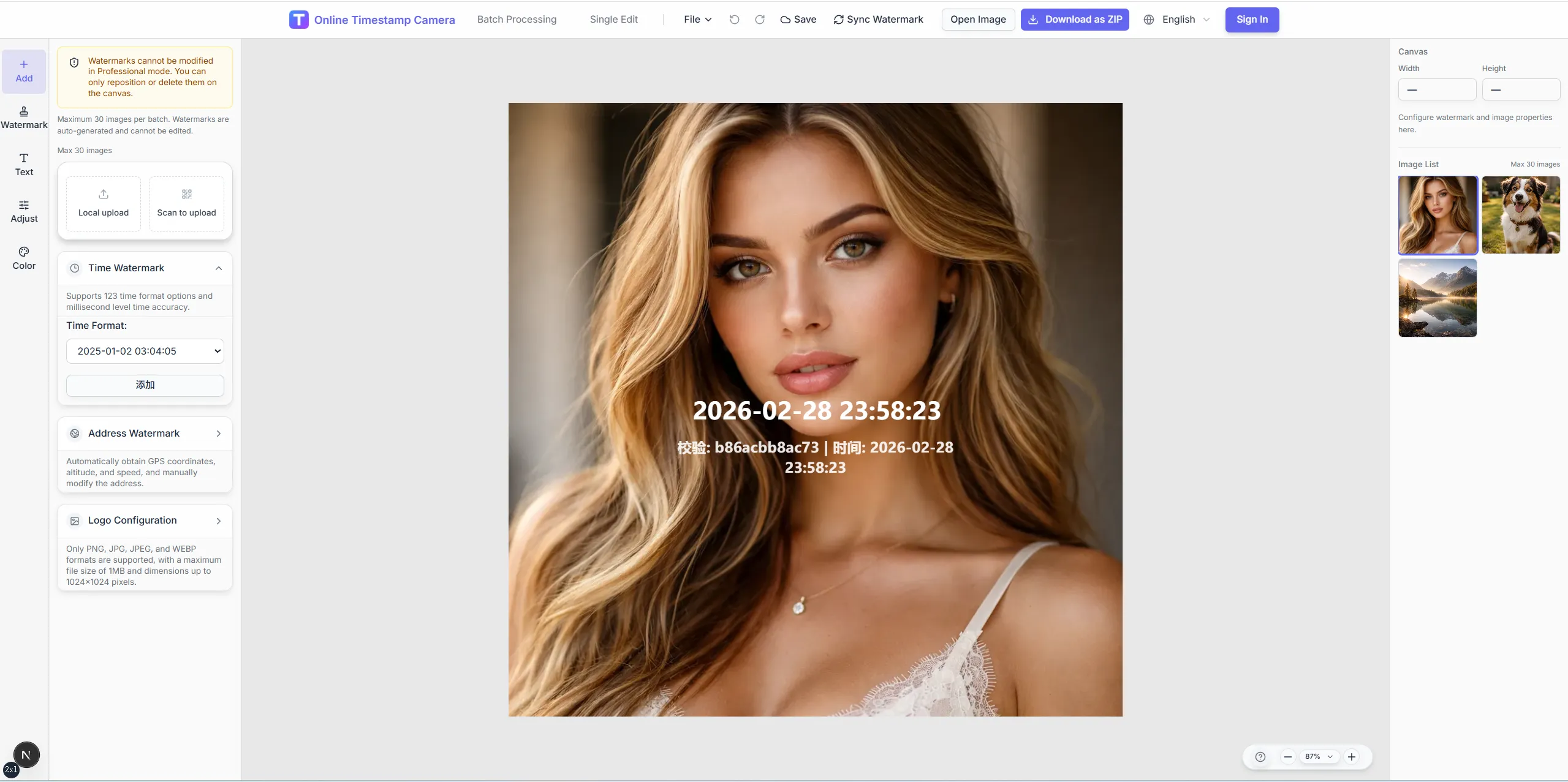
Stamp start and walk-through times on room photos.
Label hall, section, or exam code on each capture.
Add seal or signature-style overlays for official logs.
Blur faces or exam sheets when policy requires.
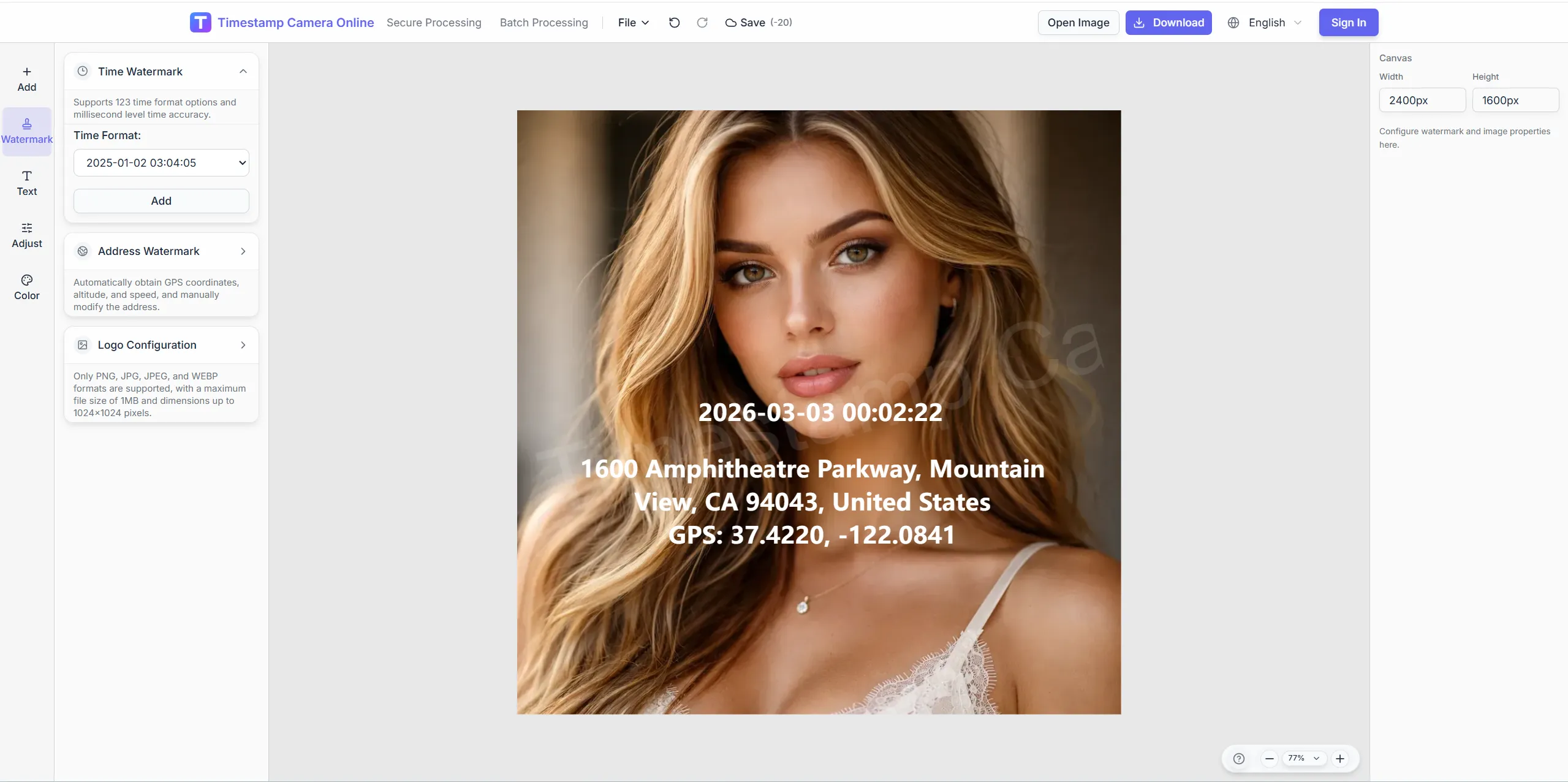
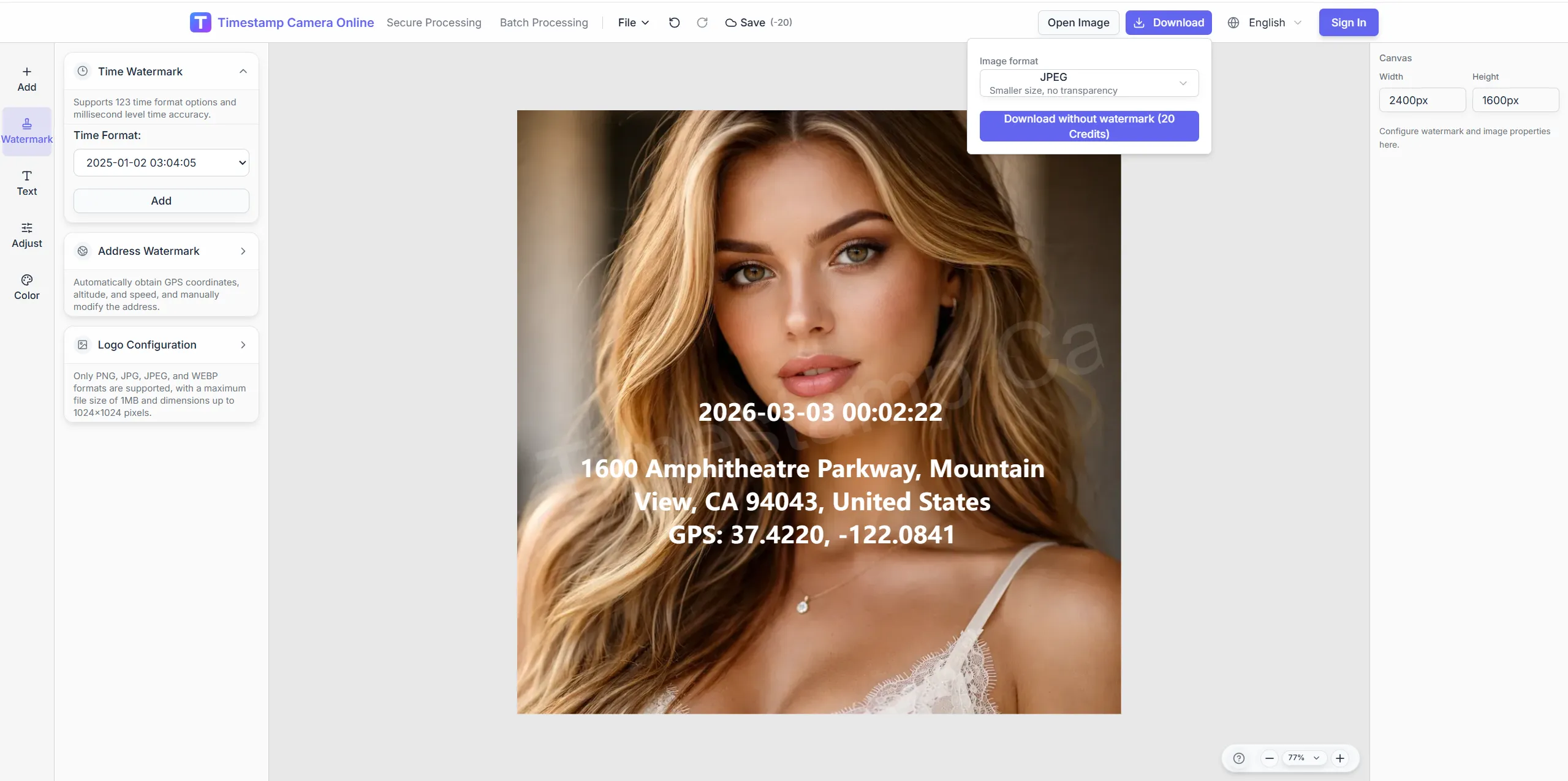
Prepare room, seating, and supervision photos with the time and institution fields reviewers expect.
Frame wide room shots, balance low-light halls, add crest overlays, and mask student IDs before accreditation review.
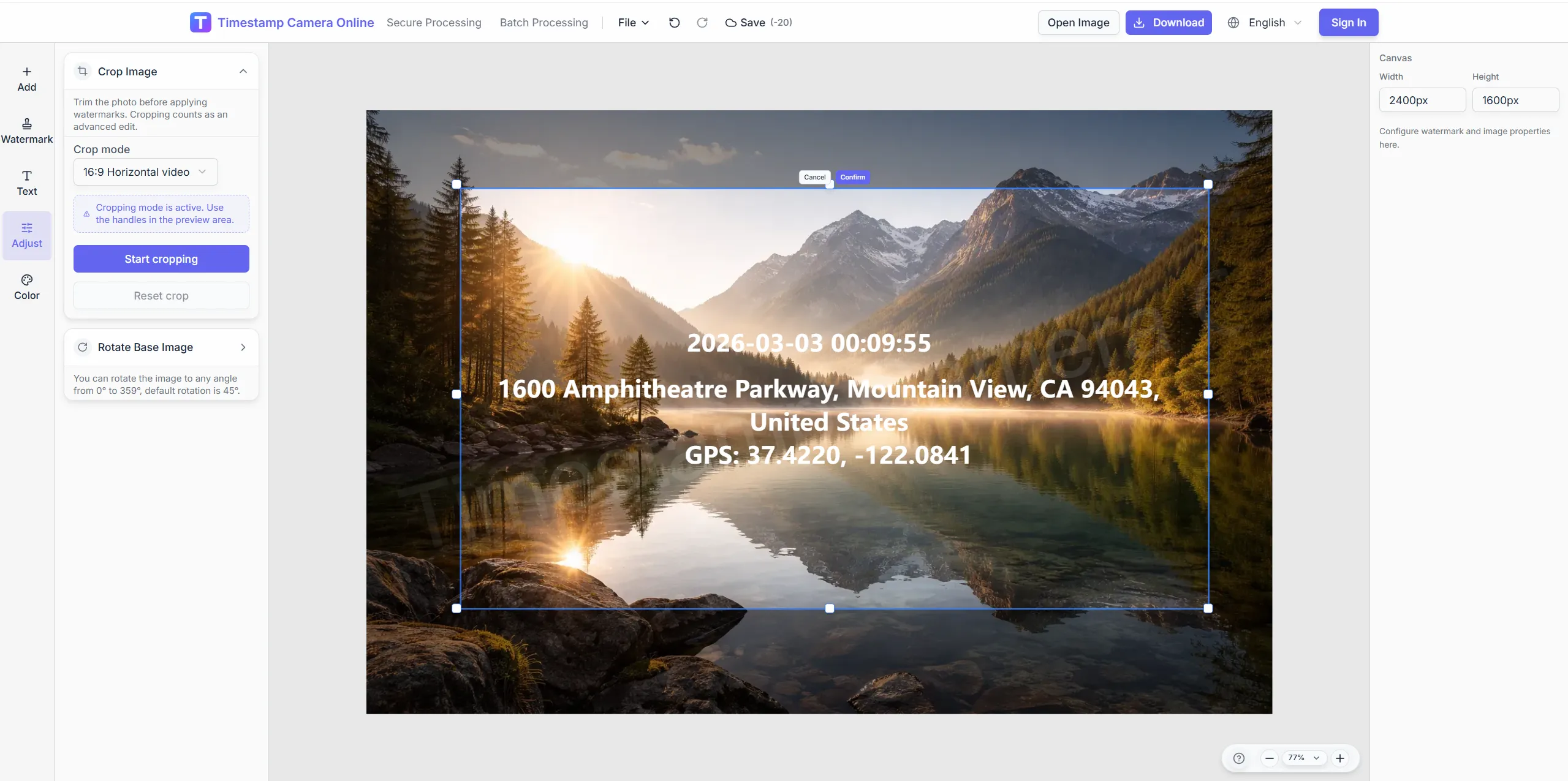
Crop to show seating layout clearly.
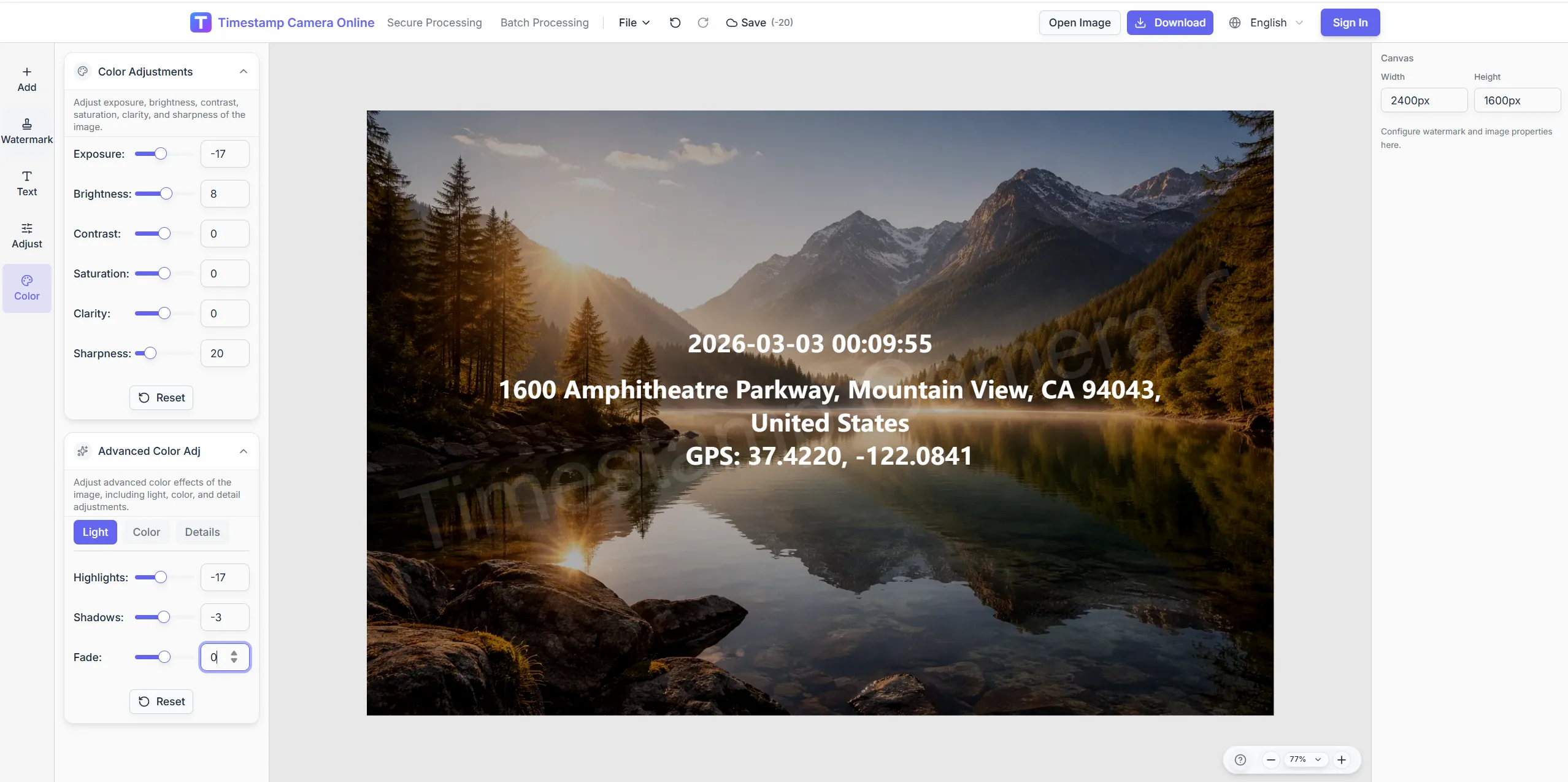
Balance exposure for low-light halls.
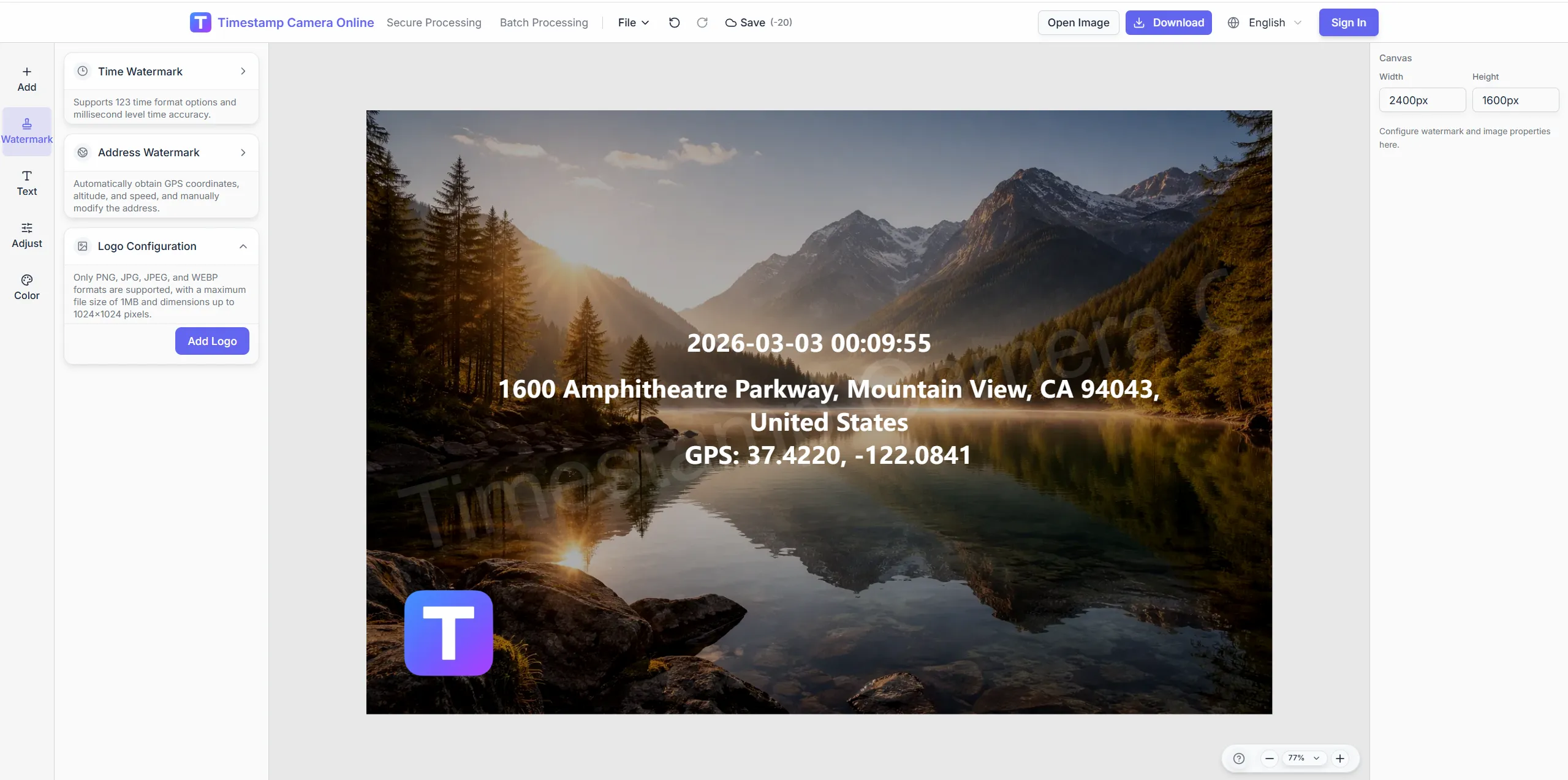
Add official marks on integrity files.
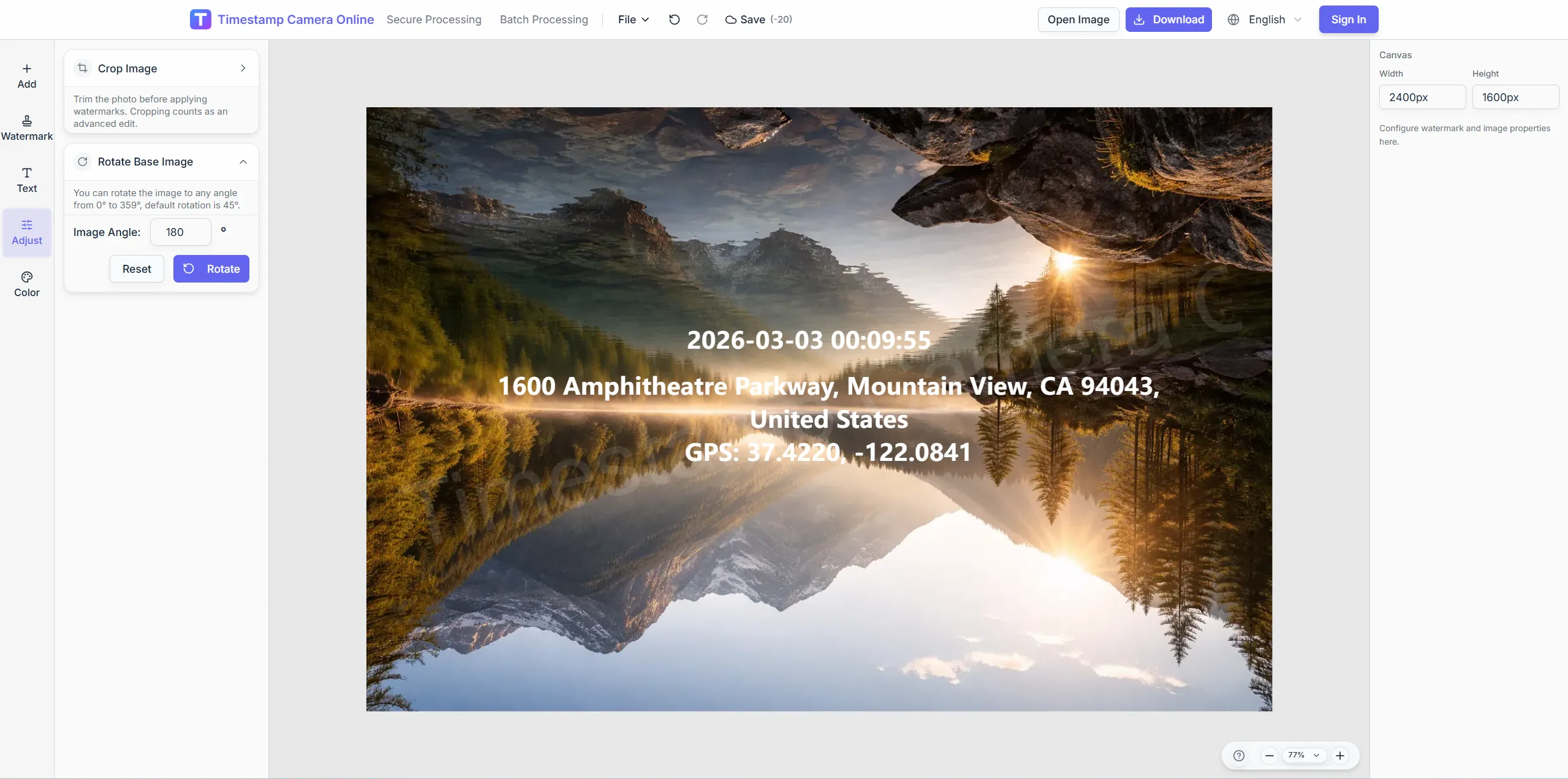
Cover name strips on visible exam folders.
Stamp room number, start time, and hall view for registrar archives.
Import JPG, PNG, or HEIC.
Configure layers for this scenario.
Confirm reviewers can read at a glance.
Download or refine in the editor.
Exam monitoring records often connect with accreditation audits, verified sessions, research logs, staff check-ins, campus branding, and session timestamps.
Keep exam-room photos aligned with accreditation or internal audit fields.
View scenario
Add proof marks when session photos need stronger review context.
View scenario
Connect exam or study images to observations, samples, or session notes.
View scenario
Confirm proctor or staff presence with visible time and location context.
View scenario
Prepare campus-branded records for departments, portals, or external review.
View scenario
Show session time directly on room, seating, and supervision photos.
View scenario
Stamp room number, start time, and hall view for registrar archives.
Local browser editing—originals not uploaded.
Visible layers beat EXIF-only for non-technical reviewers.
Templates and batch watermark suit recurring field work.
Not blockchain proof; social shares may lack GPS.
Campus and exam teams describe how timestamped room records support accreditation, integrity review, and handoff clarity.
Texas community college proctors export hall photos our registrar accepts without reformatting. Room ID overlays stopped mix-ups between parallel sessions in Building C. Integrity files archive before scores release on schedule.
Dr. Margaret Cole · Registrar, Houston TX
Exam coordinators in Columbus stamp start times on seating photos for accreditation visits. Low-light hall shots stay readable after quick exposure tweaks. External reviewers praised consistent crest placement on sample exports.
James Liu · Exam coordinator, Columbus OH
Dean of students office in Madison redacts faces on integrity samples before sharing with accreditors. FERPA-safe exports kept our last review clean. Multi-campus templates differ only in room prefix text.
Dr. Amy Schultz · Dean of students, Madison WI
Pick upstream/downstream links for this scenario.
Answers about session timestamps, room ID templates, student-privacy redaction, and multi-campus exam documentation workflows.
Add logos, colors, and fixed text blocks per institution guidelines.
Follow your policy; blur faces when photos are for room setup only.
Save location-specific templates with shared timestamp placement.
Capture on device; upload and stamp when connectivity returns.
Redact student faces and exam content before export.
Align room ID lines with seating charts.
Exam page focuses on room and start time; compliance is broader.
Browser workflow works; use a fixed template.
Adjust color before placing the time block.
Follow school policy; the tool does not enforce retention.
Upload room photos and apply your institution template.