Can we tag by WBS codes?
Custom text fields support WBS, sprint, or cost code labels on photos.
Free trial · Add time, location, and proof overlays in your browser
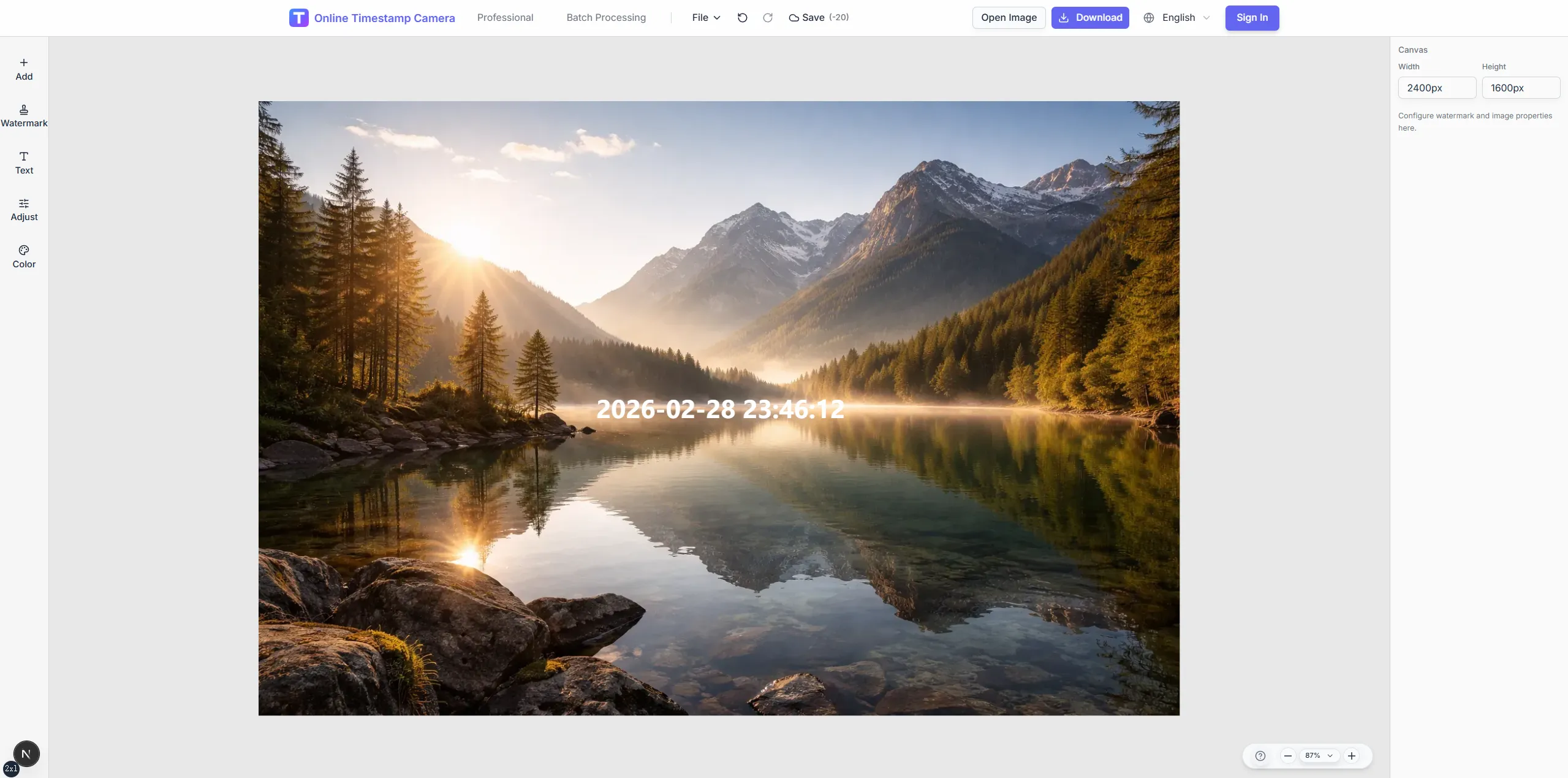
Label milestone photos with dates, site IDs, and phase tags so timelines stay readable from kickoff to closeout. Batch templates keep weekly updates uniform.
Sep 30, 2024 · Monday
10:05:38
Chicago, IL · 41.8781°N, 87.6298°W
Turn recurring site photos into a coherent archive by locking overlay placement and naming conventions.
Show floor, wing, or sprint identifiers on each capture.
Reuse templates for standing progress meetings.
Keep timestamp position stable for comparison shots.
Download sets sized for slides or owner portals.
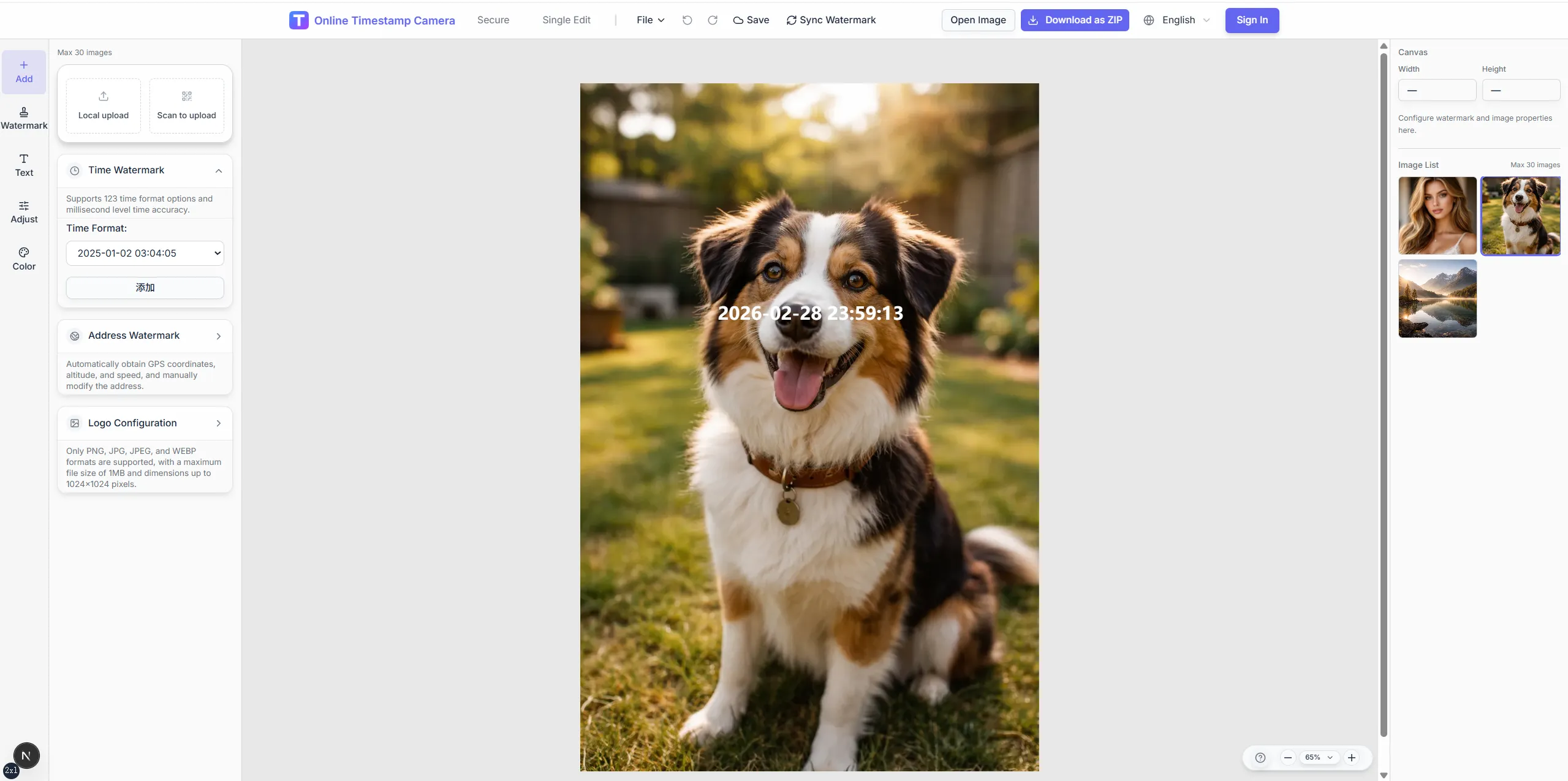

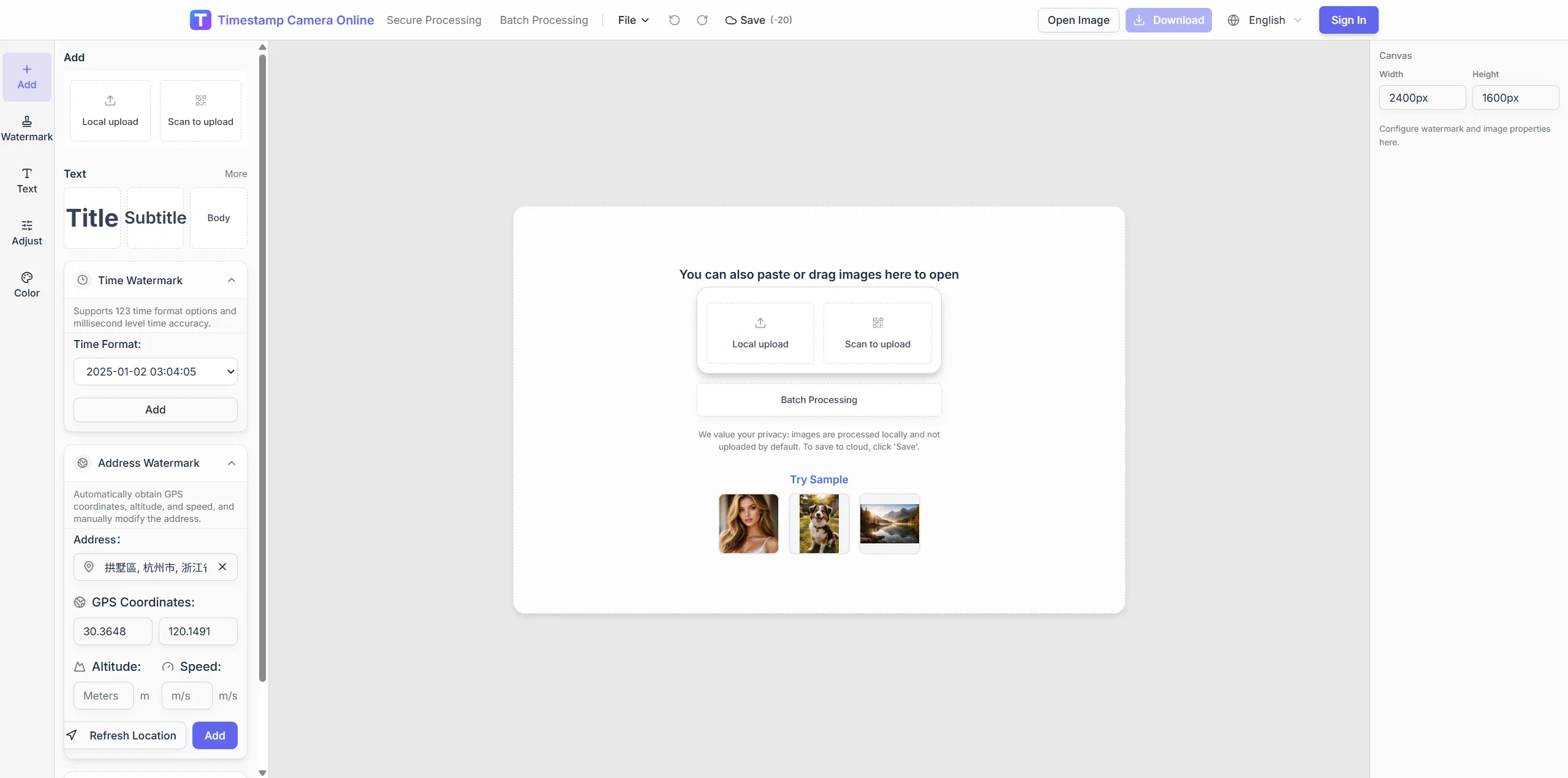
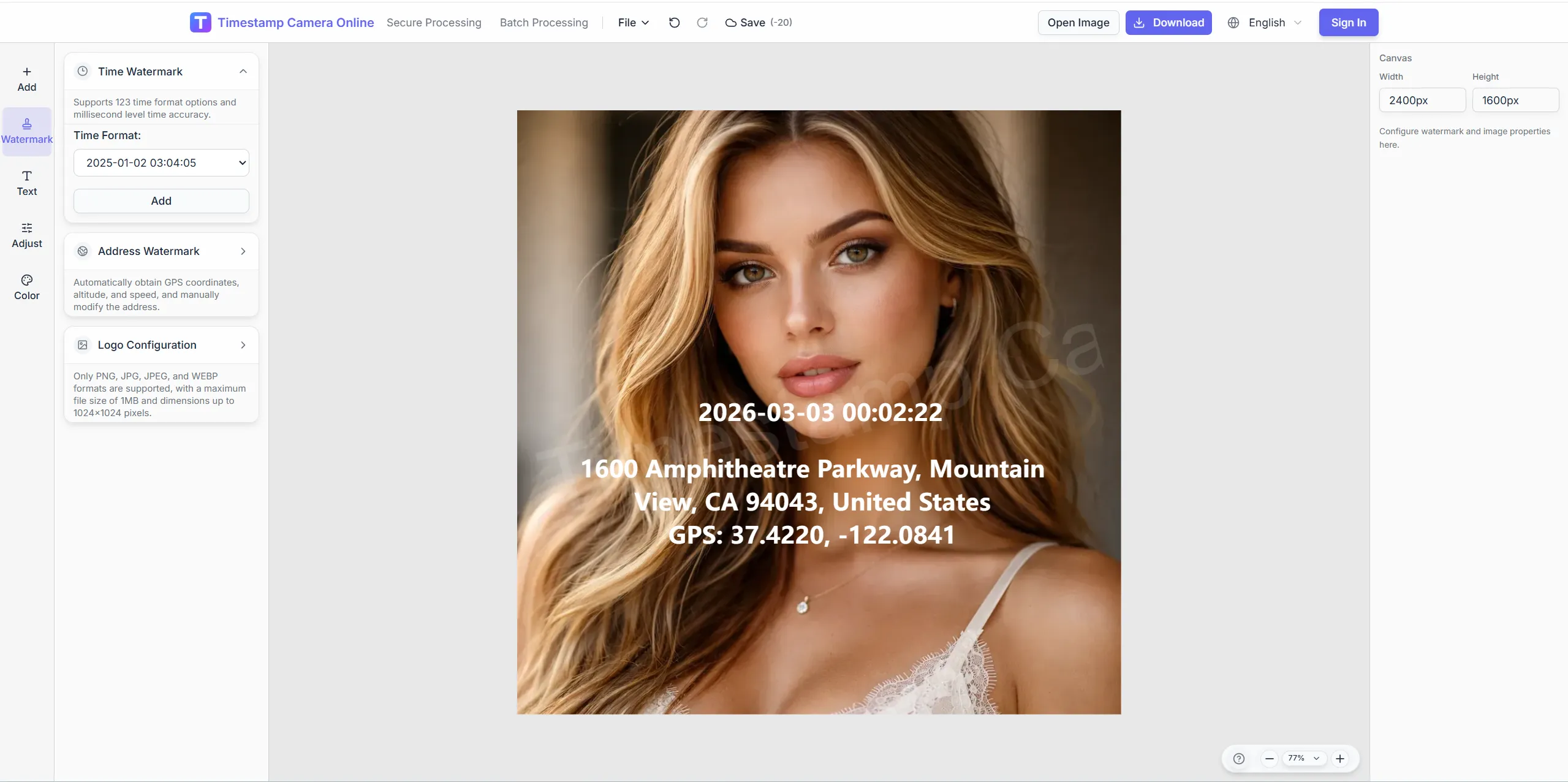
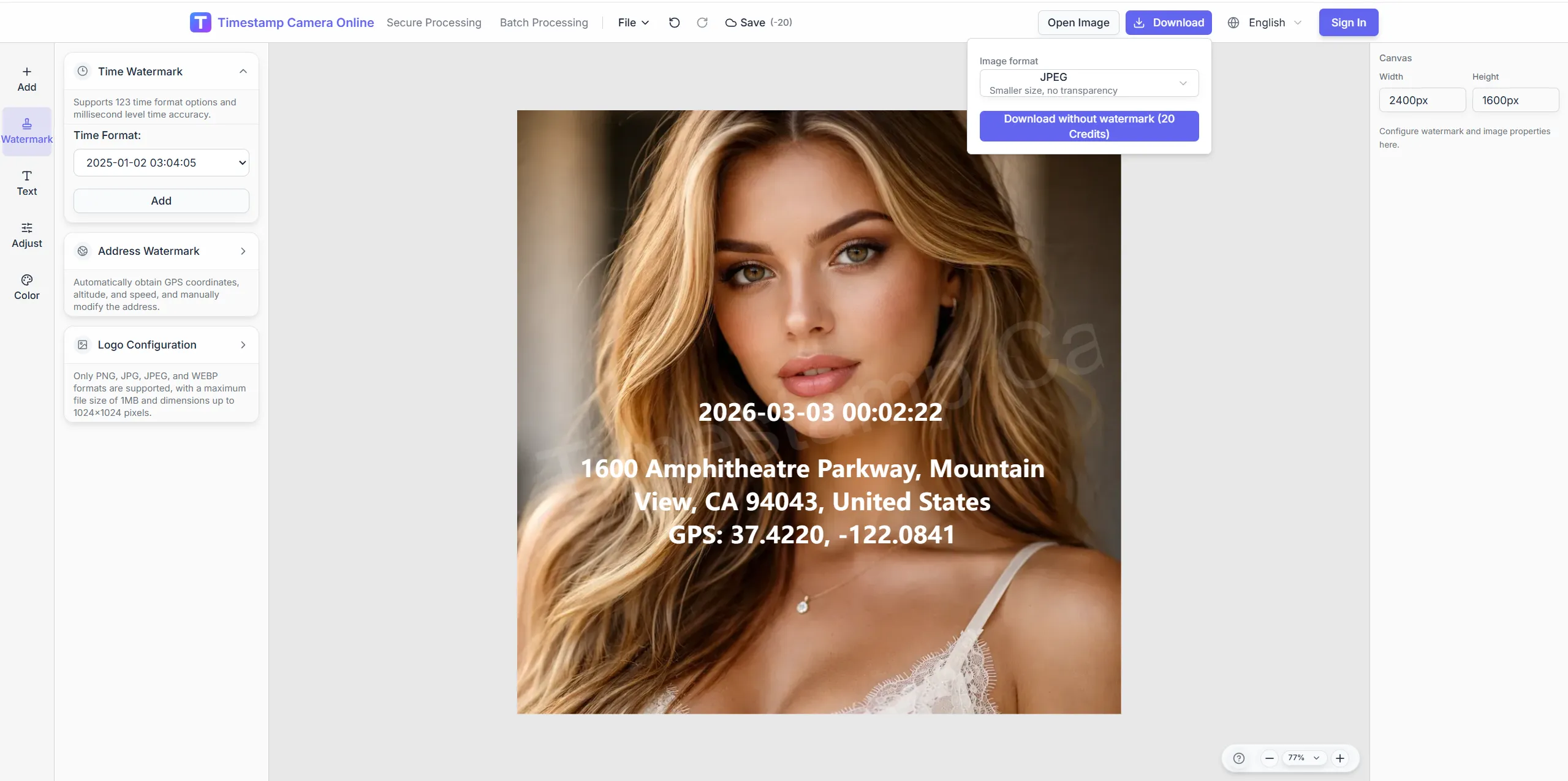
Build a repeatable weekly capture flow so milestone photos stay comparable across the whole project.
Match weekly framing, adjust tone on unfinished interiors, and add owner marks for slide-ready milestone exports.
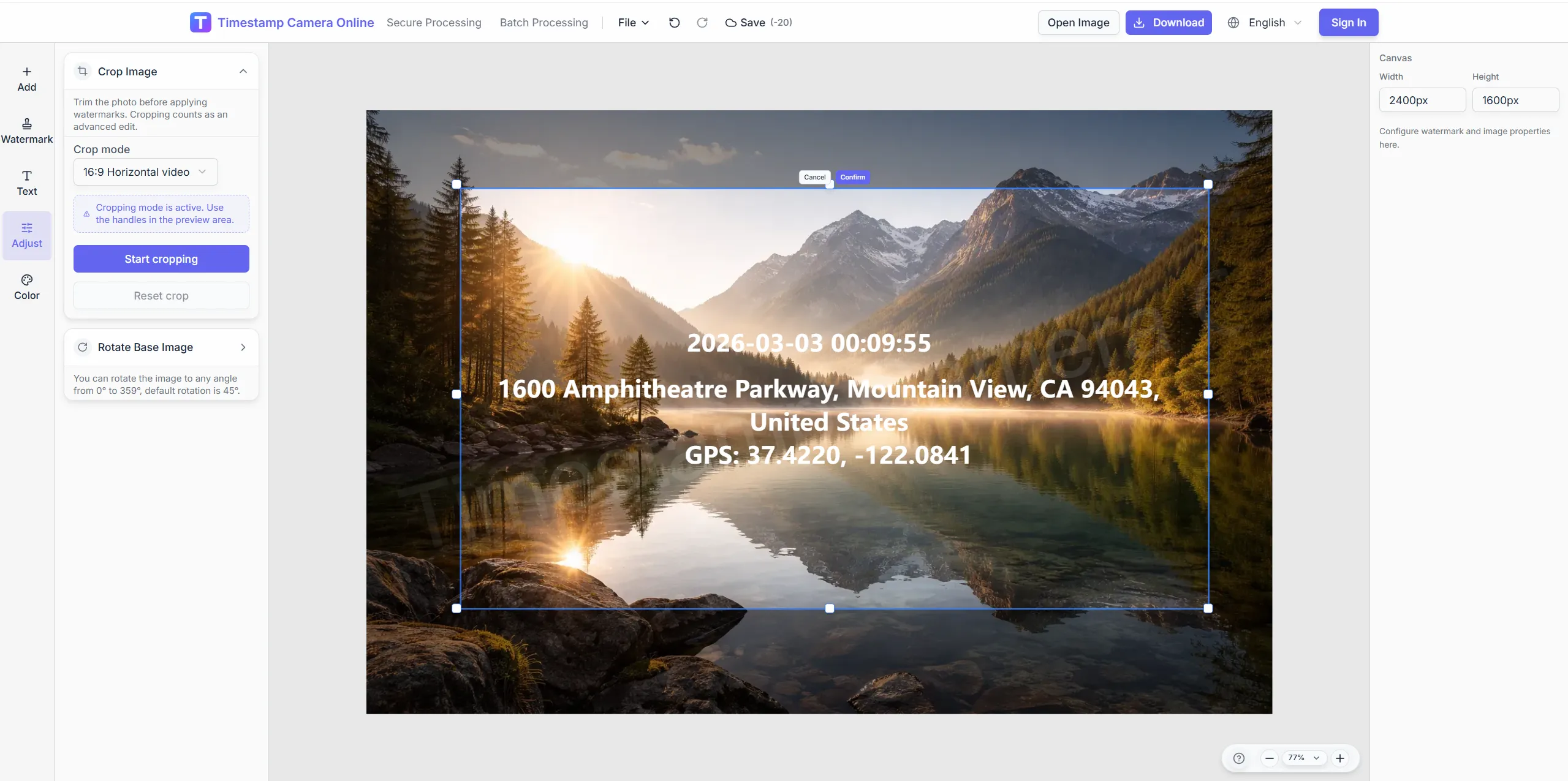
Use crop guides for comparable progress angles.
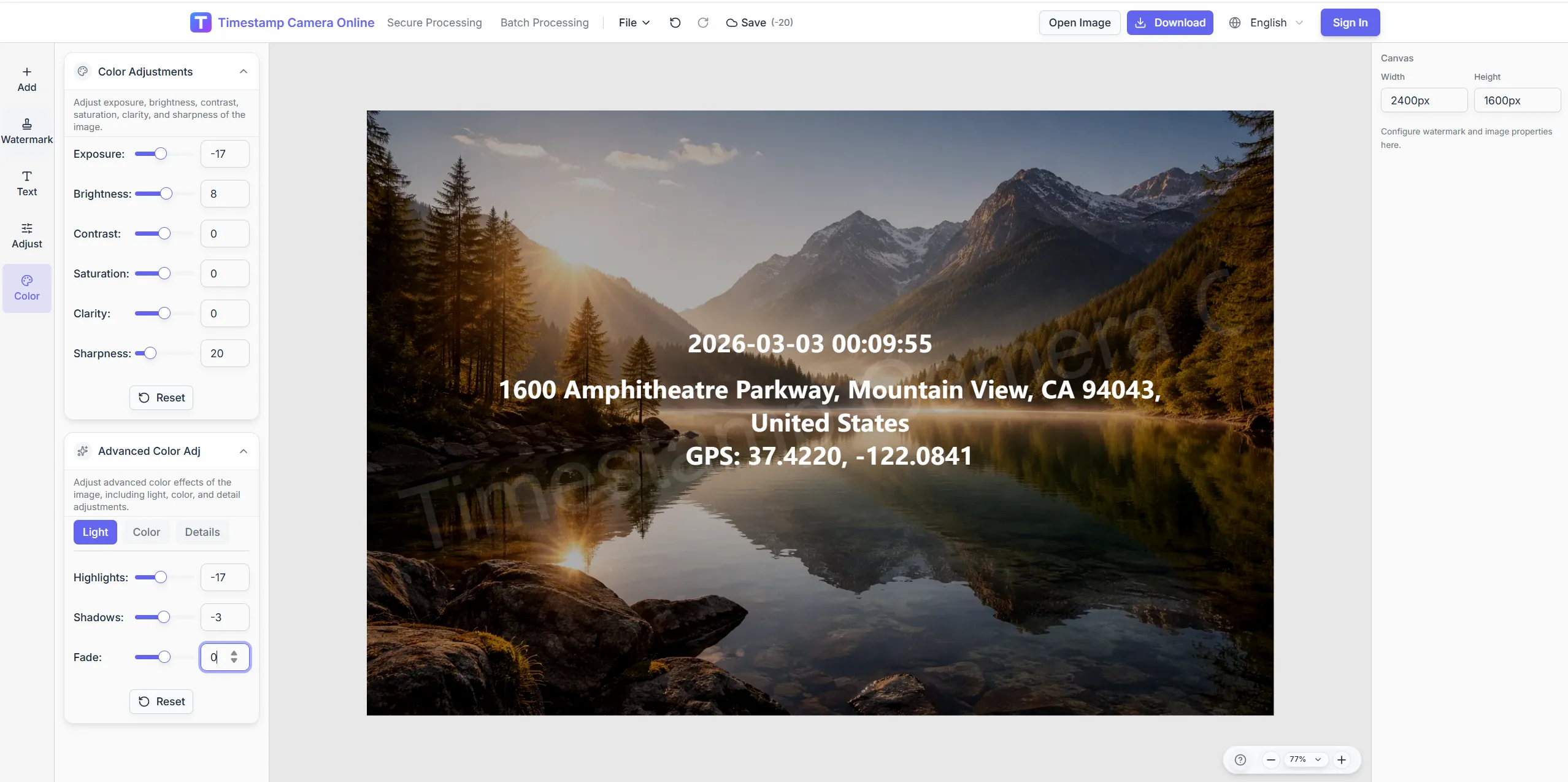
Adjust tone on unfinished building shots.
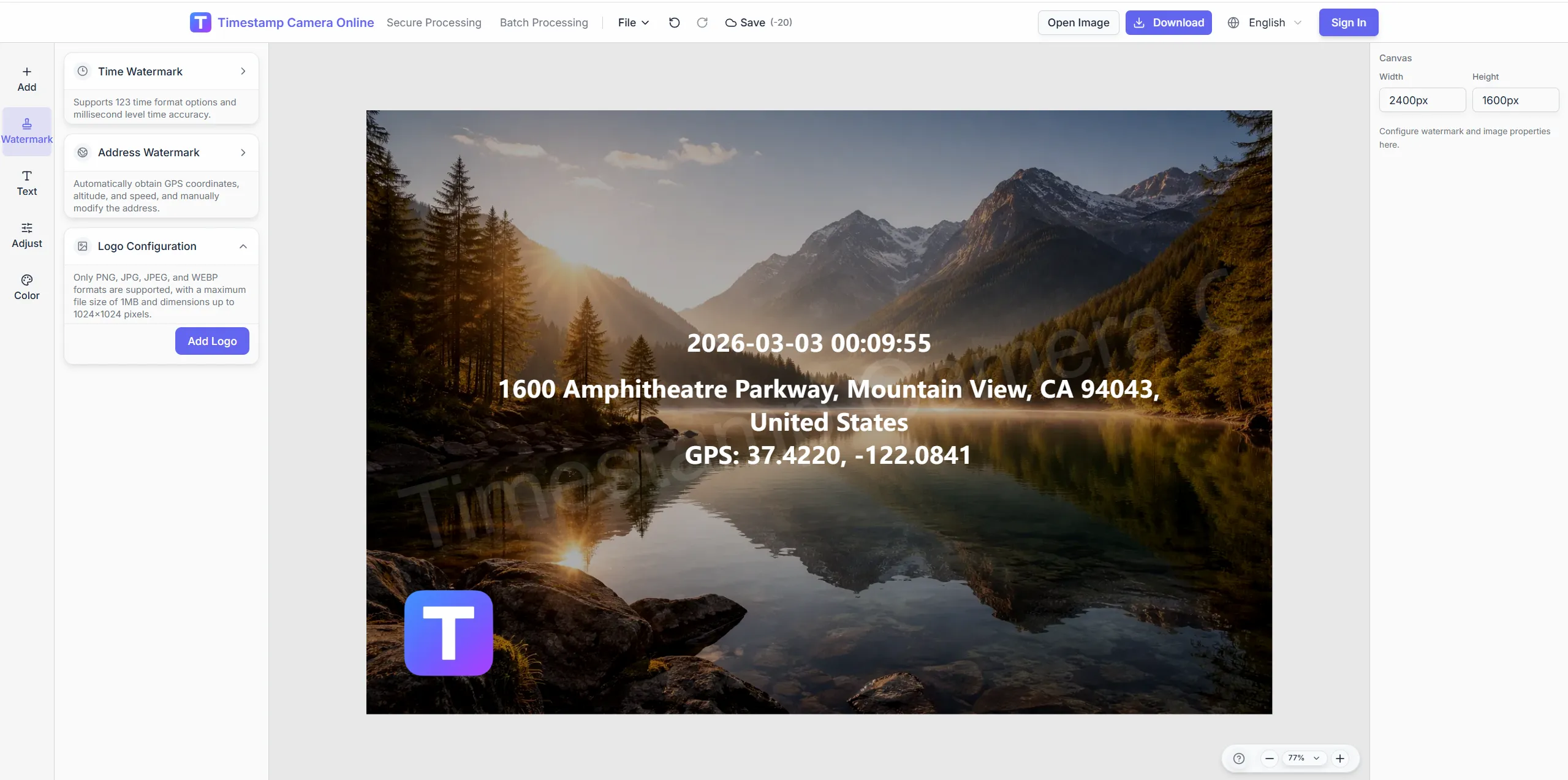
Add client marks on formal progress decks.
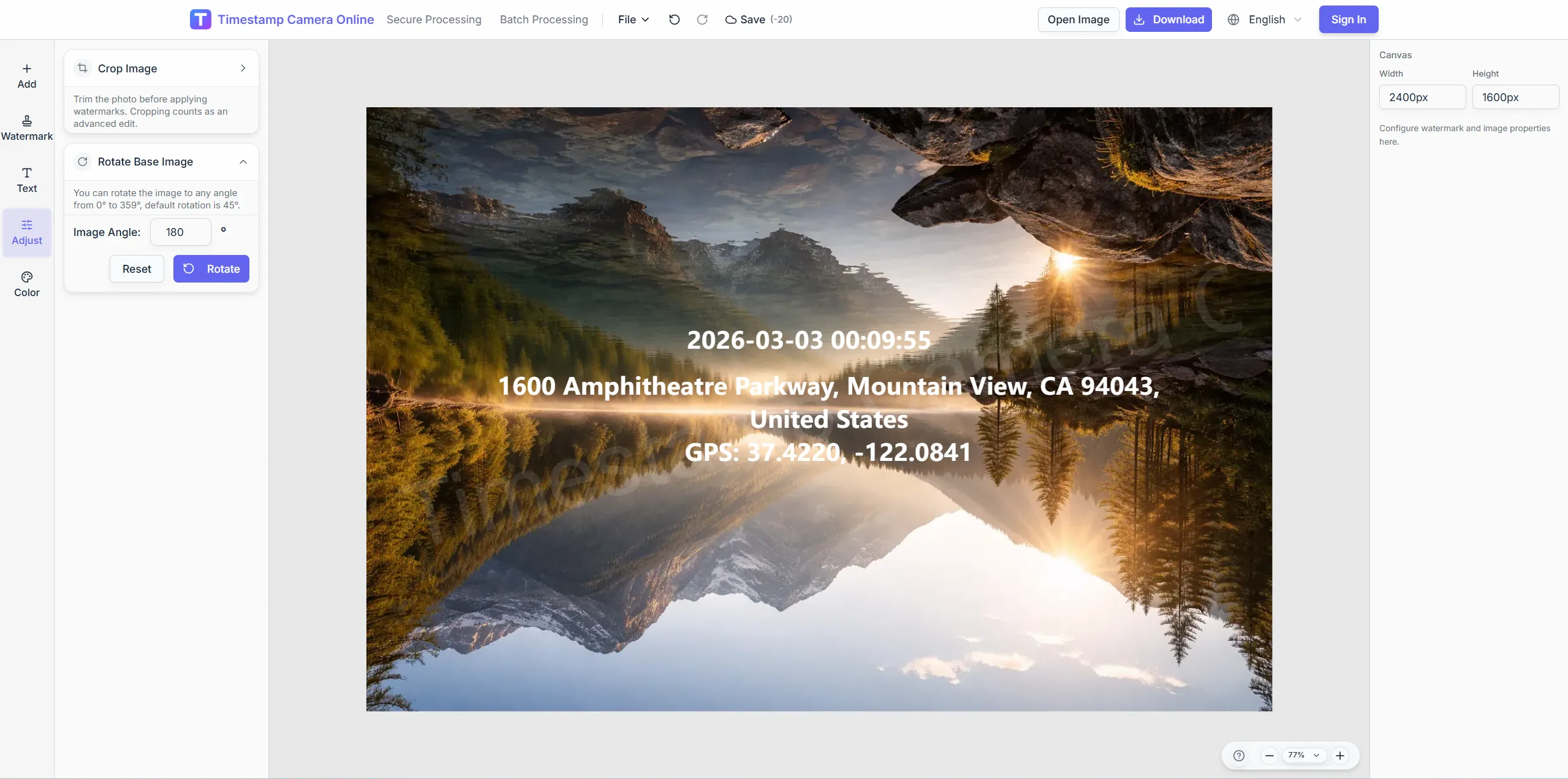
Mask competitive branding when required.
Unify phase tags and dates on milestone photos for timelines.
Import JPG, PNG, or HEIC.
Configure layers for this scenario.
Confirm reviewers can read at a glance.
Download or refine in the editor.
Progress archives connect inspection logs, dated milestones, compliance records, remote updates, research phases, and client-ready reports.
Add inspection context when progress photos need site conditions explained.
View scenario
Keep capture time visible across weekly or monthly milestone sets.
View scenario
Align milestone photos with audit fields for internal or owner review.
View scenario
Make distributed progress updates easy to compare across locations.
View scenario
Tie research or testing phases back to dated visual evidence.
View scenario
Package progress archives as client-ready branded reports.
View scenario
Unify phase tags and dates on milestone photos for timelines.
Local browser editing—originals not uploaded.
Visible layers beat EXIF-only for non-technical reviewers.
Templates and batch watermark suit recurring field work.
Not blockchain proof; social shares may lack GPS.
Project teams explain how dated, consistent progress photos make weekly reporting and long-term archives easier to scan.
Charlotte investor decks pull from a progress archive where phase tags never drift corner to corner. Superintendents batch-label four hundred weekly photos before lunch on Fridays. Handoffs between concrete and MEP cite the same milestone labels.
Sarah Mitchell · Development director, Charlotte NC
Our Phoenix PMO compares tower photos side by side because framing presets stayed stable month to month. Remote supers submit through one template before the Monday standup deck. Stakeholders stopped asking which week a blurry frame belonged to.
Ben Carter · Construction PM, Phoenix AZ
Program managers in Atlanta tag WBS codes on progress shots for a transit expansion portfolio. Phase labels made trade handoffs painless during the last owner walk. Export sizes fit PowerPoint without extra cropping work.
Olivia Reese · Program manager, Atlanta GA
Pick upstream/downstream links for this scenario.
Answers about WBS tags, phase labels, presentation export sizes, and keeping progress photos comparable across reporting periods.
Custom text fields support WBS, sprint, or cost code labels on photos.
Save crop presets and overlay positions as reusable templates.
Download JPG or PNG at sizes suitable for slide decks.
Maintain separate templates per job number or portfolio.
Archive tracks milestones; inspection tracks daily defects.
Fix crop ratio and time corner in the template.
Weekly exports with the same corner stamp work well.
Write trade name in the phase tag line.
Sort folders by tag to compare side by side.
Apply templates to older images in batch.
Upload milestone photos and label your timeline.