Upload a photo to review its shooting location online and reverse-geocode a readable address. Review full capture details, analyze up to 100 photos in a batch, export Excel, and write labeled shooting info to the image in one click.
Location read
GPS
Location read
In your browser
Online
In your browser
Capture details
Full
Capture details
Upload photos to review location online
Upload one or many photos (up to 100). Read shooting location and details from the image, reverse-geocode addresses, preview results, export Excel, or write watermarks.
Drag, paste, or click to upload
JPG, PNG, HEIC and other common formats up to 8MB each, 100 files per batch. Original files work best.
Photo analysis runs locally in your browser. The original image is not uploaded. Only coordinates are sent for address lookup.
Key capabilities
Online shooting location and capture details
Upload a photo to review where it was taken and check the related capture information on one page.
Local browser analysis
Photos are parsed on your device without uploading the original file.
Address, coordinates, and camera details together
See capture time, address, latitude/longitude, altitude, device, ISO/aperture/shutter/focal length, dimensions, and software.
Large preview plus sortable table
Zoom the preview, switch photos from the table, and open coordinates in OpenStreetMap.
Clear fallback for photos without coordinates
When coordinates are not readable, the page explains likely causes and lets you open the image in the editor to add a location watermark manually.
From location to export to watermark
Works for one photo or a full batch of field and inspection images.
Upload one photo or up to 100 at once
Drag, paste, or click to upload. Shooting location is read from the image and addresses are reverse-geocoded.
Verify address, coordinates, and details in the preview
The latest upload is shown by default, and any table thumbnail can be selected for review.
Export Excel summaries (login and credits required)
Download the analyzed table for archiving, audits, and team sharing.
Write labeled shooting info to the photo in one click
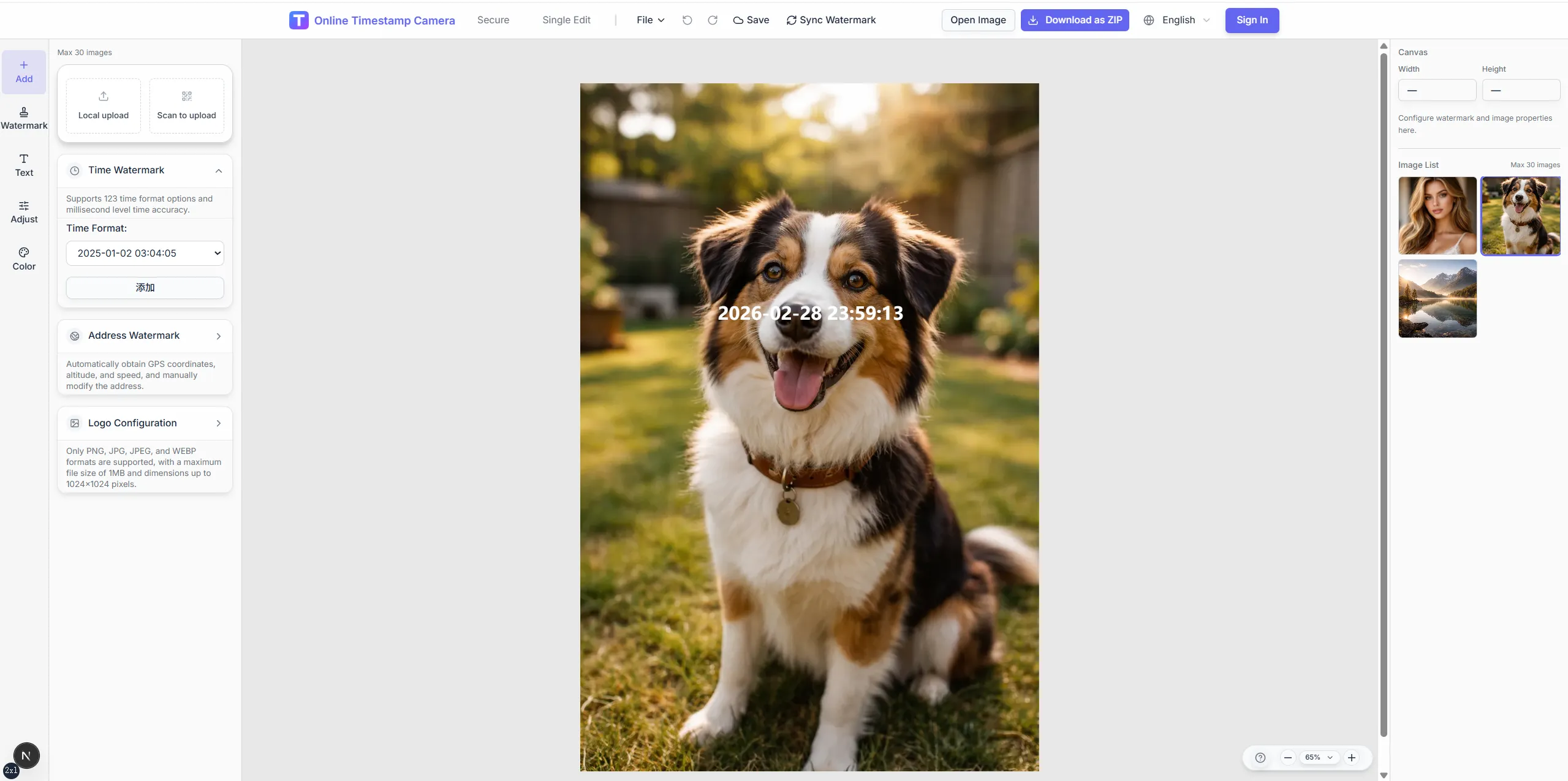
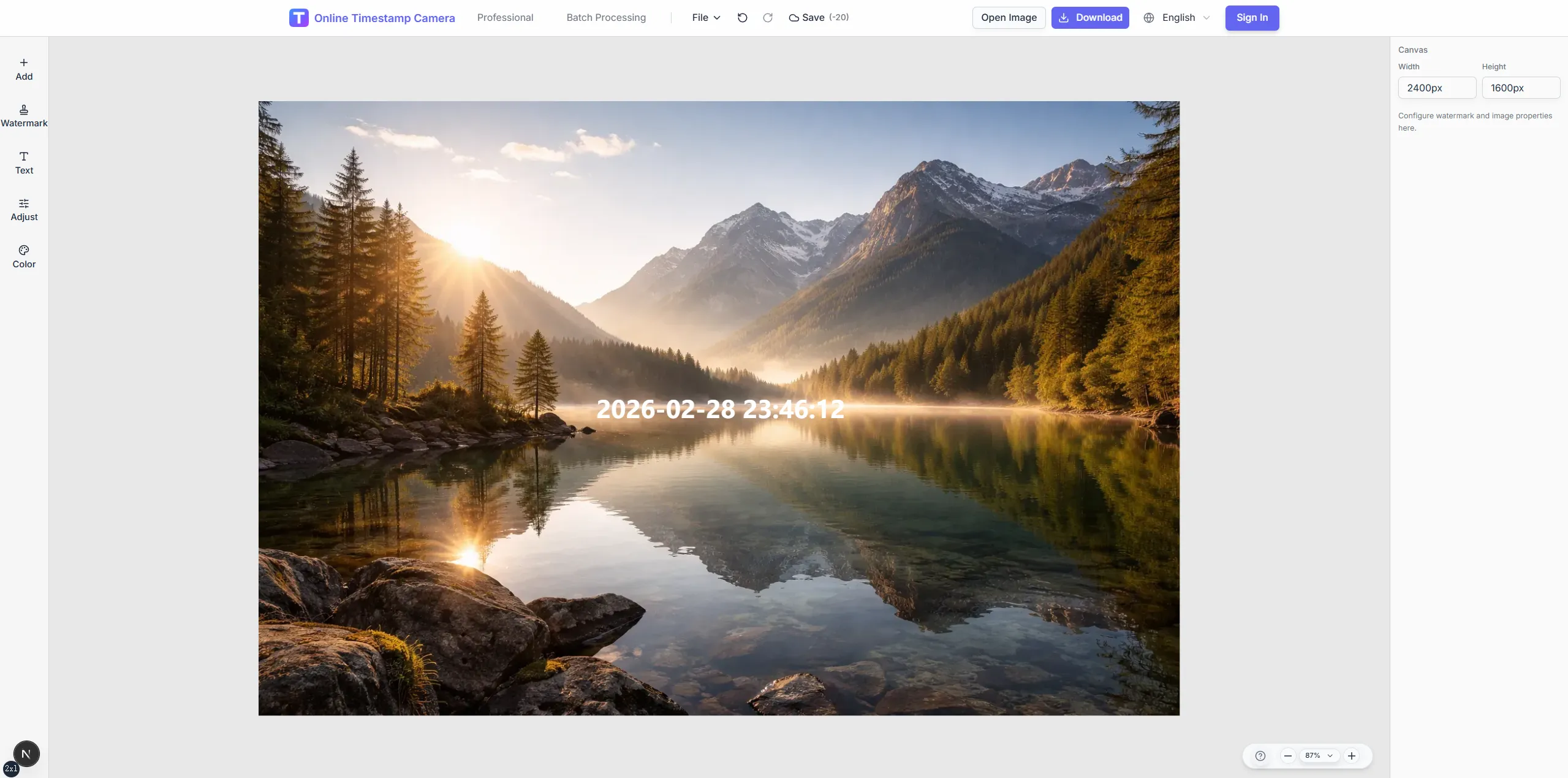
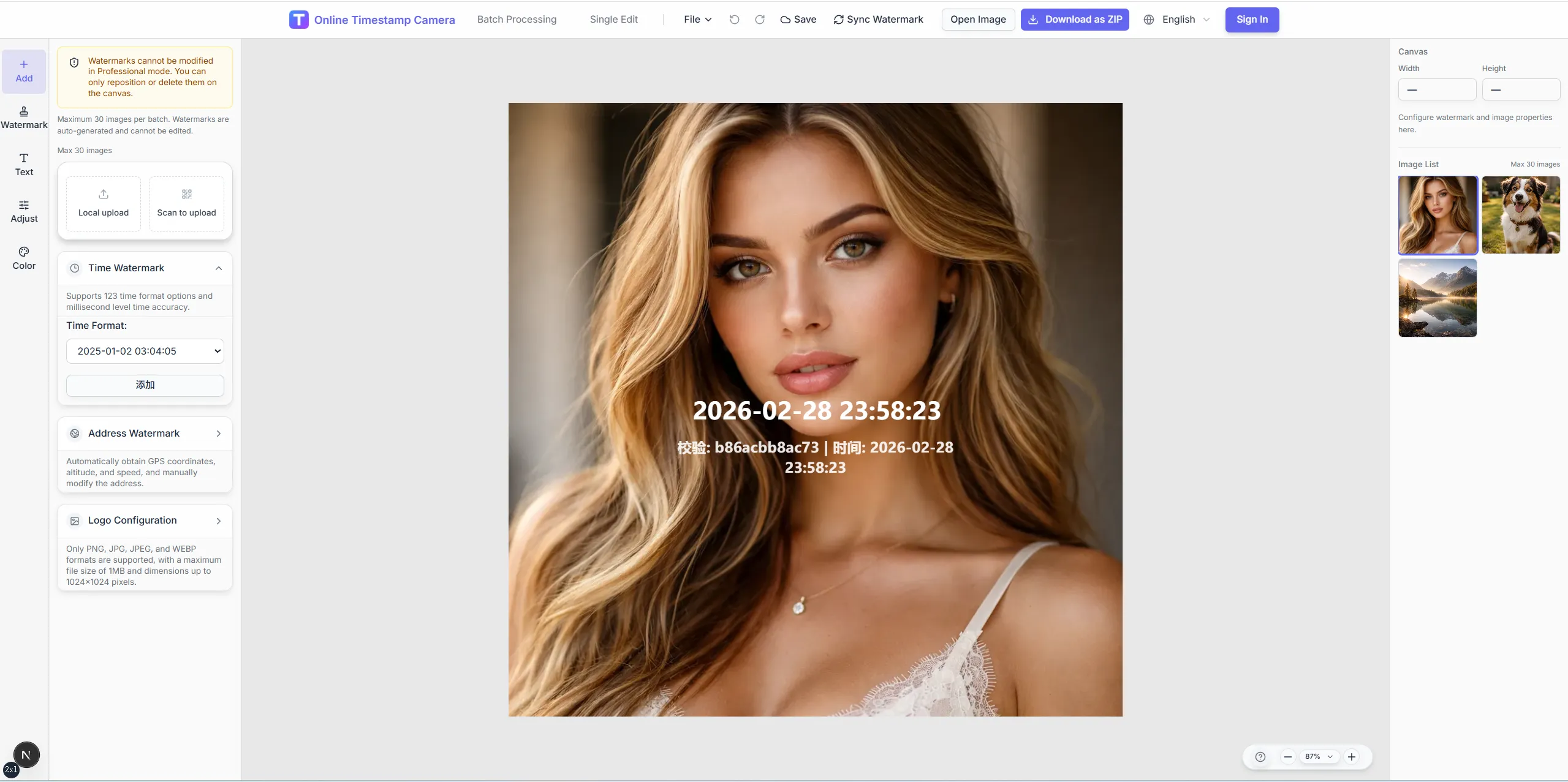
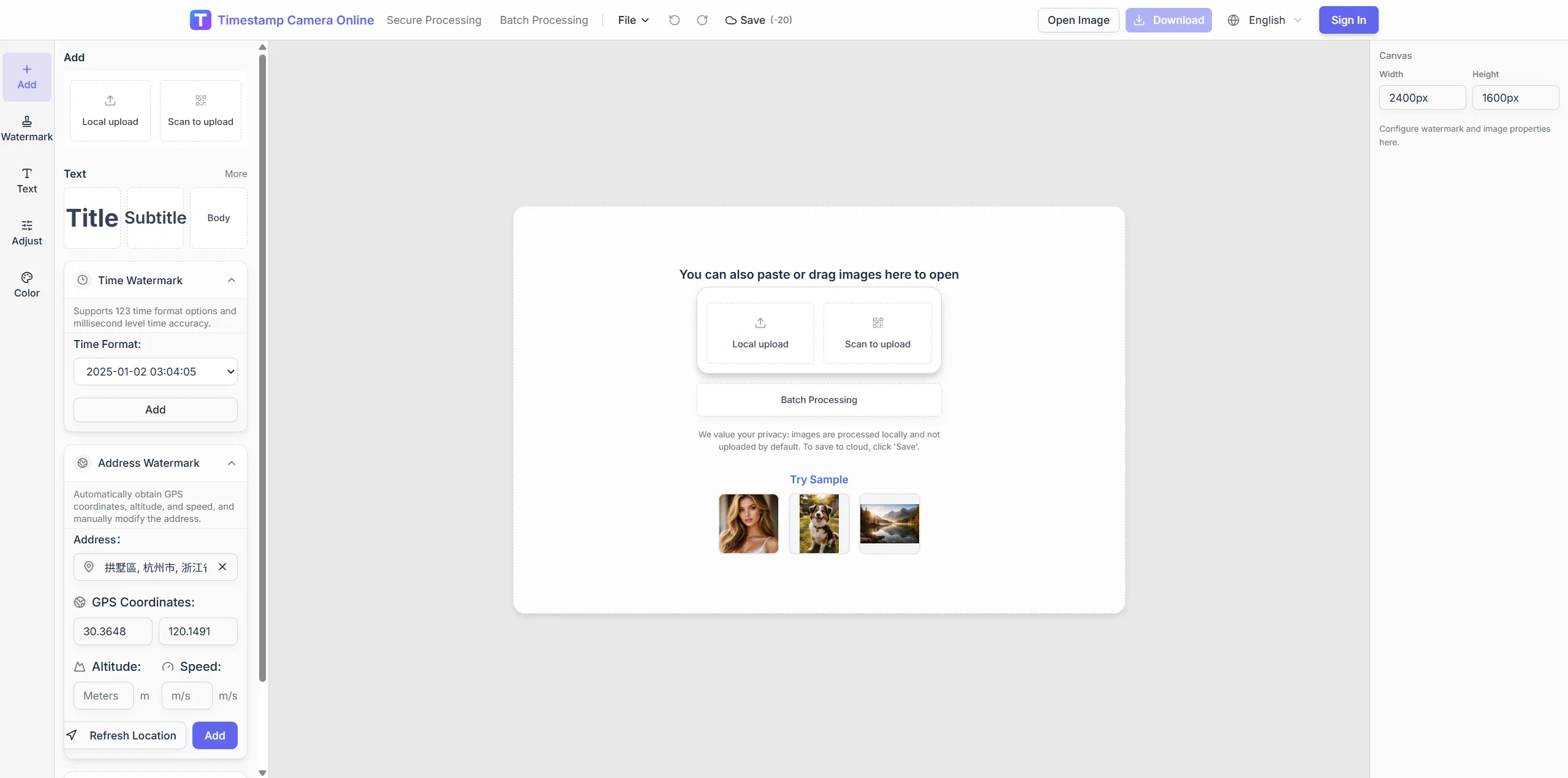
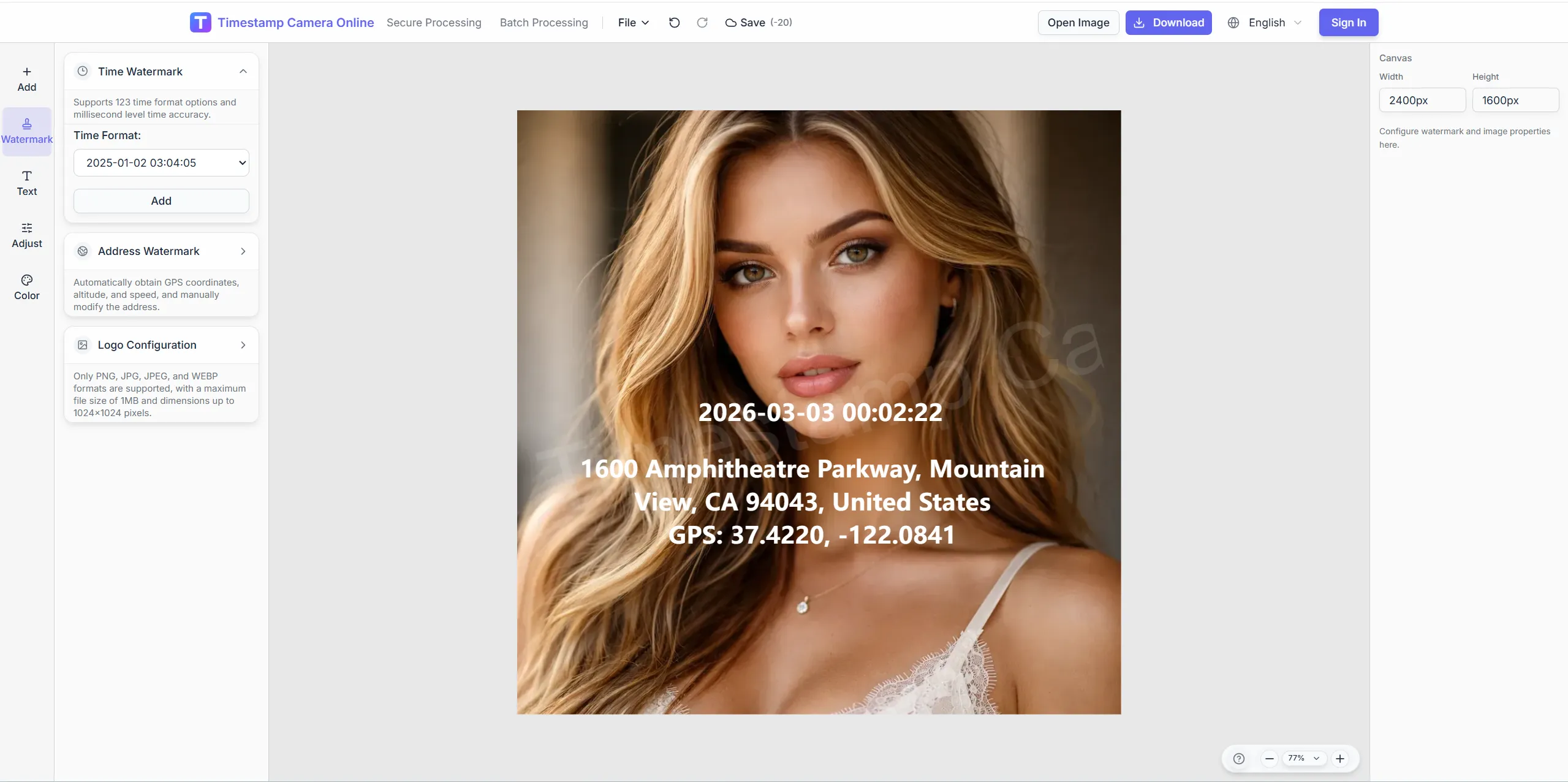
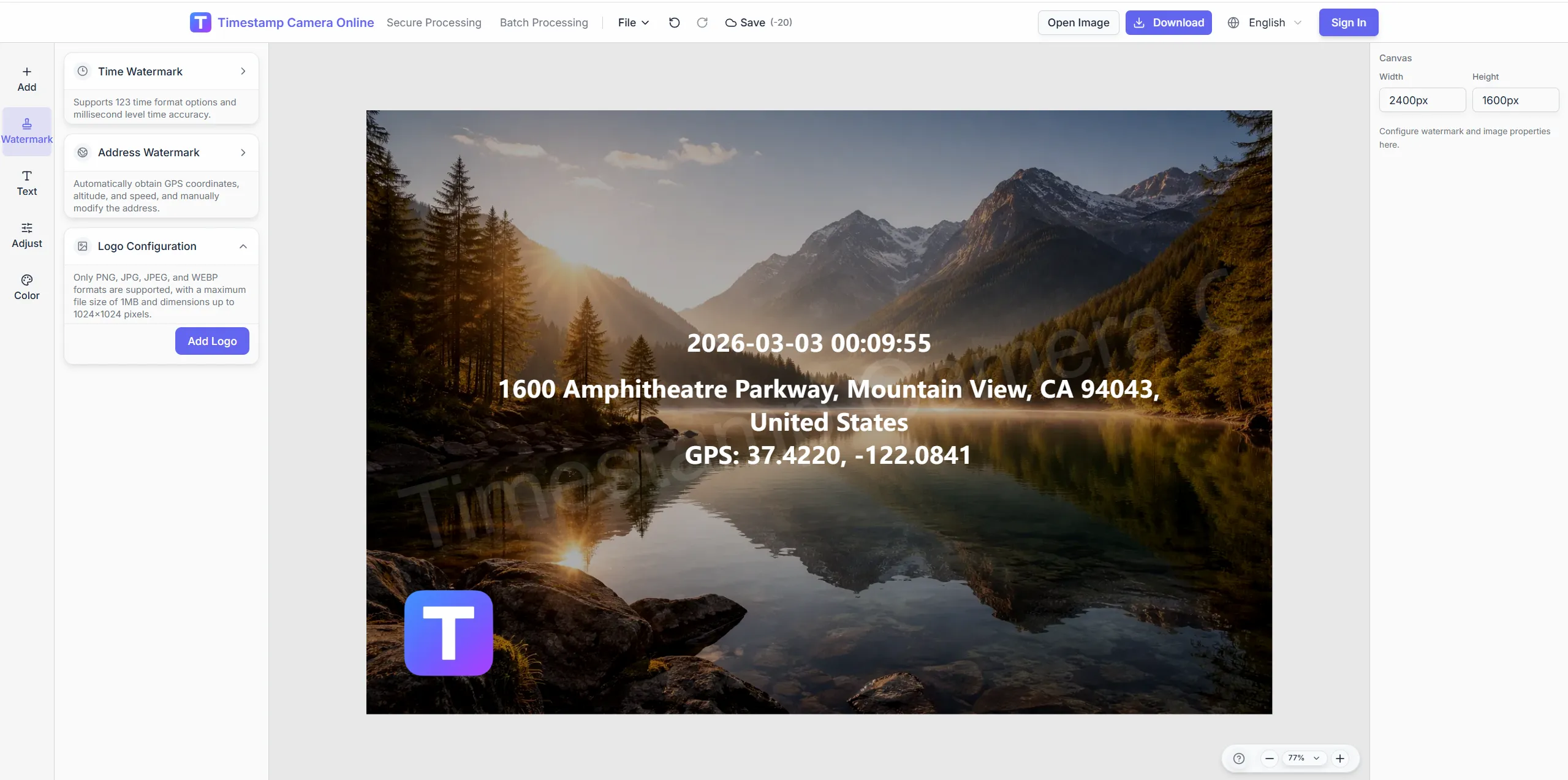
Open the editor with localized labels for time, address, coordinates, device, camera settings, dimensions, and software.
Tips for better results
Use originals, avoid social compression, and enable location when shooting.
Upload the original file
Pick the photo directly from your gallery or file manager instead of a chat-compressed copy.
Enable location when shooting
Photos are easier to locate accurately when location services are enabled on your phone or camera.
Review before watermarking
Confirm the address and capture details in the preview, then write the labeled metadata watermark.
Use Excel for batches
Analyze many field photos at once, then export Excel or watermark them one by one.
Four steps for photo location analysis
Read capture coordinates and EXIF, then write visible watermarks or export Excel.
1
Upload photos to analyze
Up to 8MB each, 100 per batch—JPG, PNG, or HEIC.
2
Review coordinates and capture details
Read GPS, time, device, and camera fields; reverse-geocode addresses.
3
Preview map and table results
Compare batch rows and preview full-size images.
4
Write watermarks or export Excel
Send shooting info to the editor or export a spreadsheet.
Related scenarios
For teams that need shooting location verification, photo detail review, and timestamp or location watermarks.
Originals stay on-device; only coordinates go out for geocoding.
When to use
Trip review, field verification, batch sorting untitled photos.
Editor handoff
Jump to the editor to burn visible location lines after analysis.
Failure boundaries
Screenshots, social compressions, or shots without location may lack GPS.
What teams say
How field and inspection teams combine online photo location, batch review, and watermarking.
4.9
We used to inspect photo details manually and copy coordinates into spreadsheets. Now we batch-upload and get addresses and device info quickly, then export Excel or watermark in one flow.
James Okafor · Project engineer, Charlotte NC
4.8
Compressed screenshots still fail, but on-site phone originals and camera files work well. After checking the preview, one click writes the labeled watermark.
Laura Mendez · Field supervisor, Miami FL
5.0
For travel posts I analyze the shooting location first, then write capture time, city, and coordinates into the watermark so readers know exactly where the photo was taken.
Emma Laurent · Travel creator, Moab UT
Related location workflows
After analysis, write overlays or open scenario pages.
Online photo location, visible fields, export, and editor handoff explained.
What information can this tool analyze?
For photos with identifiable location data, it can show capture time, reverse-geocoded address, latitude/longitude, altitude, device model, ISO, aperture, shutter speed, focal length, image dimensions, and software. If location cannot be identified, the page explains why and still shows other available capture details.
Why can’t some images be located?
Screenshots, social shares, and edited exports often lack usable location data. Upload camera or phone originals and enable location when shooting.
Is my image uploaded to a server?
Photo analysis runs locally in your browser. The original image is not uploaded. Only coordinates are sent for address lookup.
What does Write shooting info on photo add?
It opens the timestamp camera editor and writes labeled lines for capture time, address, coordinates, device, camera settings, dimensions, and software using your current language. You can keep editing styles, add more overlays, and export.
How does Excel export work?
After analysis finishes, click Export to Excel to download the table results. You need to sign in, and credits are consumed for each export.
What if a photo has no location data?
Screenshots, social compressed files, or photos taken with location disabled may not contain readable coordinates. The page keeps any available capture details, and you can open the image in the editor to add an address or coordinates manually.
Must I upload originals for analysis?
No. EXIF is read locally in the browser.
What shows when GPS is missing?
Status marks no coordinates; time and device may still appear.
What columns are in Excel export?
File name, time, coordinates, address, device, and key camera fields.
Difference from the GPS scenario page?
This page analyzes EXIF first; the scenario page covers visible location overlays.
After analysis, watermark the photo
Upload a photo, review the address and capture details online, then write labeled metadata or export Excel.