Can subs use the same template?
Share saved layouts so every subcontractor exports identical inspection formats.
Free trial · Add time, location, and proof overlays in your browser
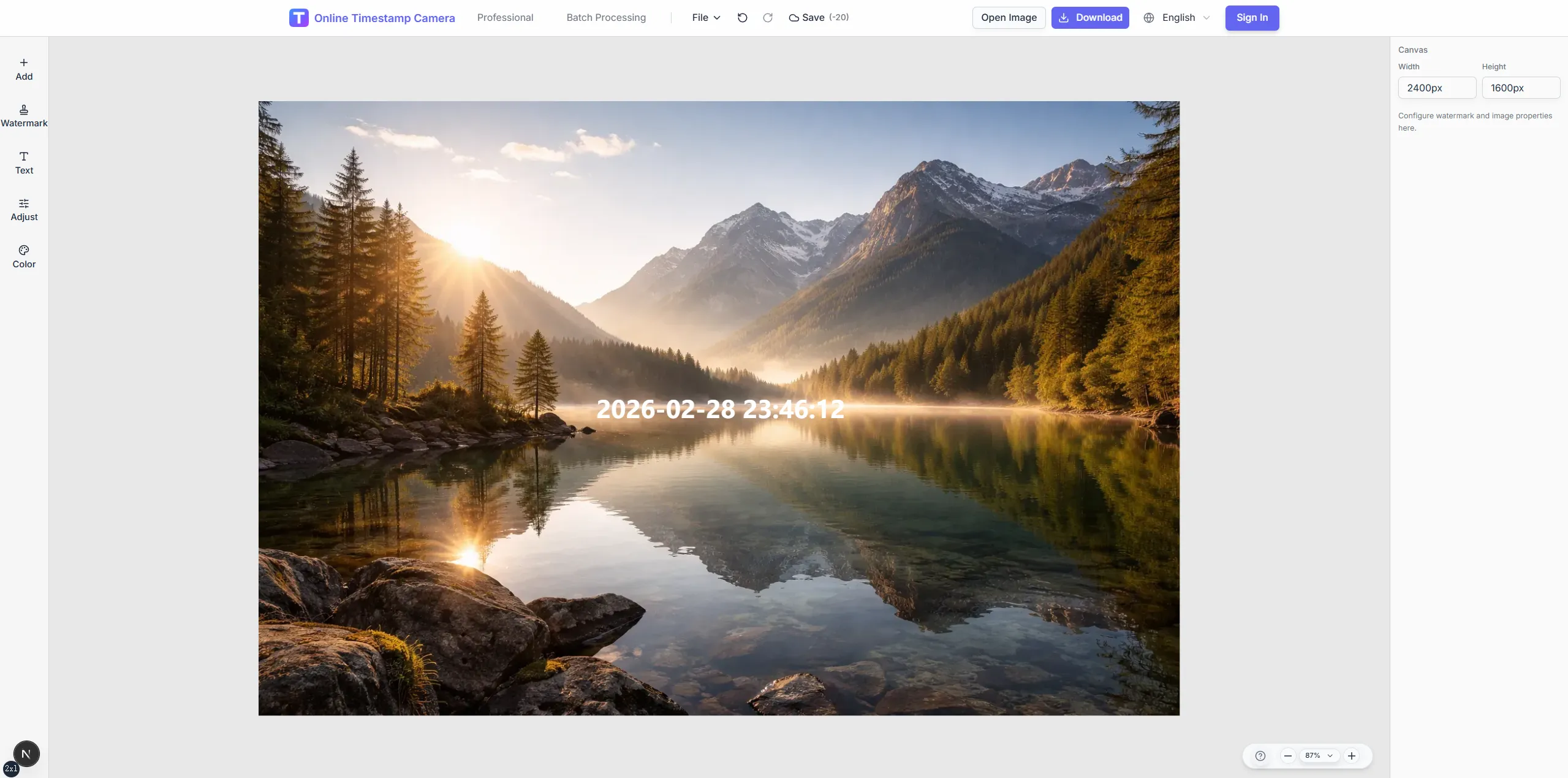
Give foremen and inspectors the same timestamp, location, and weather layout on every frame. Templates speed daily walks, punch lists, and owner reports.
Denver, CO · 39.7392°N, 104.9903°W
06:40:12
May 22, 2024 · Wednesday
Replace inconsistent phone snapshots with structured overlays that explain where and when work was observed.
Show project code, gate, and grid references on each photo.
Add weather lines when concrete pours or lifts depend on conditions.
Tie photos to sheet numbers via QR layers.
Reuse one layout for morning and closing rounds.
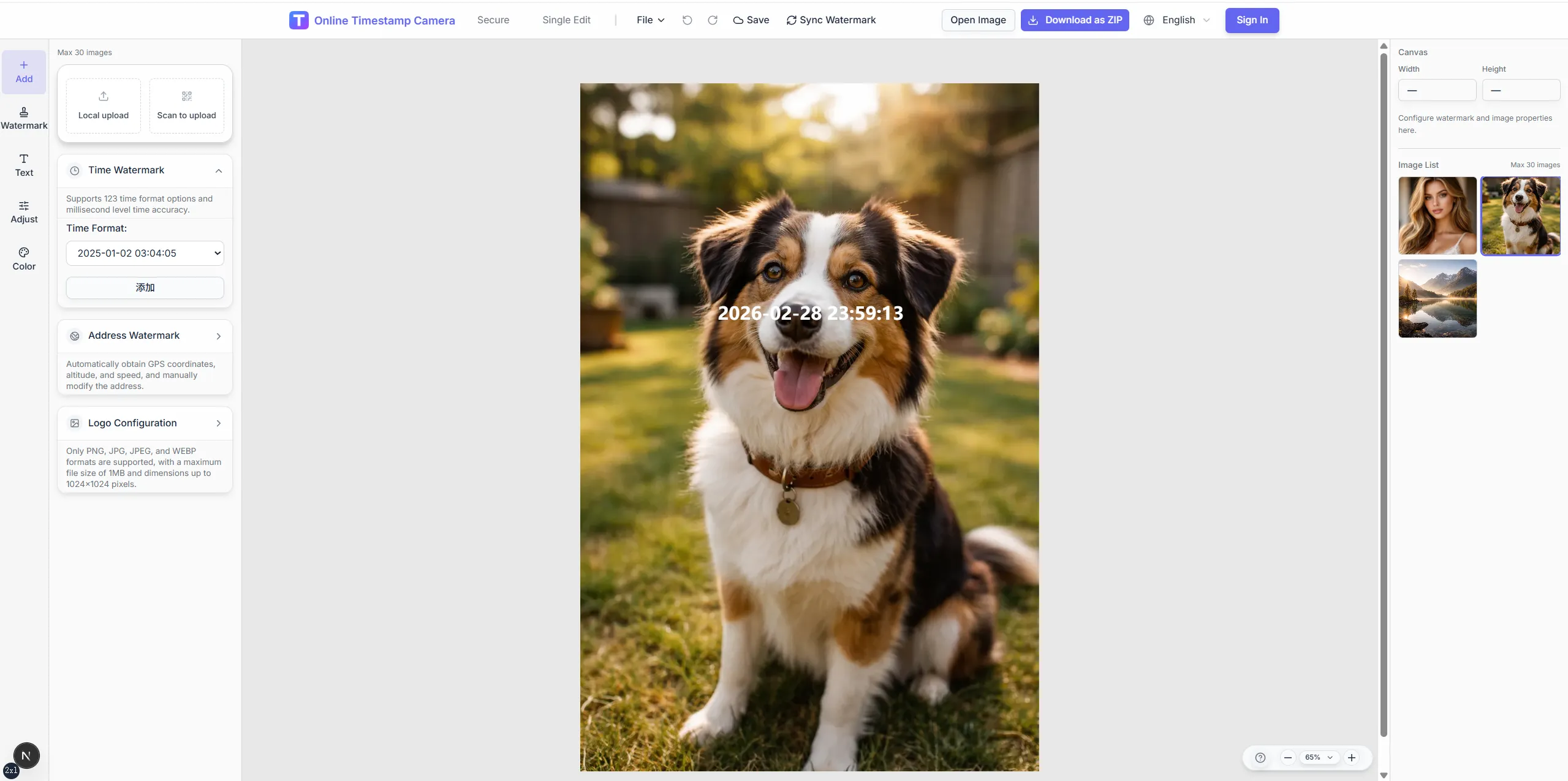

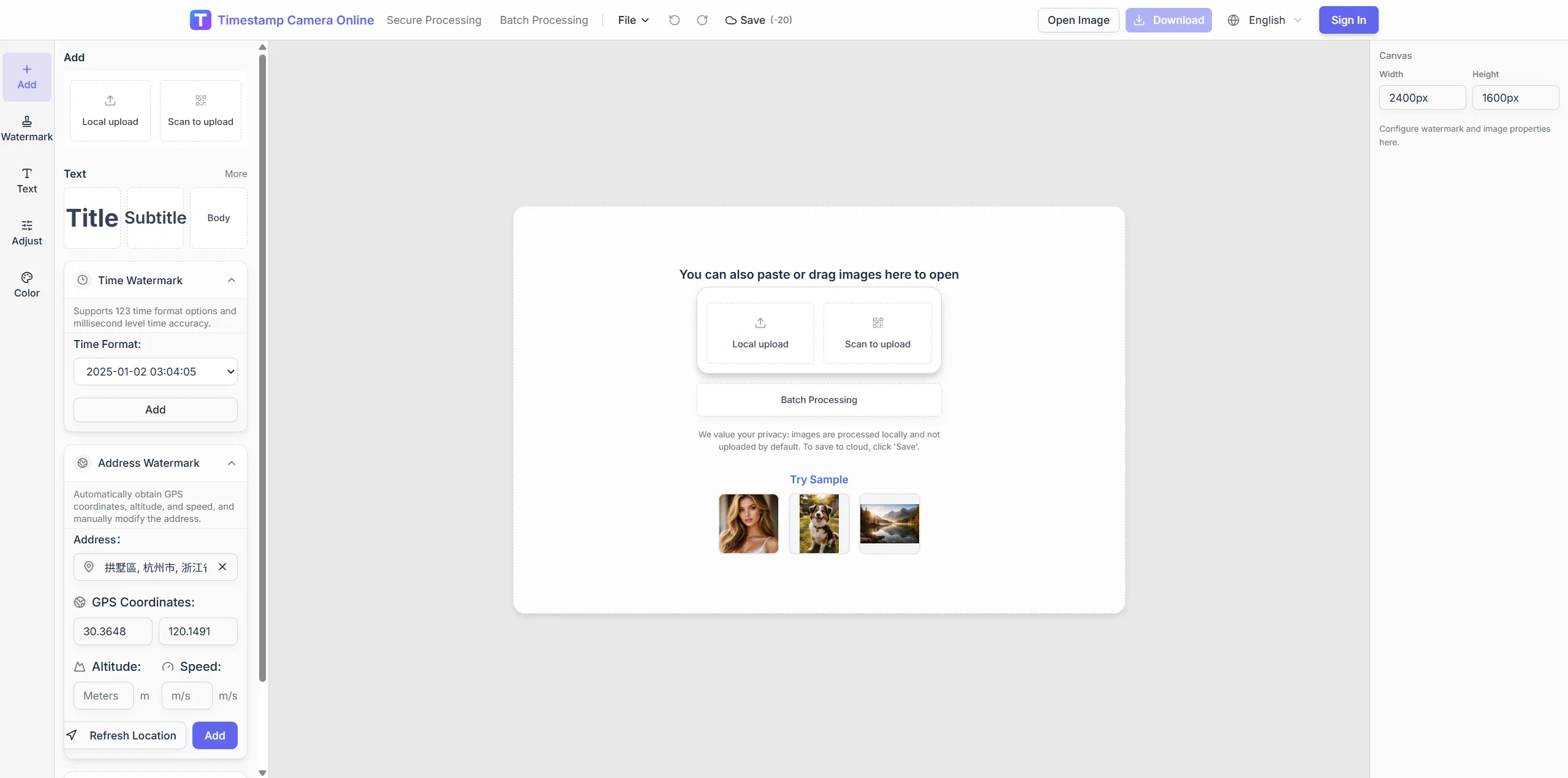
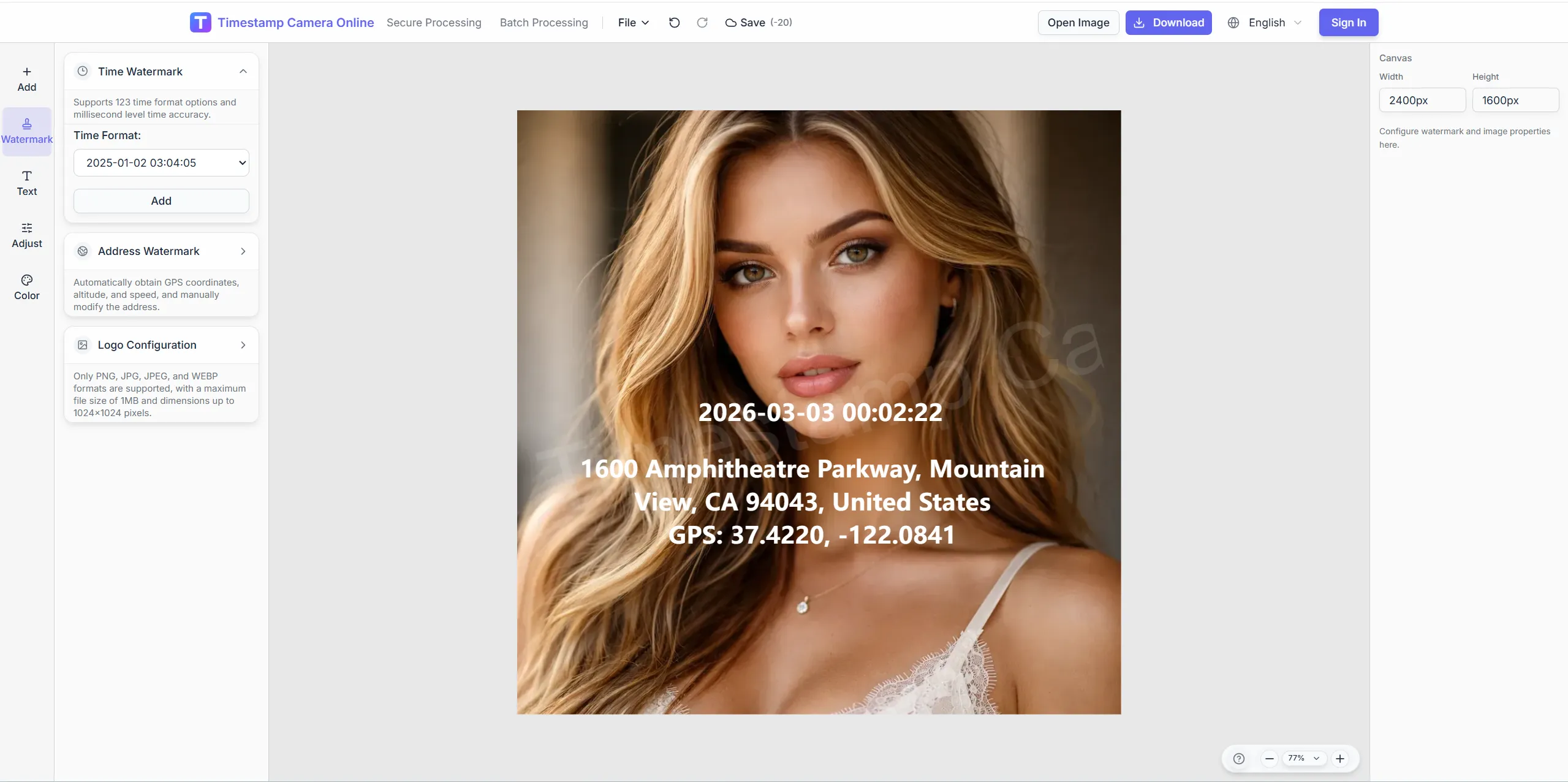
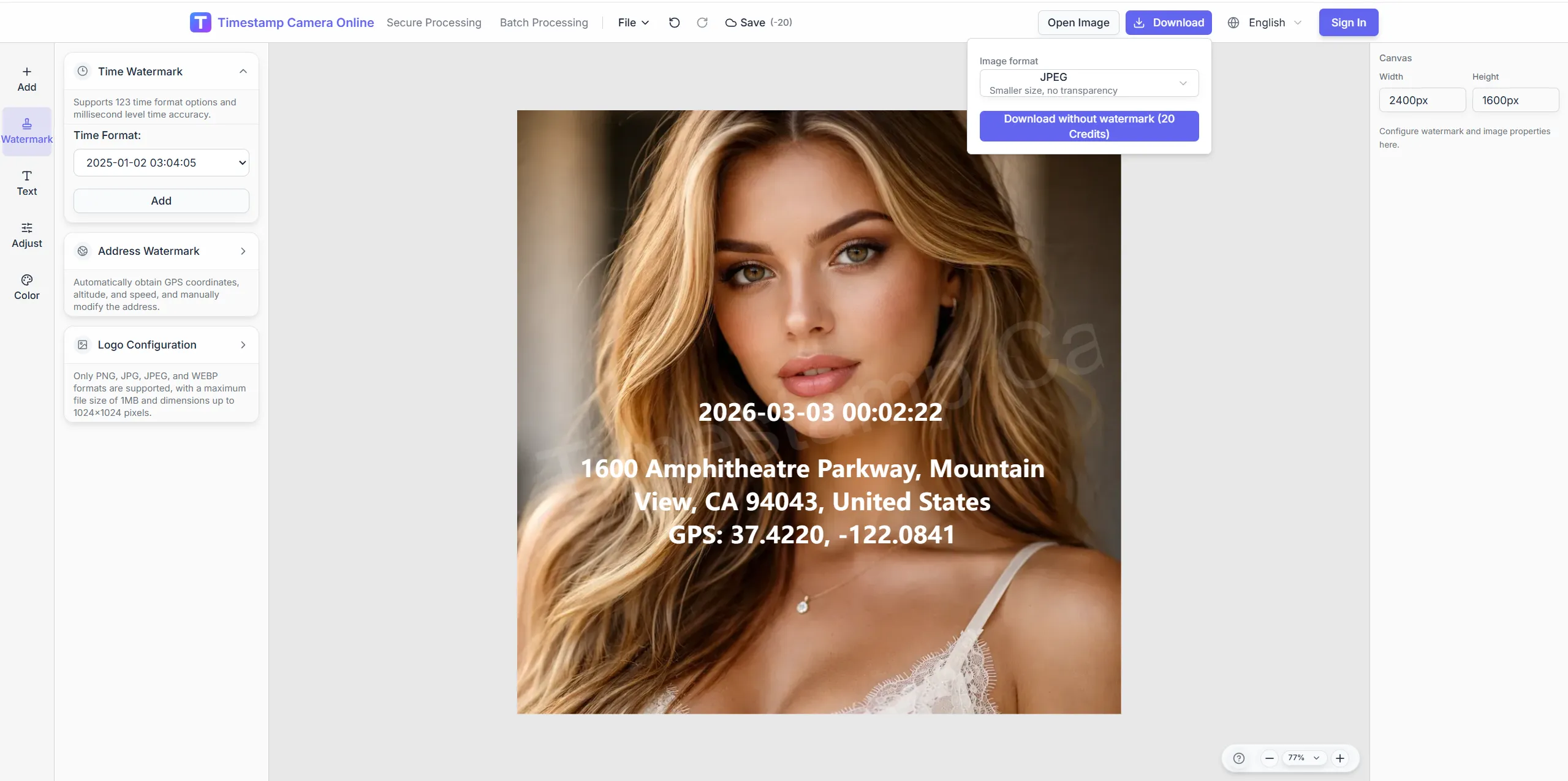
Standardize each site walk so supervisors, owners, and remote reviewers read the same context on every frame.
Frame walk-down shots, balance exposure on dusty sites, and hide subcontractor details before owner or compliance review.
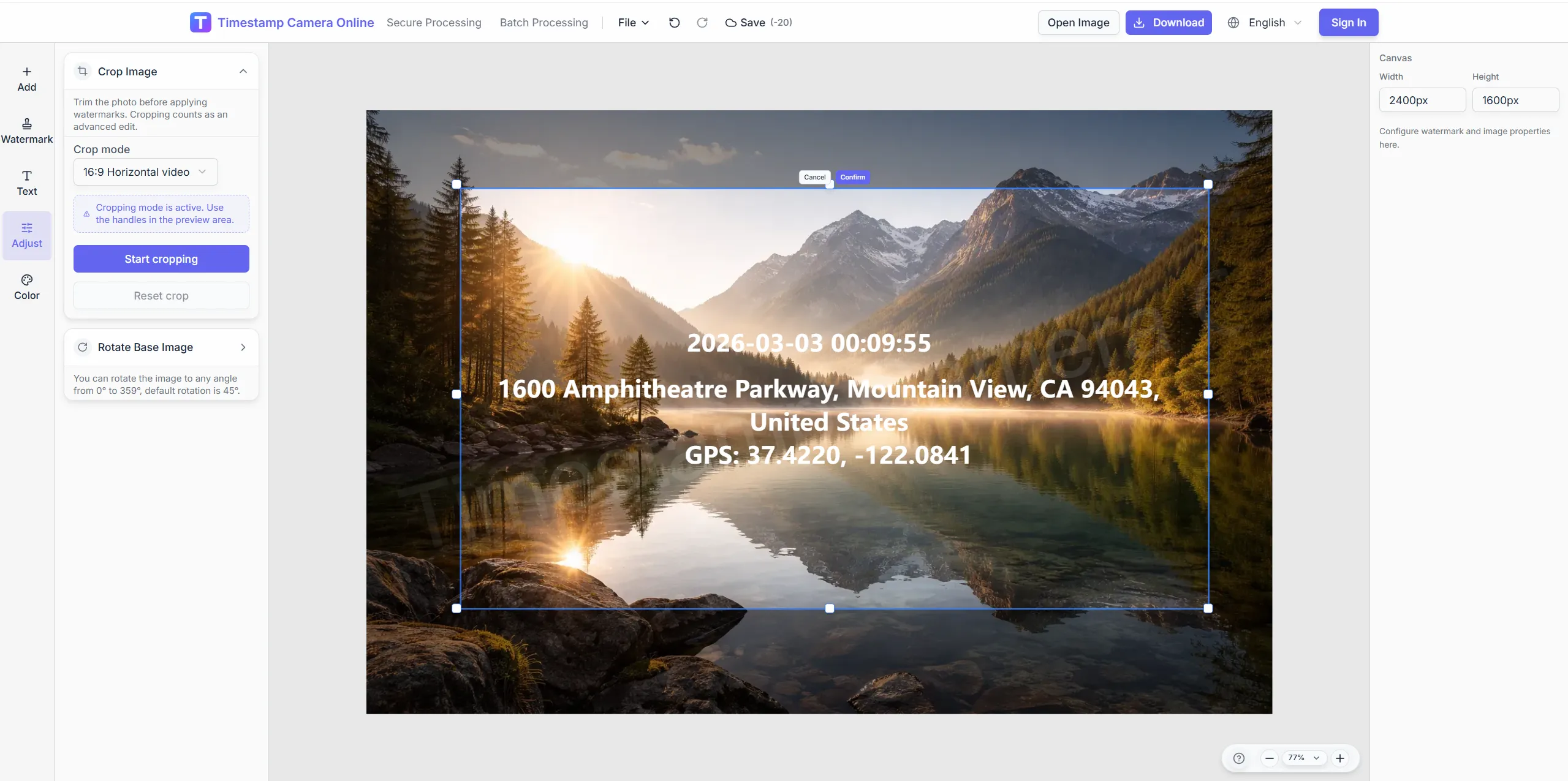
Keep more structure in frame for progress comparisons.
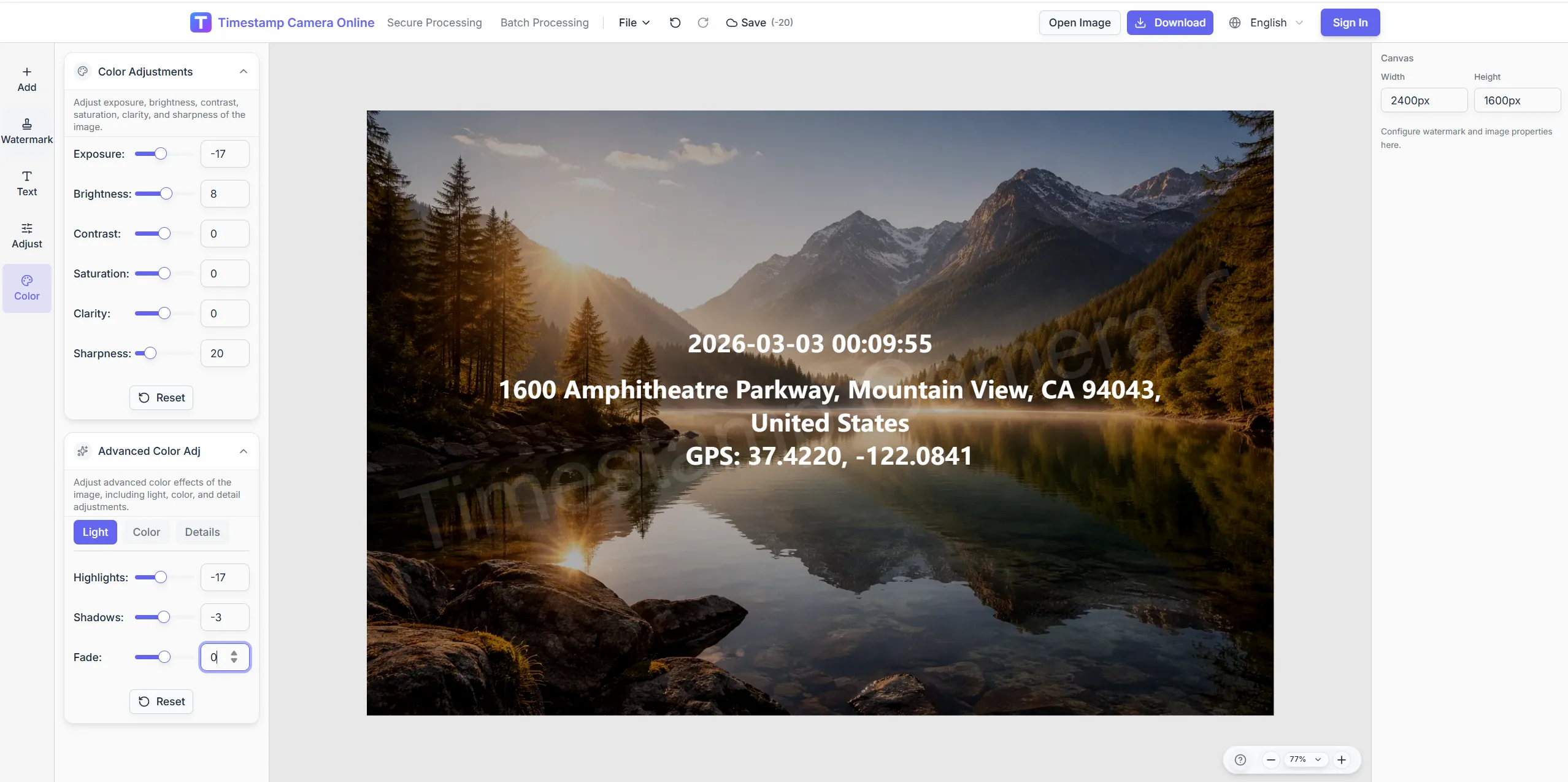
Make inspection lines readable on dusty or bright sites.
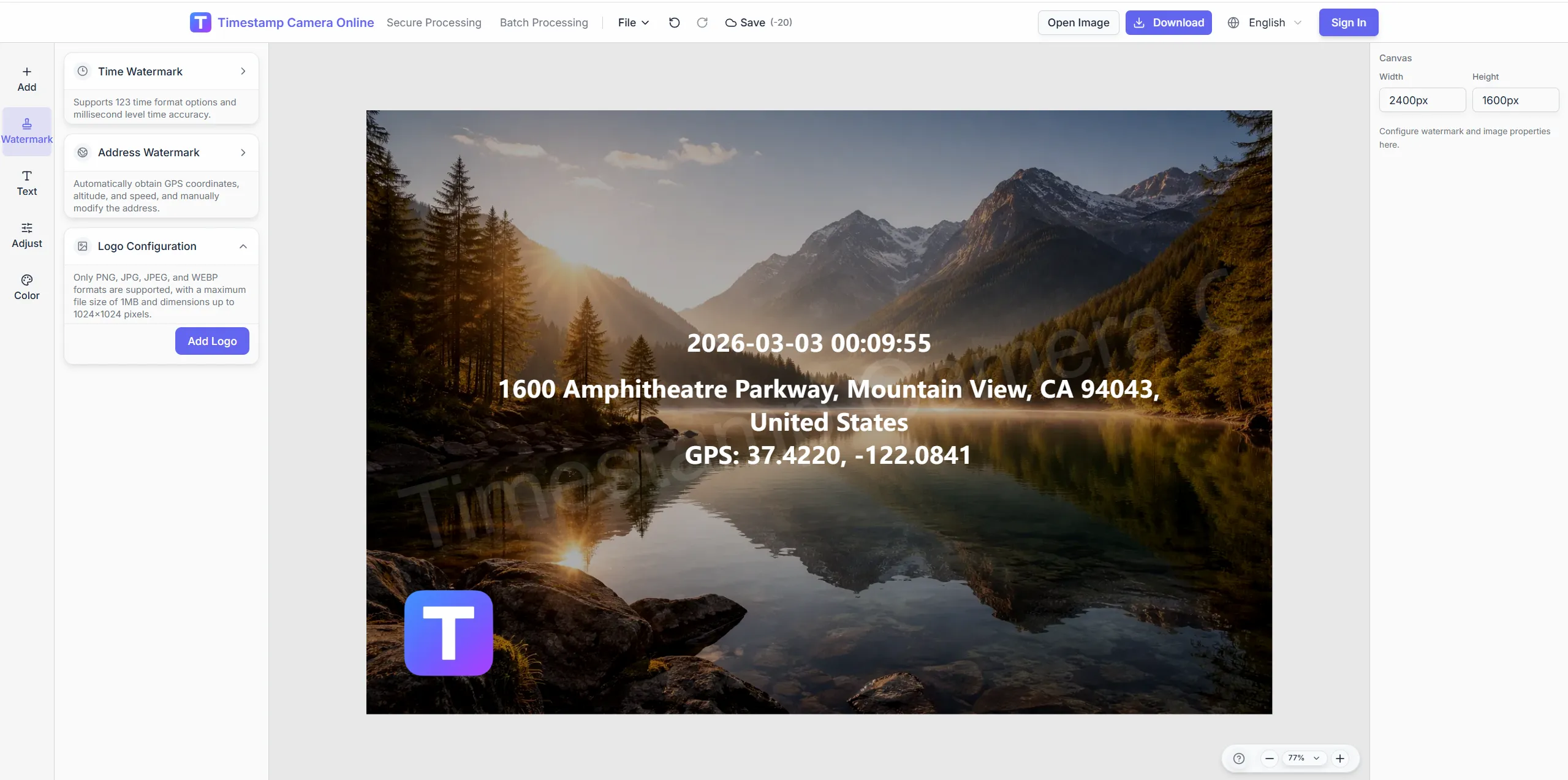
Add GC marks for formal submittals.
Mask vehicles parked in background shots.
Stamp time, weather, grid, and device lines with reusable templates.
Import JPG, PNG, or HEIC.
Configure layers for this scenario.
Confirm reviewers can read at a glance.
Download or refine in the editor.
Site inspection photos often overlap with progress archives, asset QR checks, compliance reviews, incident records, and remote updates.
Compare site progress across weeks or phases with consistent milestone records.
View scenario
Keep inspection photos ready for compliance, safety, or owner review.
View scenario
Link crew arrival evidence to the same site photo workflow.
View scenario
Connect equipment photos to asset IDs, QR codes, and condition notes.
View scenario
Prepare site incident photos with context that claim reviewers can understand.
View scenario
Share remote site updates in a format managers can compare across locations.
View scenario
Stamp time, weather, grid, and device lines with reusable templates.
Local browser editing—originals not uploaded.
Visible layers beat EXIF-only for non-technical reviewers.
Templates and batch watermark suit recurring field work.
Not blockchain proof; social shares may lack GPS.
Construction and inspection teams share how one field-photo format improves punch lists, owner updates, and remote review.
Denver owner reps finally see weather, grid, and pour time on every concrete deck photo. Three tower supers upload walk-downs with one header before the morning OAC call. Delay claims now include frames reviewers read without zooming.
Victor Nash · General contractor, Denver CO
Seattle site engineers stamp inspection times on rebar photos before pours our schedule cannot slip. Weather lines helped document a two-day rain delay with clear context. Punch-list meetings move faster when photos answer where and when.
Anita Desai · Site engineer, Seattle WA
QR links to drawing sheets cut back-and-forth on punch items across our Nashville hospital expansion. PMs batch weekly folders owners open on tablets in the trailer. Subs adopted the shared template after one thirty-minute training.
Luke Berger · Project manager, Nashville TN
Pick upstream/downstream links for this scenario.
Answers about weather lines, site templates, punch-list exports, and keeping inspection photos comparable week to week.
Share saved layouts so every subcontractor exports identical inspection formats.
Add custom text fields for job numbers, zones, or spec sections.
Yes. Run batch mode for folders of progress photos.
Editing runs in-browser; upload when connectivity returns.
Type or paste field notes—no automatic weather API.
Inspection covers daily walk-downs; archive covers milestone timelines.
Use custom lines for pour ID and floor grid.
Put tower ID in the site code line with a fixed template.
Export images then merge in PM tools.
Adjust color before placing time and weather blocks.
Upload inspection photos and apply your site template.