Can templates differ by department?
Save multiple team templates while keeping core fields aligned.
Free trial · Add time, location, and proof overlays in your browser
Give distributed staff one overlay standard so daily photo updates stack neatly in Slack, email, or PM tools without manual reformatting.
Nov 4, 2024 · Monday
09:50:18
Nashville, TN · 36.1627°N, 86.7816°W
Standardize what remote contributors put on photos so standups focus on substance, not deciphering formats.
Lock font, position, and required fields for all regions.
Pick date formats that read clearly across time zones.
Add city or coordinates when work is place-specific.
Managers download a day's submissions together.
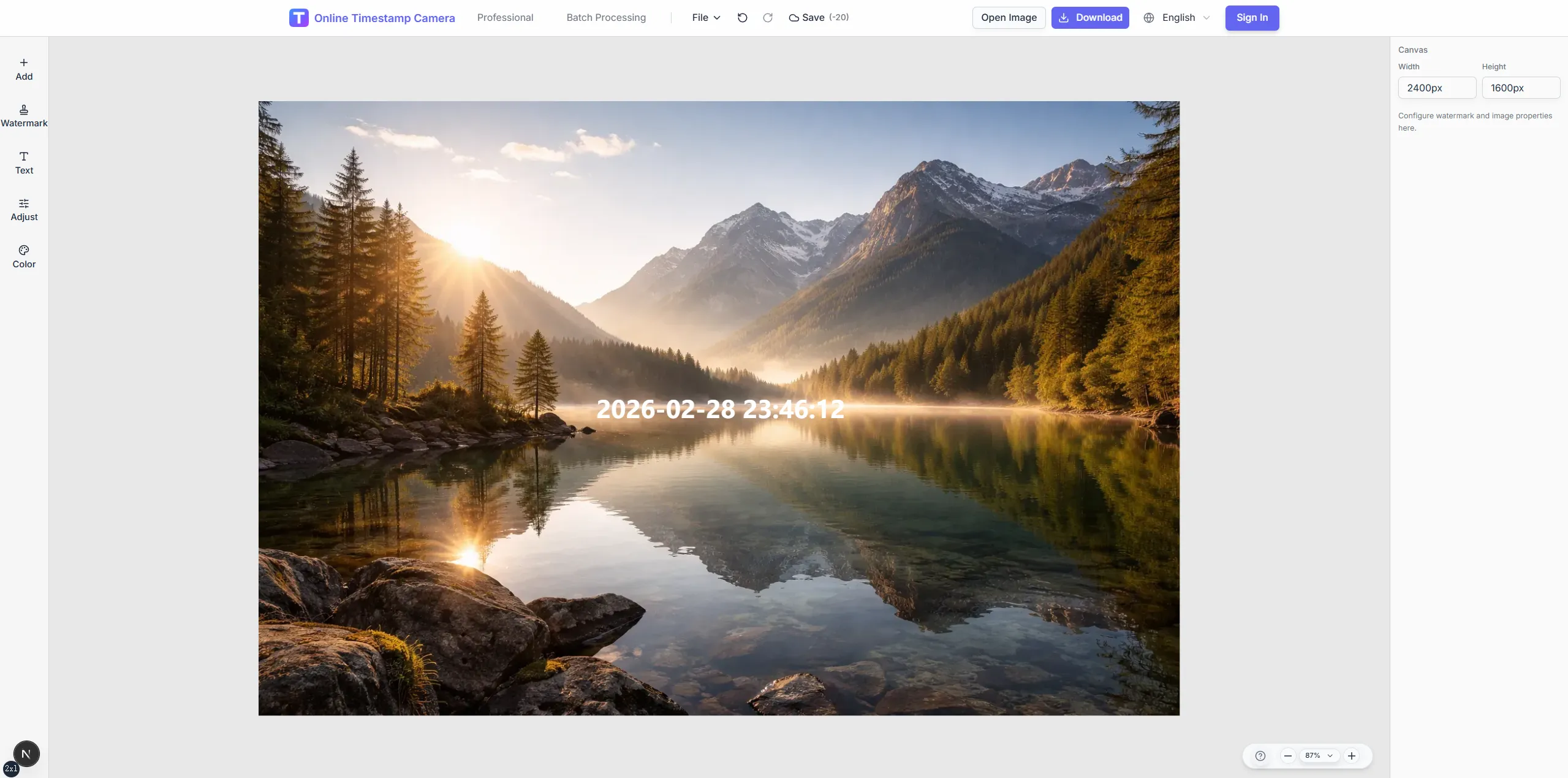
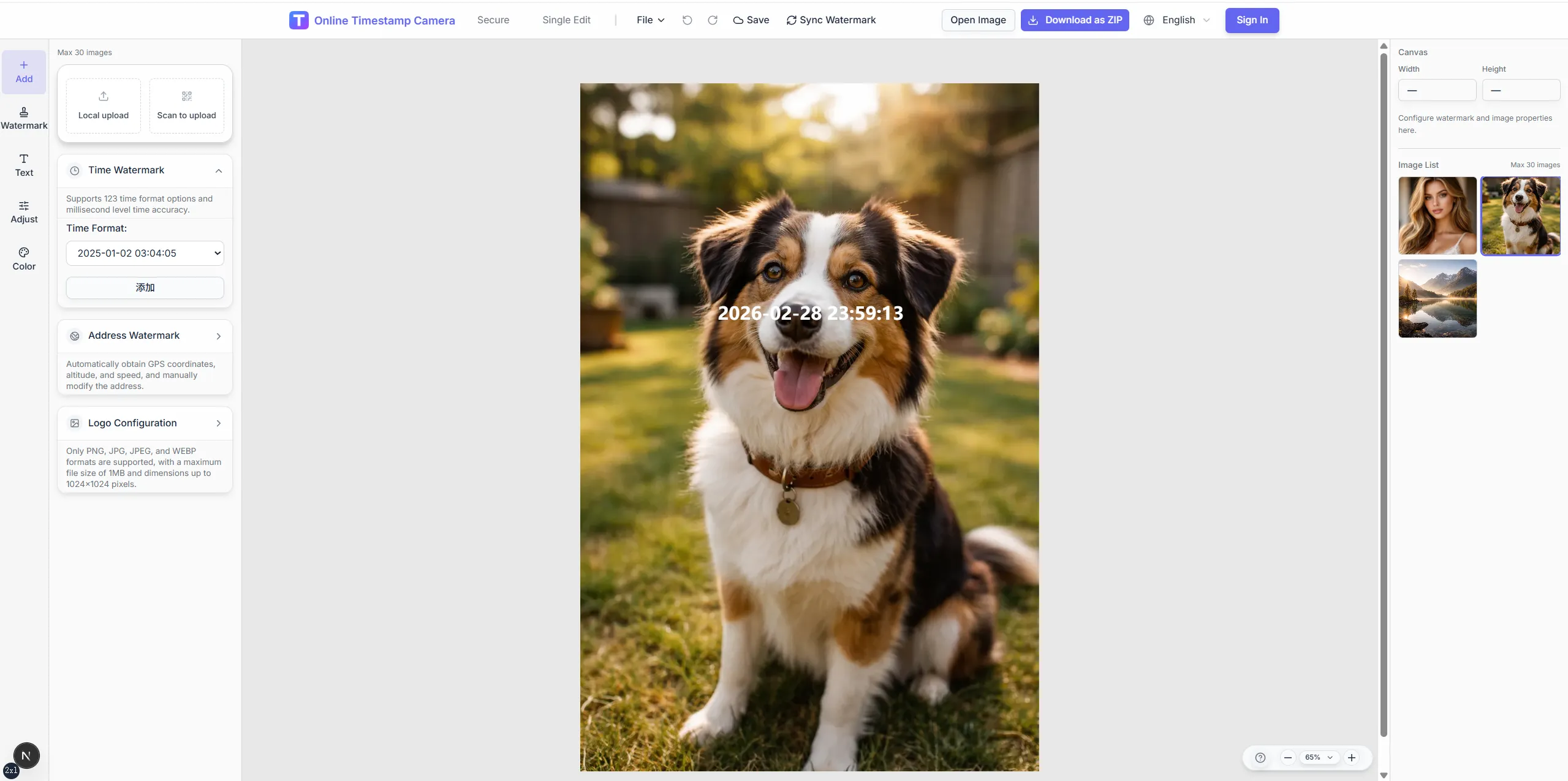
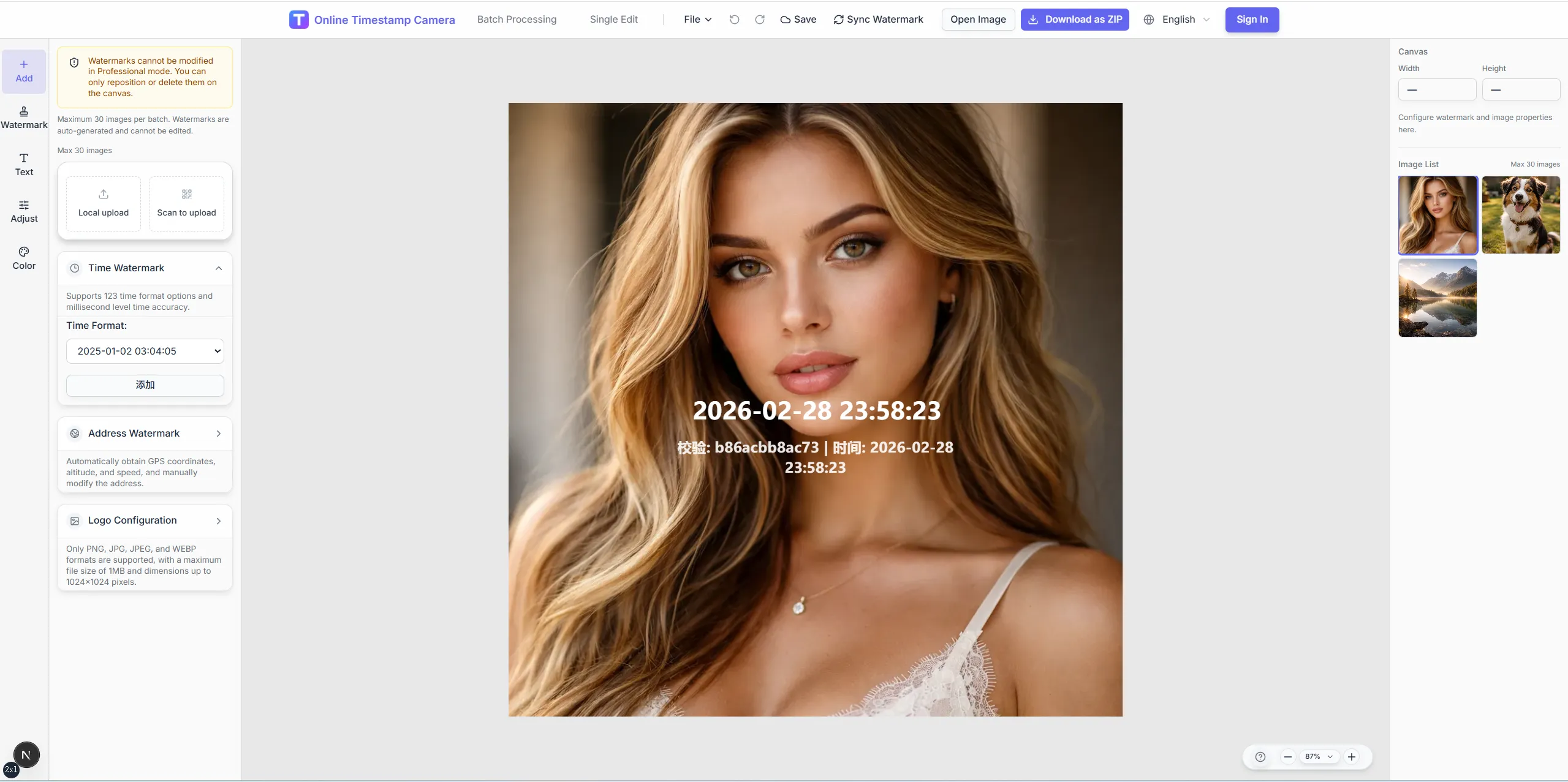
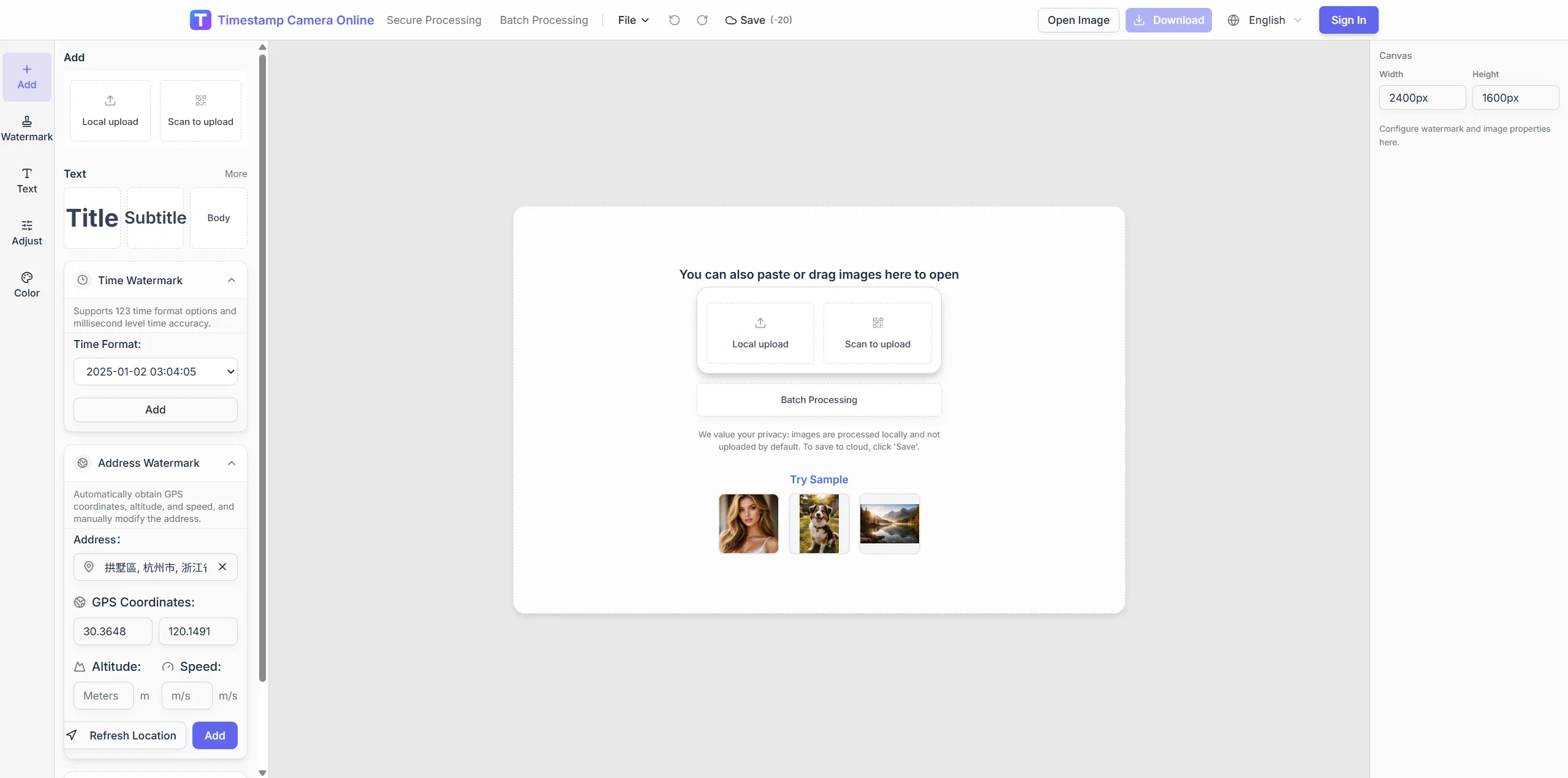
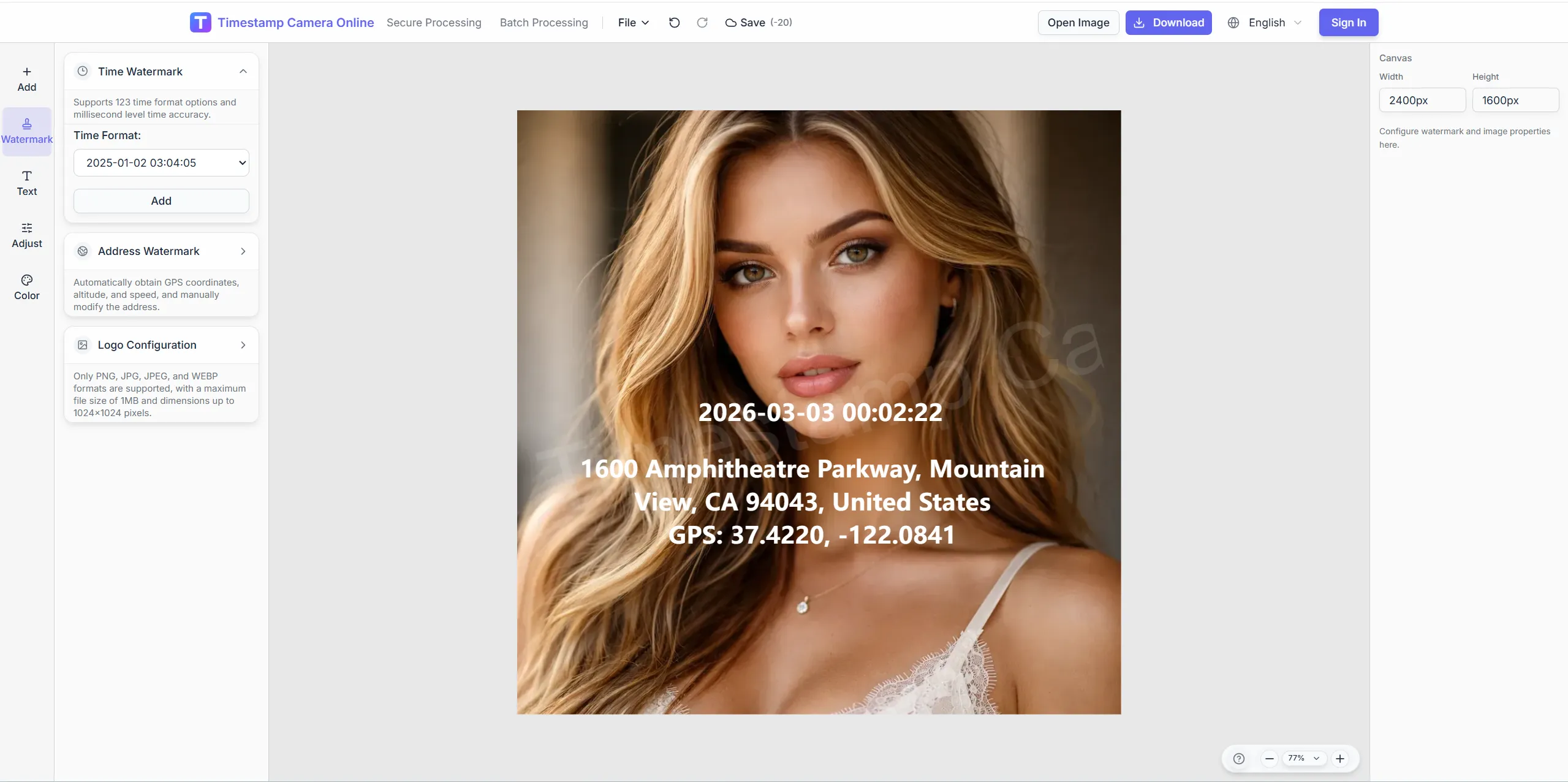
Give distributed contributors one reporting format so managers can compare updates without reformatting screenshots.
Crop desktop scenes consistently, keep overlay text readable across time zones, and redact home addresses on porch delivery shots.
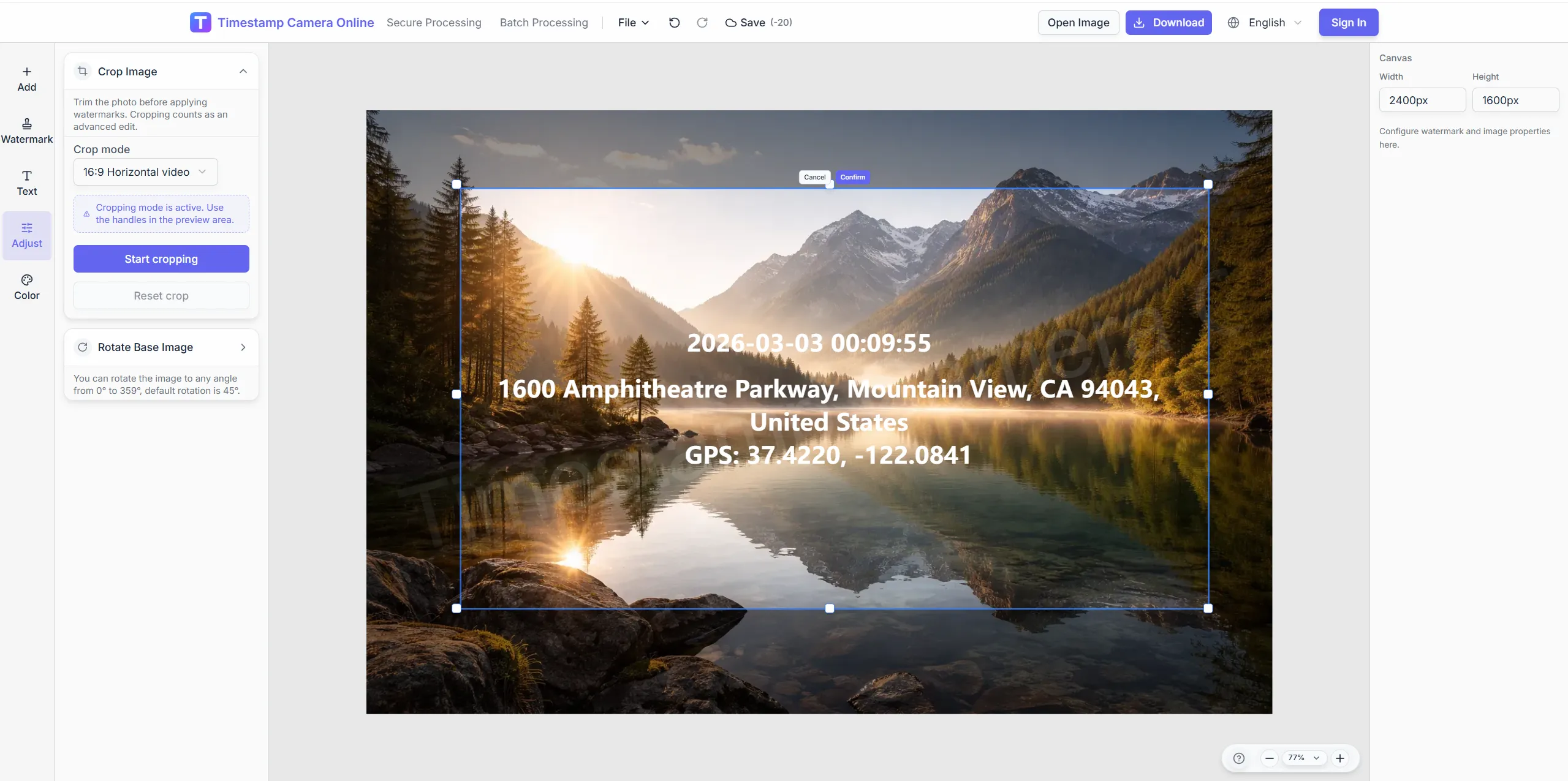
Crop desk setups consistently for status posts.
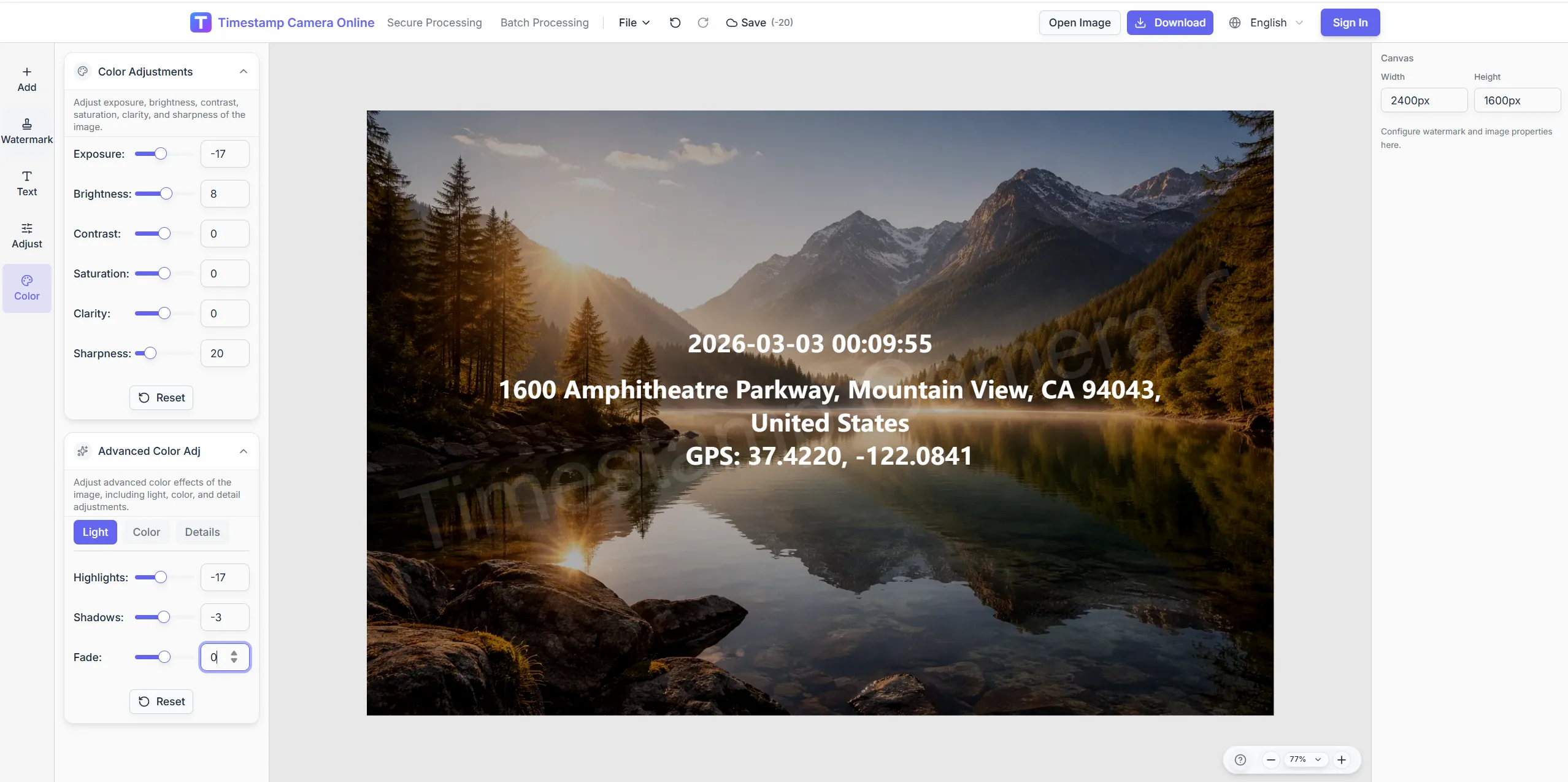
Tune contrast for screenshots shared in meetings.
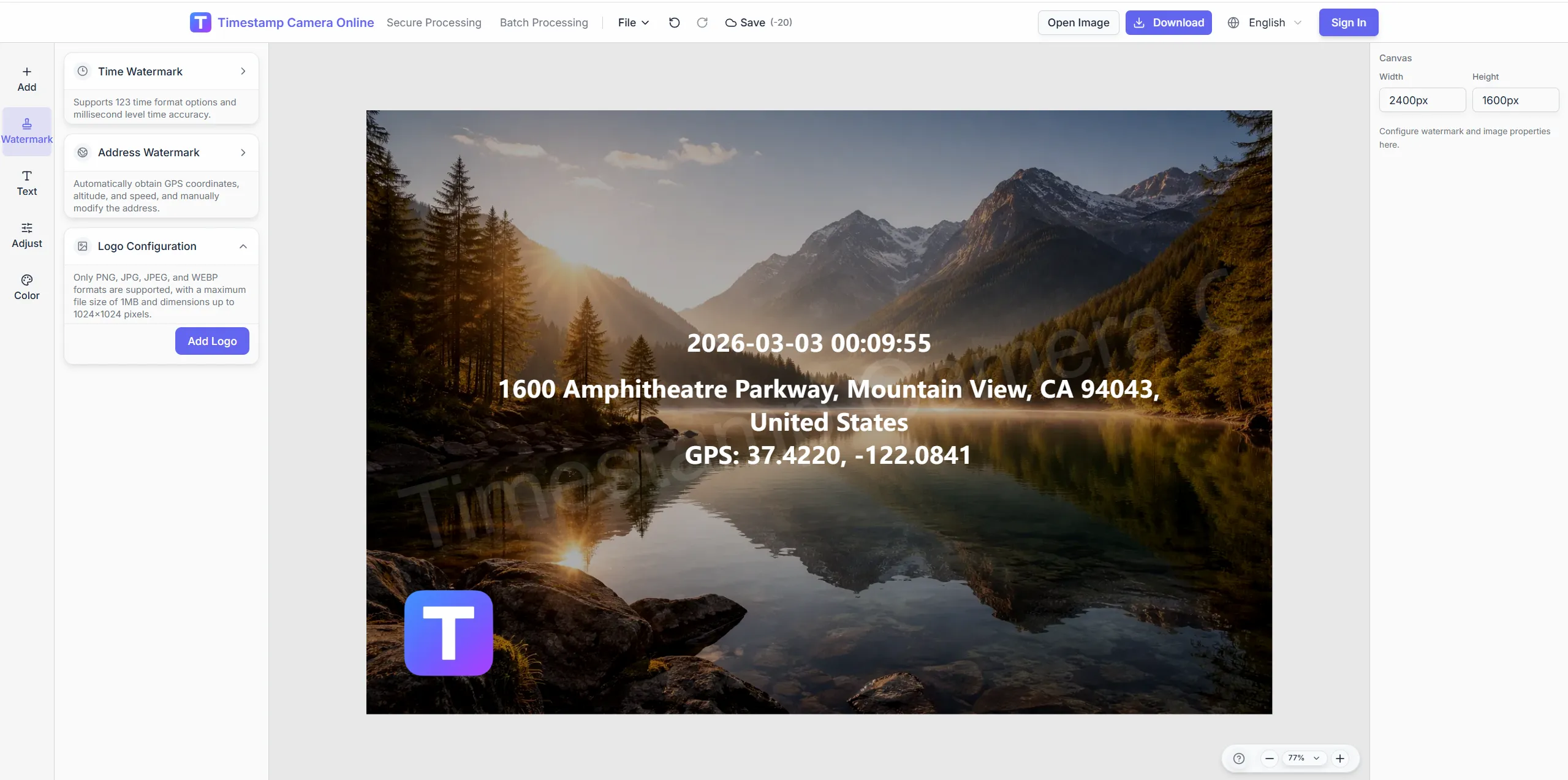
Unify remote exports with department marks.
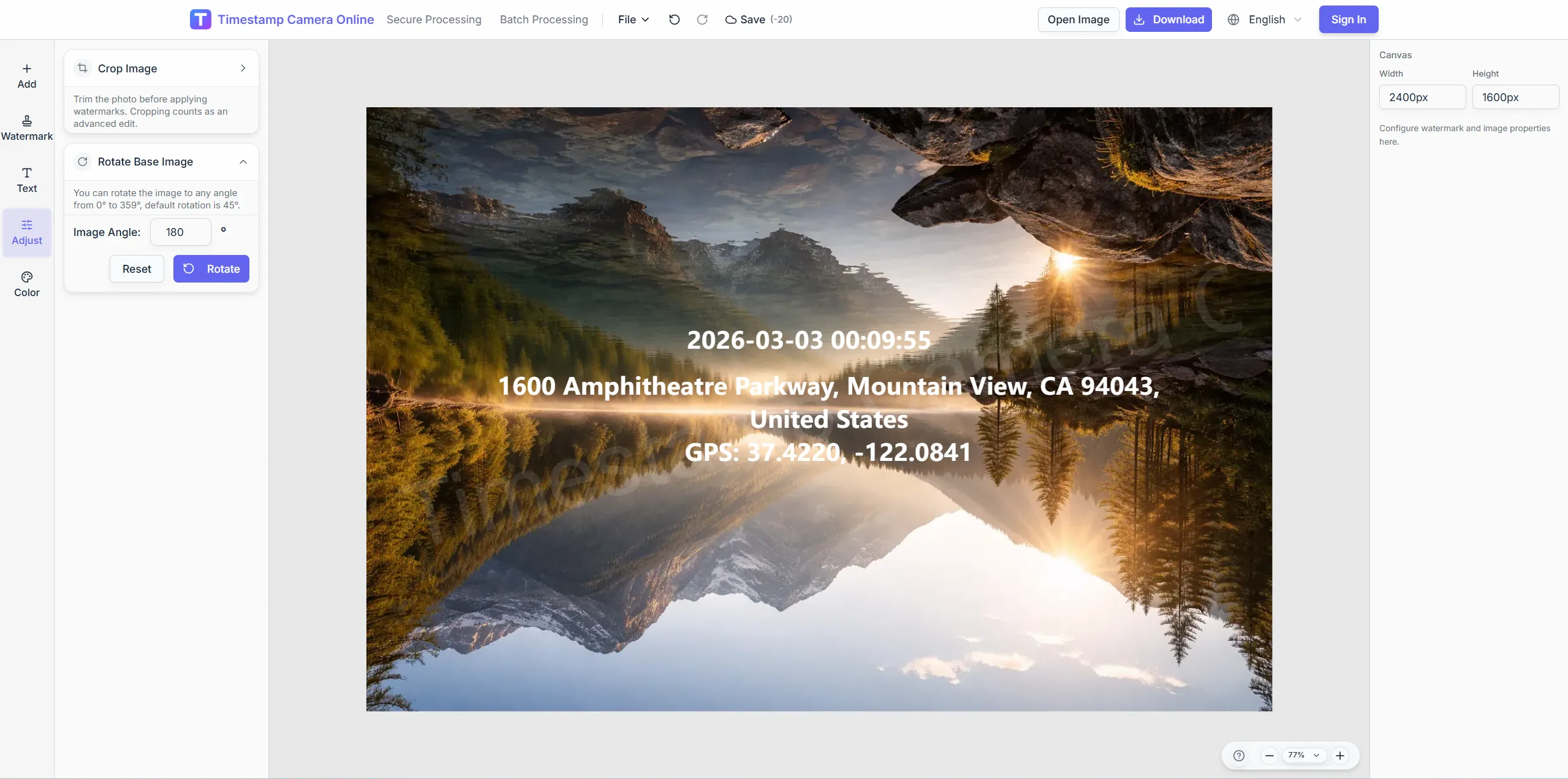
Mask home addresses on porch delivery shots.
Distributed members submit end-of-day photos with one time-place layout.
Import JPG, PNG, or HEIC.
Configure layers for this scenario.
Confirm reviewers can read at a glance.
Download or refine in the editor.
Remote reporting works best when check-ins, milestones, site updates, visit logs, audit submissions, and timestamps all stay comparable.
Use visible check-ins when remote reports need staff presence evidence.
View scenario
Compare remote milestones across weeks, regions, or project phases.
View scenario
Add site conditions to remote updates so managers understand what changed.
View scenario
Confirm visits, deliveries, and setup work inside distributed reports.
View scenario
Keep remote submissions aligned with audit fields for later review.
View scenario
Make capture time visible on each report image without opening metadata.
View scenario
Distributed members submit end-of-day photos with one time-place layout.
Local browser editing—originals not uploaded.
Visible layers beat EXIF-only for non-technical reviewers.
Templates and batch watermark suit recurring field work.
Not blockchain proof; social shares may lack GPS.
Distributed teams explain how a shared photo format keeps async updates focused on status instead of formatting.
Our PMO spans Portland and Miami yet daily photo updates share one timestamp block. Twelve time zones submit before the standup deck builds at 8 a.m. Eastern. Managers stopped relabeling Slack images pulled from overnight threads.
Fiona Reid · Ops director, Portland OR
Contractors on a Salt Lake City transit job upload site photos our PMO compares side by side. One template replaced six different phone markup habits in two weeks. Async standups focus on blockers instead of deciphering formats.
Aaron Blake · PMO lead, Salt Lake City UT
Team coordinators in Raleigh batch-download a full day of remote submissions before client calls. Locale-aware date lines read clearly for London and Chicago contributors. File sizes stay small enough for mobile data on rural routes.
Zara Malik · Team coordinator, Raleigh NC
Pick upstream/downstream links for this scenario.
Questions about shared templates, async standup formats, chat-ready exports, and keeping distributed photo updates comparable.
Save multiple team templates while keeping core fields aligned.
UI supports EN, ZH, and JA; overlay text is fully editable.
Download exports and upload to channels; direct integrations depend on your stack.
Export JPG at balanced quality to keep uploads small.
Reporting summarizes end-of-day progress; check-in proves arrival.
Note UTC or each member's local time in the template.
Require the unified template before channel upload.
Fixed time corner and city line across submissions.
Same template with on-call ID in a custom line.
Use Discord for standup time alignment; photos carry visible time layers.
Upload today's update with your shared template.