Can policyholders use phones only?
Yes. Mobile browser upload works; QR handoff helps move photos to larger screens for redaction.
Free trial · Add time, location, and proof overlays in your browser
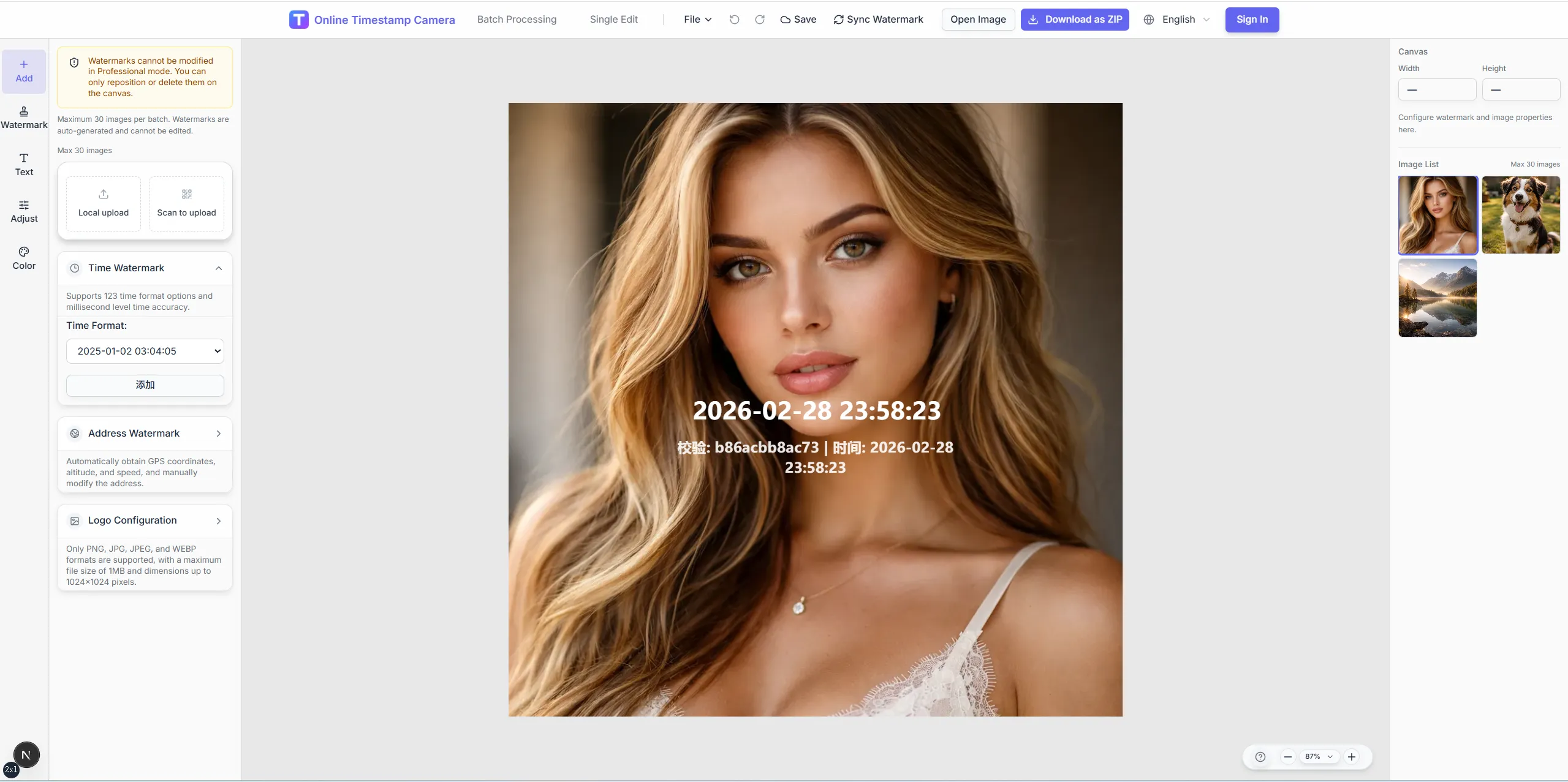
Document damage and scene context with visible time and place overlays. Redact sensitive details before photos enter claim files or carrier portals.
Atlanta, GA · 33.7490°N, 84.3880°W
13:19:07
Aug 11, 2024 · Sunday
Help adjusters understand scene context faster with consistent metadata blocks on every submission photo.
Show capture time to support timeline questions.
Add address or coordinates for property and auto claims.
Hide faces, plates, and policy numbers before upload to carriers.
Process entire damage walkthroughs with one claim template.
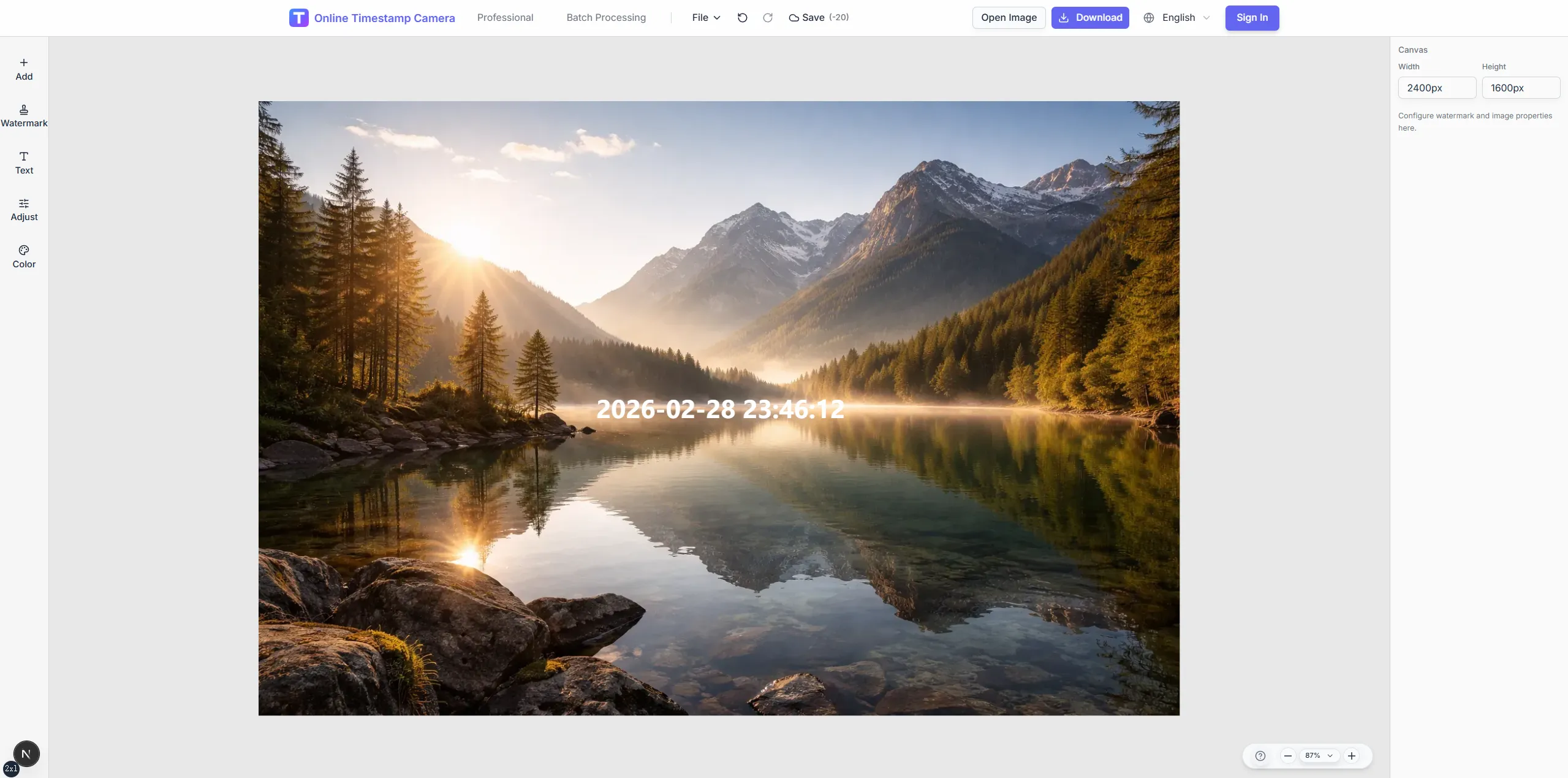
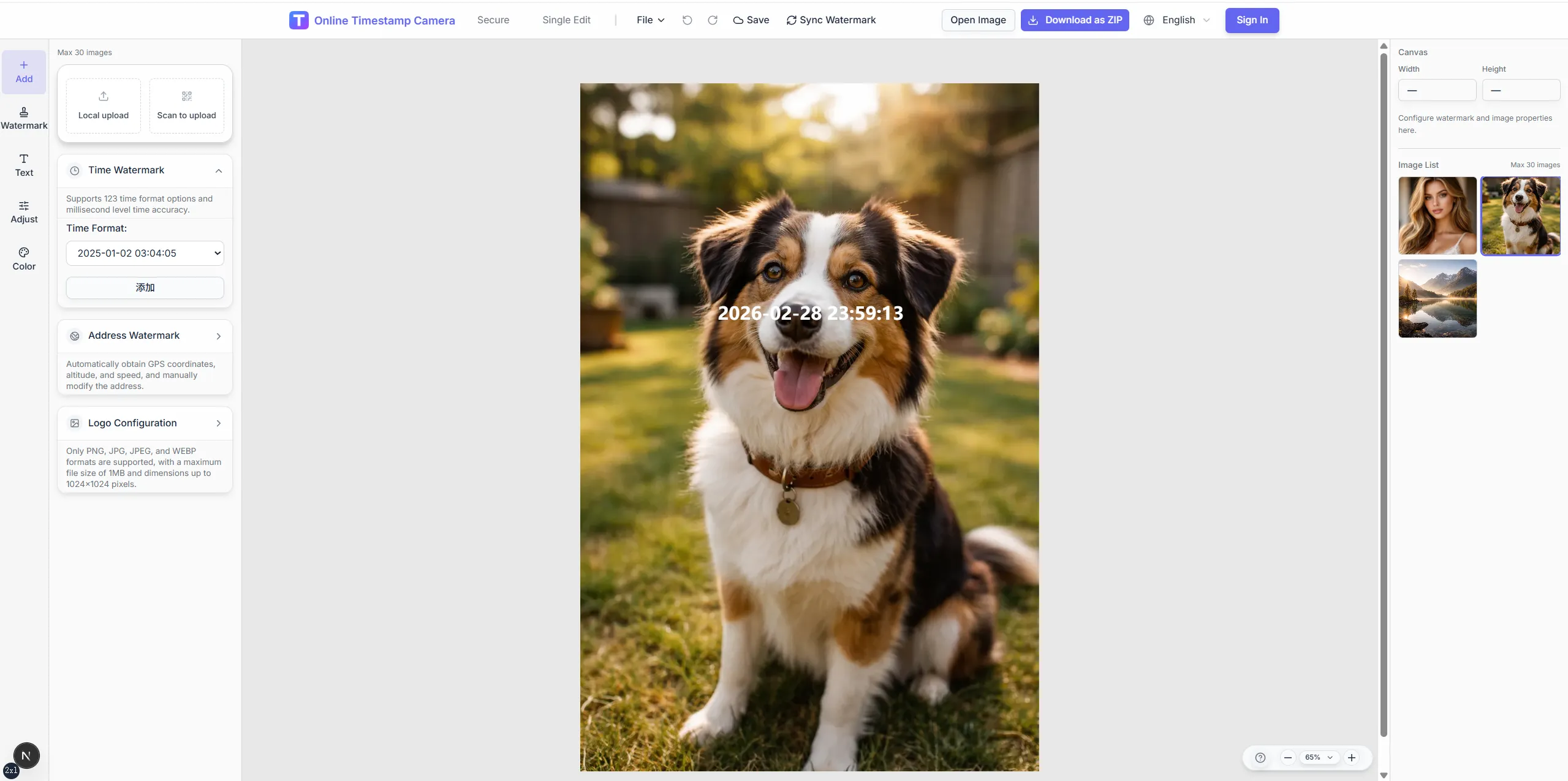
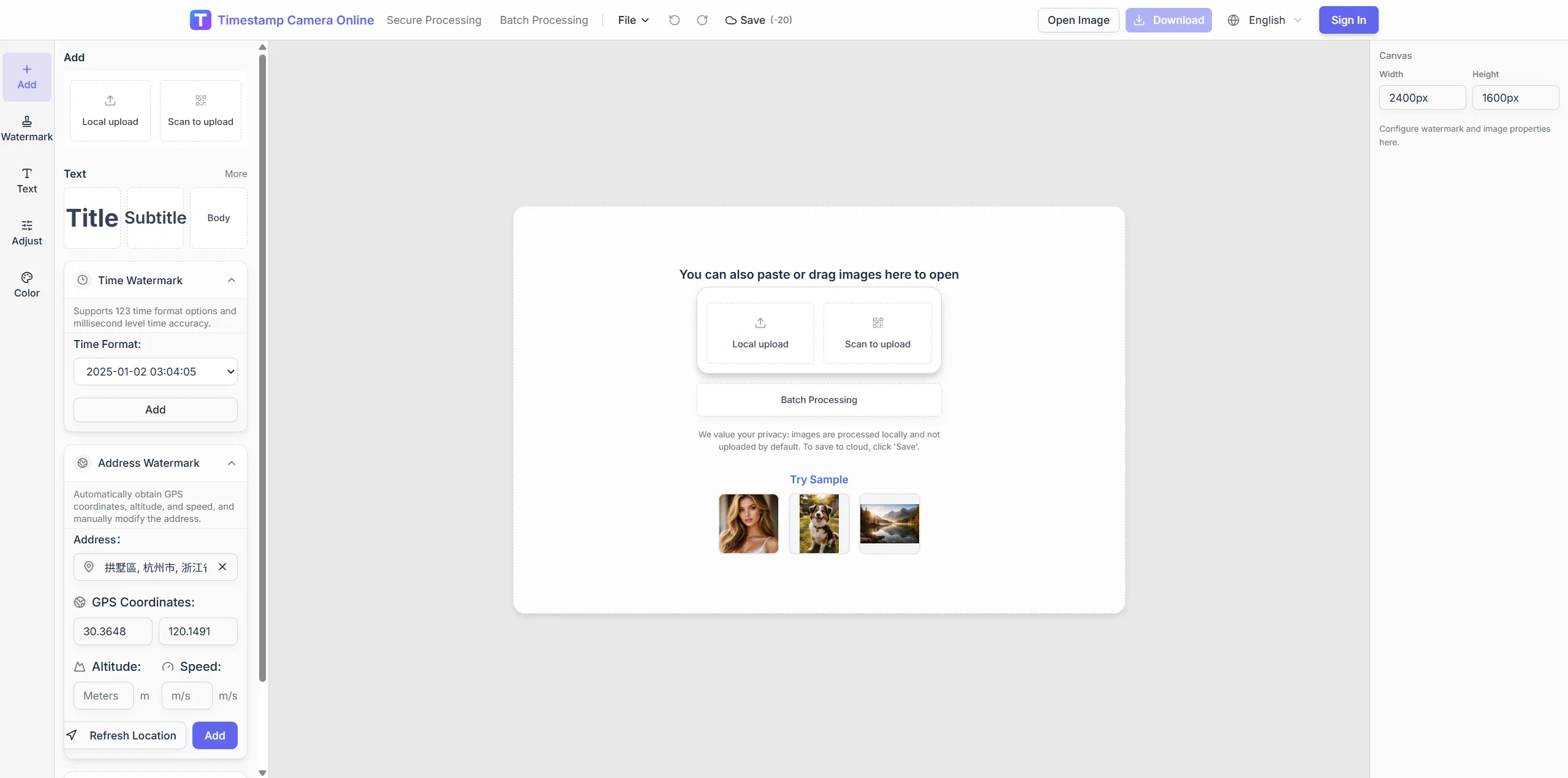
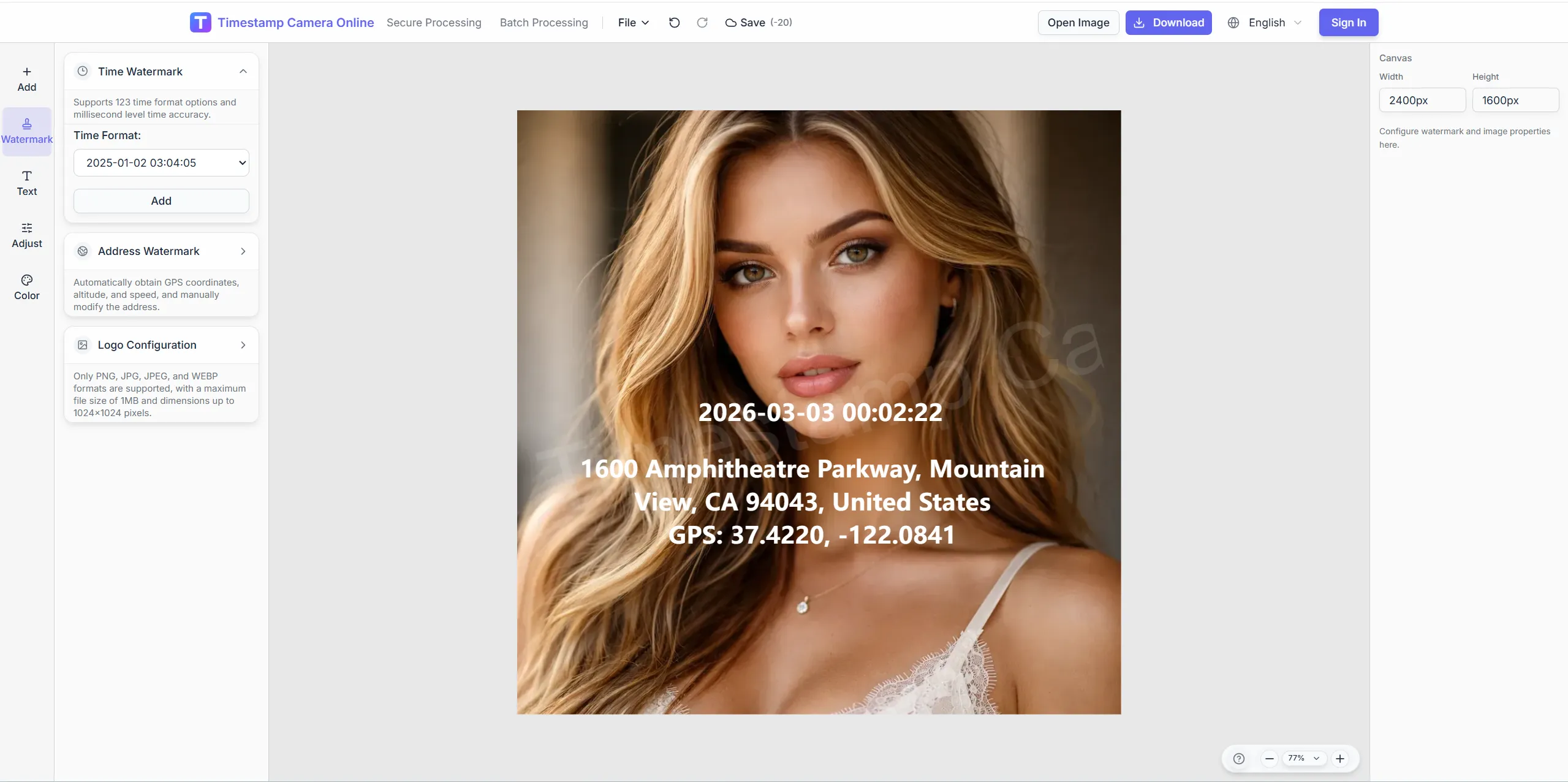
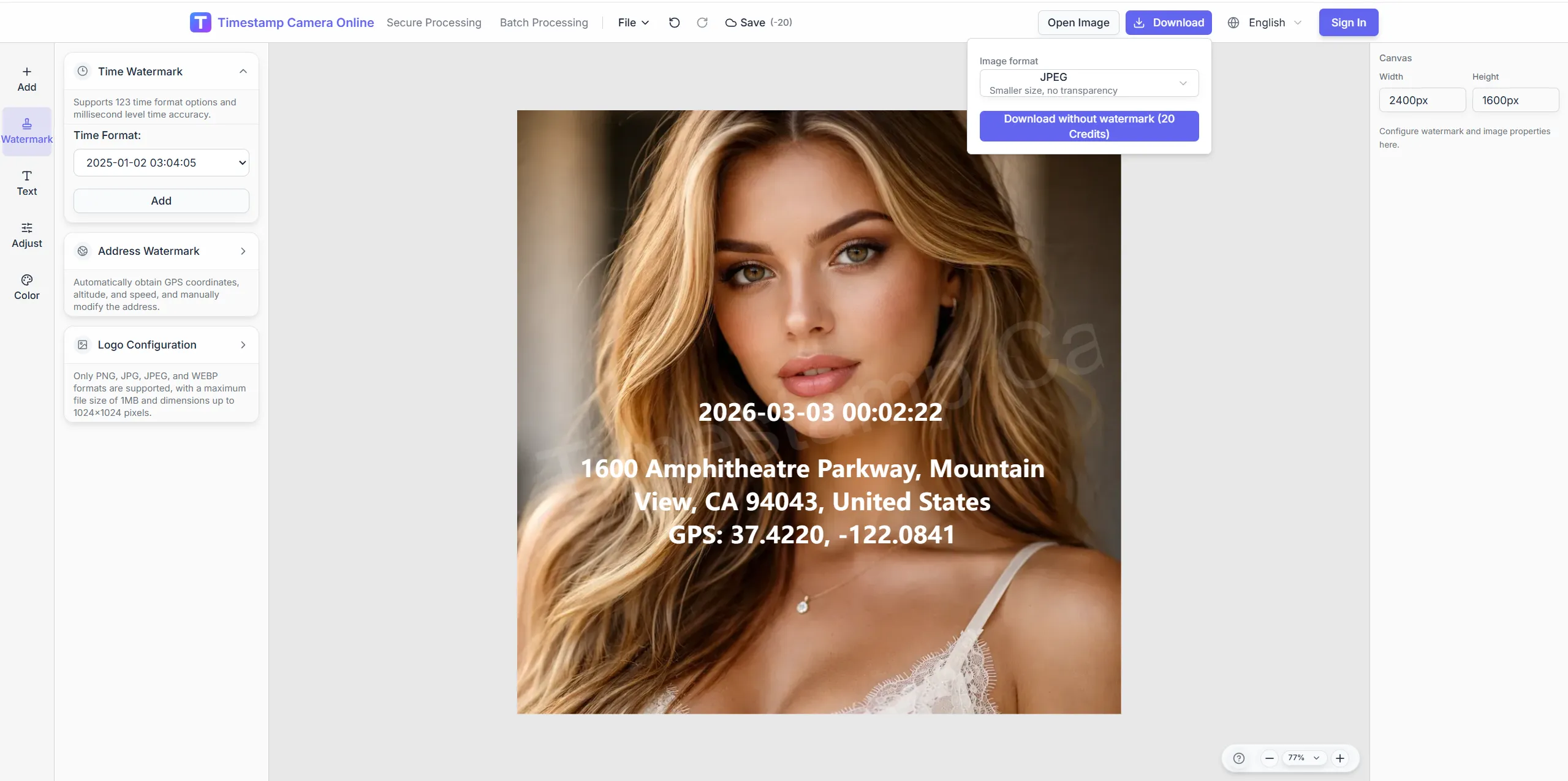
Document damage scenes with the time, location, and privacy controls claim reviewers need first.
Crop damage clearly, redact faces and plates, and brand agent exports before photos enter claim files or carrier portals.
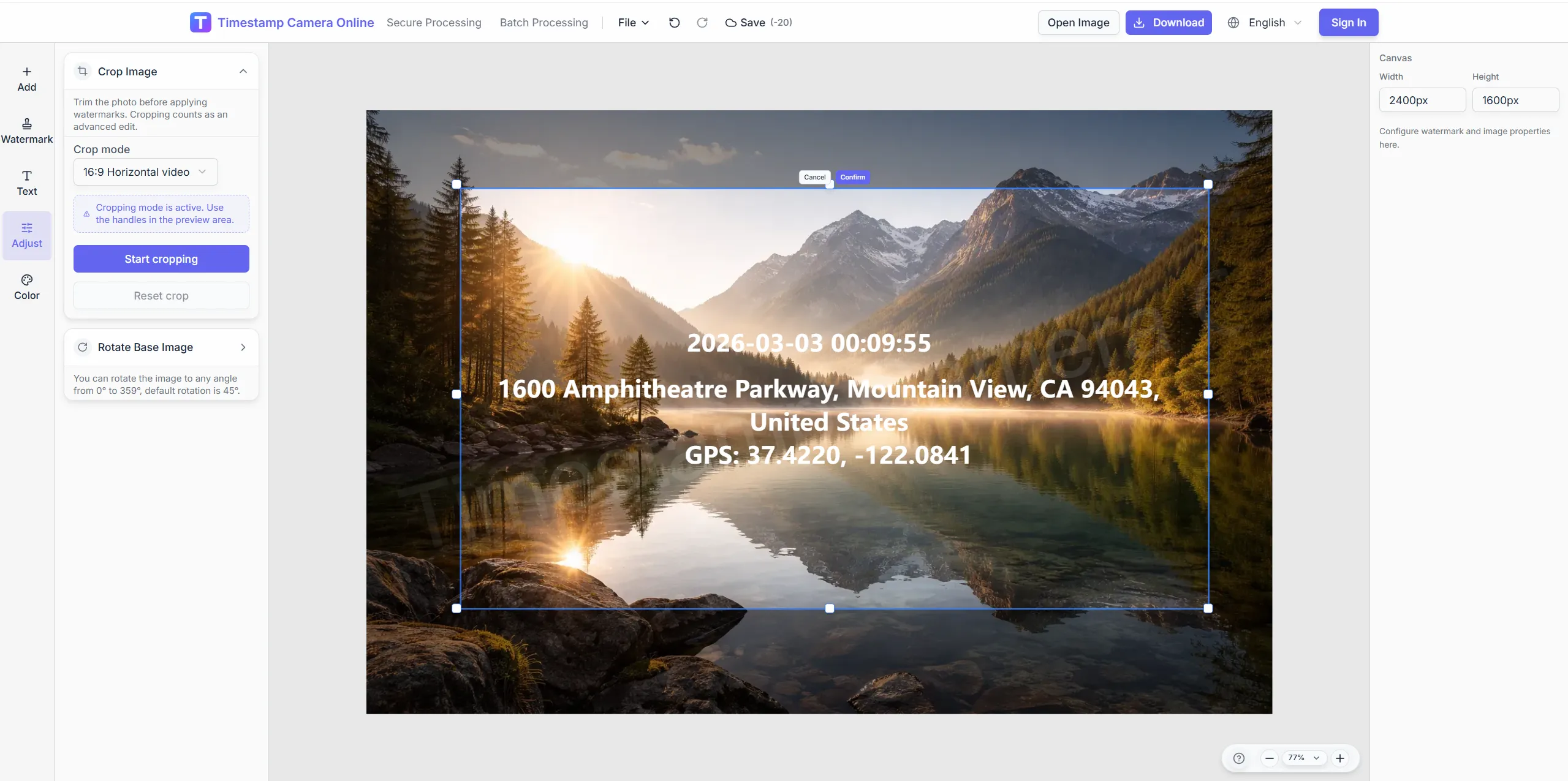
Crop tightly on affected areas while keeping context.
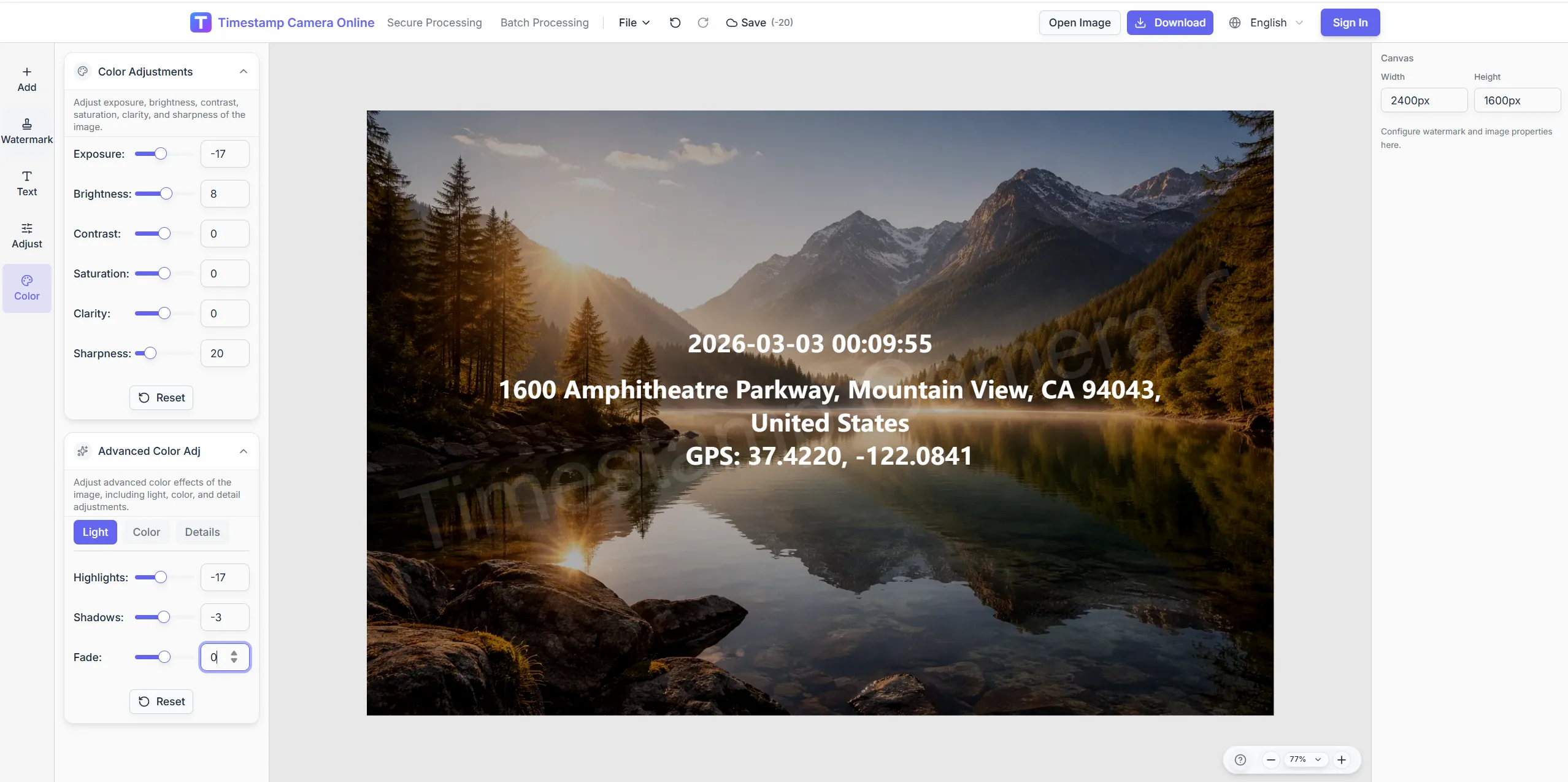
Brighten basement or storm shots before adding text.
Brand photos agents send to carriers.
Blur people caught in accident scene photos.
Stamp room, time, and location on scene photos; redact before upload.
Import JPG, PNG, or HEIC.
Configure layers for this scenario.
Confirm reviewers can read at a glance.
Download or refine in the editor.
Claim evidence is clearer when incident photos can also carry verification marks, timestamps, inspection context, delivery damage notes, or agent branding.
Add verification marks when claim photos need stronger proof for review.
View scenario
Show the incident capture time directly on each claim photo.
View scenario
Keep regulatory or internal claim files in a consistent review format.
View scenario
Use inspection context when property photos need site conditions explained.
View scenario
Document delivery damage or service visits with clear time-and-place proof.
View scenario
Prepare agent- or firm-branded claim exports for client handoff.
View scenario
Stamp room, time, and location on scene photos; redact before upload.
Local browser editing—originals not uploaded.
Visible layers beat EXIF-only for non-technical reviewers.
Templates and batch watermark suit recurring field work.
Not blockchain proof; social shares may lack GPS.
Claim teams describe how clearer time, place, and redaction rules reduce review delays and reshoot requests.
FNOL packs from Plano agents now pass carrier review on first submission about seventy-five percent of the time. Room labels and capture times sit on hail photos before upload. Policyholders stopped sending chat screenshots that lacked clocks.
Grace Holloway · Independent adjuster, Plano TX
Our Austin agency redacts plates in-browser before emailing claim photos to carriers. Agents teach one layout and retake requests fell sharply last hail season. Basement flood shots stay readable after quick brightness tweaks.
Michael Torres · Agency principal, Austin TX
Claims intake in Orlando standardized incident photos across four adjusters using one template. Multi-room losses export in batch with shared claim ID overlays. Average days-to-first-review dropped from six to about four.
Jenny Wu · Claims intake lead, Orlando FL
Pick upstream/downstream links for this scenario.
Questions about incident timestamps, redaction rules, carrier upload formats, and labeling rooms, vehicle ID areas, or damage codes.
Yes. Mobile browser upload works; QR handoff helps move photos to larger screens for redaction.
Cover visible sensitive regions; manage EXIF per your carrier guidance.
Add custom text for room names, VIN areas, or damage codes.
Process entire folders with shared time and claim ID overlays.
Visible layers are separate; EXIF depends on export settings.
Claims page emphasizes room and damage context; verification emphasizes generic proof layout.
One fixed layout reduces retake requests.
Brighten first then add the time line.
Template plus batch watermark for whole blocks.
Usually JPG/PNG; name files per portal rules.
Upload scene photos and add time-place proof for adjusters.