Can I type coordinates manually?
Yes. Enter latitude and longitude directly or paste from a GPS device, then adjust format and placement.
Free trial · Add time, location, and proof overlays in your browser
Place latitude, longitude, address, and altitude on photos so reviewers instantly see where a shot was taken. Works for surveys, patrol routes, and asset visits without leaving the browser.
Austin, TX · 30.2672°N, 97.7431°W
09:18:06
Mar 14, 2024 · Thursday
Stack coordinates, formatted addresses, altitude, and compass-style hints on the same frame so maps, reports, and archives stay aligned.
Show decimal degrees, DMS, or combined address + coordinate lines with drag placement.
Add weather, device, speed, or custom notes beside the location block.
Save one layout and apply it across a patrol batch or survey set.
Download geotagged images in common formats for GIS handoffs or client folders.
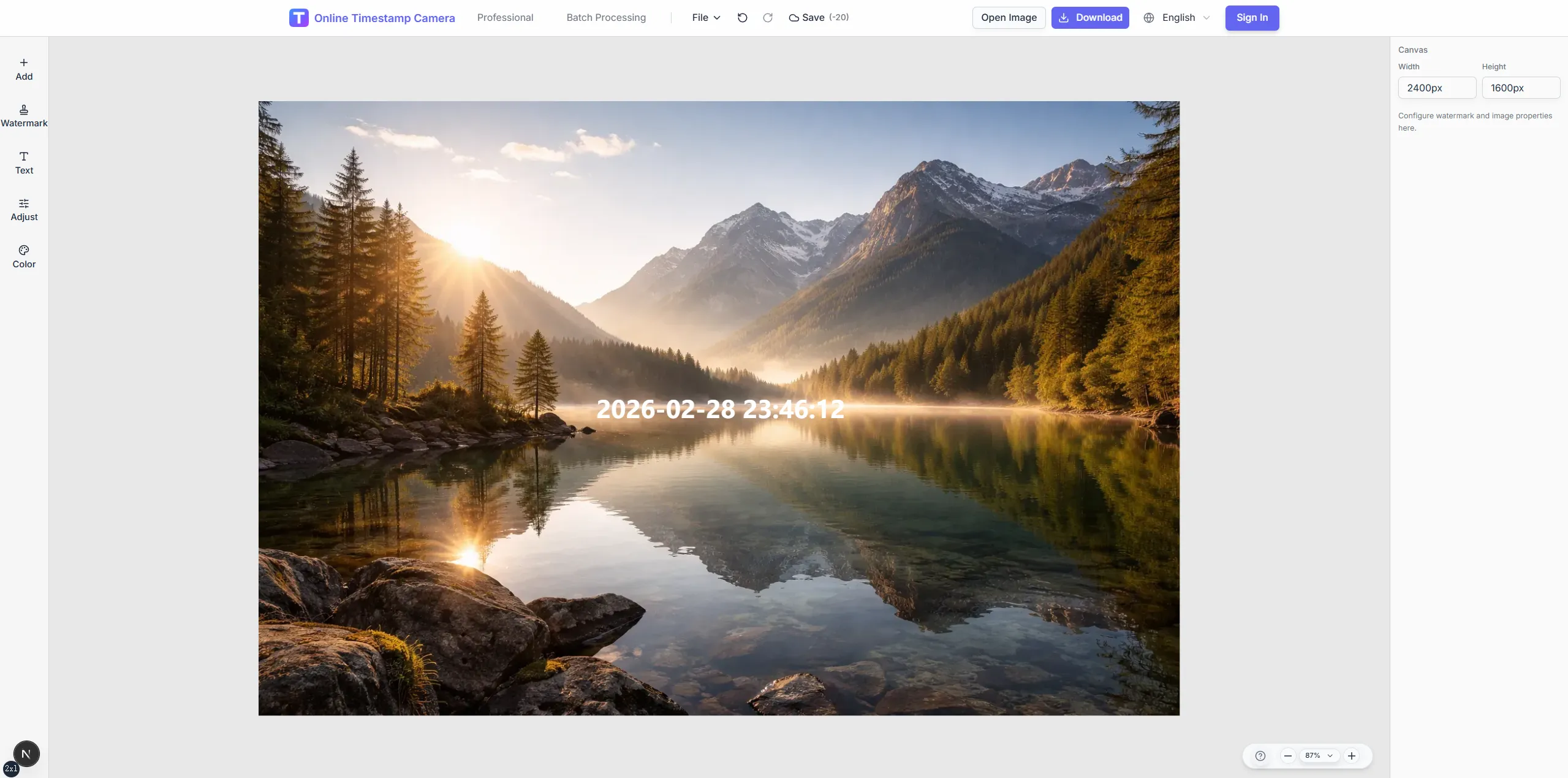
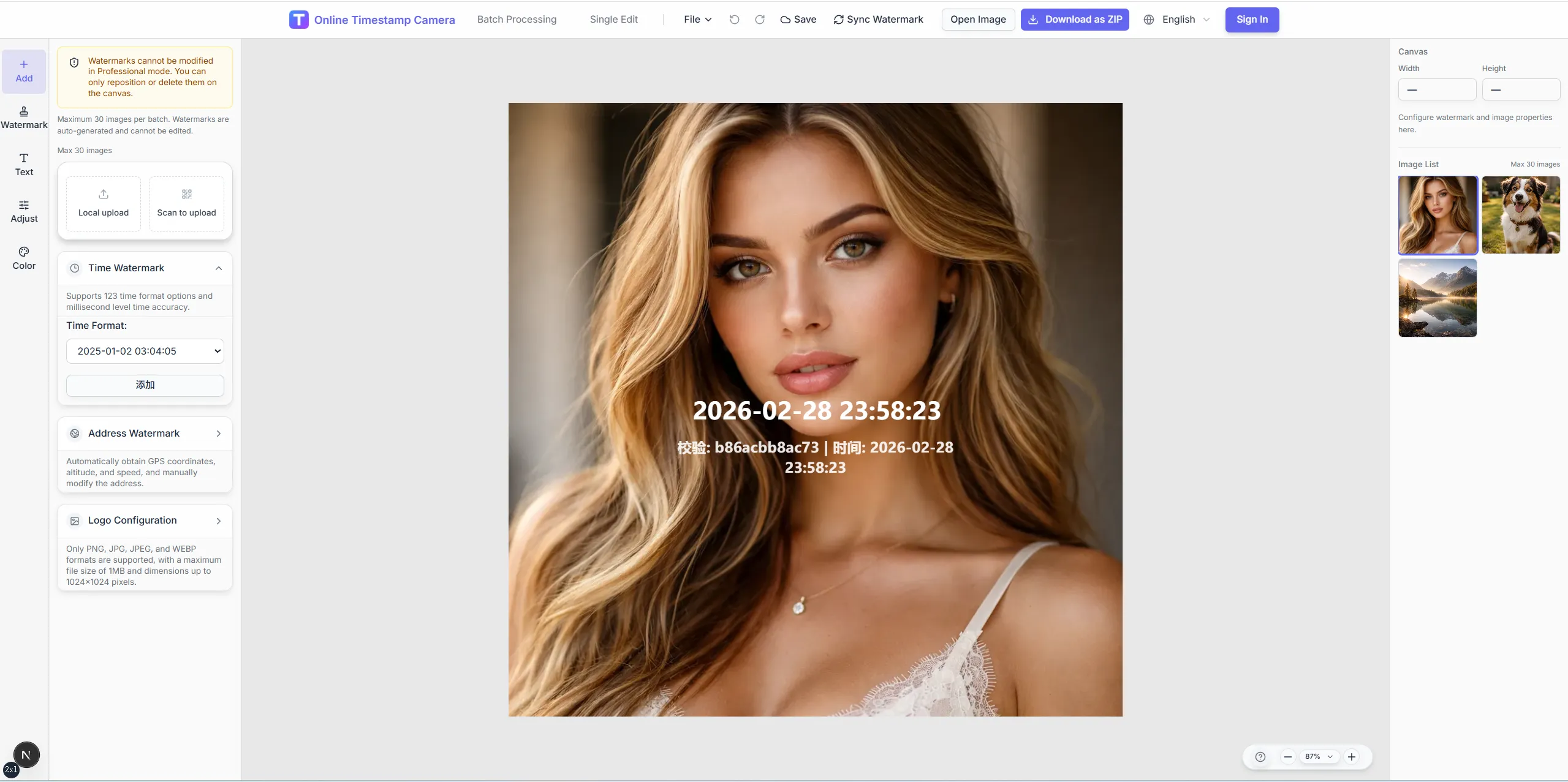
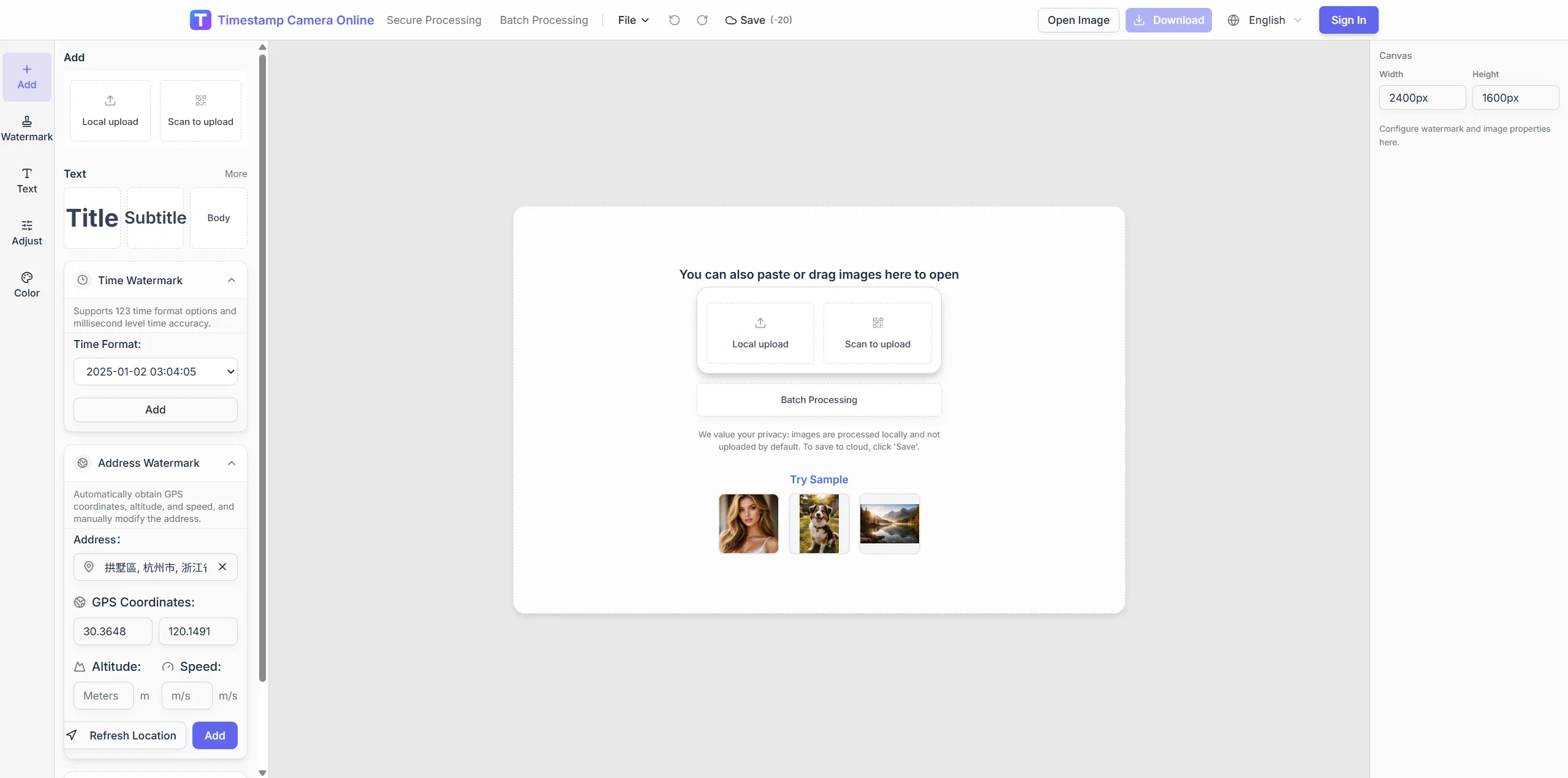
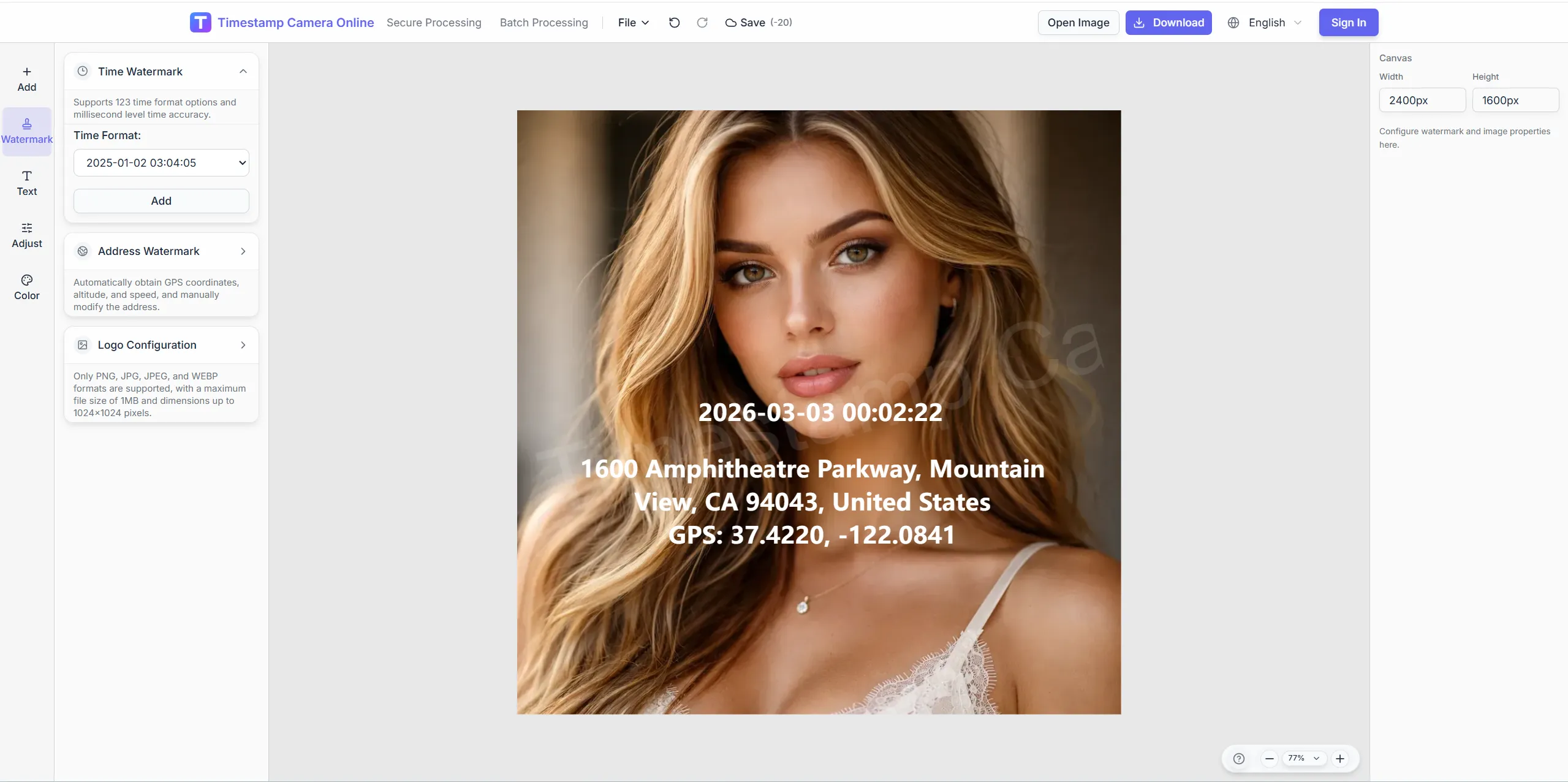
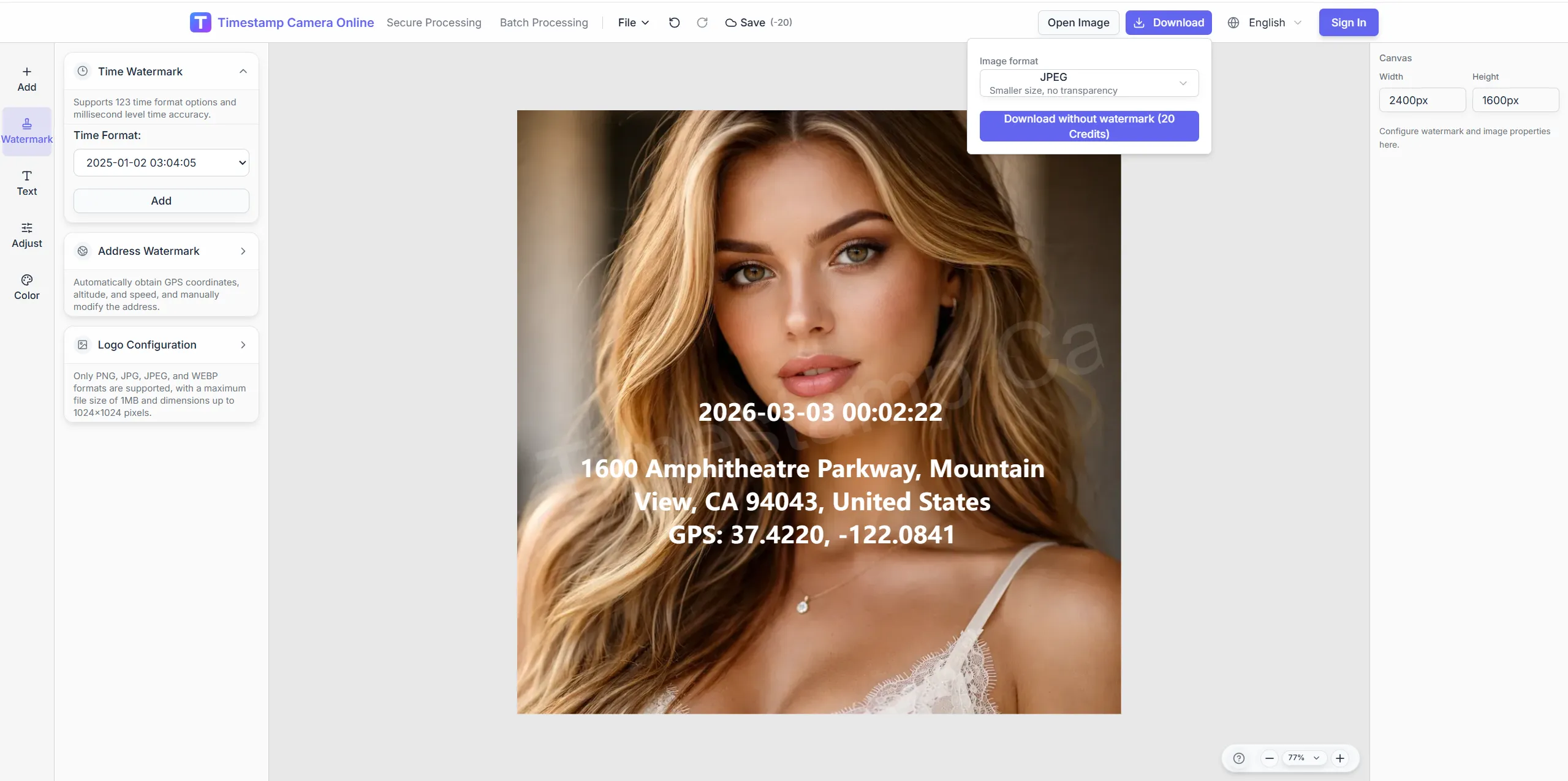
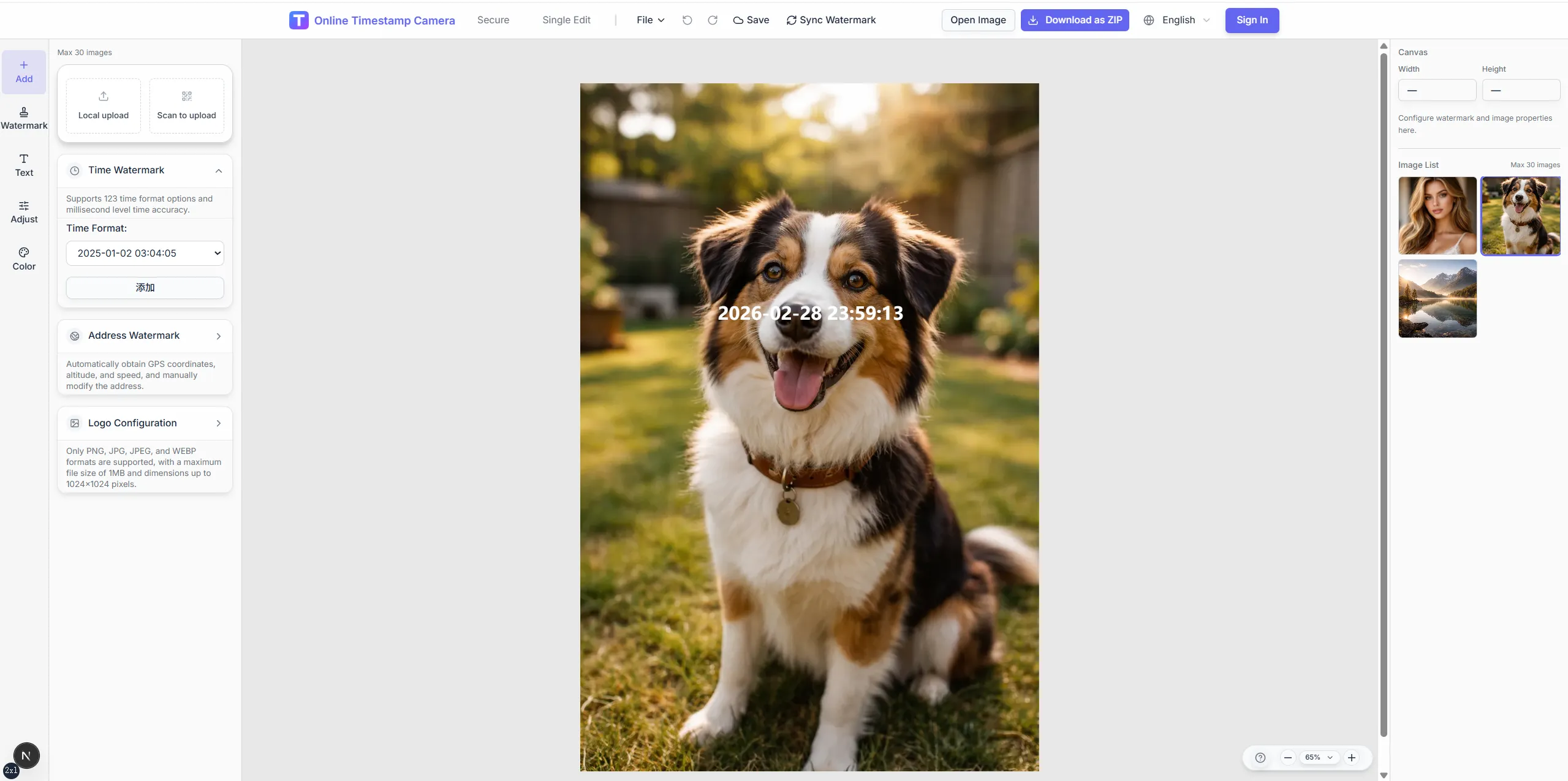
Move from raw field photo to a location-stamped export without rebuilding coordinate blocks for every site.
Crop, color, and redaction tools help you polish geotagged exports after coordinates and address layers are in place.
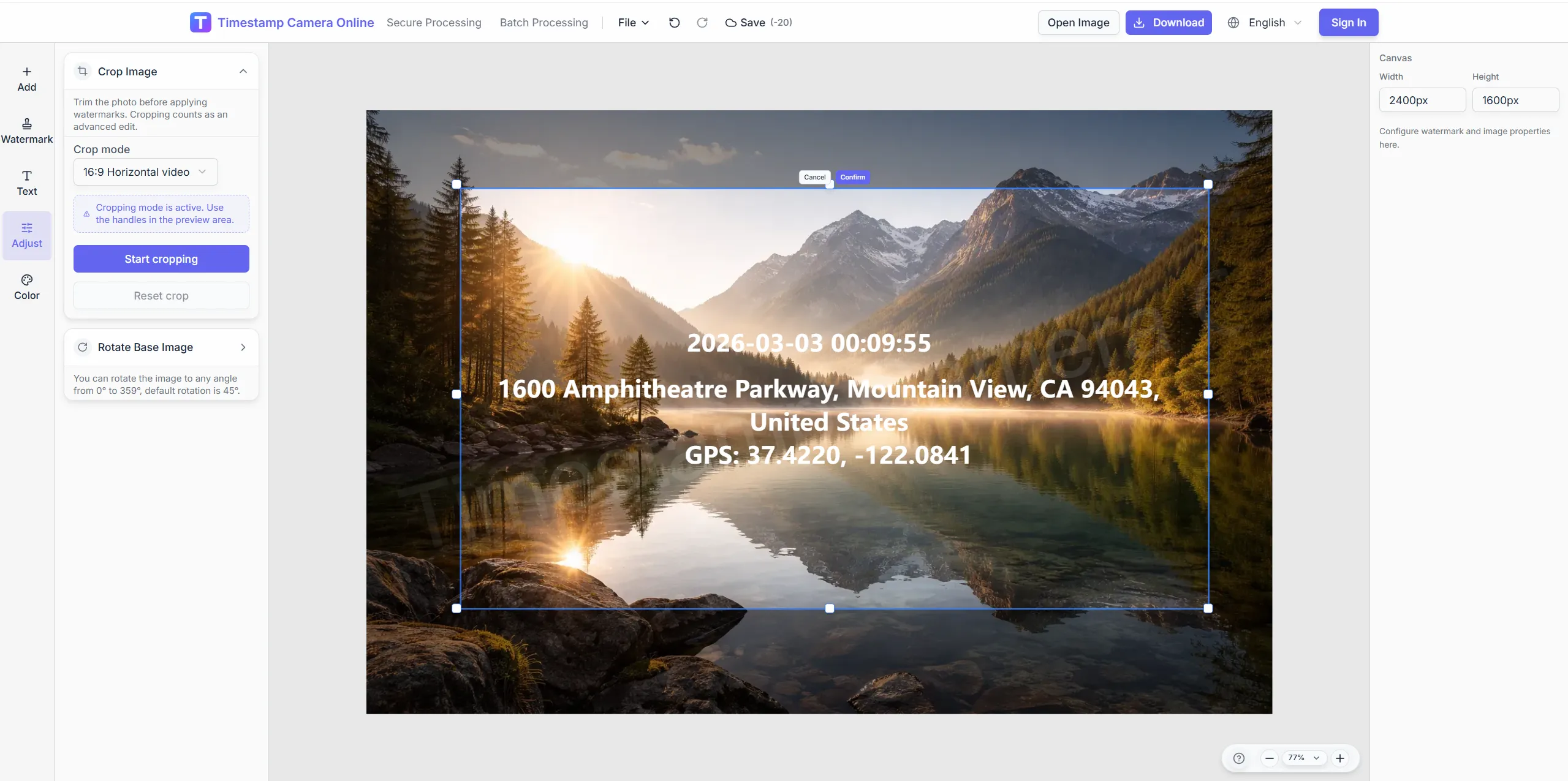
Frame the scene with preset ratios so location text sits on a clean edge.
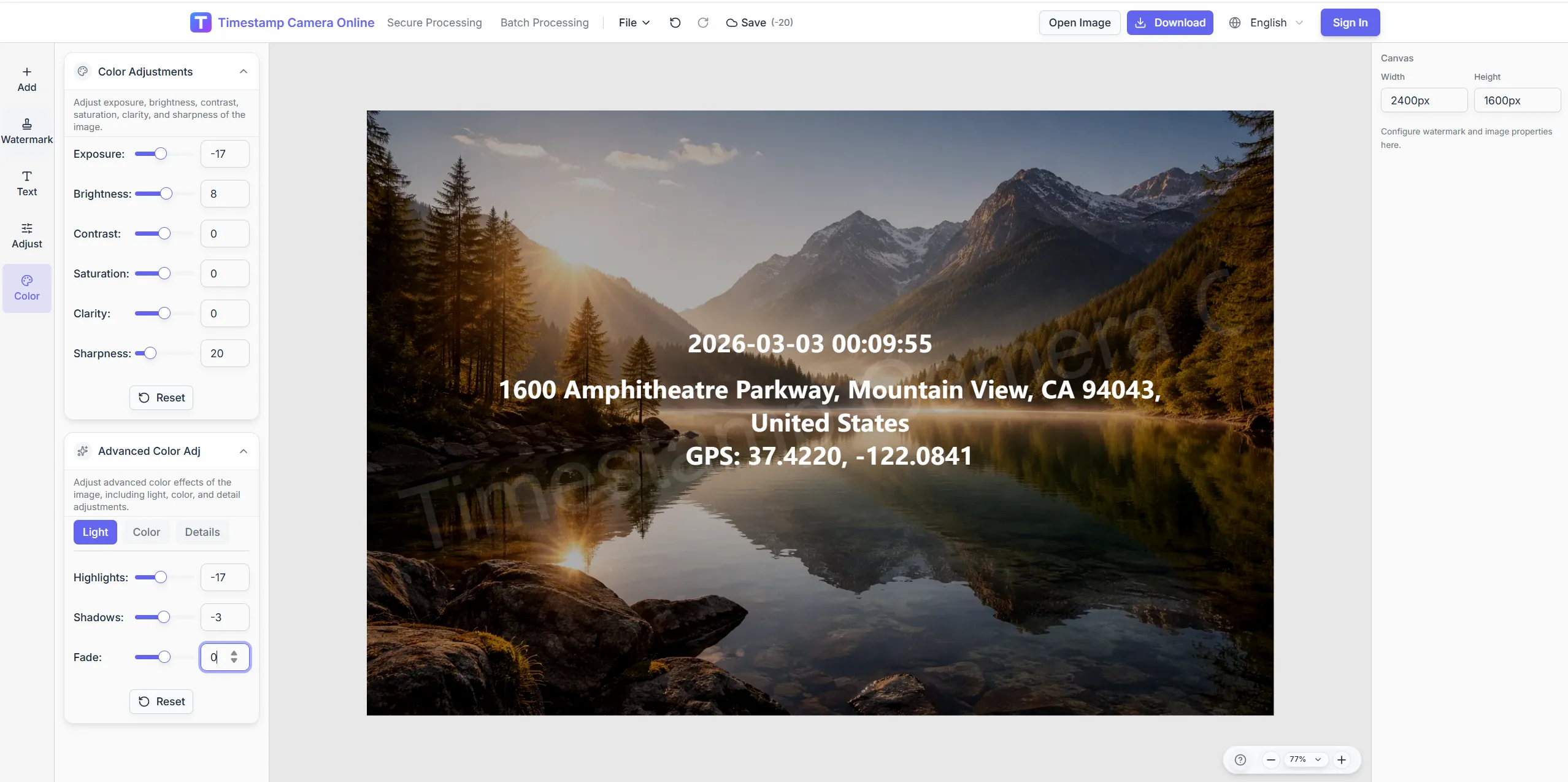
Boost clarity so coordinate lines stay legible on bright sky or shadow.
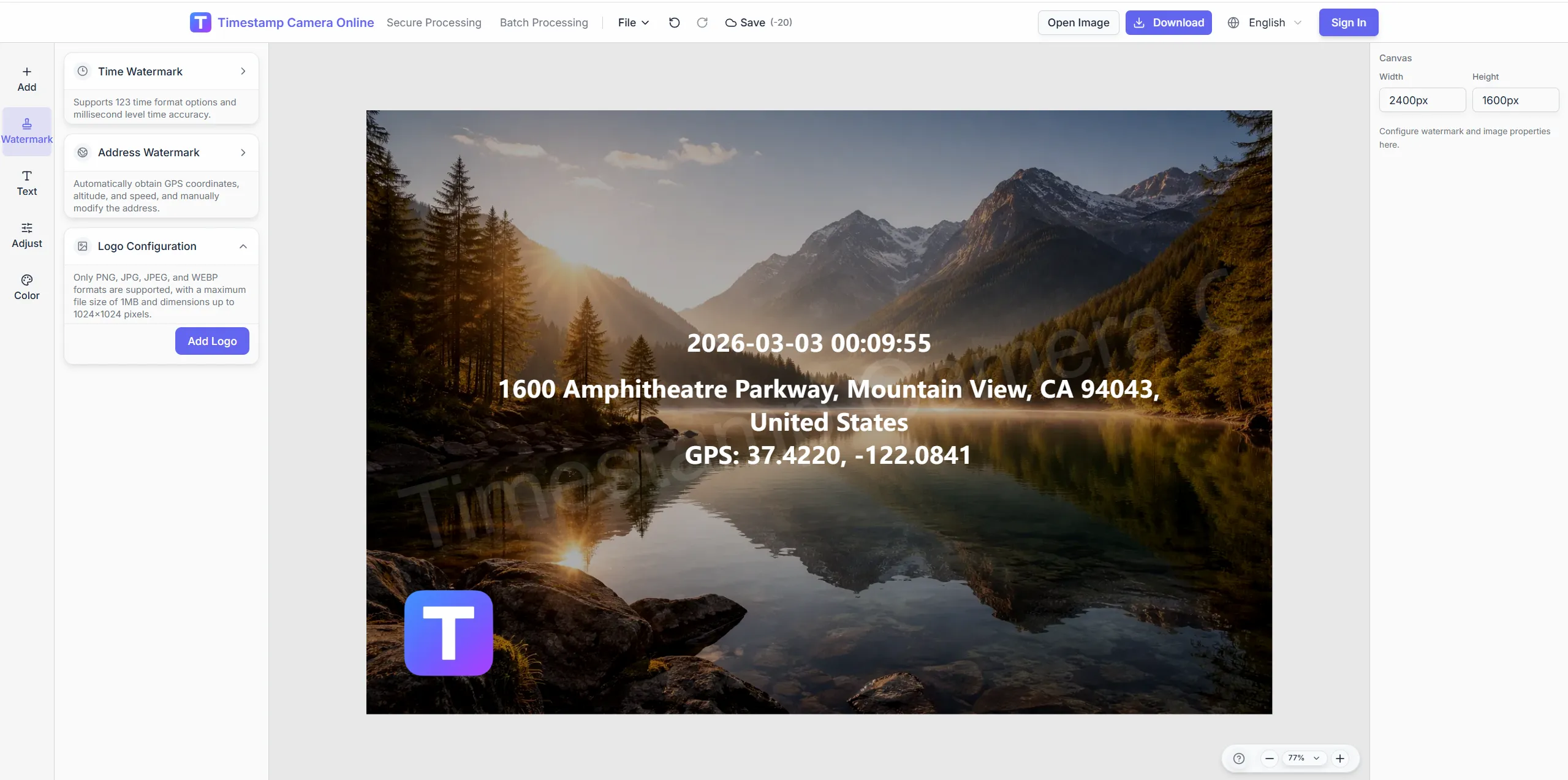
Pair location proof with a branded mark for client deliverables.
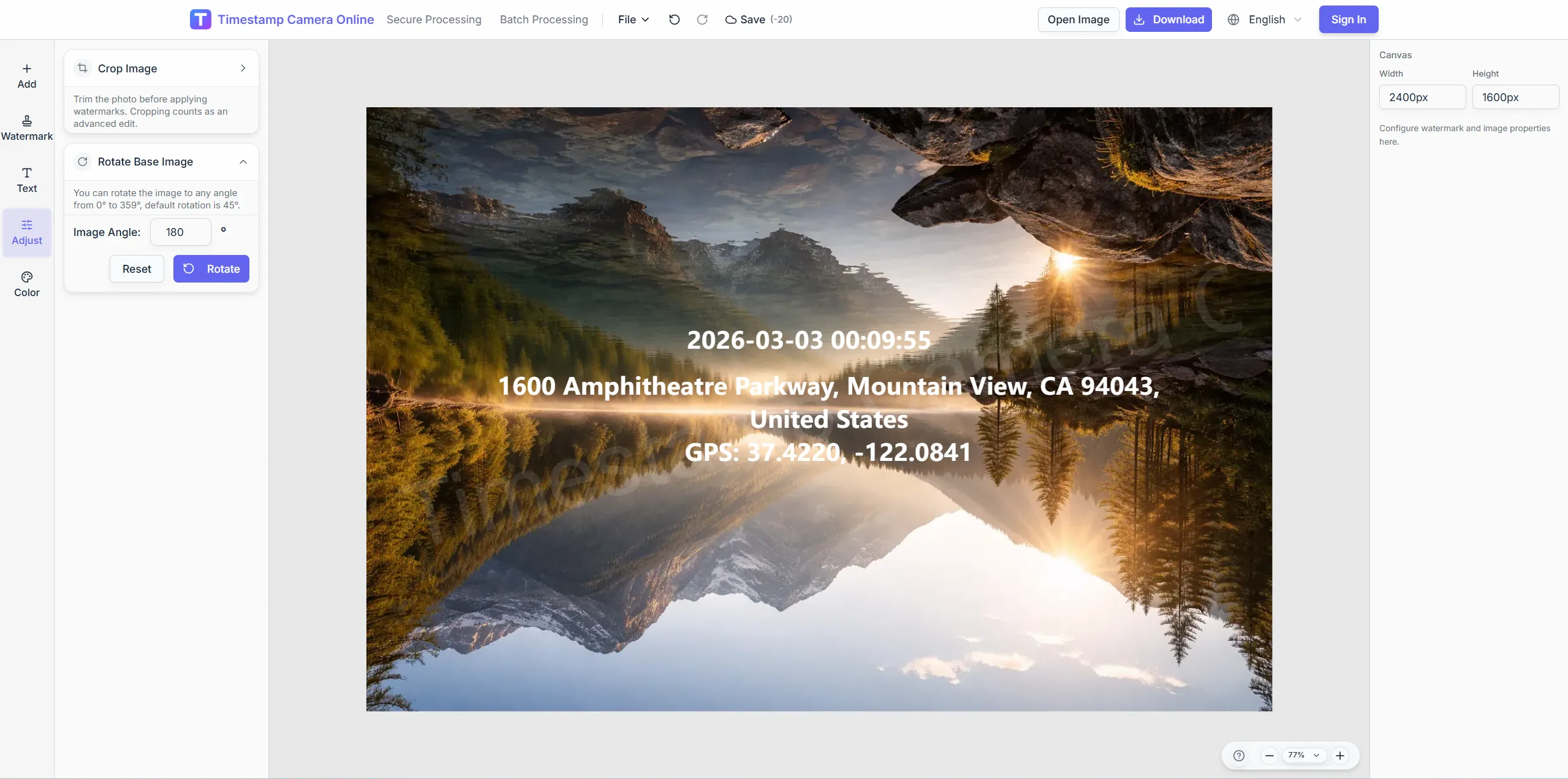
Blur license plates or faces while keeping GPS lines intact.
Move from raw field photos to readable coordinate exports in the browser.
Import JPG, PNG, or HEIC—single shots or batches from the same route.
Set decimal or DMS coordinates, street address, altitude, and survey notes.
Drag the location block so coordinates stay readable and unobstructed.
Download geotagged images or add time, QR, and brand layers in the editor.
Geotagged photos often become stronger records when teams add time proof, route reporting, delivery context, or inspection details to the same export set.
Turn existing site photos into GPS-stamped records when teams need location visible in the image.
View scenario
Add visible capture time alongside location so reviewers do not need to inspect metadata.
View scenario
Organize trip photos by place and time for route reviews, travel logs, or client updates.
View scenario
Add site conditions, address, weather, and inspection context when location alone is not enough.
View scenario
Document visits, deliveries, and setup work with time-and-place proof for handoff.
View scenario
Keep distributed field updates comparable across regions without a separate editing pass.
View scenario
Built for surveys, patrol routes, and asset visits.
Images decode locally; coordinates are sent only for address lookup.
Reviewers read coordinates on the image without opening EXIF panels.
Apply one layout across an entire patrol set.
Values come from device GPS or manual entry—not survey-grade RTK.
Survey, patrol, and facilities teams describe how visible coordinates reduce missing-location rework and speed map review.
Our Maricopa survey crews export geotagged sets the GIS desk accepts without re-keying coordinates. Patrol supervisors batch sixty curb photos before lunch and still make the afternoon route. Missing-location rejections fell from twelve percent to under two.
Helena Brooks · Survey coordinator, Phoenix AZ
Facilities patrols in downtown Portland finally show decimal degrees in the same corner every shift. I stopped opening separate map screenshots to explain where a frame was taken. Audit walks finish a full day earlier each month.
Marcus Lin · Facilities lead, Portland OR
Batch geotagging cut our weekly route archive from six hours to under three. Technicians in Boise upload phone shots and apply one template before the fleet meeting. Coordinators trust the coordinate block more than voice notes.
Priya Nair · Operations analyst, Boise ID
Pick tools for live capture, travel logs, and batch geotag.
GPS camera scenario
Stamp live location lines during field capture.
Timestamp camera
Show capture time on the same frame.
Travel photo journal
Organize trips by city and route.
Photo location analyzer
Read EXIF coordinates then write visible overlays.
Batch watermark
Apply one GPS layout to many photos.
Common questions about coordinate formats, batch geotagging, map exports, and privacy when sharing location-tagged field photos.
Yes. Enter latitude and longitude directly or paste from a GPS device, then adjust format and placement.
Upload HEIC or JPG from mobile, or scan the QR handoff to move a phone capture into the desktop session.
Batch mode applies the same location and timestamp layout across many images in one pass.
Use background boxes, shadows, and color presets so coordinate lines remain visible on any scene.
No. Type verified coordinates manually or read EXIF with the location tool first.
Decimal degrees, DMS, and combined address + coordinate lines.
Visible coordinates suit reports; GIS pipelines still need coordinate tables.
Enter verified coordinates in the editor or pick a map point before export.
This page geotags existing photos; GPS camera focuses on live location lines at capture.
Batch watermark supports shared templates; stay under roughly one hundred per batch.
Add coordinates and address lines in minutes—upload to begin.