Can I add both timestamp and location online on the same photo?
Yes. Upload the photo, then configure the visible time and location overlays together in the editor.
Free trial · Time and location together
When a record must show both when and where a shot was taken, combine date, address, coordinates, altitude, or speed. Built for inspections, field check-ins, engineering logs, and delivery proof.
Austin, TX · 30.2672°N, 97.7431°W
11:06:41
May 8, 2024 · Wednesday
Configure visible time and location fields in a single browser session instead of switching tools.
Useful when the photo needs to show both the shooting time and the shooting location.
Lets you combine address labels, coordinates, altitude, speed, and custom location text in one editing flow.
Works well for inspections, engineering logs, delivery records, travel documentation, and field check-ins.
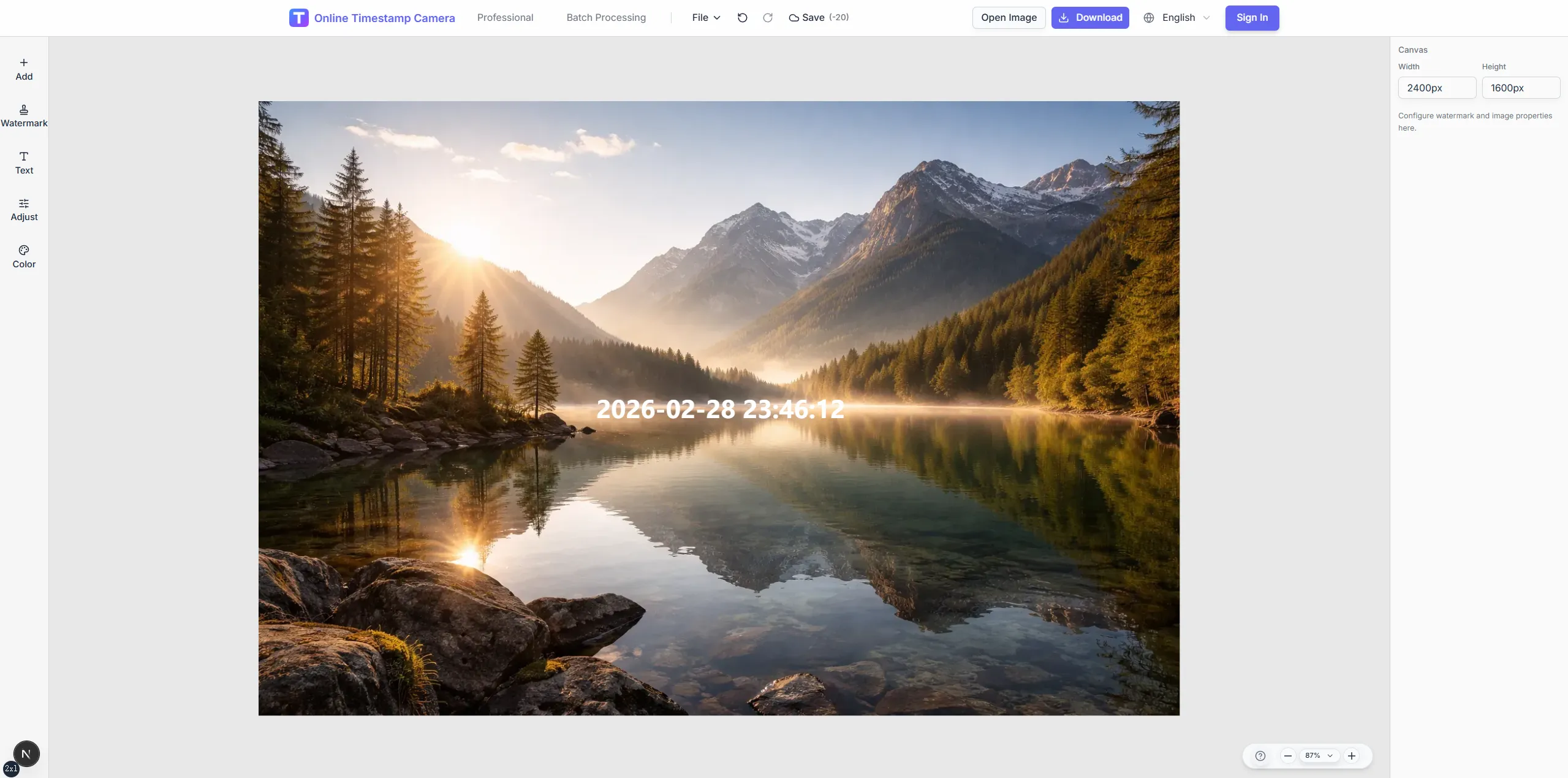
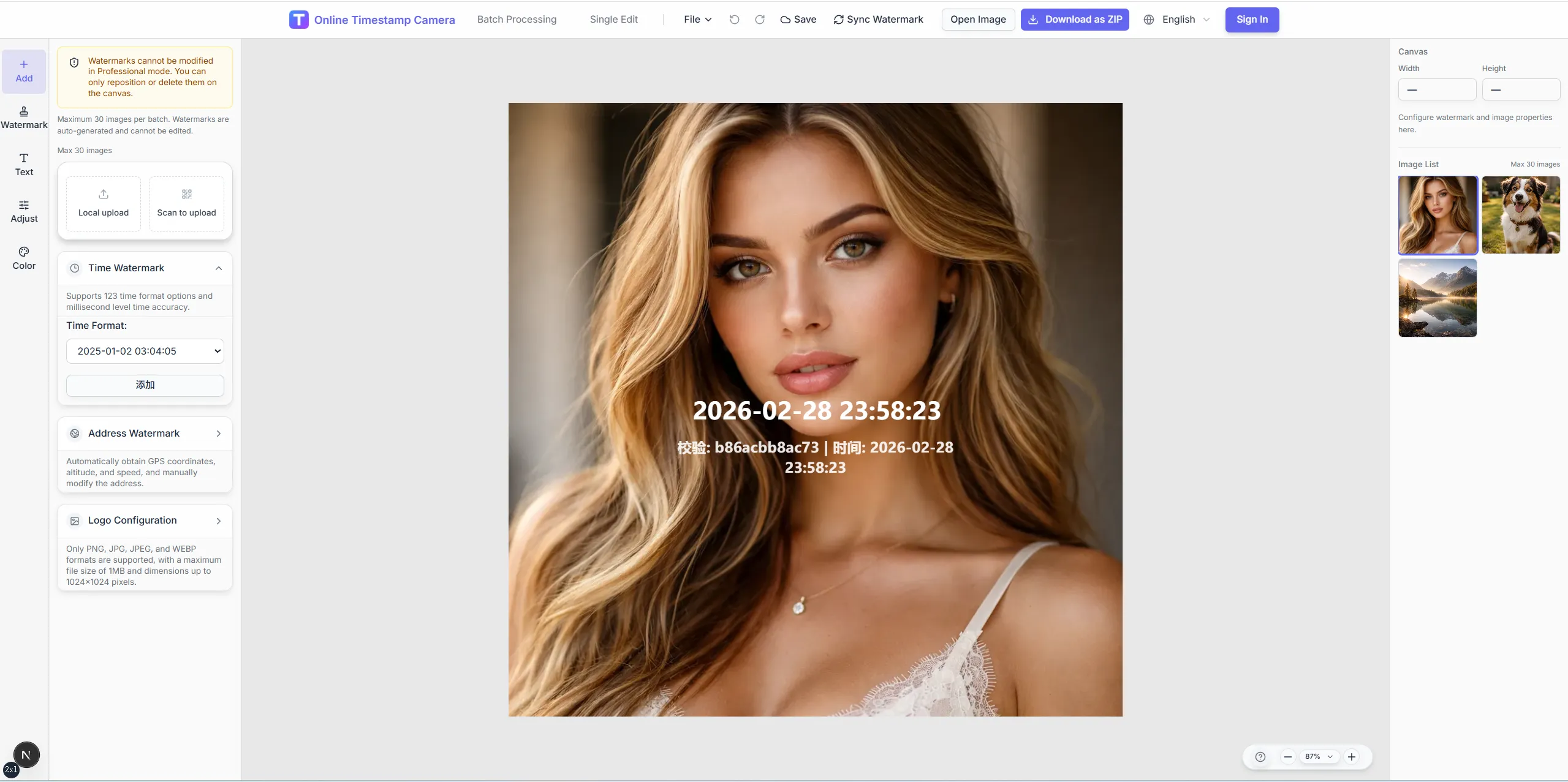
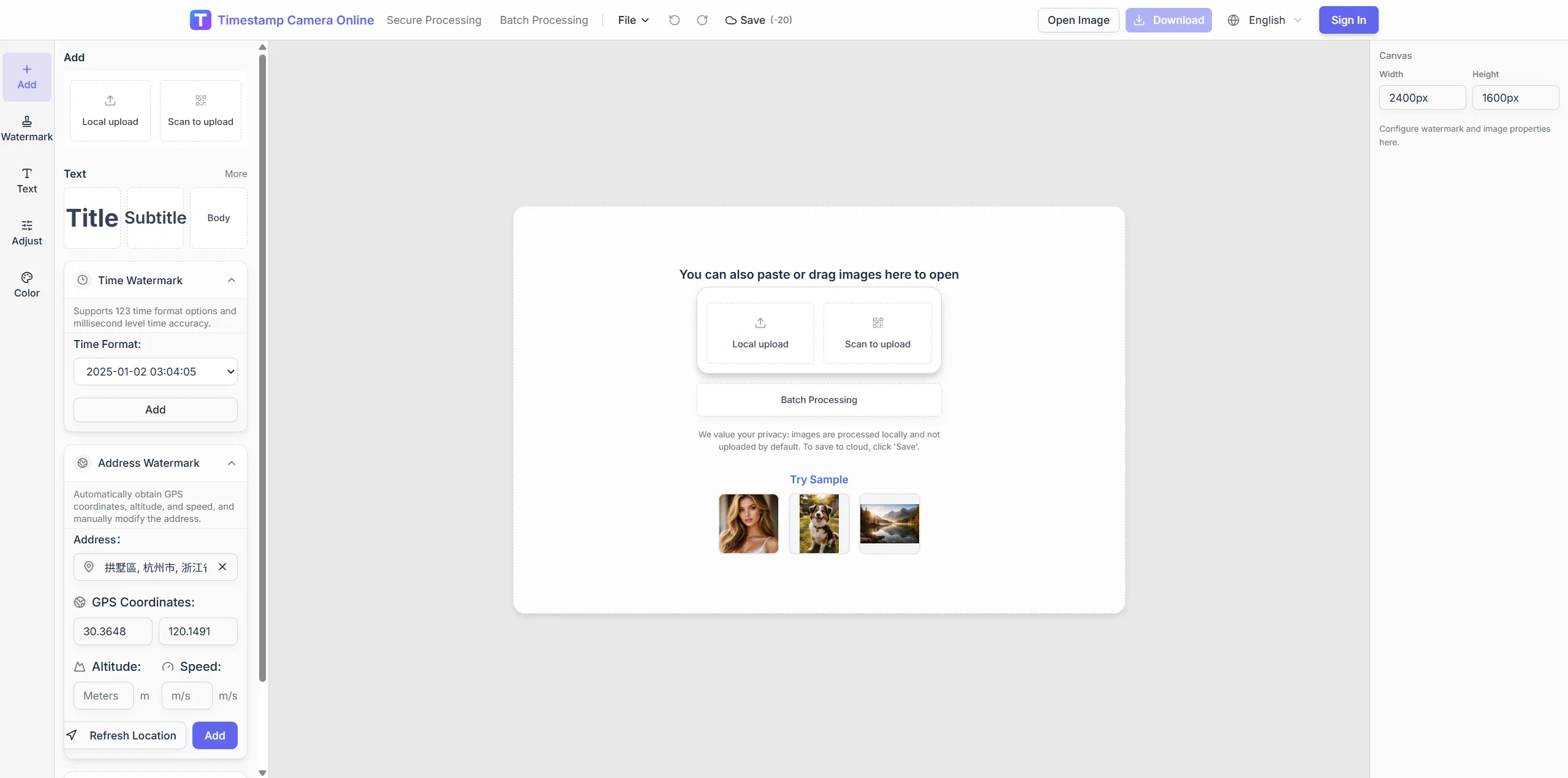
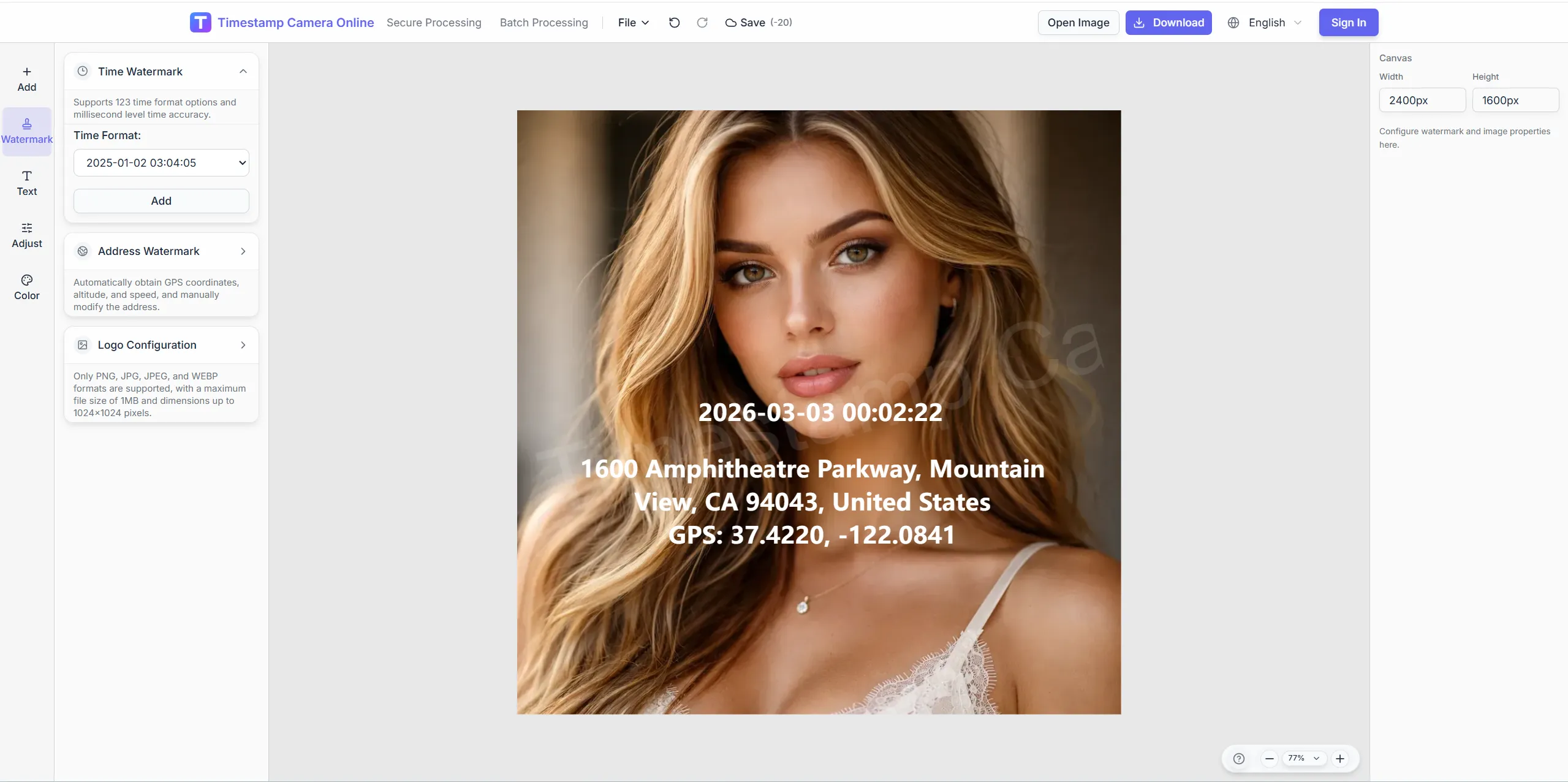
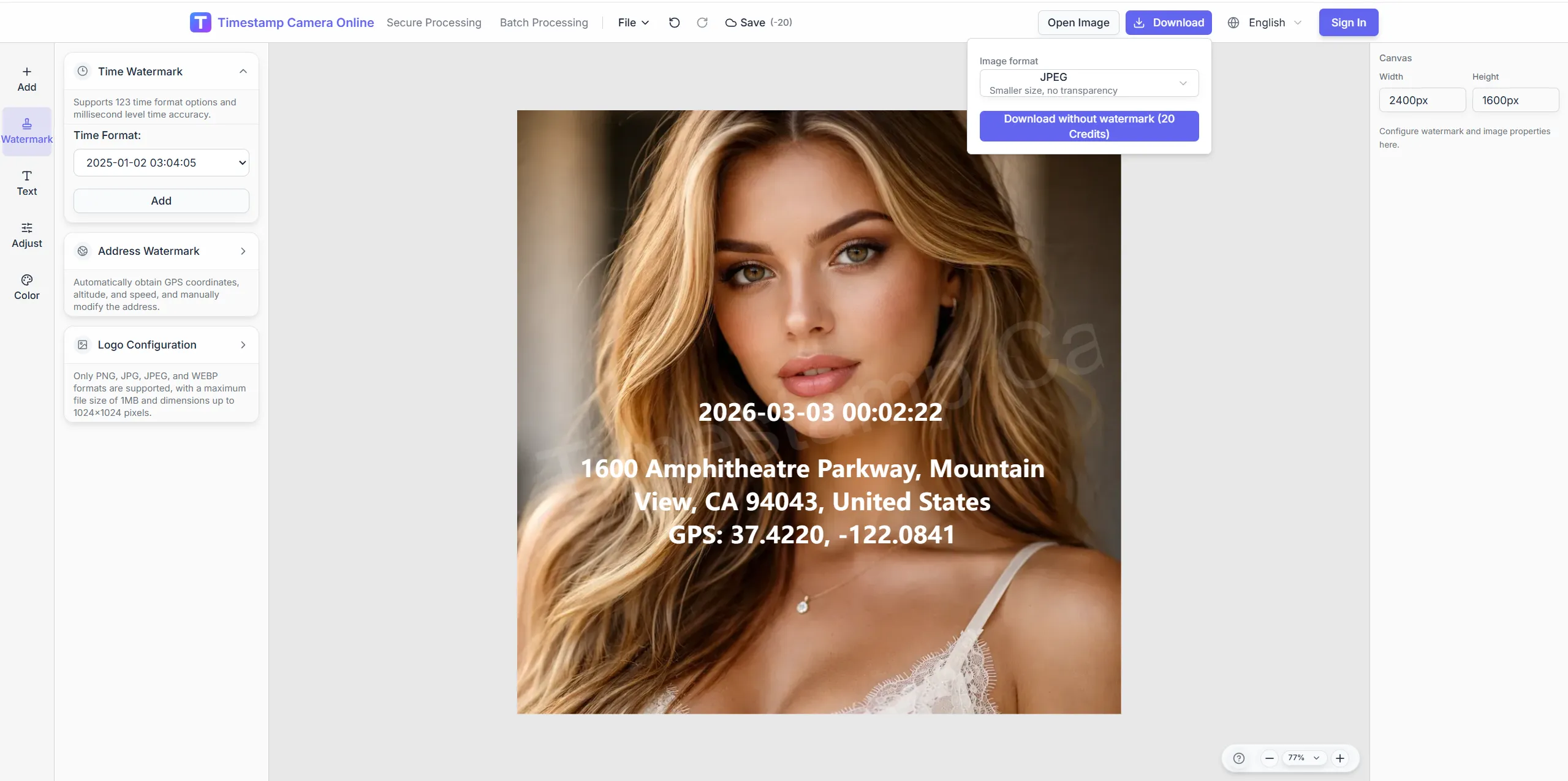
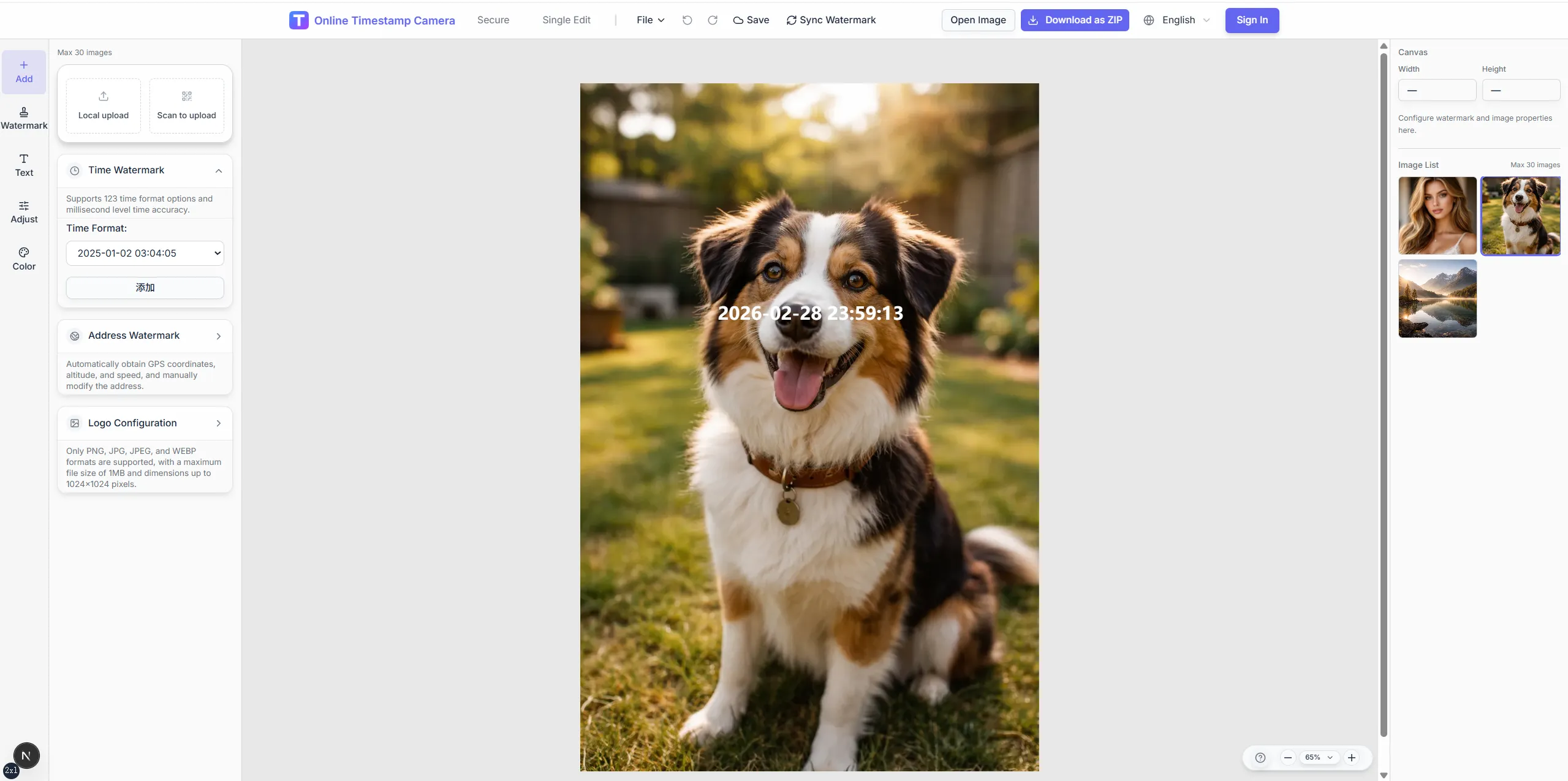
When a record must show both when and where a shot was taken, combine date, address, coordinates, altitude, or speed. Built for inspections, field check-ins, engineering logs, and delivery proof.
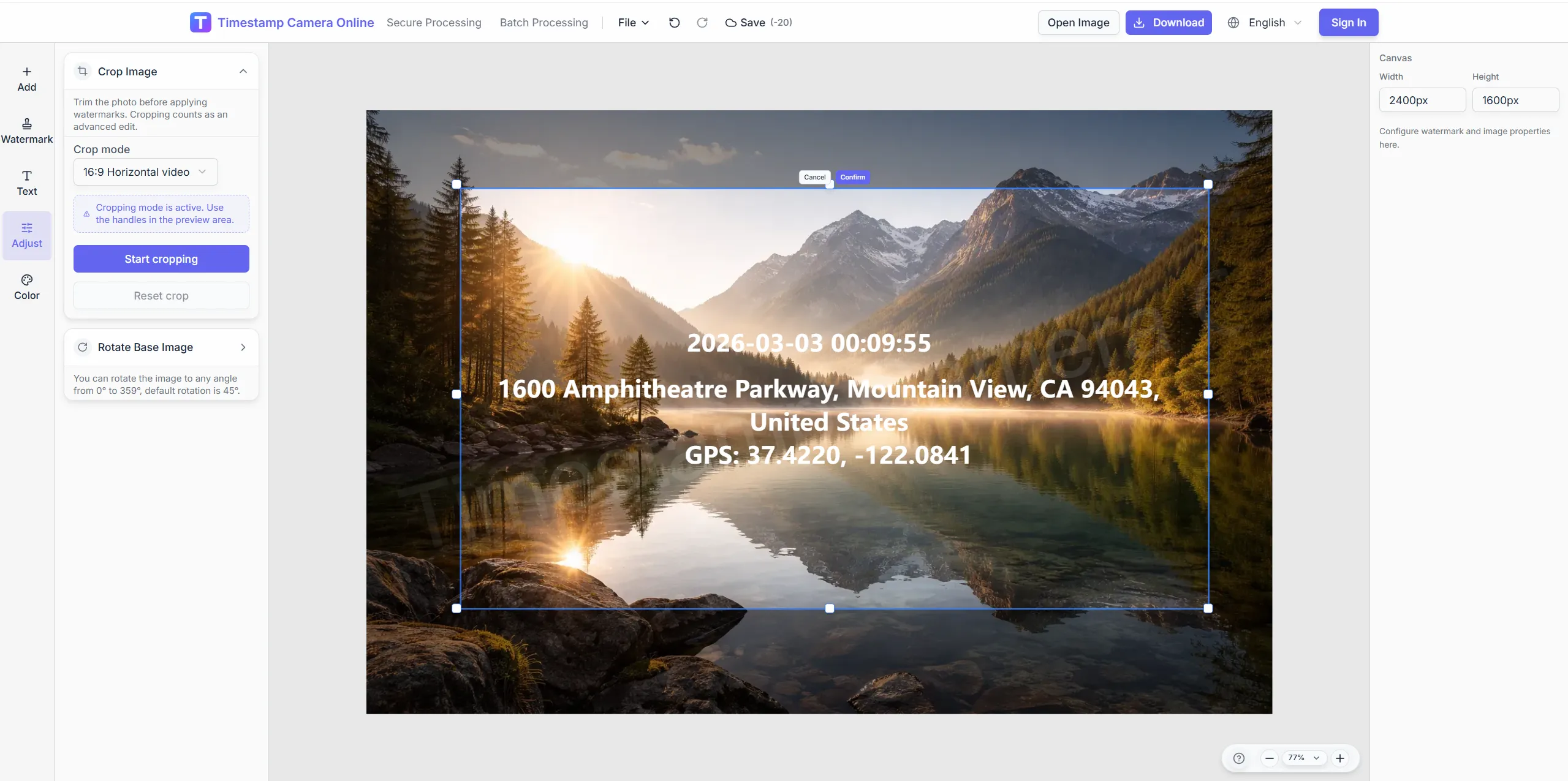
Crop so address lines do not sit over the subject.
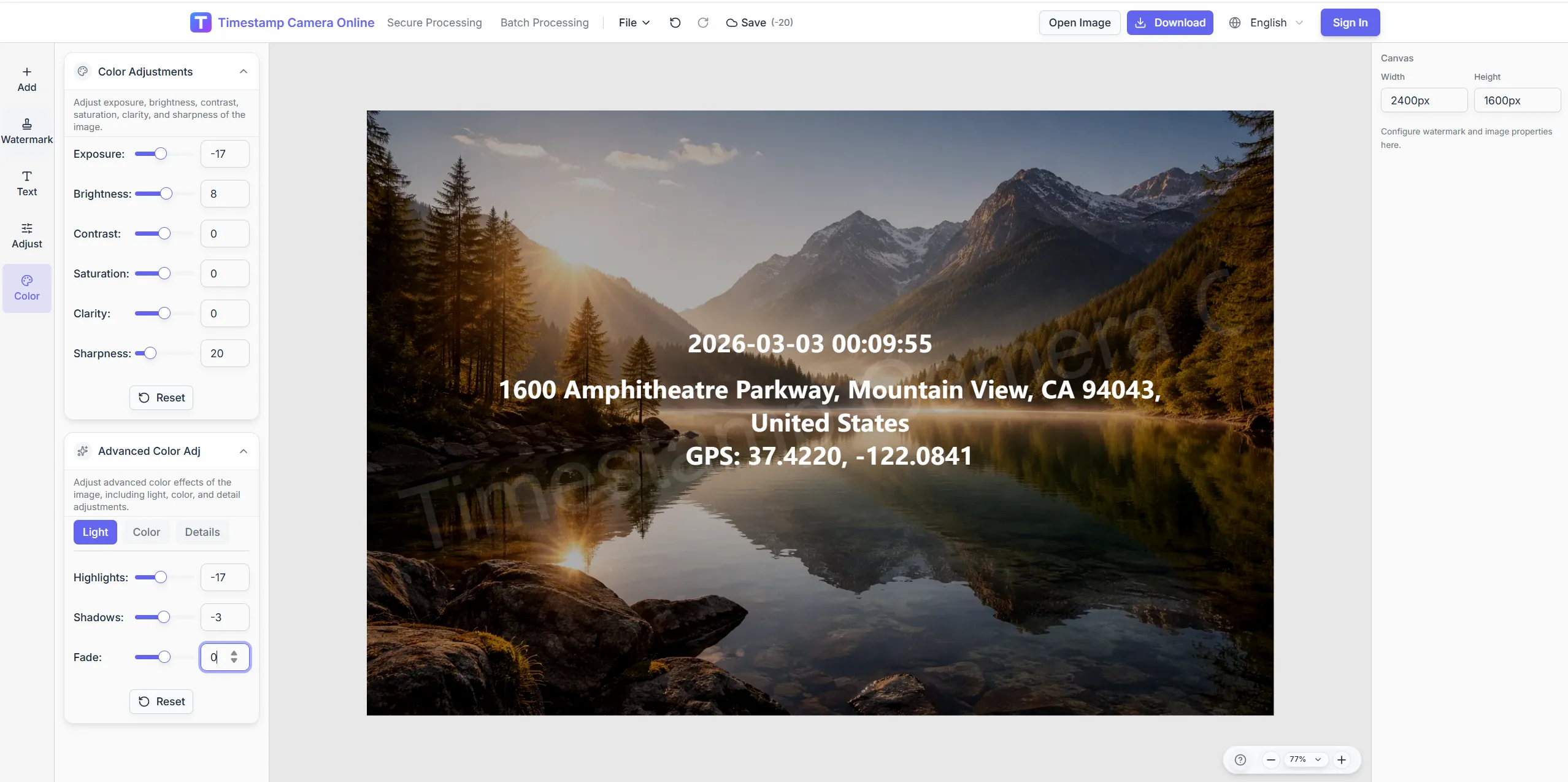
Keep coordinates readable on sky or shadow.
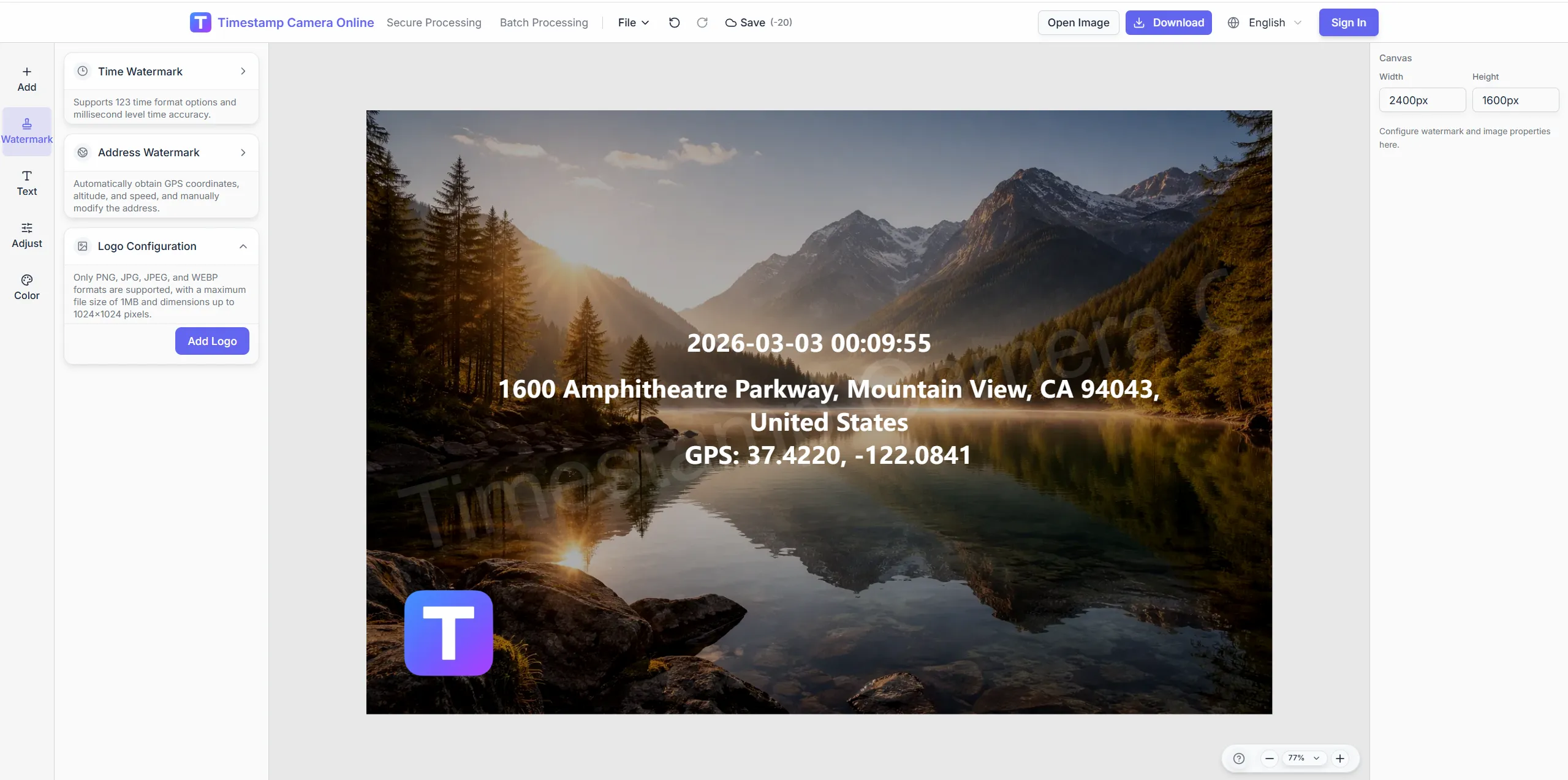
Place context beside the location block.
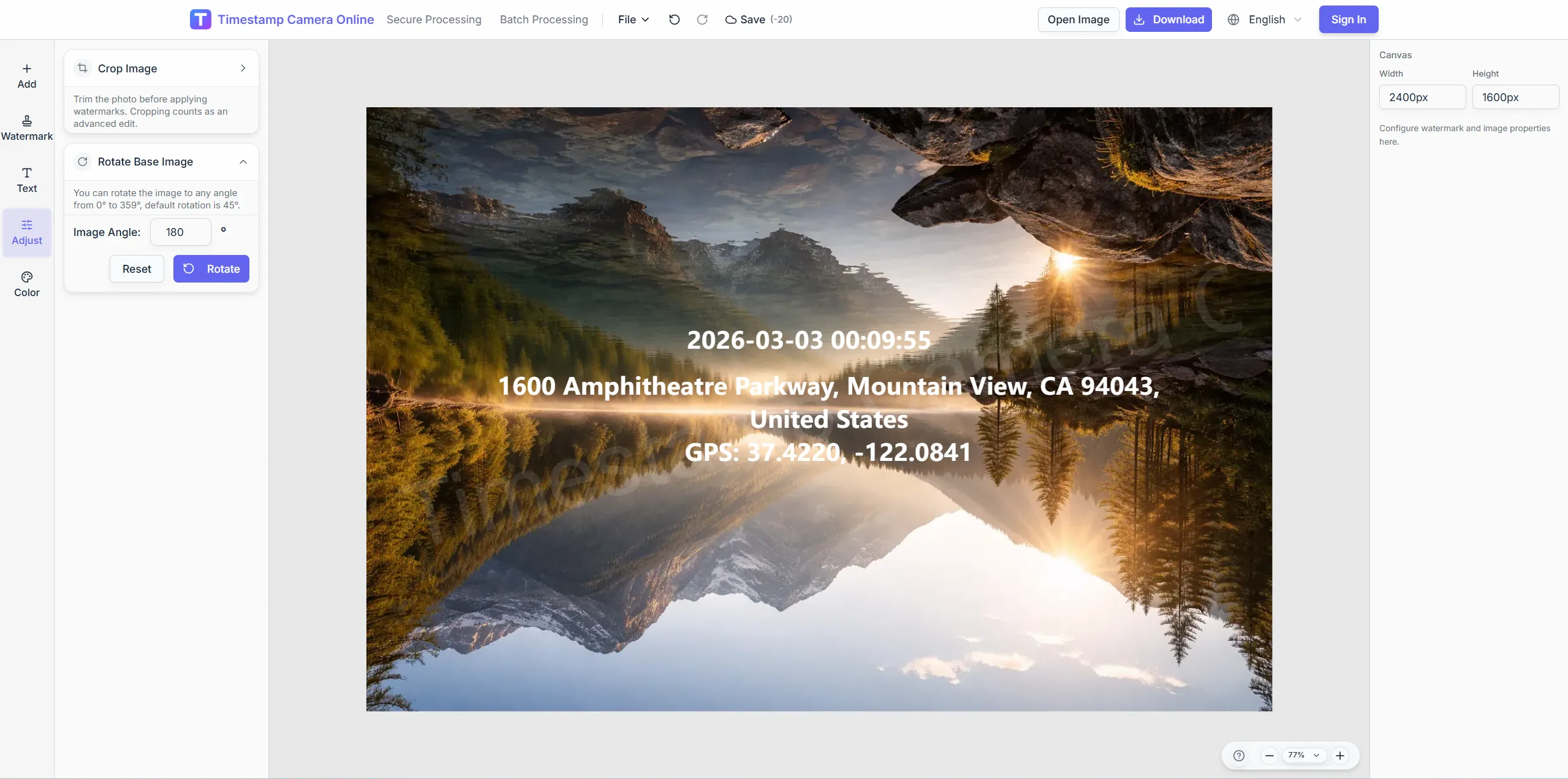
Hide exact door numbers while keeping time and area.
Explore adjacent workflows teams pair with combined time and location editing—same overlay standards, different industries, and concrete field outcomes.
Embed coordinates, addresses, and map-style location lines on field photos so mapping and patrol records stay easier to review.
View scenario
Add live-style location stamps to photos from any camera or phone when crews need place-visible exports without extra hardware.
View scenario
Use reusable templates for inspections and site progress where time, address, weather, and device context help explain the photo.
View scenario
Use visible time, location, and optional device details to keep check-in photos easier to review across office, retail, and field teams.
View scenario
Document events, visits, and deliveries with time-and-place overlays that help others understand what happened and when.
View scenario
Add visible timing and location context to field or lab images when the record needs stronger provenance at a glance.
View scenario
Practitioners using combined time and location editing share measurable wins: fewer retakes, faster reviews, and cleaner handoffs to HR, owners, or carriers.
Oregon ecology techs add quadrat coordinates and observation time on one browser upload before GIS import. Field season startup dropped from three days of caption work to about one. Season-over-season plots align because placement never drifts.
Dr. Leila Omar · Field PI, Eugene OR
Phoenix solar crews stamp substation address and shift time on hard-hat selfies from phones. Payroll compares twelve sites without a separate maps tab open. Union auditors accepted the combined proof layout verbatim.
Mei Chen · Construction PM, Phoenix AZ
Research assistants in Boston pair sample IDs with GPS context on field photos for ELN upload. Reviewers read provenance on the image instead of hunting lab notebooks. Multi-site studies share one combined overlay template.
Dr. Alan Frost · Lab director, Boston MA
Jump straight into the workflow that matches your task: quick timestamps, location overlays, batch processing, QR code overlays, privacy cleanup, or secure proof-style exports.
Add a timestamp online
Upload a photo and add date and time in the browser, then fine-tune format and placement.
Batch watermark photos
Apply one shared timestamp and overlay layout to many photos for inspections and field records.
Add a QR code
Place a scannable code together with timestamps, logos, or summary text on the final export.
AI photo location online
Upload photos to analyze shooting location and details online. Batch processing, Excel export, and labeled metadata watermarks.
Hide sensitive information
Mask or blur license plates, faces, addresses, and other privacy areas before sharing.
Edit an existing timestamp
Change visible date or time on a photo, clean up old marks, and export the corrected image.
When a record must show both when and where a shot was taken, combine date, address, coordinates, altitude, or speed. Built for inspections, field check-ins, engineering logs, and delivery proof.
Yes. Upload the photo, then configure the visible time and location overlays together in the editor.
It can mean either. You can use a readable address, coordinates, or a combination that also includes altitude or speed when that context actually matters.
Because this task is not only about showing when the photo was taken. It is also about showing where it was taken, so the workflow needs room for both pieces of information.
Yes. Type latitude and longitude or paste GPS device readings, then pick display format and placement.
Upload an image and configure time, address, and coordinates.