Can photos map to control IDs?
Add custom text or QR layers referencing control numbers in your matrix.
Free trial · Add time, location, and proof overlays in your browser
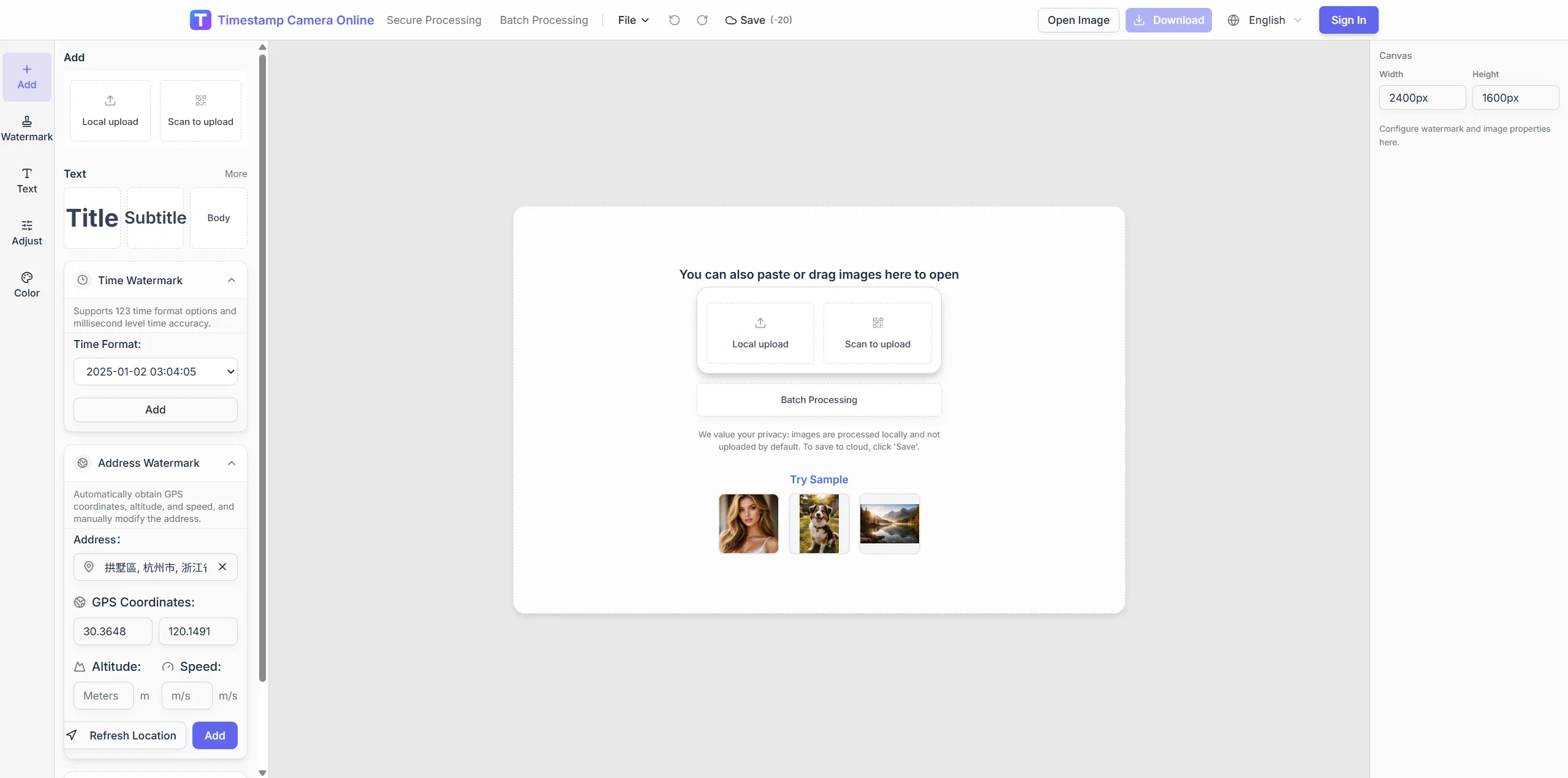
Layer time, place, and structured proof marks on images so audit trails are easier to follow. Redact sensitive fields before records leave controlled folders.
Apr 18, 2024 · Thursday
11:27:44
Chicago, IL · 41.8781°N, 87.6298°W
Apply repeatable formats across facilities so every audit cycle starts from the same visual standard.
Combine date, site ID, and inspector lines in fixed positions.
Add approver stamps beside compliance text.
Remove PII from audit sets while keeping required proof fields.
Export numbered sequences for document management systems.
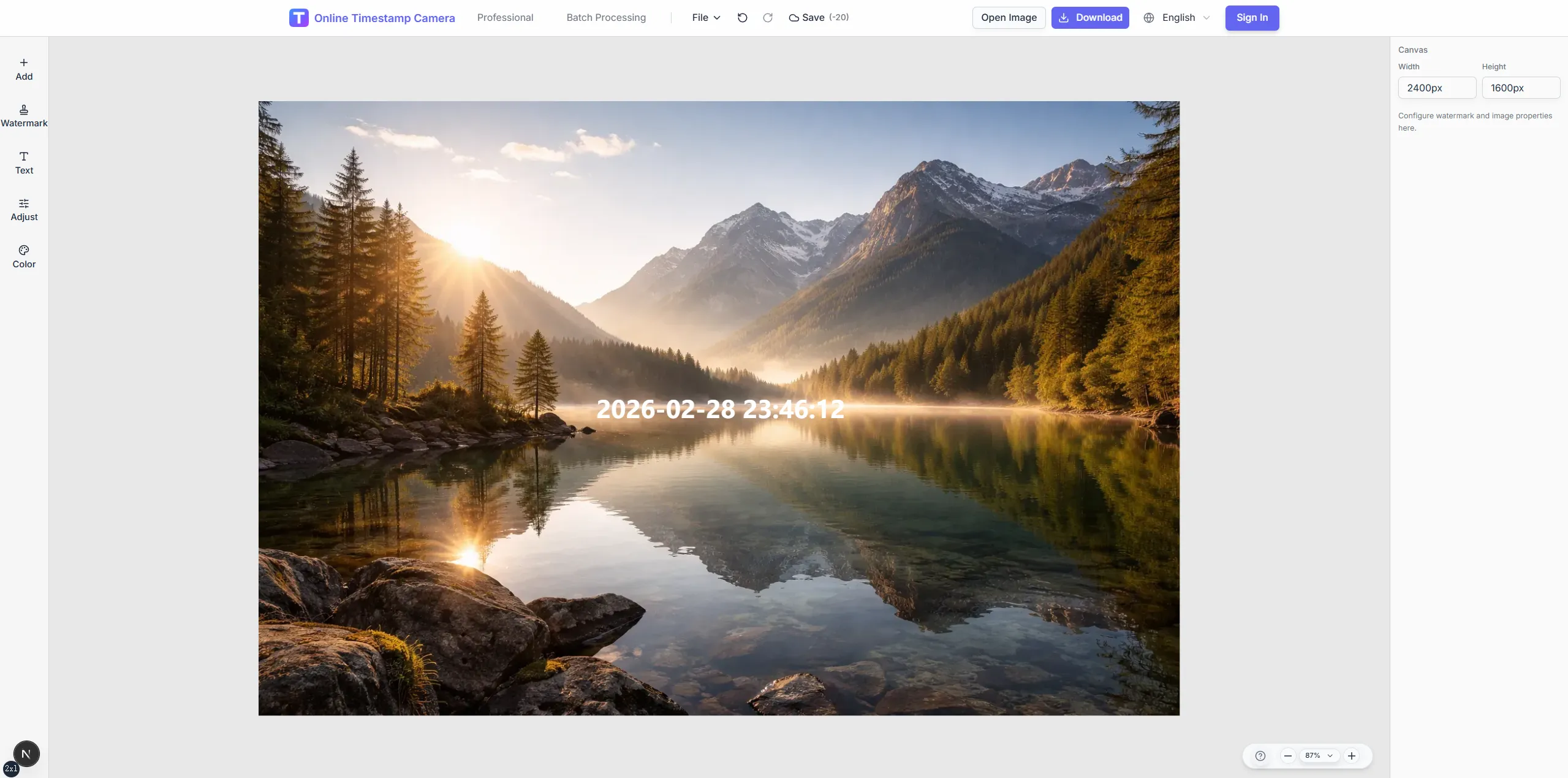
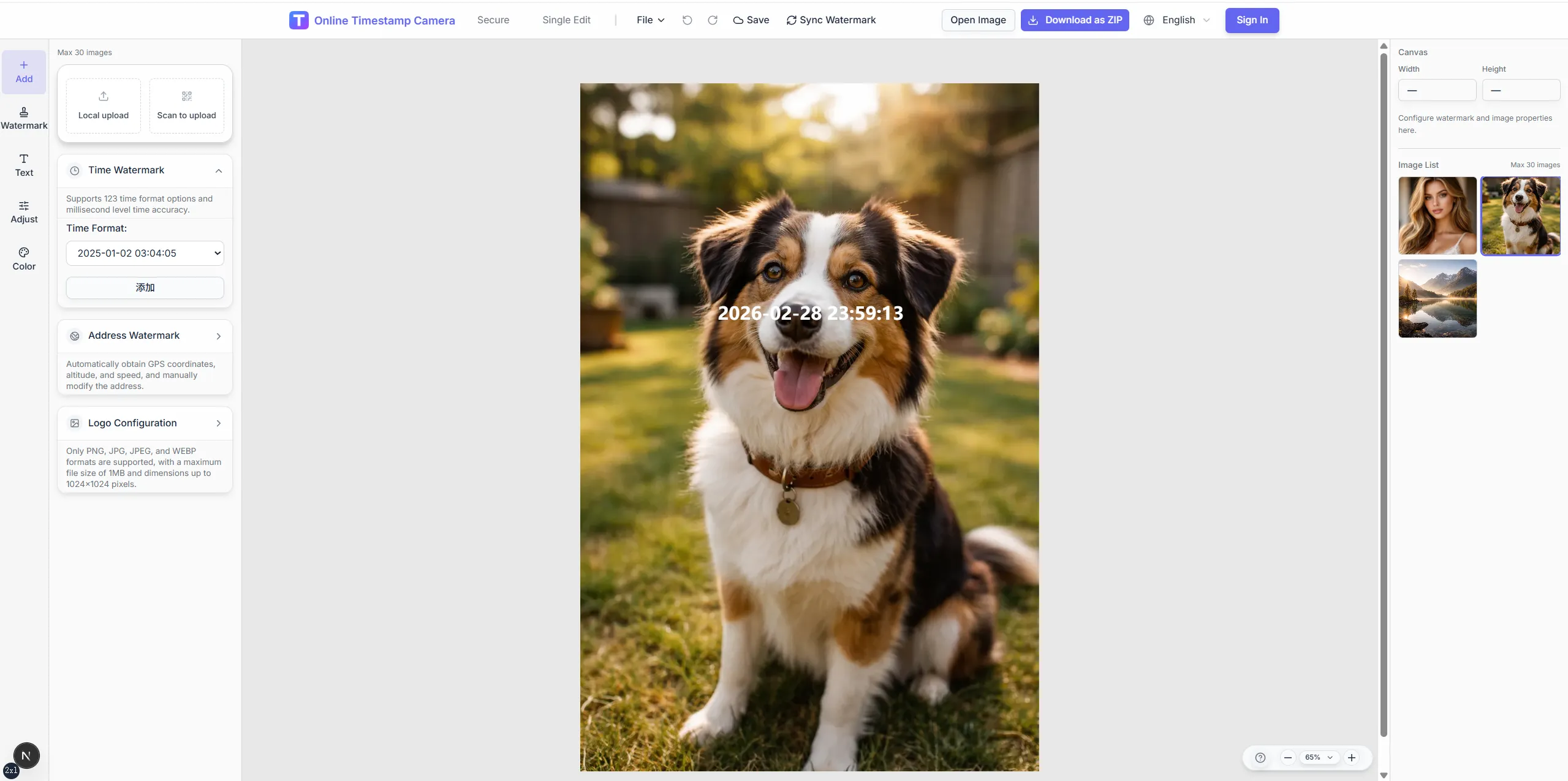
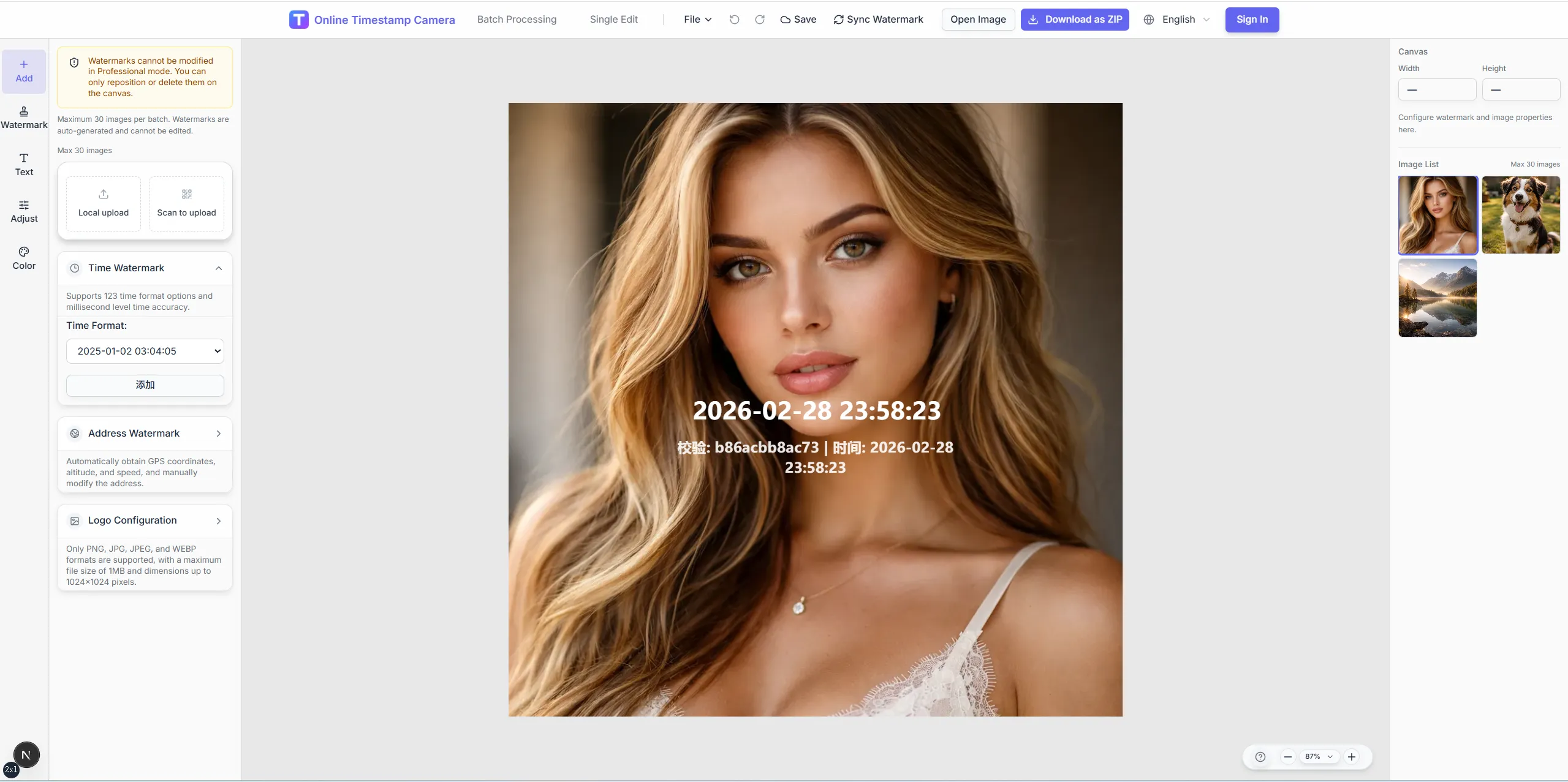
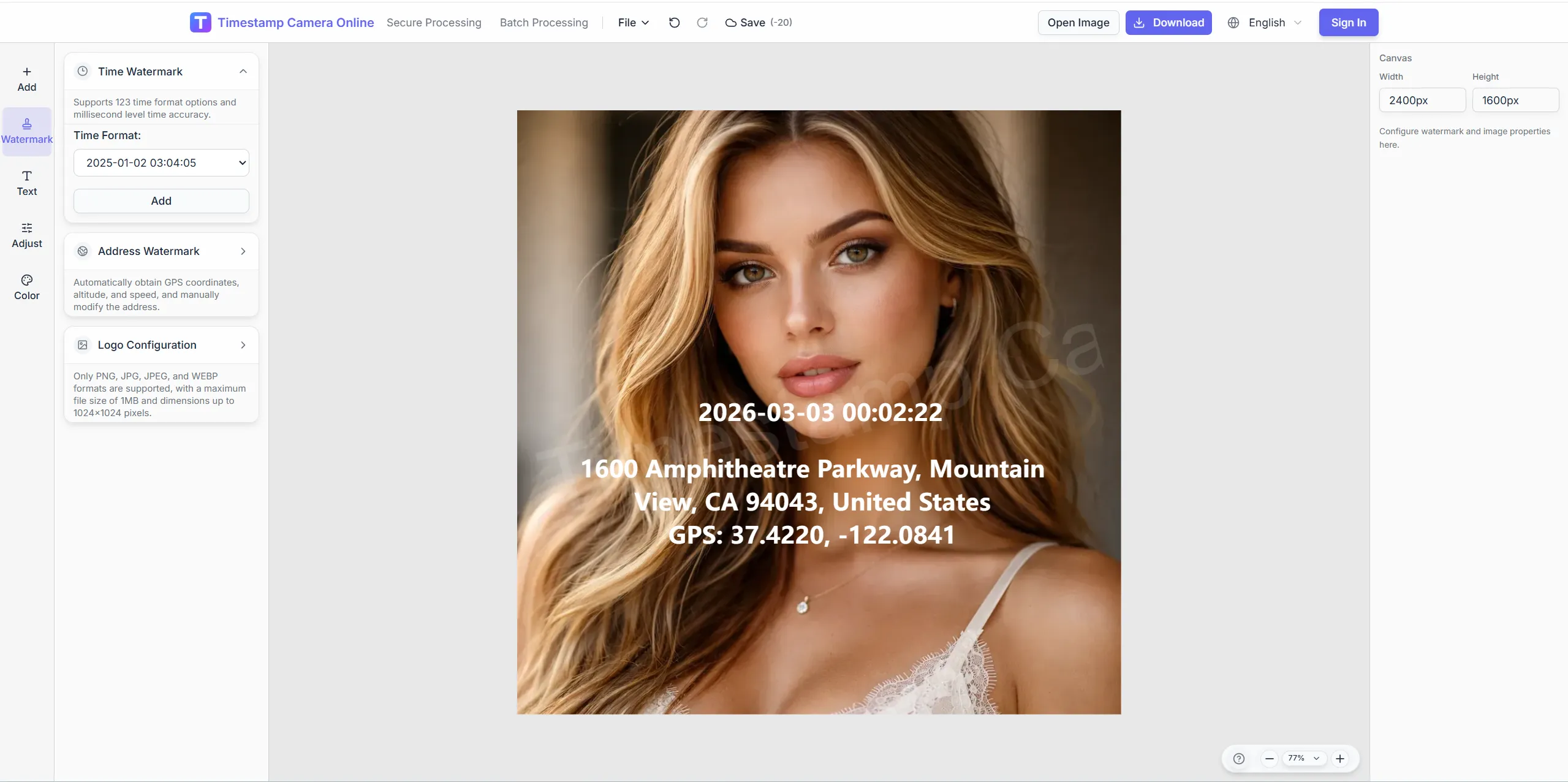
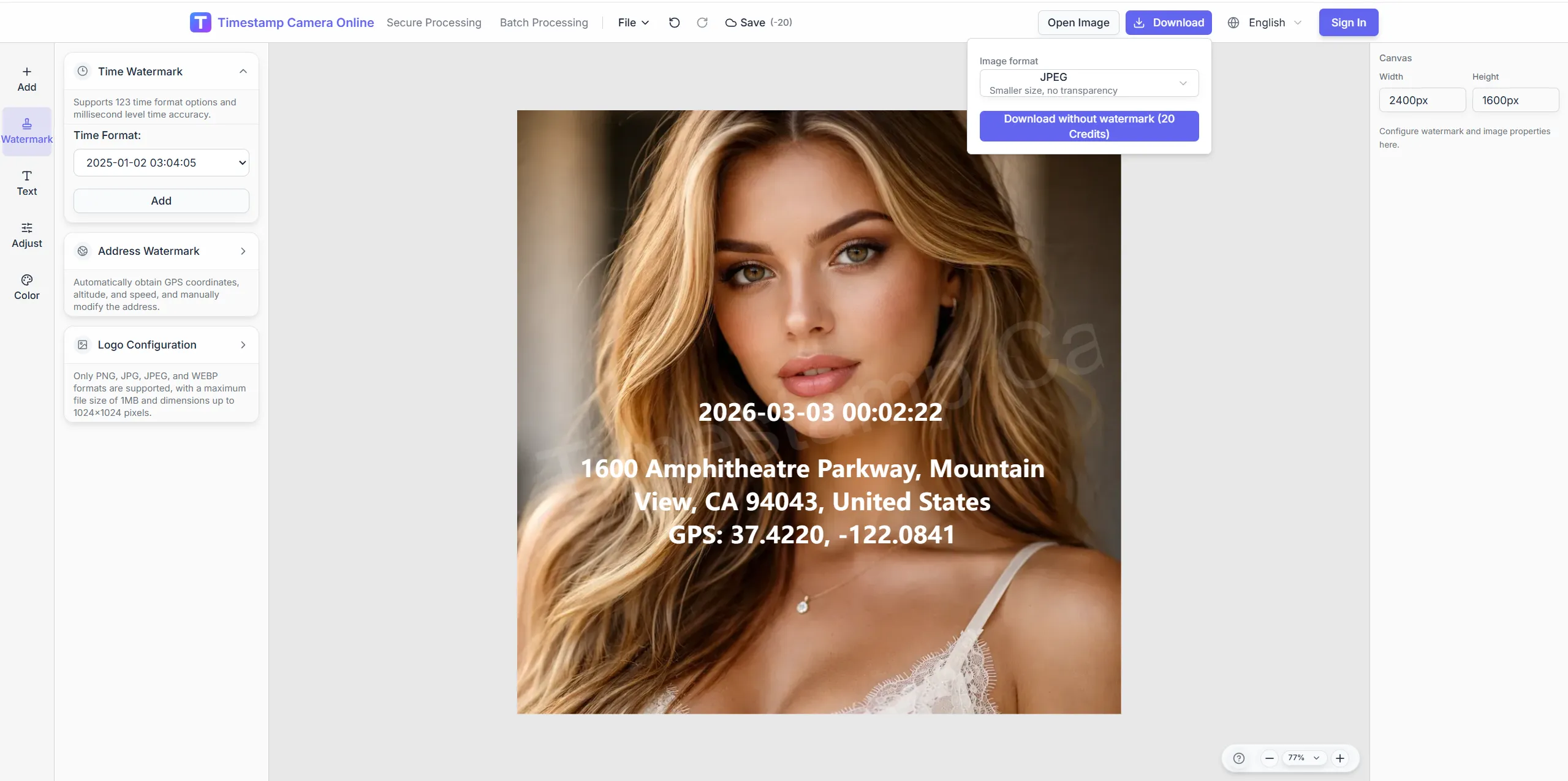
Capture audit photos with the fields reviewers expect before they enter binders, portals, or internal files.
Use redaction, seal placement, and color tools to prepare audit photos that stay consistent across facilities and review cycles.
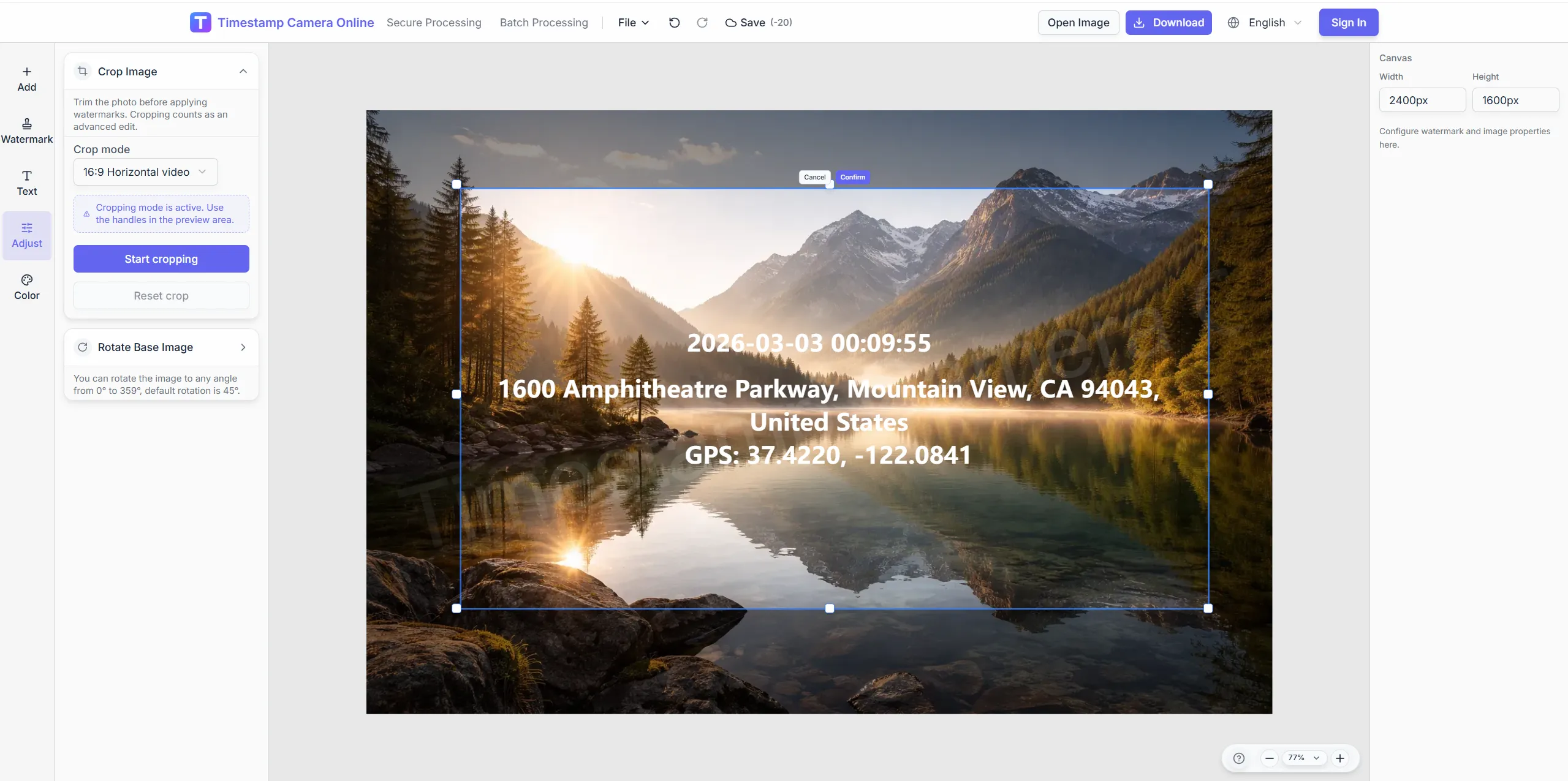
Use consistent aspect ratios for printed audit appendices.
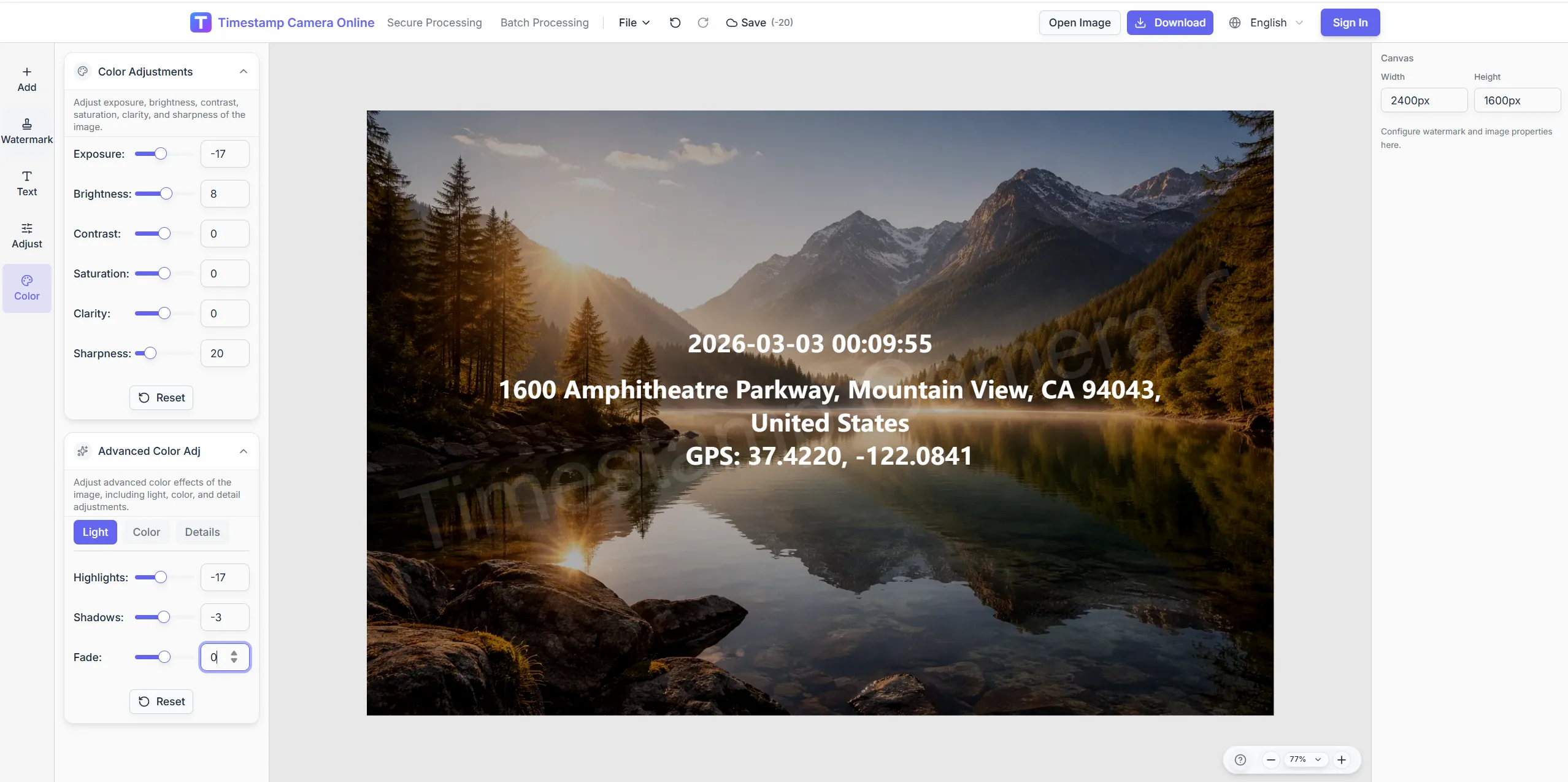
Ensure regulator-facing lines read on industrial backgrounds.
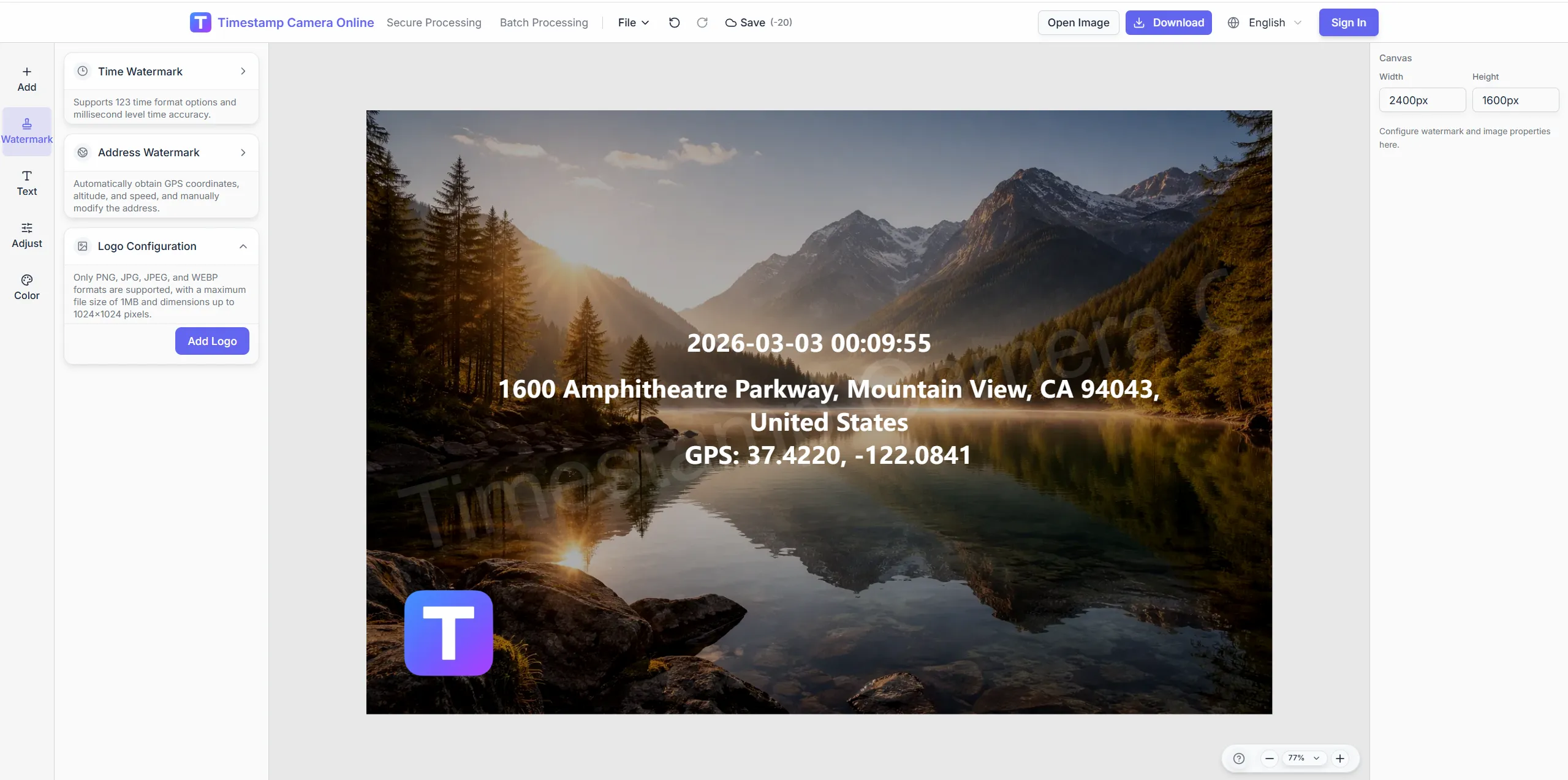
Add authorized marks without obscuring evidence.
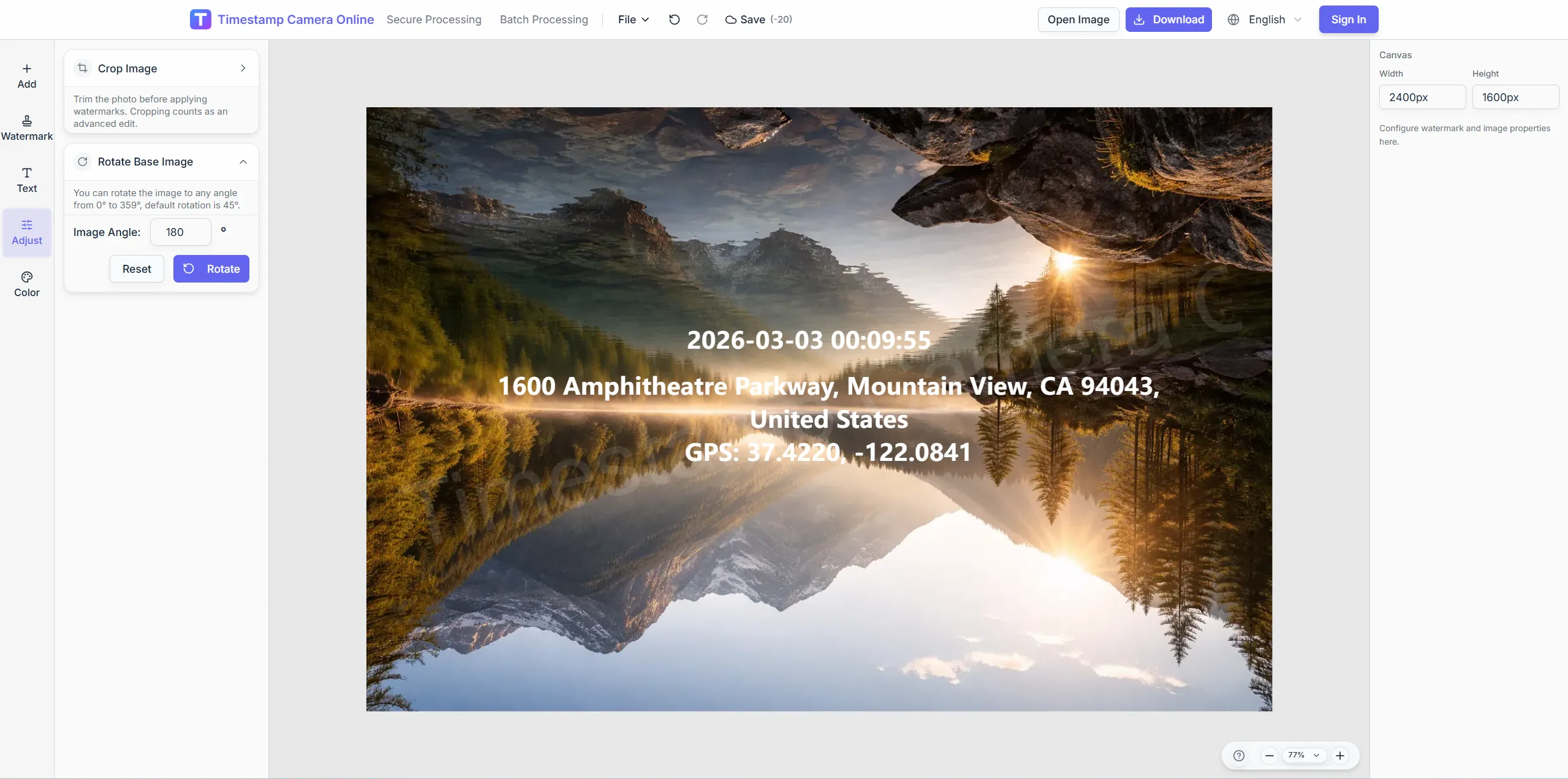
Cover names on photos that enter external audit files.
Standardize layout, redaction, and archive exports for ISO reviews.
Import JPG, PNG, or HEIC.
Configure layers for this scenario.
Confirm reviewers can read at a glance.
Download or refine in the editor.
Audit photo records become easier to defend when related workflows keep labor, site, research, claim, and milestone evidence in a consistent format.
Add verification marks when audit photos need stronger proof at a glance.
View scenario
Attach labor or staff presence evidence to the same review packet.
View scenario
Document site conditions with consistent fields for compliance review.
View scenario
Tie audit images back to samples, observations, or controlled processes.
View scenario
Prepare incident and claim photos in a format reviewers can discuss quickly.
View scenario
Track compliance milestones over time with comparable photo records.
View scenario
Standardize layout, redaction, and archive exports for ISO reviews.
Local browser editing—originals not uploaded.
Visible layers beat EXIF-only for non-technical reviewers.
Templates and batch watermark suit recurring field work.
Not blockchain proof; social shares may lack GPS.
Compliance and QA leads explain how standardized photo records make audits easier to assemble and review.
ISO auditors touring our Ohio plants praised identical photo headers across facilities. We redact badges before folders leave the firewall and still keep seal marks visible. Surveillance prep shrank from ten days to about six each quarter.
Nina Petrov · Quality systems, Columbus OH
Healthcare compliance in Boston masks employee IDs on audit photos automatically before external sharing. Regulators saw consistent site codes and inspector lines on every frame. Our last HIPAA walkthrough had zero photo-format findings.
Chris Dalton · Healthcare compliance, Boston MA
Manufacturing QA in Detroit reuses one compliance template across four sites for ISO surveillance. Template lock-in stopped freelancers from drifting font sizes on regulator exports. Audit binders print cleanly without manual relayout.
Hiroshi Watanabe · Manufacturing QA, Detroit MI
Pick upstream/downstream links for this scenario.
Answers about seal layers, PII redaction, document-system exports, and keeping audit trails consistent for external reviewers.
Add custom text or QR layers referencing control numbers in your matrix.
Use site-specific templates with shared date and seal placement.
Download common image formats ready for document repositories.
Yes. Mask regions selectively before external sharing.
Your compliance policy; the tool outputs standardized images only.
Redact before external sharing; internal audit may keep them per policy.
Compliance emphasizes archive rules; verification emphasizes handoff trust.
Fixed-position ID, site code, time, and seal-style marks.
Draw mask regions in the editor then apply via batch template.
Primary output is images; merge to PDF with external tools.
Upload facility shots and apply your compliance template.