Do I need a GPS-enabled camera?
No. Add or edit location fields on any JPG, PNG, or HEIC image in the browser.
Free trial · Add time, location, and proof overlays in your browser
Stamp latitude, longitude, and address on photos from any camera or phone. Ideal for drivers, inspectors, and mobile crews who need location-visible exports fast.
Live GPS
Device GPS · Coordinates
07:45:33
Jun 3, 2024 · Monday
Phoenix, AZ · 33.4484°N, 112.0740°W
Mirror dedicated GPS camera apps by layering time, coordinates, and address on images you already capture.
Display map-style location lines with adjustable fonts and backgrounds.
Add motion or elevation context when routes or climbs matter.
Scan QR upload to move a mobile capture into a larger editing session.
Apply one GPS layout across a folder of patrol or delivery photos.
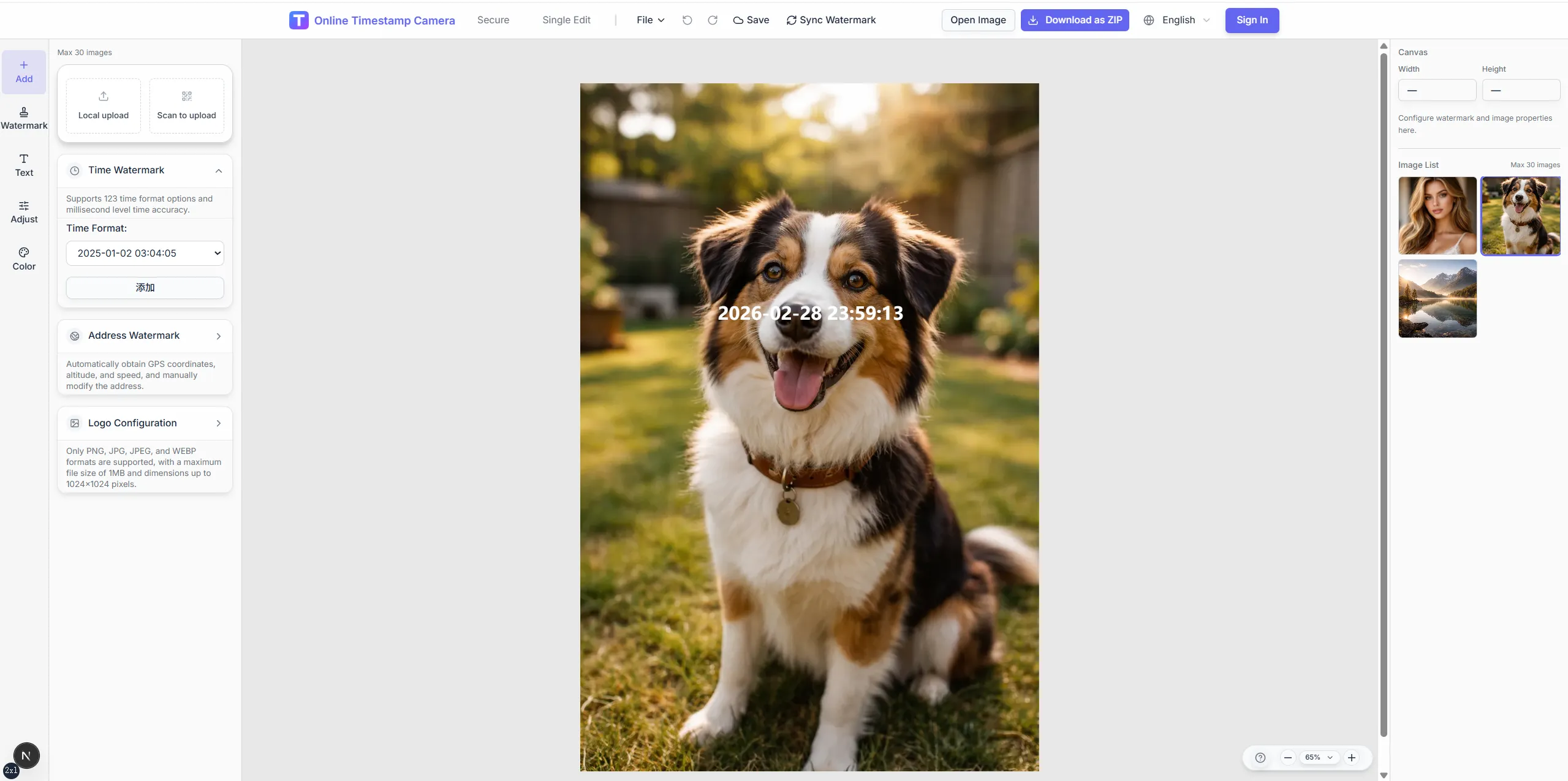
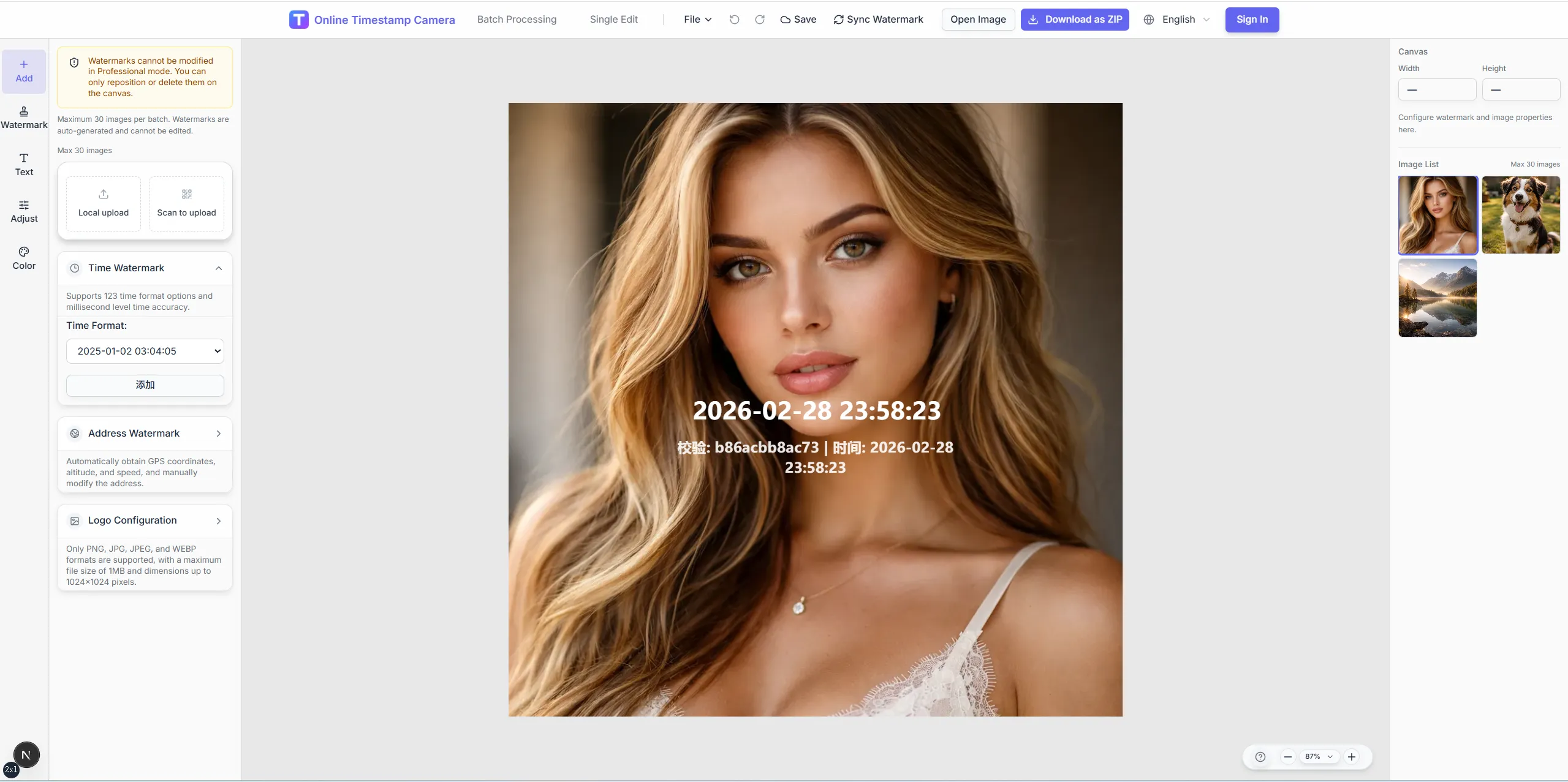
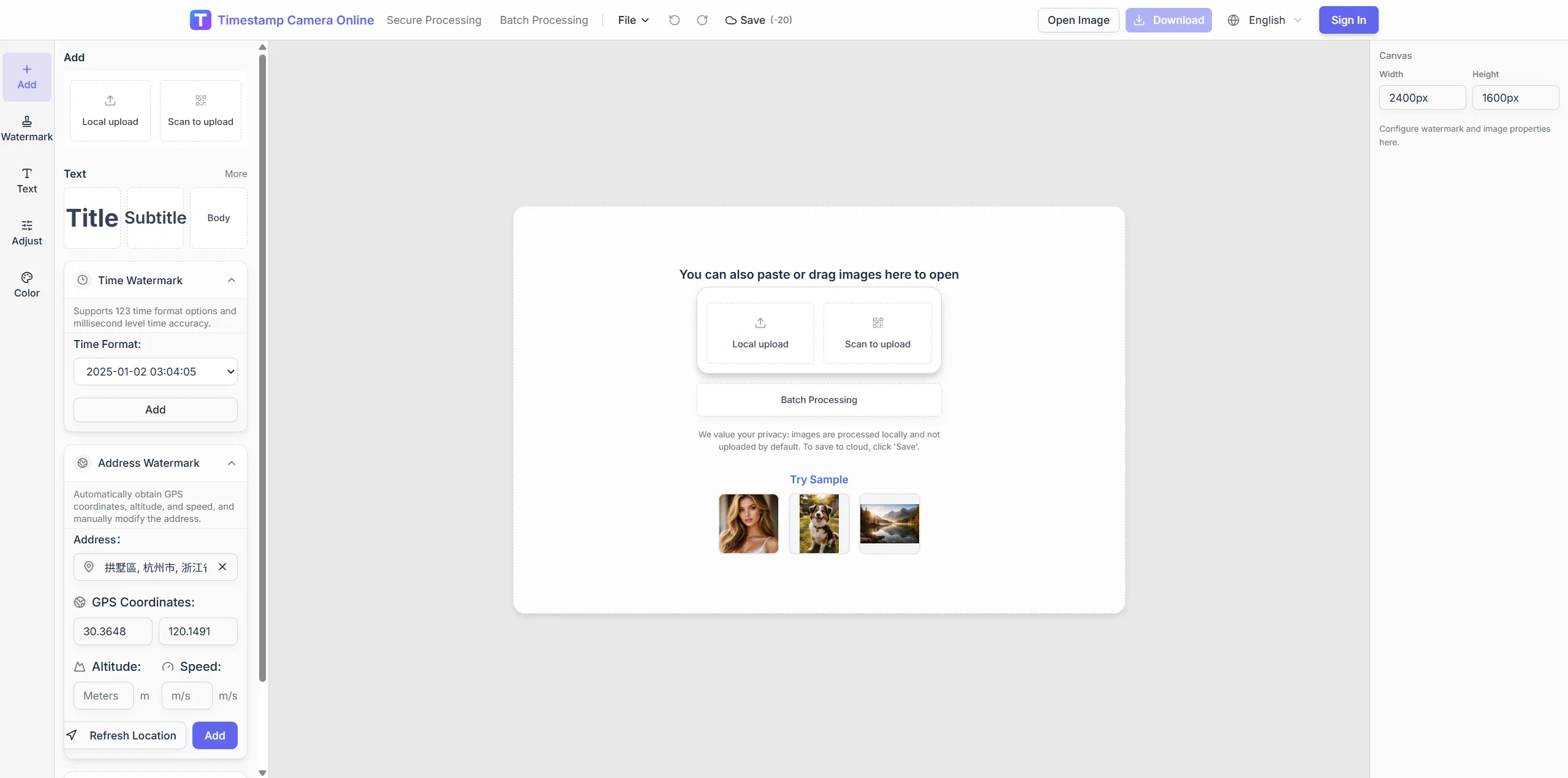
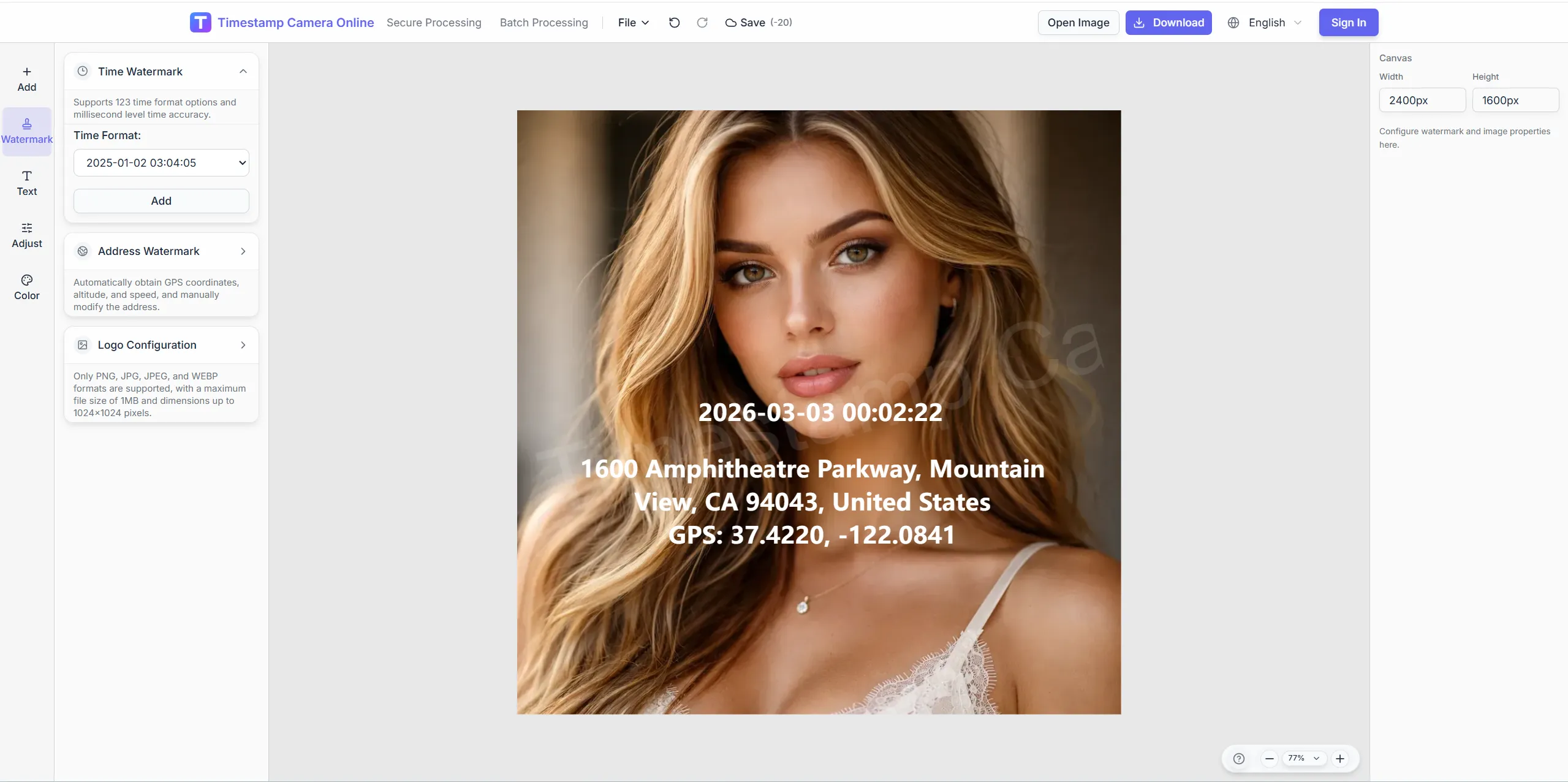
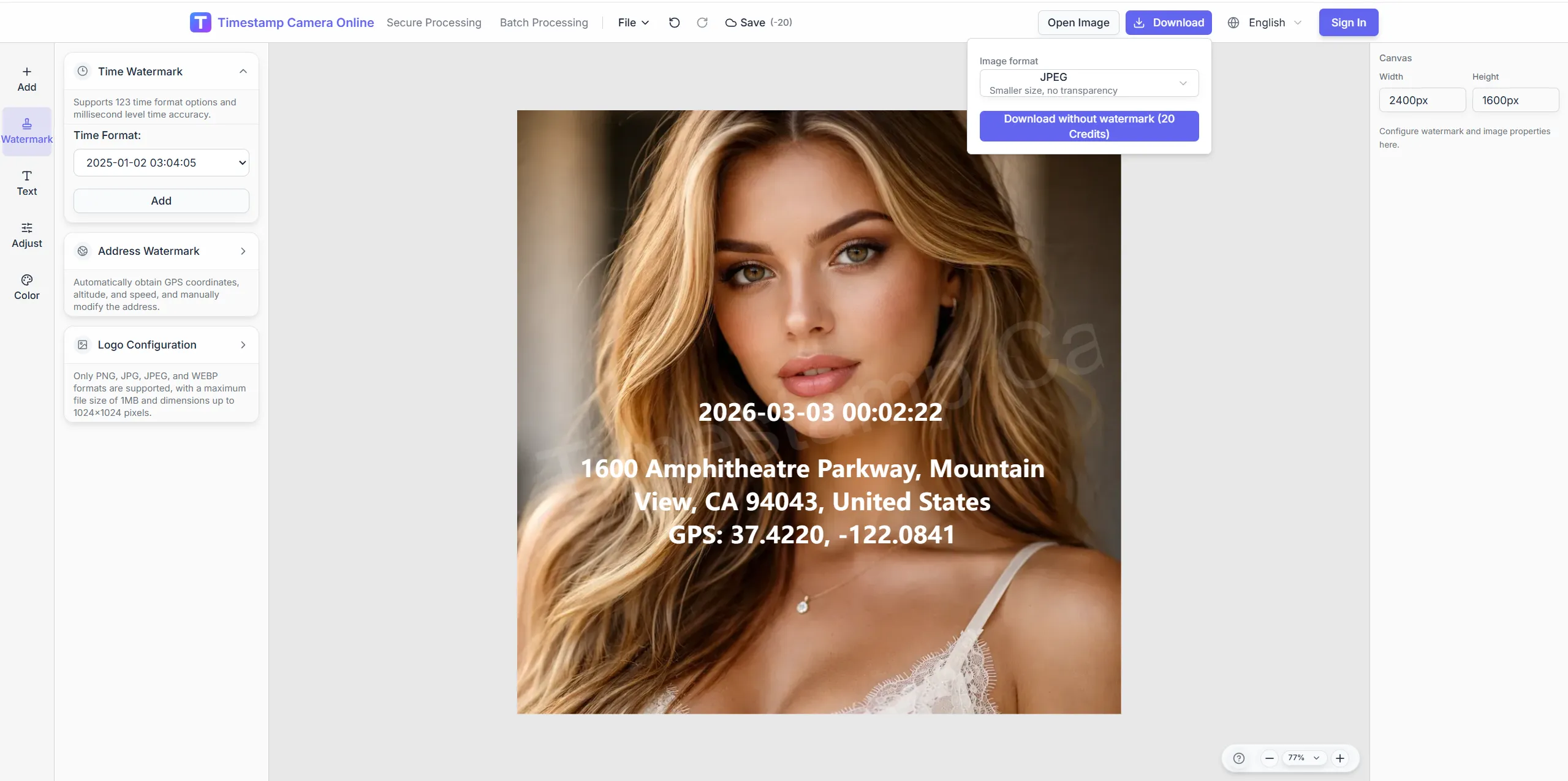
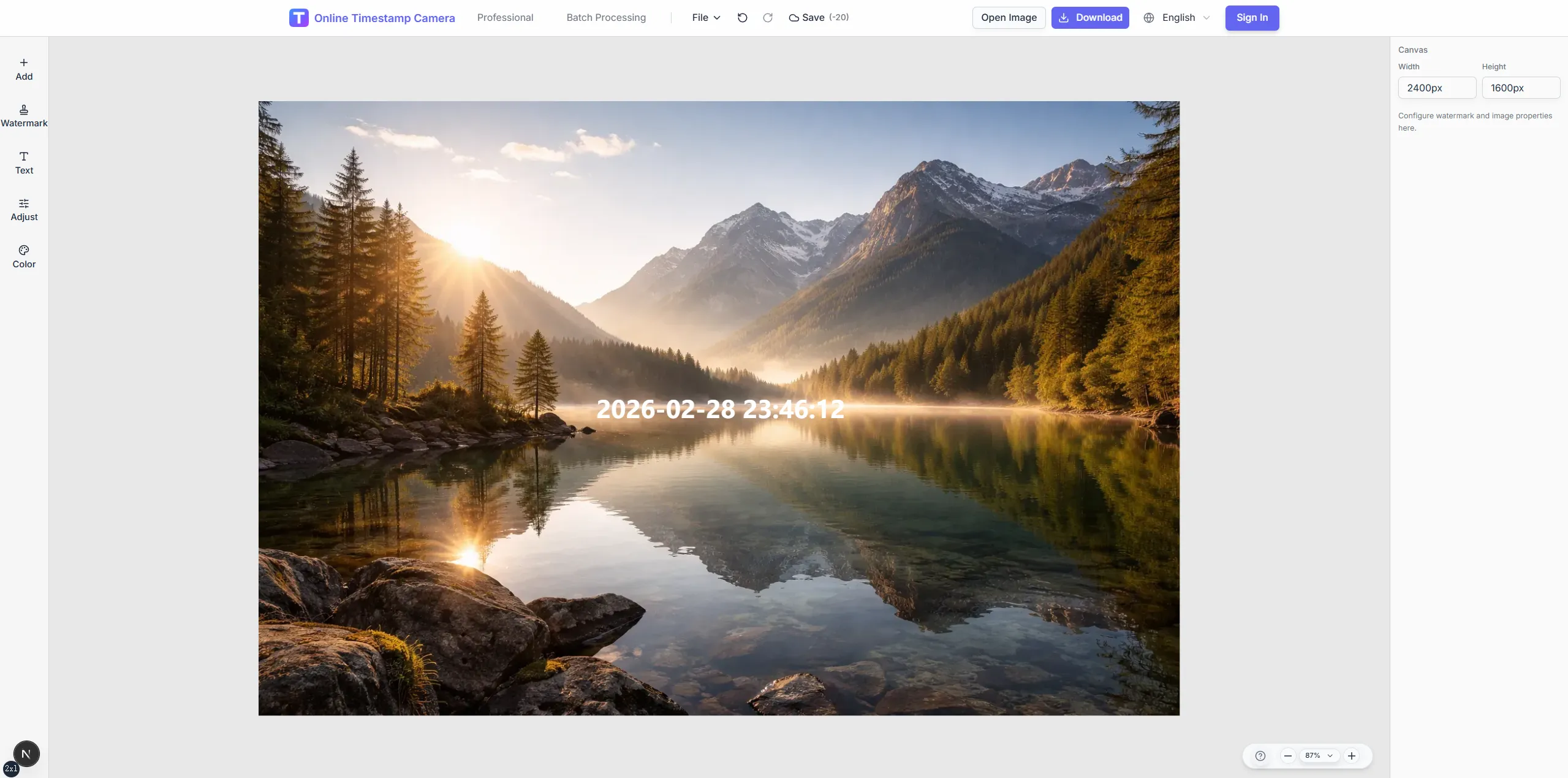
Turn existing camera or phone shots into consistent GPS-stamped exports for dispatch, routes, and field review.
Adjust framing and readability on mobile captures before GPS lines go to dispatch, patrol, or logistics folders.
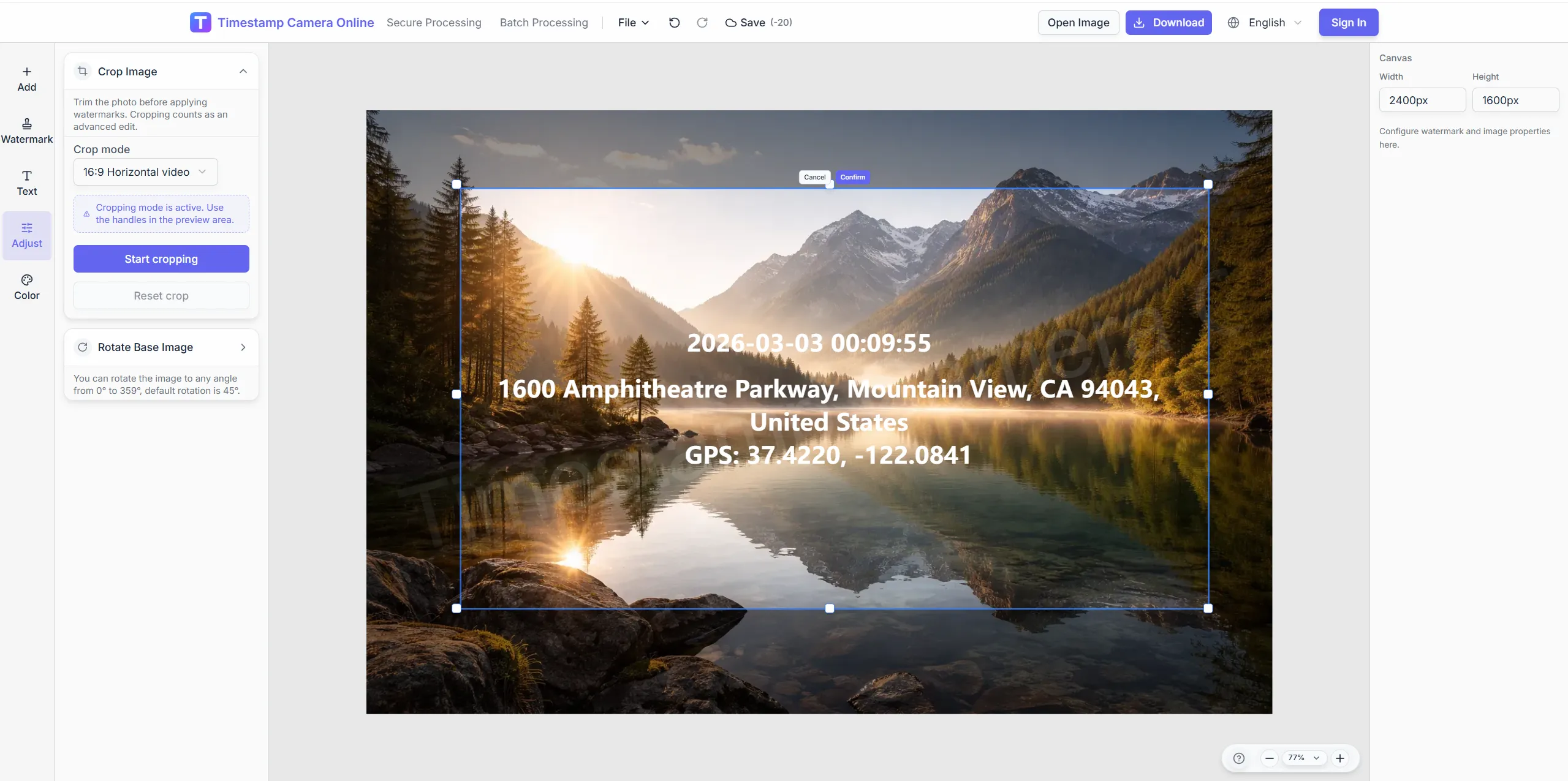
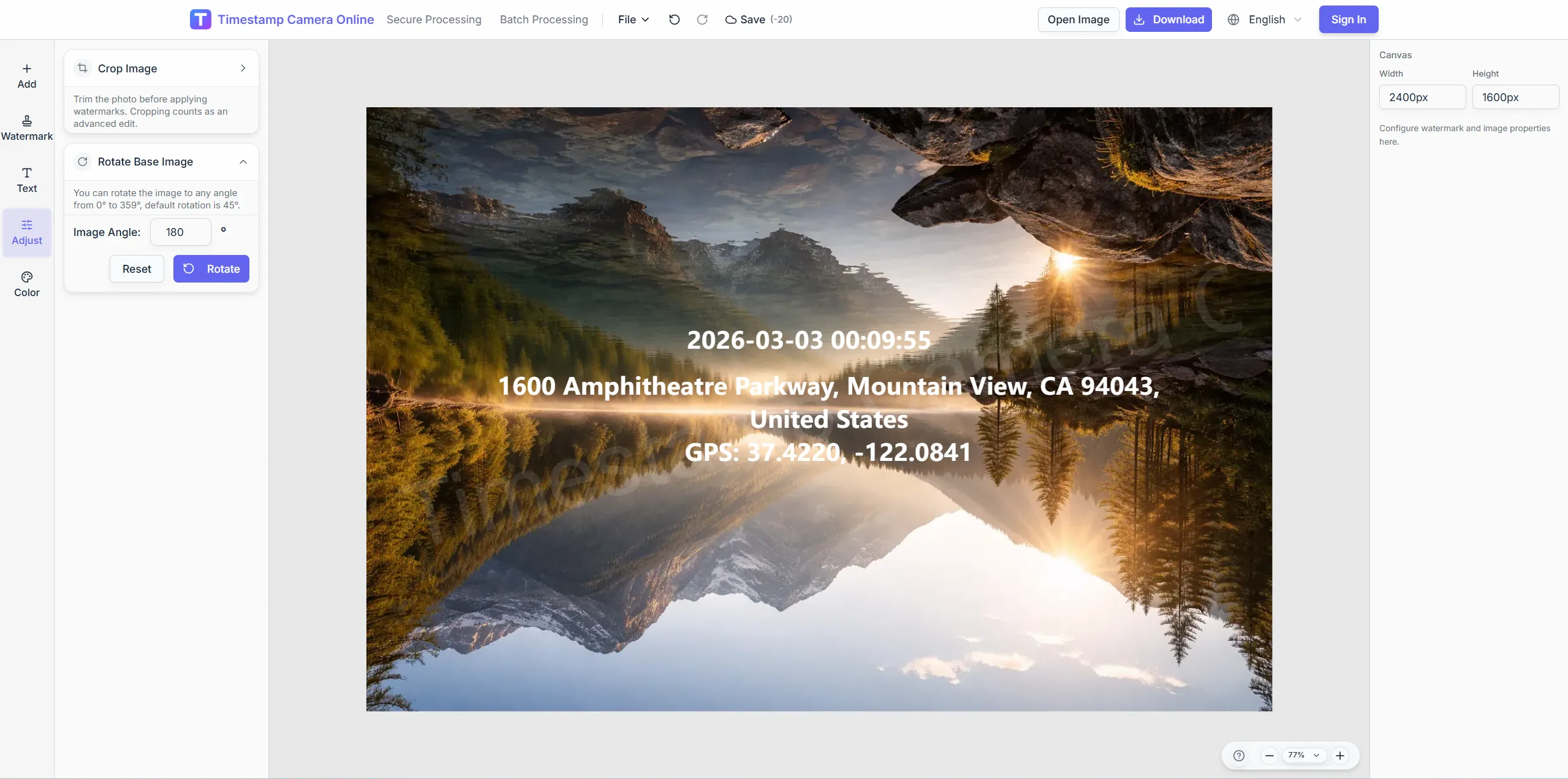
Fix portrait patrol shots before placing the GPS block.
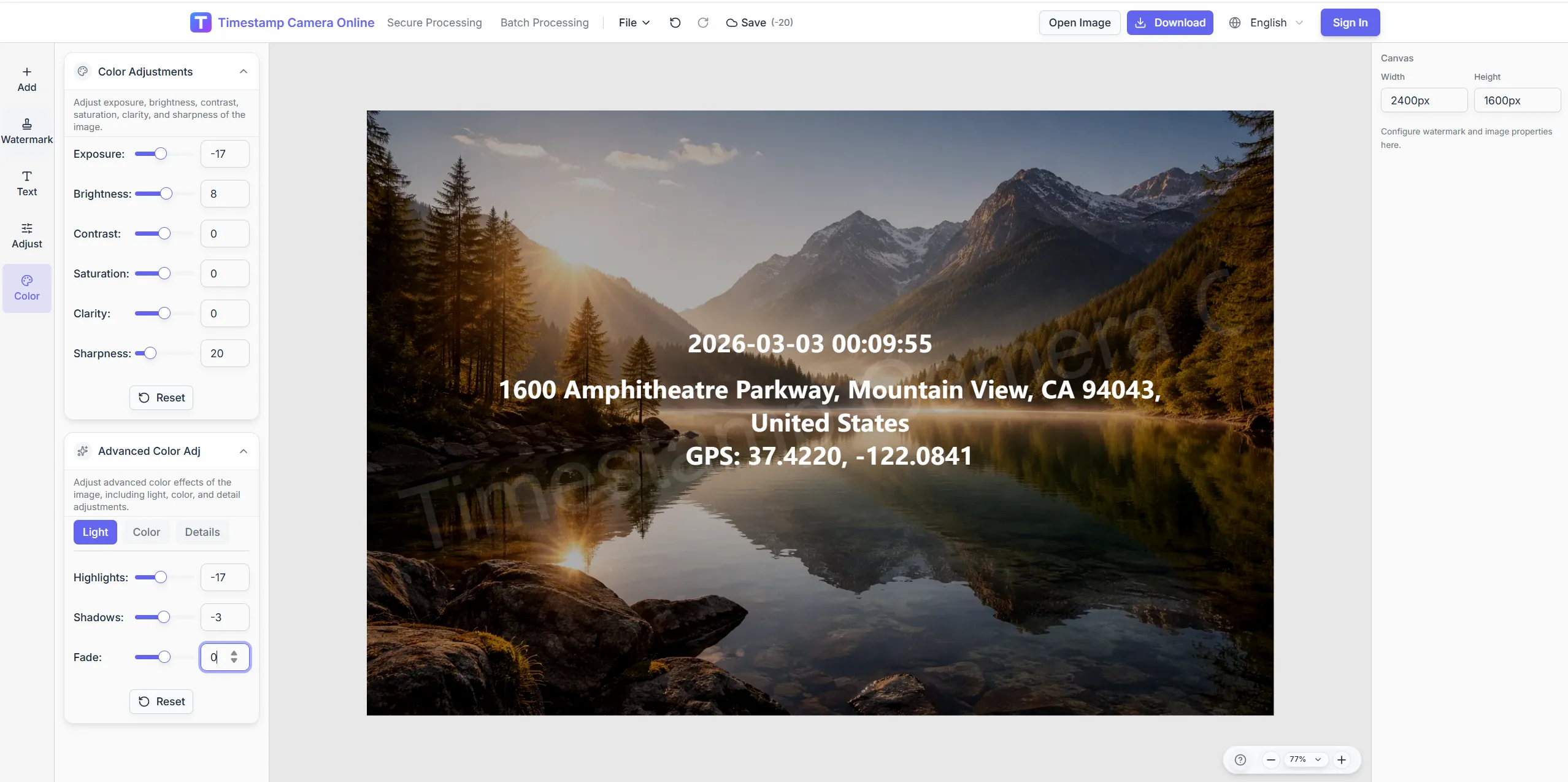
Lift exposure so coordinate text reads on dark road scenes.
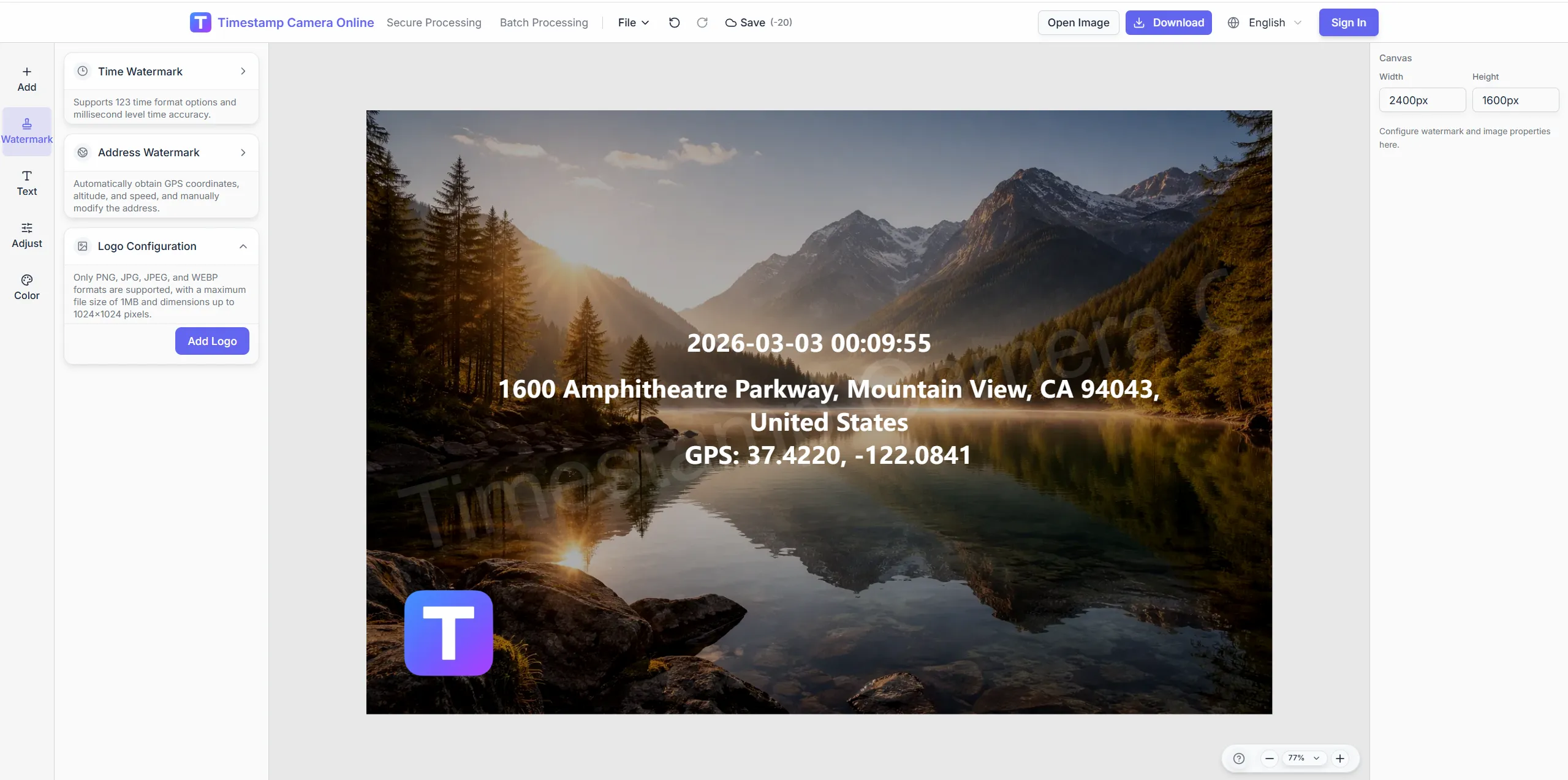
Add company marks next to location lines for branded patrol logs.
Pixelate private signage while keeping GPS data visible.
Add live location lines to ordinary camera or phone photos—no dedicated hardware.
Import JPG or PNG from phone or dash camera.
Stack lat/lng, street, speed, or altitude lines.
Keep location blocks clear of plates and subjects.
Download or open the editor for time and brand layers.
GPS camera-style exports connect naturally with route logs, check-ins, branded delivery, and timestamp workflows when field photos need more than location.
Show exact coordinates and addresses when GPS camera photos need survey-style location detail.
View scenario
Pair GPS stamps with visible capture time for route, attendance, or dispatch review.
View scenario
Build route logs and travel albums that stay organized by place and time.
View scenario
Use GPS check-in photos when managers need to confirm who arrived, where, and when.
View scenario
Standardize GPS-tagged submissions from remote crews so reviewers can compare updates quickly.
View scenario
Add approved brand marks to GPS-stamped exports for client-ready delivery.
View scenario
For route verification—not a dash-cam replacement.
Originals stay on-device during editing.
Dispatch reads visit points on the image.
One GPS block scales to the whole crew.
Does not replace certified vehicle GPS loggers.
Route, dispatch, and quality teams explain how GPS-stamped photos make field submissions easier to compare without extra hardware.
Houston drivers stamp GPS lines on dash photos before dispatch closes the shift—no extra hardware on the trucks. We unified forty-one routes in two weeks using one overlay template. Coordinators stopped guessing locations from blurry thumbnails.
Tom Reyes · Logistics supervisor, Houston TX
Quality auditors in San Jose photograph supplier bays with the same GPS block our corporate template locks. Phone captures from night shifts import through QR upload without email attachments. Reviewers compare visits across plants without reformatting.
Yuki Tanaka · Quality auditor, San Jose CA
QR handoff from Dallas field reps saved dispatch about nine hours each week last month. Every patrol export shows address and coordinates in identical positions. Fleet disputes on suburban drops basically disappeared.
Amira Hassan · Fleet coordinator, Dallas TX
Upstream geotagging and downstream reporting links.
Answers about adding GPS to existing photos, mobile upload, coordinate editing, and batch export for field teams.
No. Add or edit location fields on any JPG, PNG, or HEIC image in the browser.
Yes. Capture on phone, scan the upload QR on desktop, and apply the GPS overlay there or on mobile browser.
Enter values from your device GPS or type verified coordinates; format and placement stay under your control.
Add logo, signature, or QR layers alongside the location block without covering coordinates.
No. Any phone photo can get GPS overlay lines in the browser.
This page focuses on live location lines at capture; geotagging adds location after the fact.
Yes. Scan QR to desktop session and apply one template.
Depends on device GPS; edit manually in the editor.
Yes—time, GPS, and logo on one frame.
Yes via batch watermark with a shared GPS layout.
Upload any capture and add coordinate overlays instantly.