Can I use this timestamp online tool without installing an app?
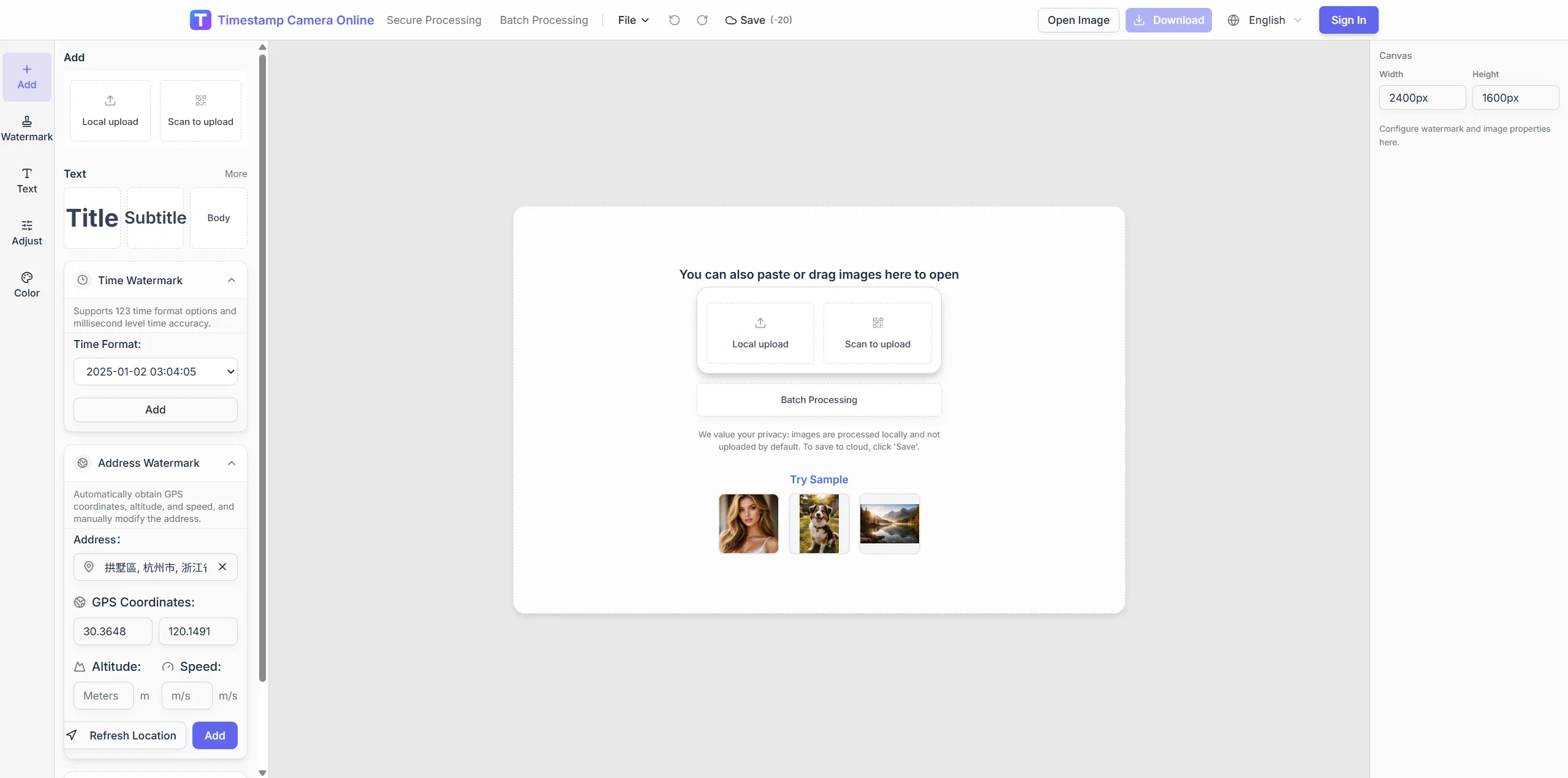
Yes. the editor routes directly into the web editor so you can upload a photo, add a timestamp overlay, and export the image in the browser.
Free trial · Quick timestamp start
Upload an image, pick date-time format and placement in the browser, preview, and export. Built for attendance, inspections, claims, and project records that need a visible capture moment.
14:32:08
Oct 21, 2024 · Monday
Denver, CO · 39.7392°N, 104.9903°W
Move from upload to export entirely in the browser—no install, works on phone and desktop.
A fast entry point when the main goal is adding visible date and time without opening a more complex workflow first.
Supports millisecond-style formatting, drag-based placement, and a browser-based export flow.
You can start simple here and move into the full editor when you need more layers such as location, QR, or signatures.
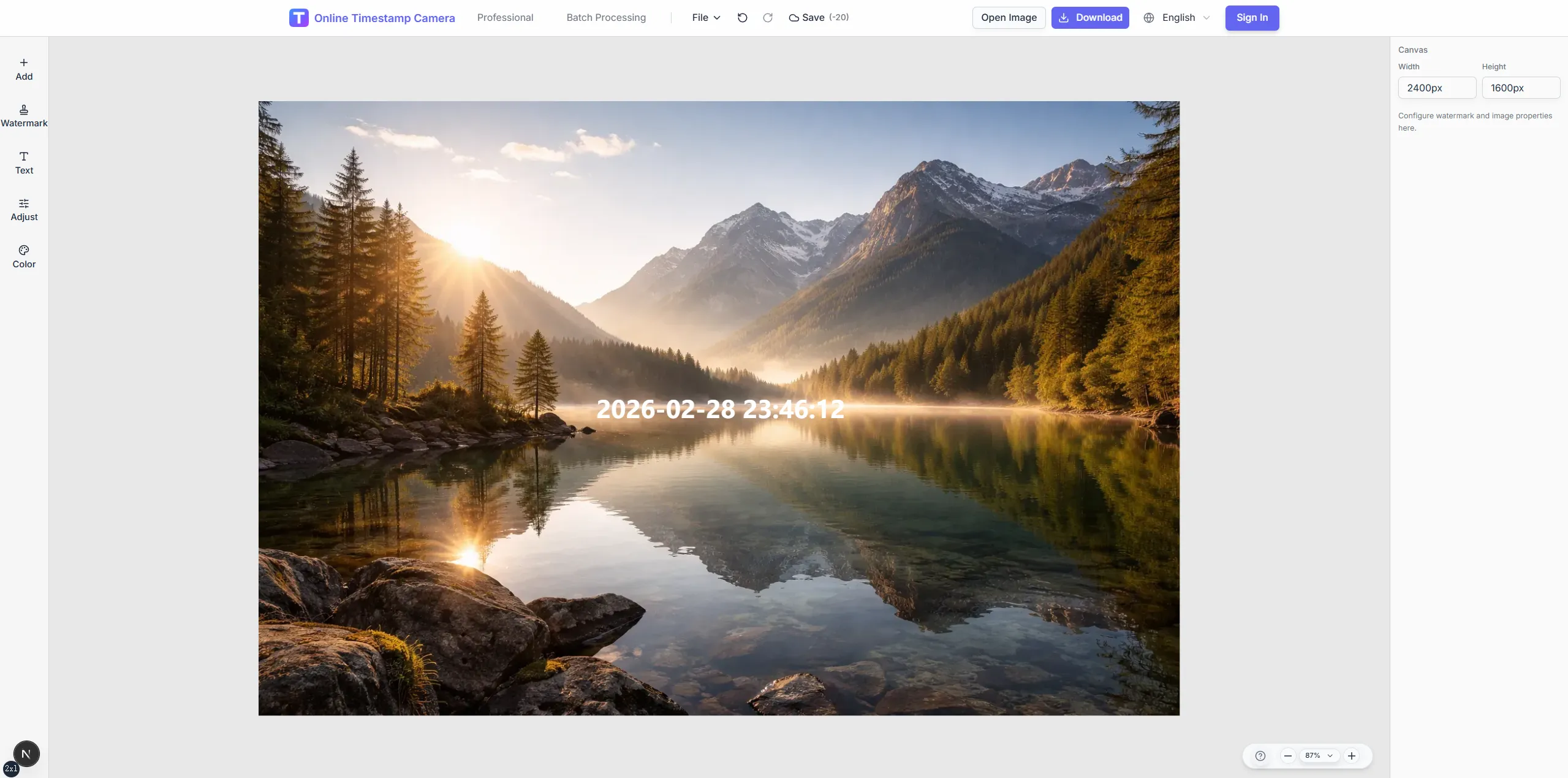
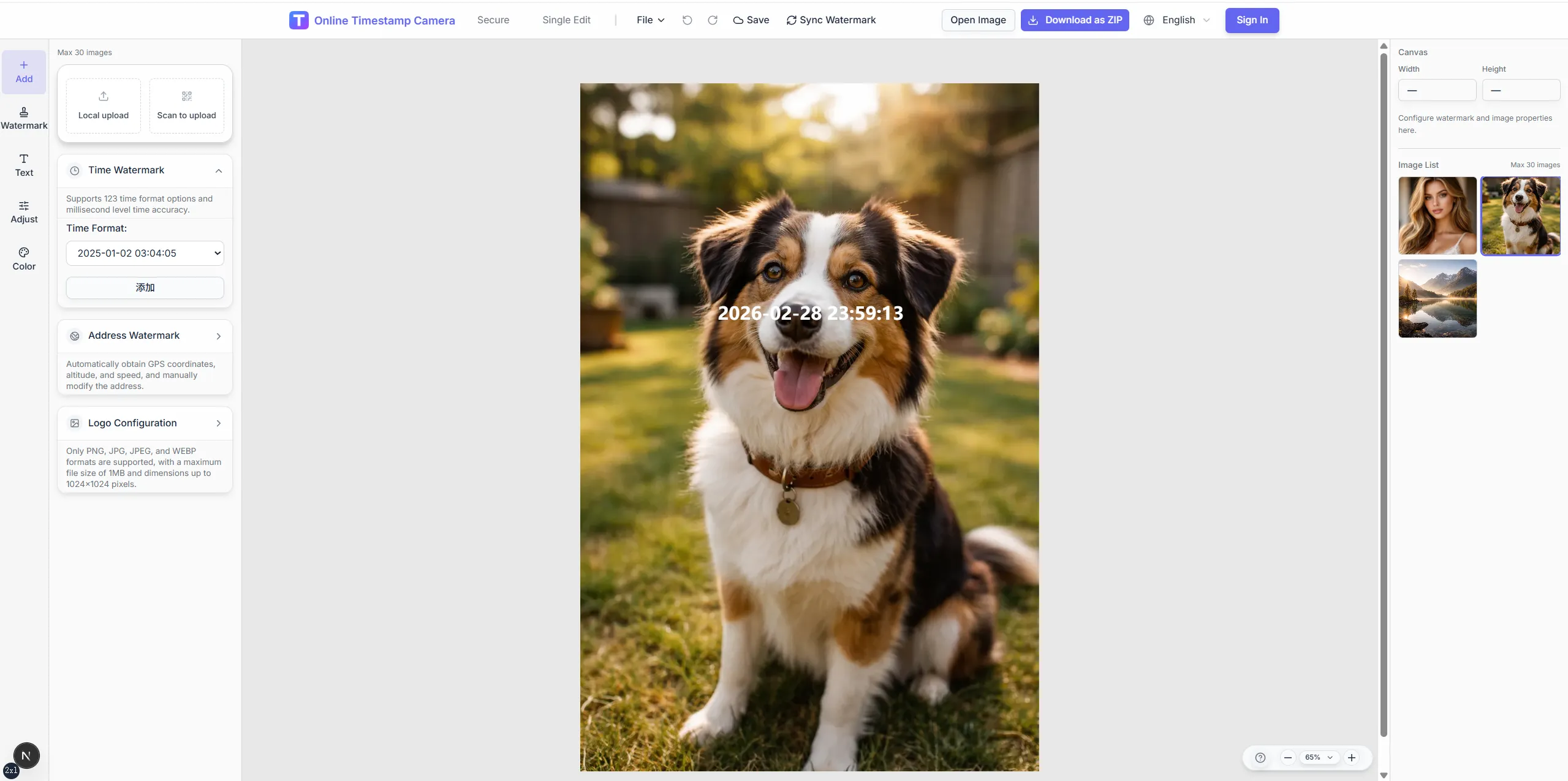
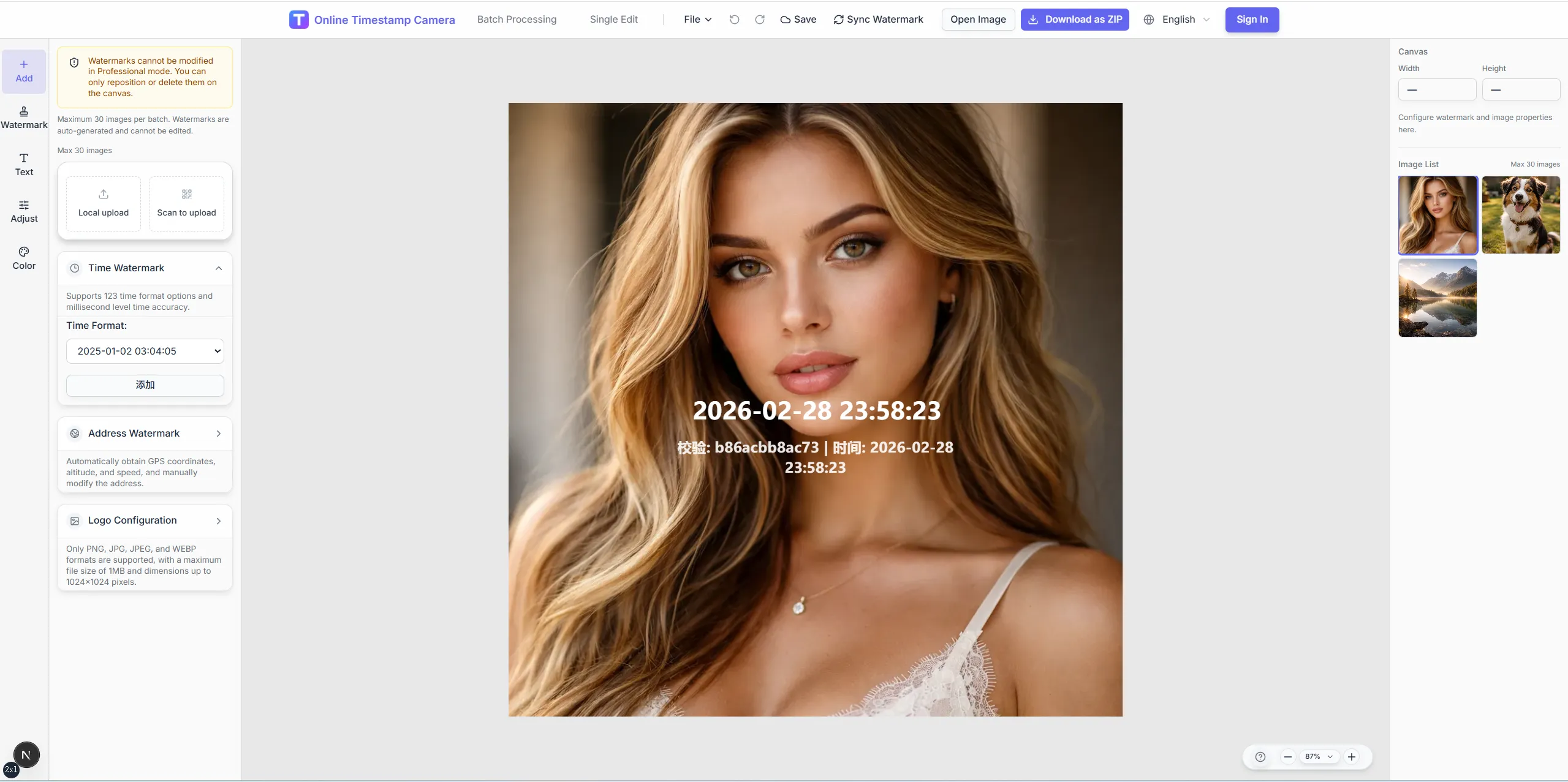
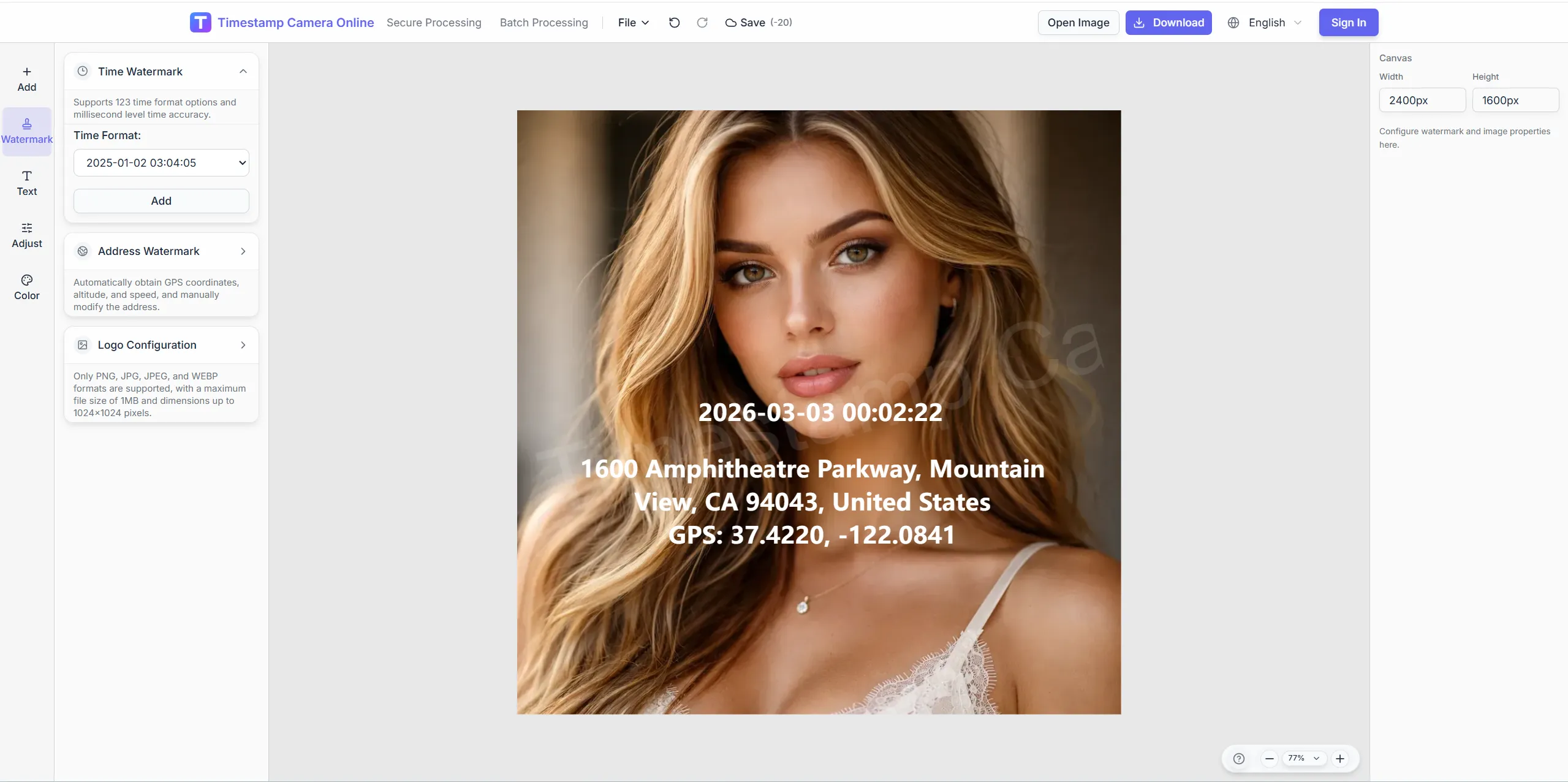
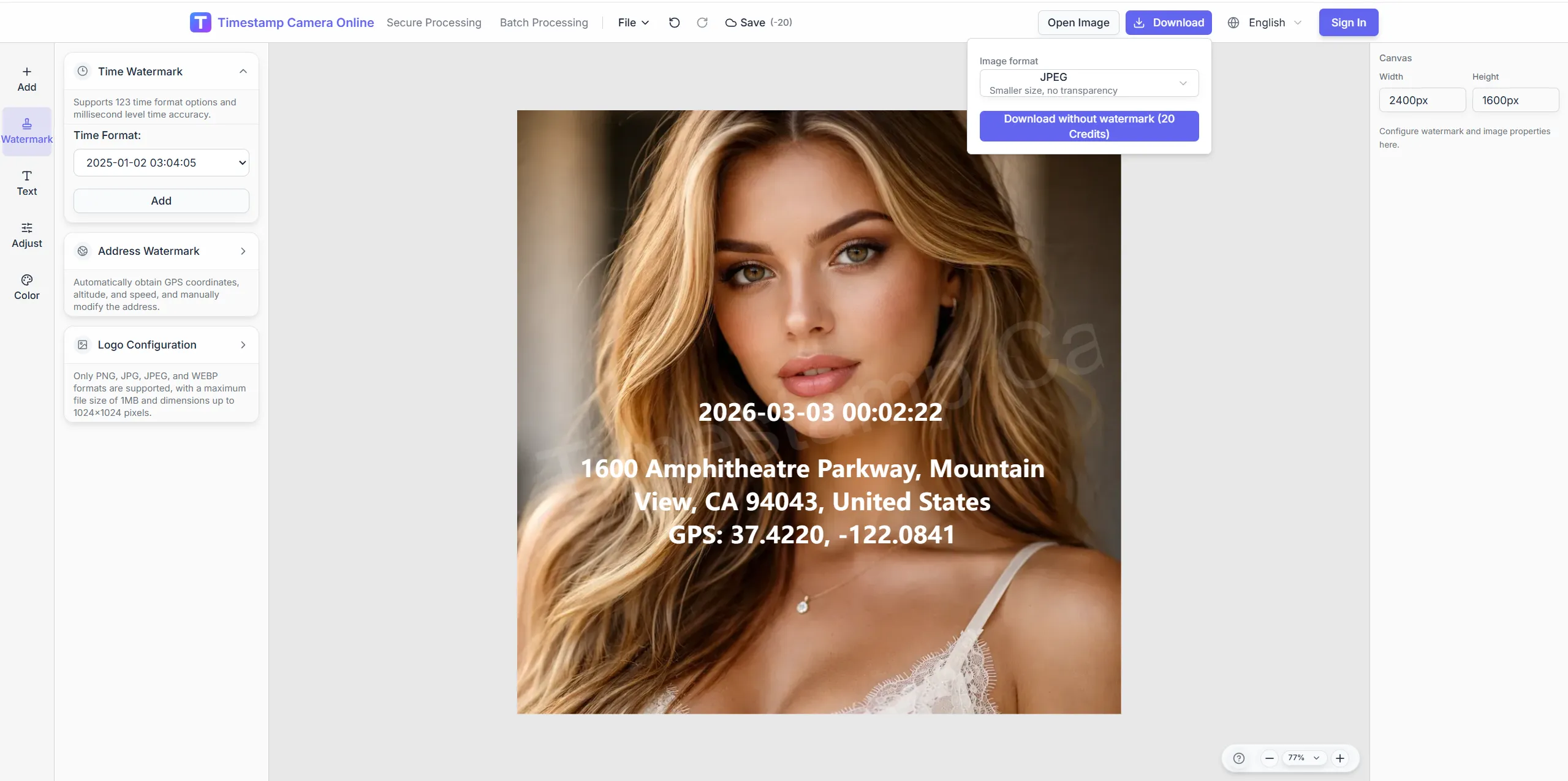
Upload an image, pick date-time format and placement in the browser, preview, and export. Built for attendance, inspections, claims, and project records that need a visible capture moment.
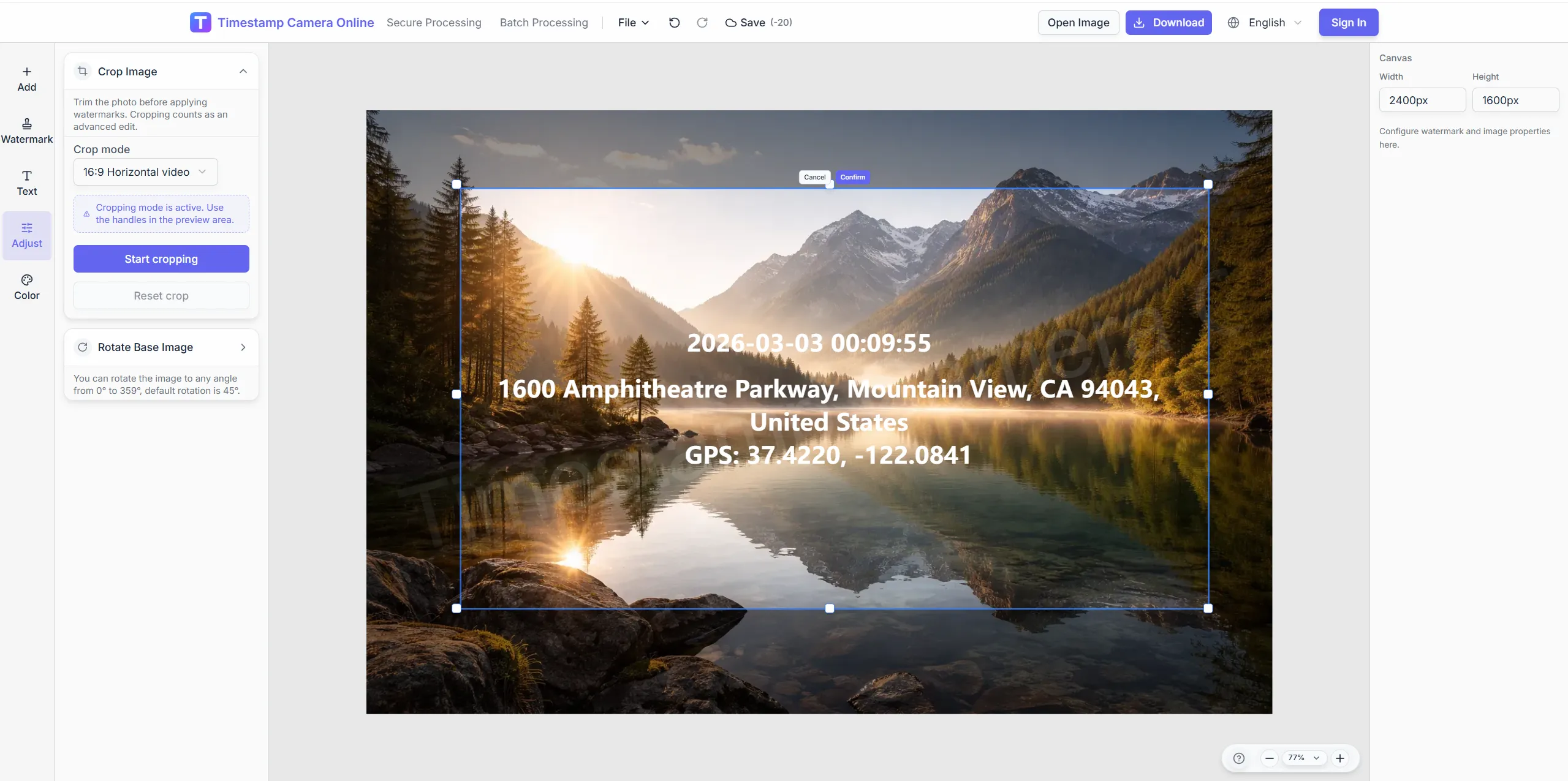
Leave a clean margin so the timestamp does not cover the subject.
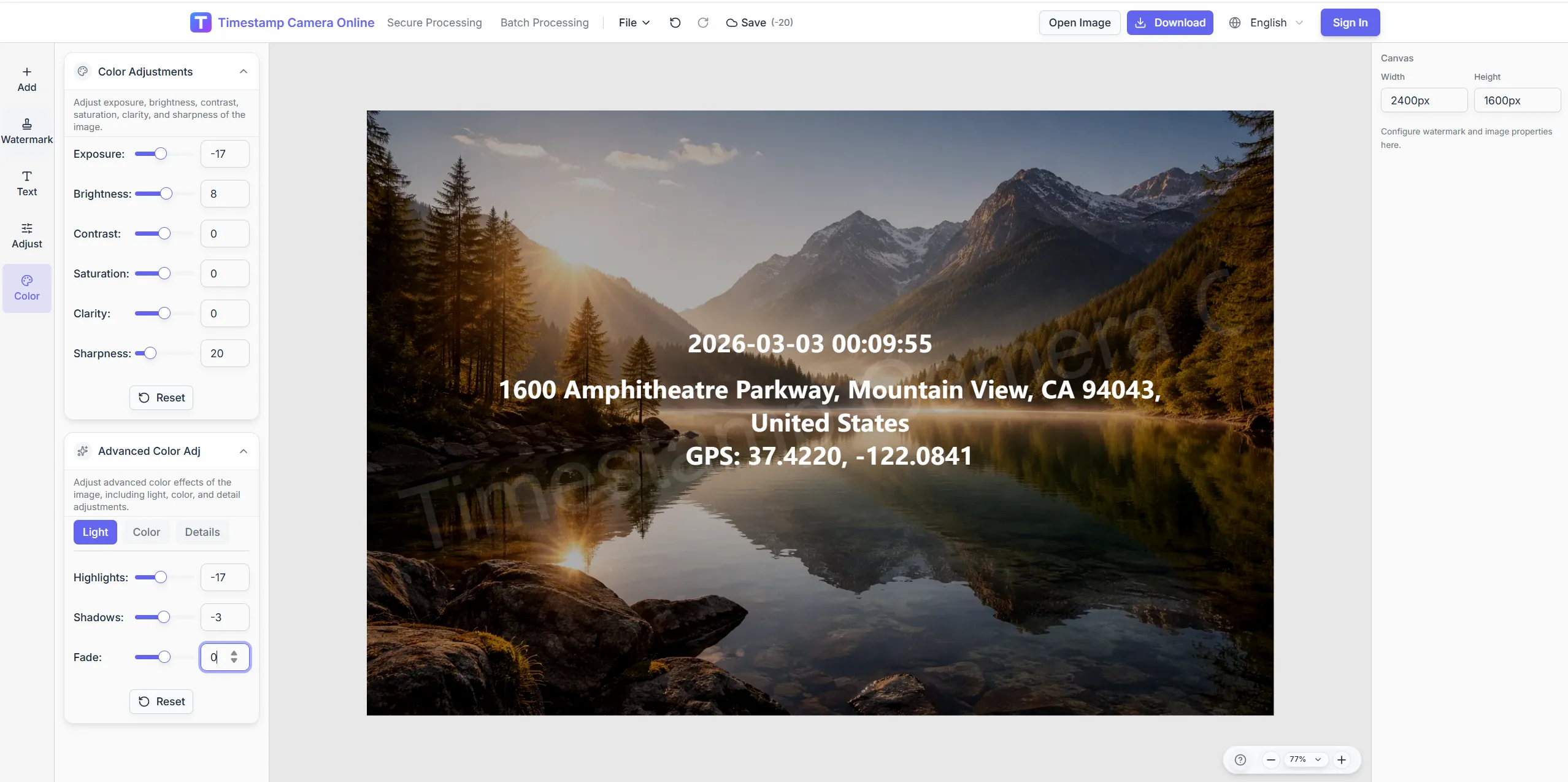
Keep the date readable on bright or busy backgrounds.
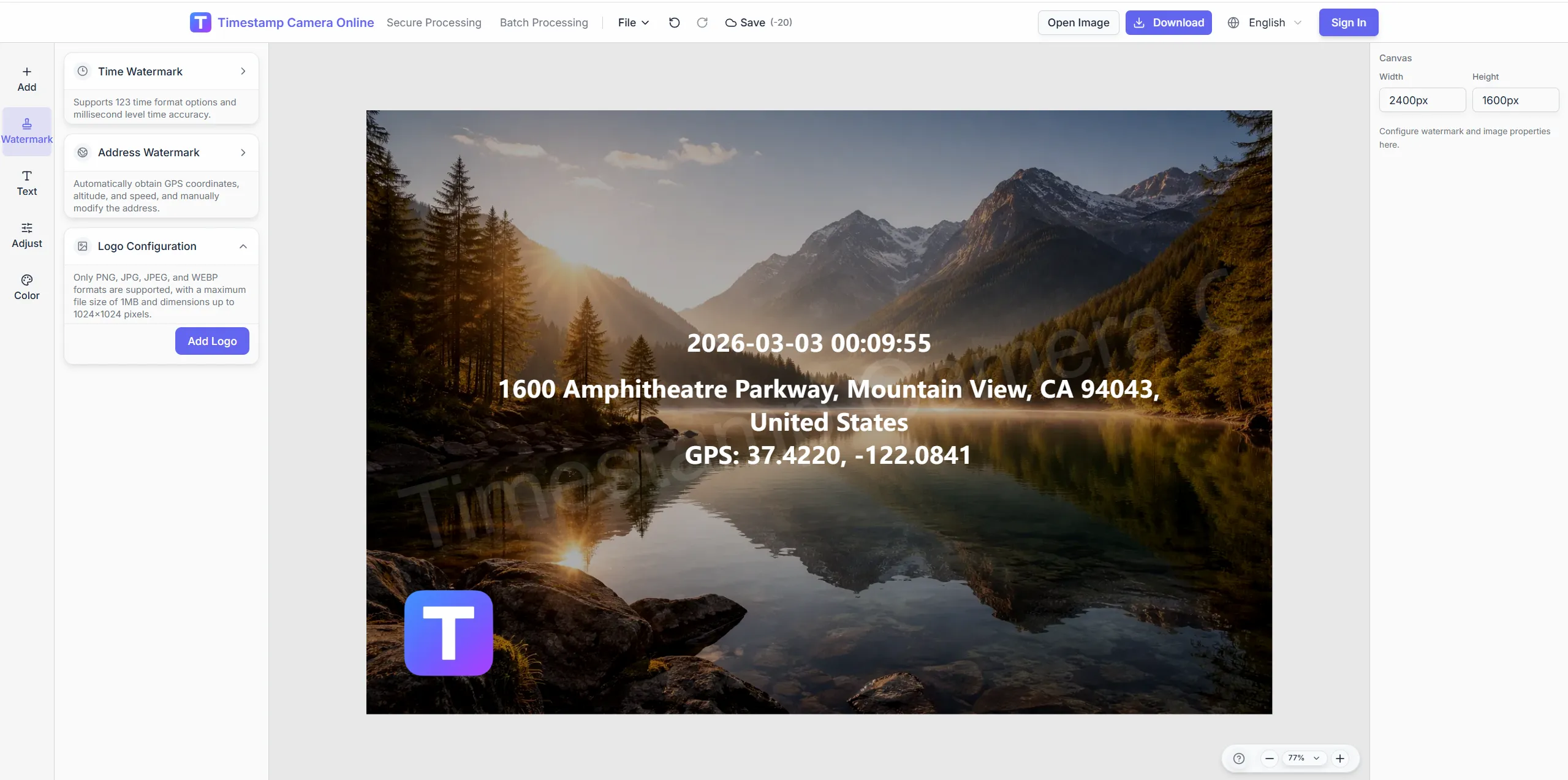
Place a brand mark beside the clock for client deliverables.
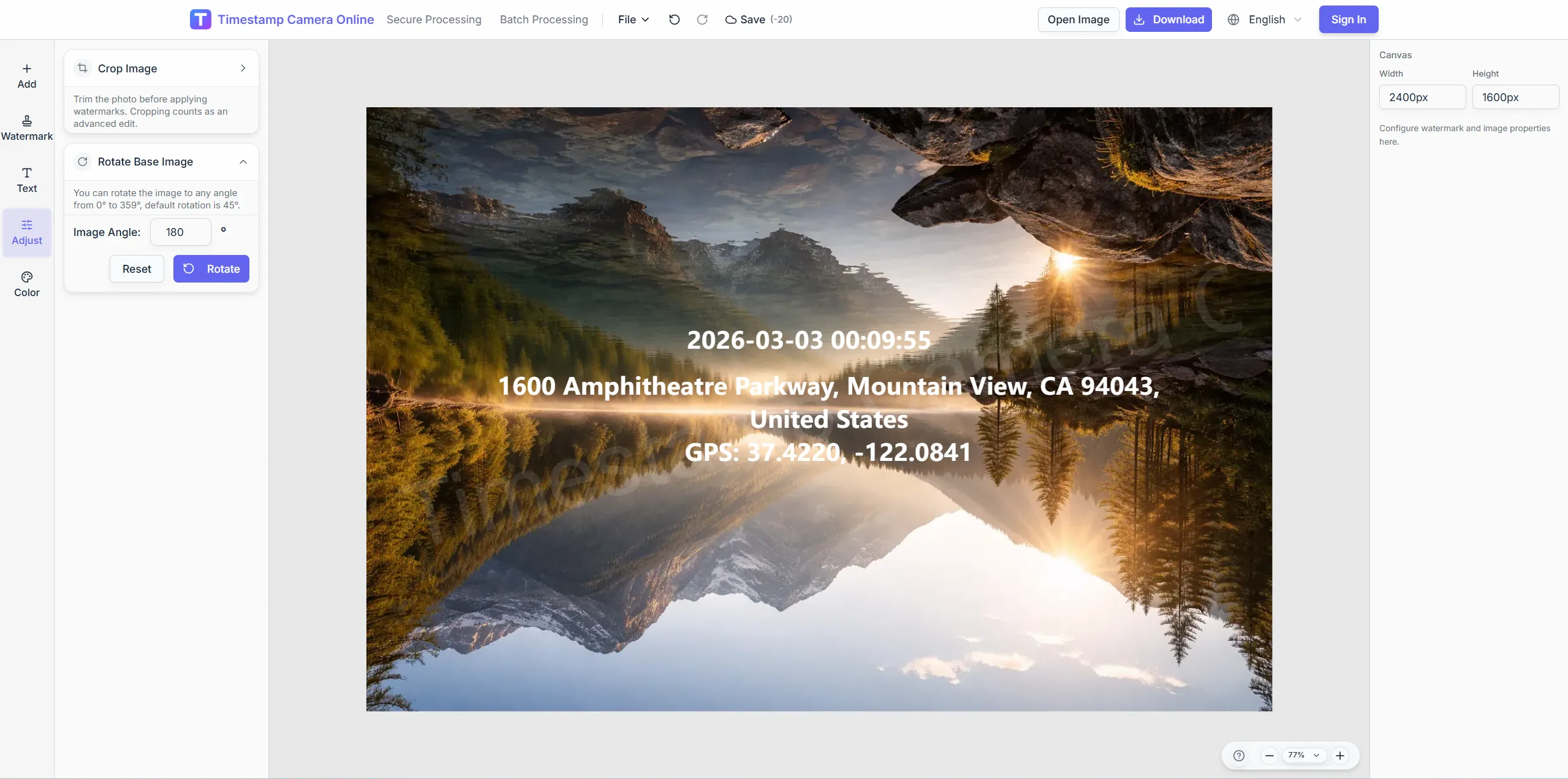
Blur plates or IDs while keeping the timestamp visible.
Explore adjacent workflows teams pair with online timestamp editing—same overlay standards, different industries, and concrete field outcomes.
Overlay visible date and time on photos when attendance, inspections, claims, or milestones need a clear capture moment.
View scenario
Use visible time, location, and optional device details to keep check-in photos easier to review across office, retail, and field teams.
View scenario
Share standardized timestamped images in distributed teams so daily reports are easier to compare and archive.
View scenario
Apply one format across milestone photos so project archives stay readable and consistent over time.
View scenario
Combine time, place, and proof-style marks when audit, claim, or compliance handoffs need stronger trust at a glance.
View scenario
Use reusable templates for inspections and site progress where time, address, weather, and device context help explain the photo.
View scenario
Practitioners using online timestamp editing share measurable wins: fewer retakes, faster reviews, and cleaner handoffs to HR, owners, or carriers.
Dallas HR ops stamp shift photos online with the same millisecond format our payroll system expects. Browser editing meant no app rollout to two hundred stores. Disputed late arrivals fell after timestamps matched badge logs within seconds.
Daniel Cho · HR operations, Dallas TX
Miami adjusters add visible clocks to FNOL uploads before carrier portals accept files. Millisecond stamps settled a four-minute timeline disagreement on a hail claim last month. Batch mode kept a twenty-photo walkthrough consistent in one session.
Laura Mendez · Claims adjuster, Miami FL
Charlotte supers timestamp weekly site reports entirely in the browser after tablet upload. Owner reps read progress folders without calling for relabeled photos. We retired a legacy desktop tool for daily walk-downs.
James Okafor · Project engineer, Charlotte NC
Jump straight into the workflow that matches your task: quick timestamps, location overlays, batch processing, QR code overlays, privacy cleanup, or secure proof-style exports.
Add time and location
Show capture time, address, and GPS-style location details on the same image.
Batch watermark photos
Apply one shared timestamp and overlay layout to many photos for inspections and field records.
Add a QR code
Place a scannable code together with timestamps, logos, or summary text on the final export.
AI photo location online
Upload photos to analyze shooting location and details online. Batch processing, Excel export, and labeled metadata watermarks.
Hide sensitive information
Mask or blur license plates, faces, addresses, and other privacy areas before sharing.
Edit an existing timestamp
Change visible date or time on a photo, clean up old marks, and export the corrected image.
Upload an image, pick date-time format and placement in the browser, preview, and export. Built for attendance, inspections, claims, and project records that need a visible capture moment.
Yes. the editor routes directly into the web editor so you can upload a photo, add a timestamp overlay, and export the image in the browser.
Yes. It is a straightforward entry point when your main goal is to add the date and time to a photo and export it without extra setup.
Start here when you want to move quickly. Use the full editor when you need more detailed control over layout, cleanup, layered watermark content, or branded proof-style elements.
Yes. Save a template and apply the same timestamp placement across a folder for daily logs or inspection sets.
Upload an image and place date-time proof in minutes.