Can I change the timestamp format on a photo online?
Yes. You can adjust the visible date and time overlay, including its wording, layout, and formatting.
Free trial · Edit an existing timestamp
When a photo already shows date or time and you need to correct values, reformat, or reposition, clean up the old mark and rebuild. Ideal for fixing wrong clocks or aligning team formats.
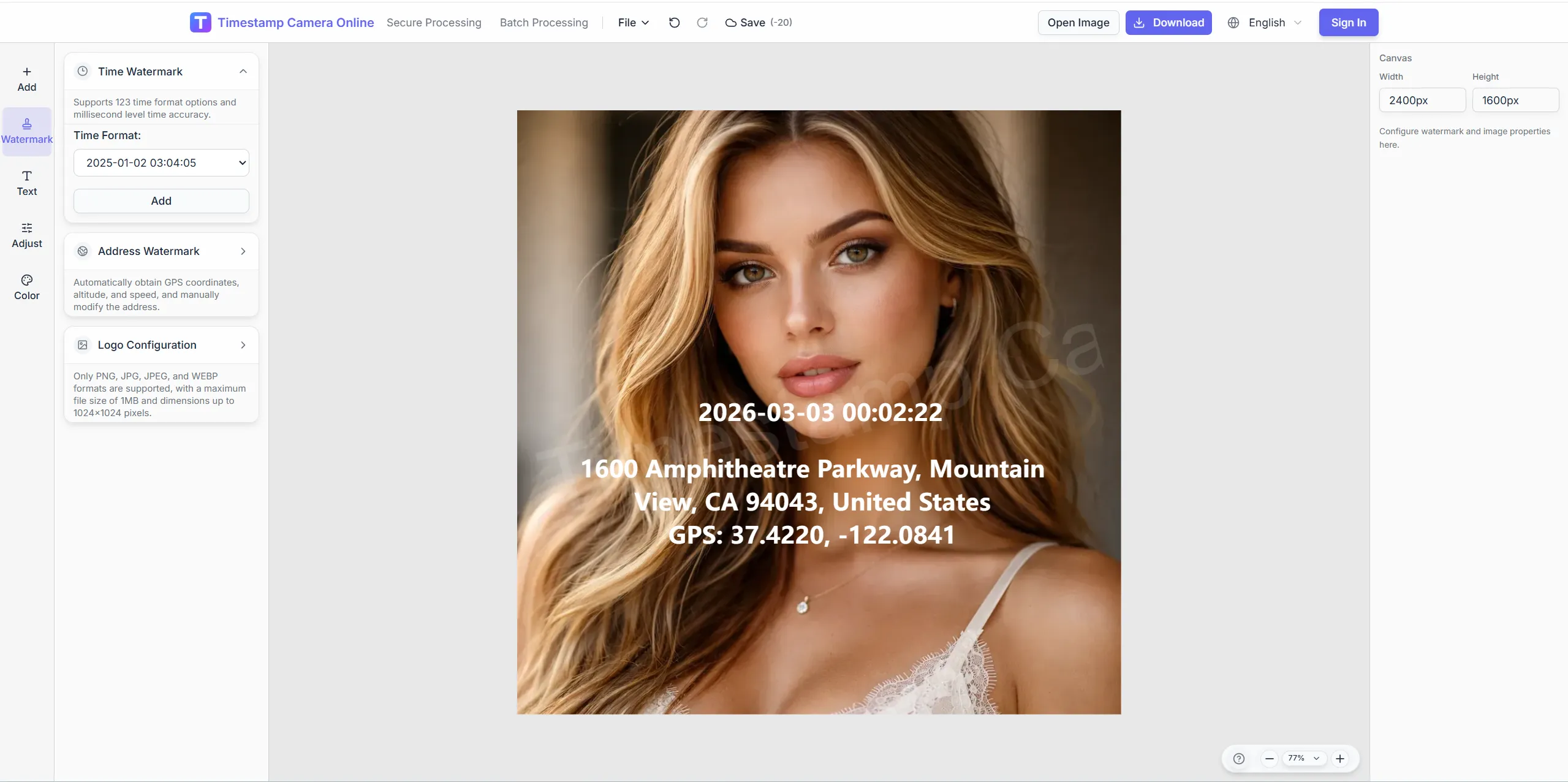
Feb 14, 2024 · Wednesday
09:47:22
Chicago, IL · 41.8781°N, 87.6298°W
Clean the old stamp, set new time and layout, then add location or signature layers if needed—all in one flow.
Better for photos that already have a visible timestamp on them.
Helps you update the time text, clean up the old stamp area, and rebuild the result in one flow.
You can continue into the full editor if you also need location, signatures, QR codes, or other proof-style layers.
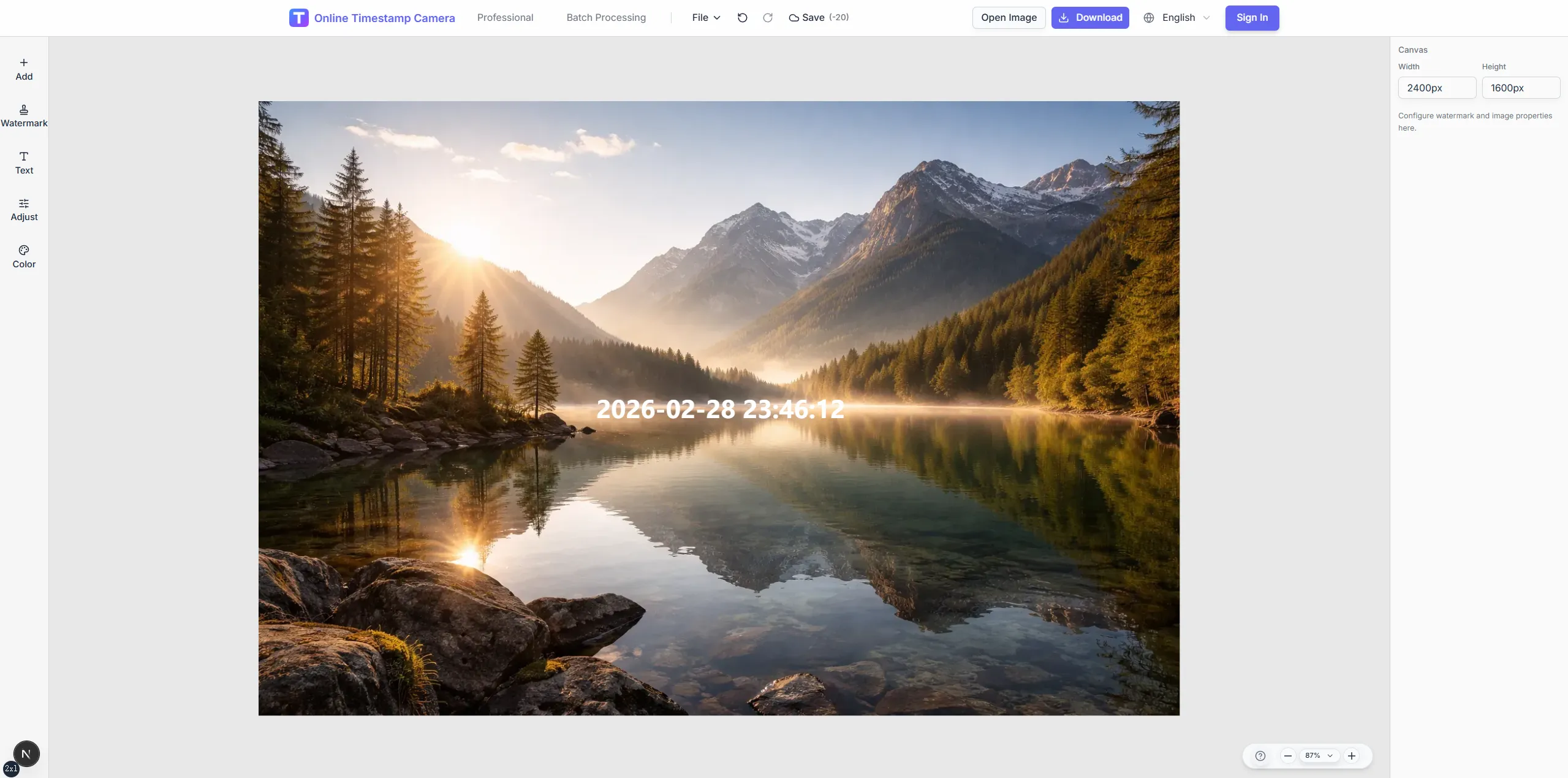
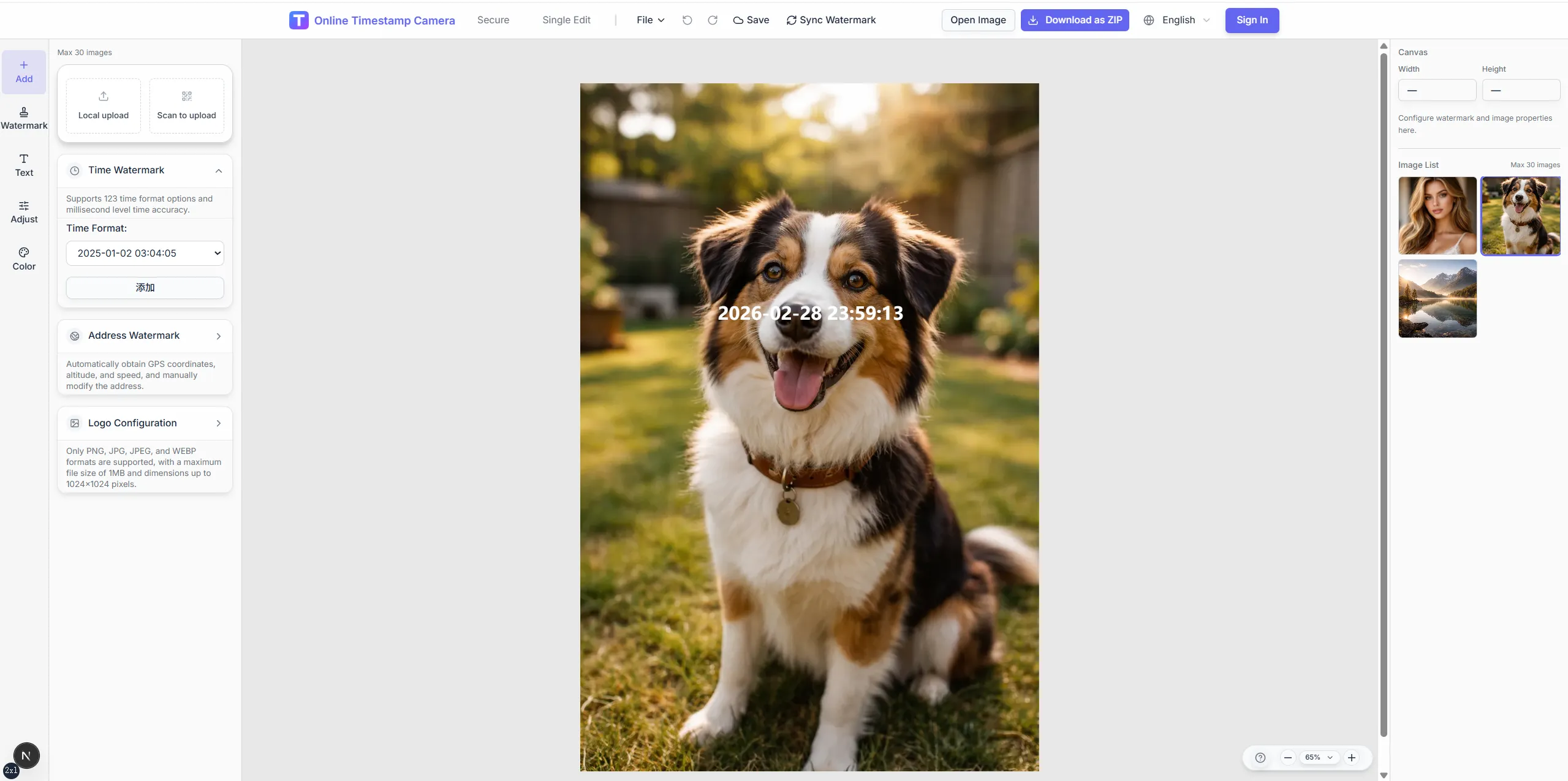
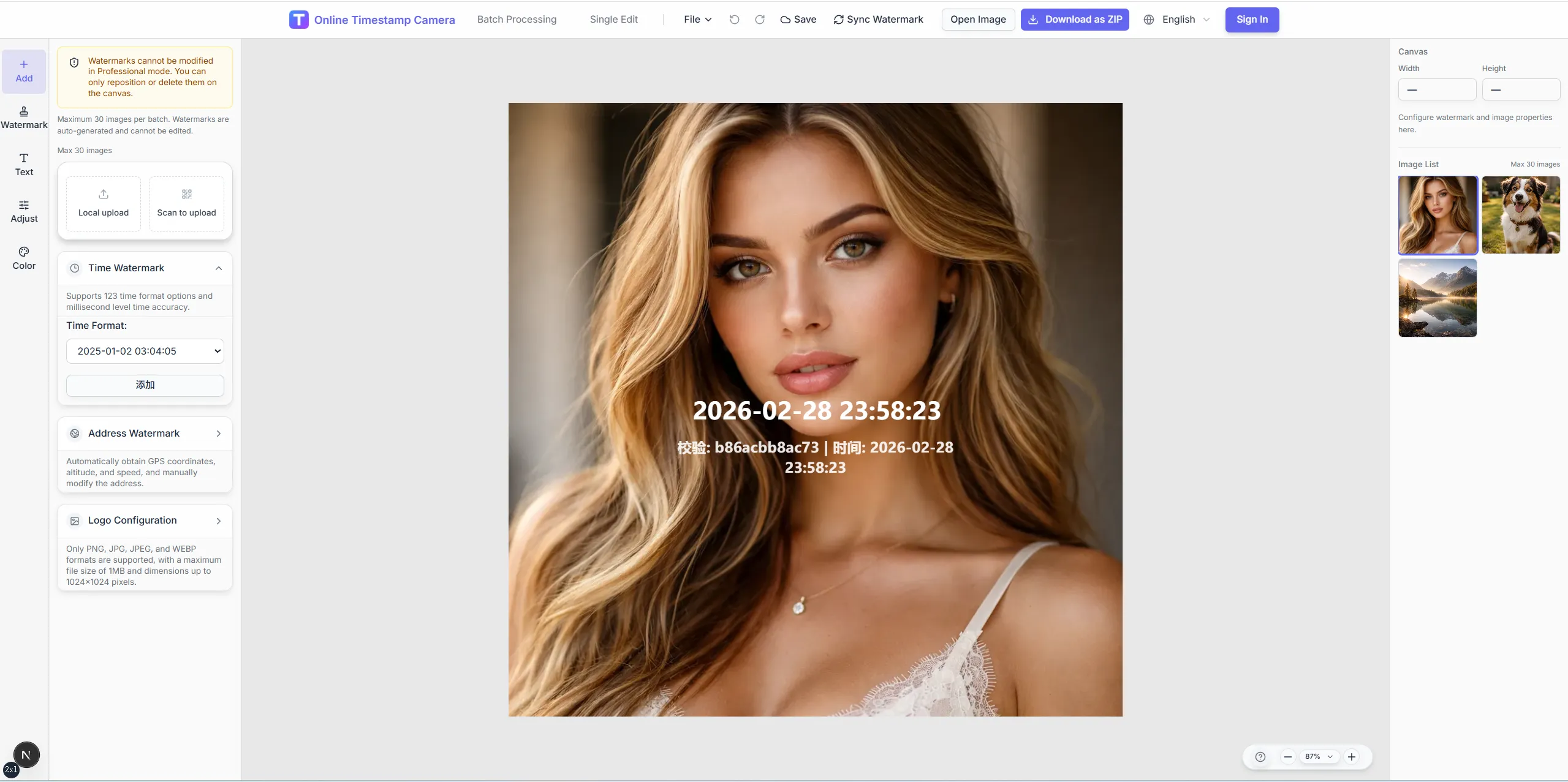
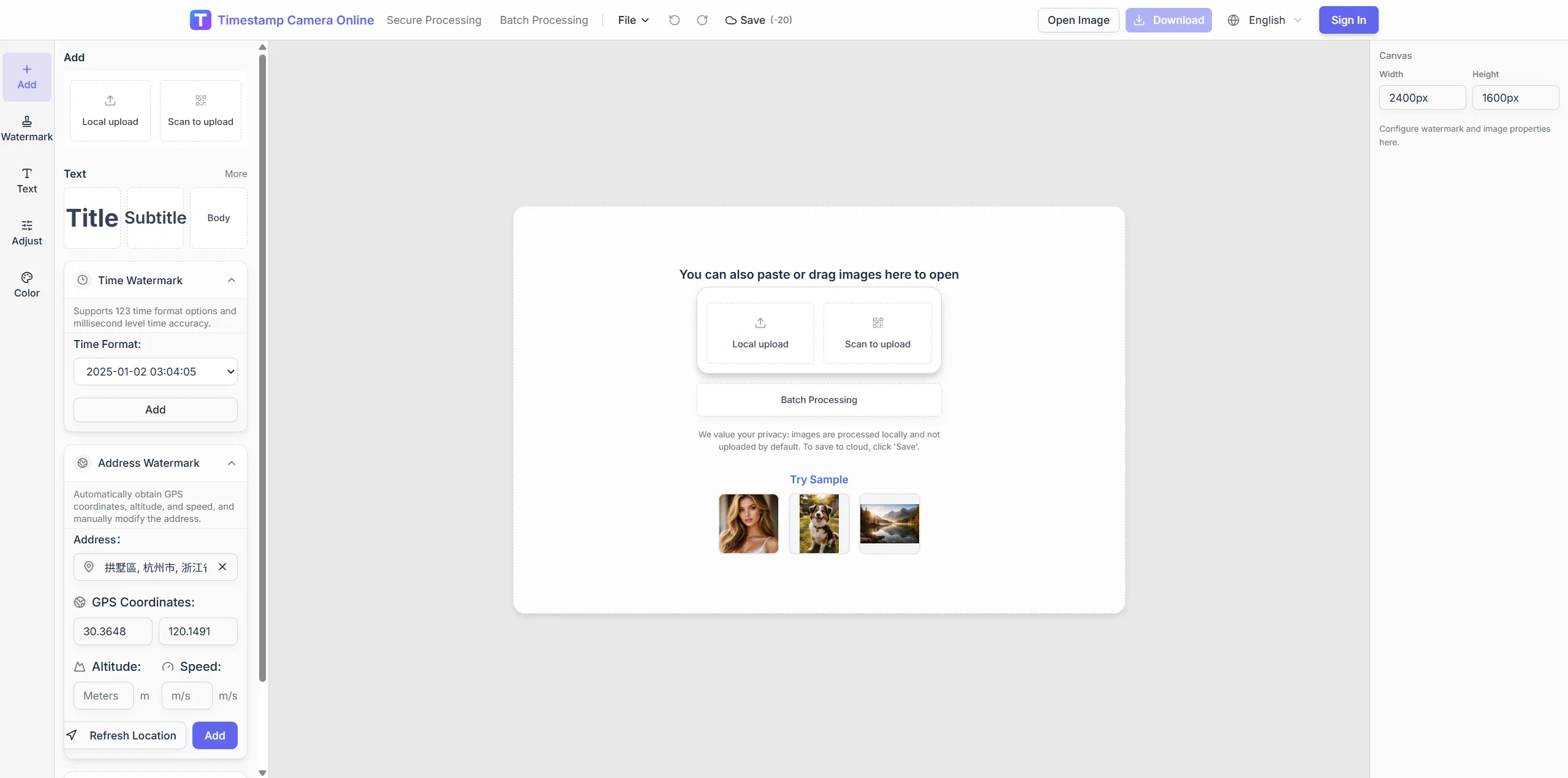
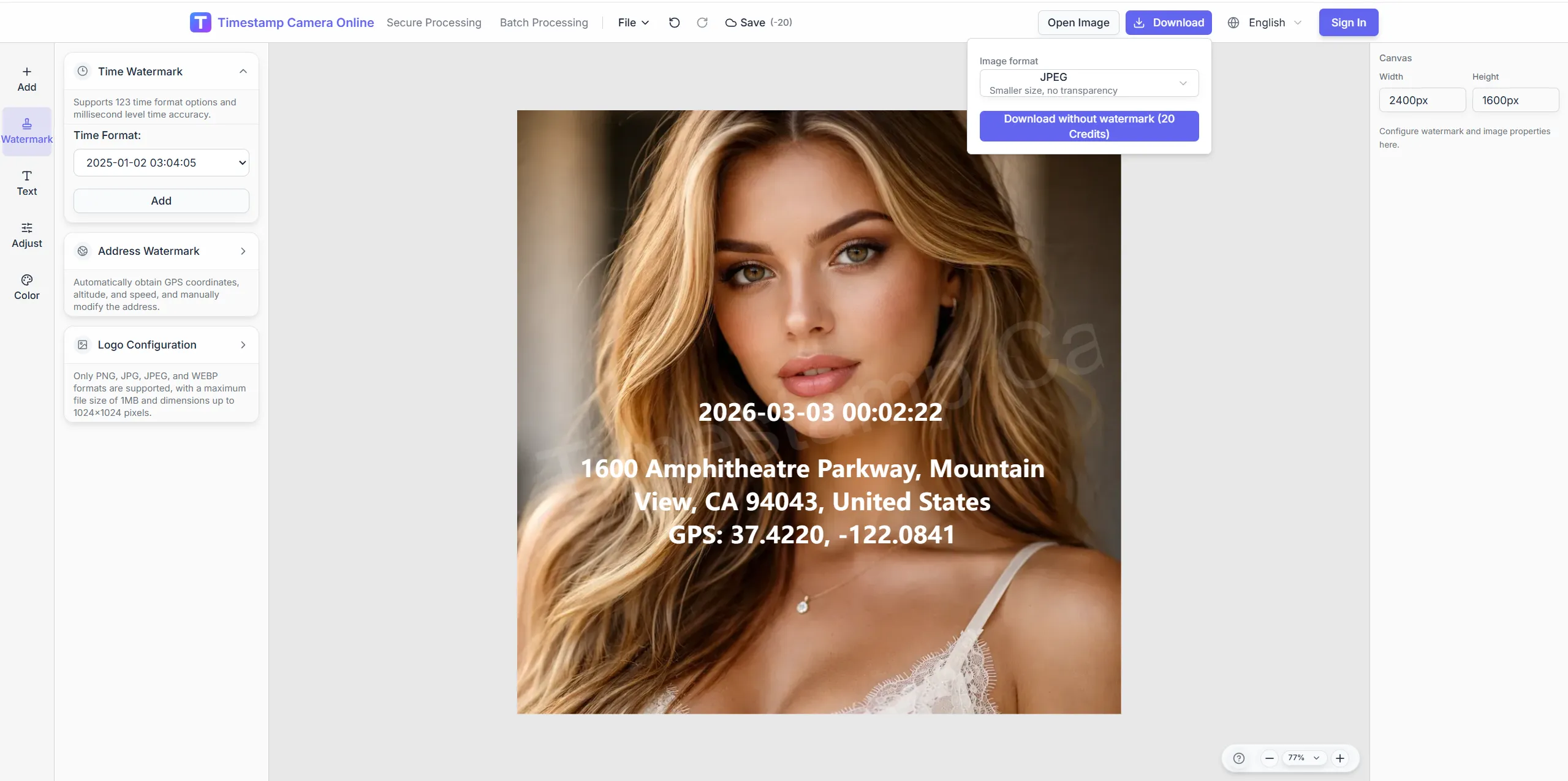
When a photo already shows date or time and you need to correct values, reformat, or reposition, clean up the old mark and rebuild. Ideal for fixing wrong clocks or aligning team formats.
Blur or cover the original block before adding the new line.
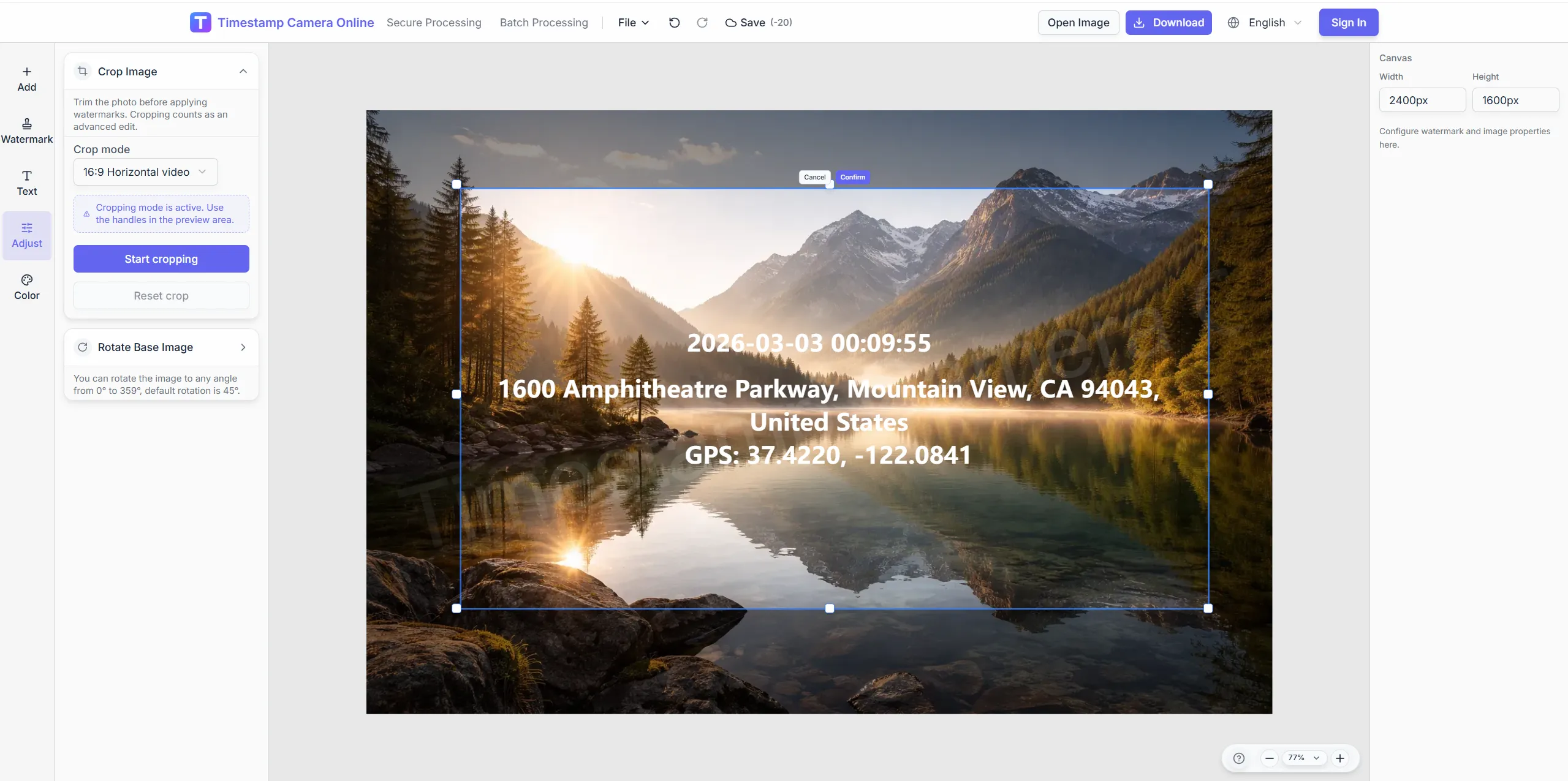
Switch date styles so records match team standards.
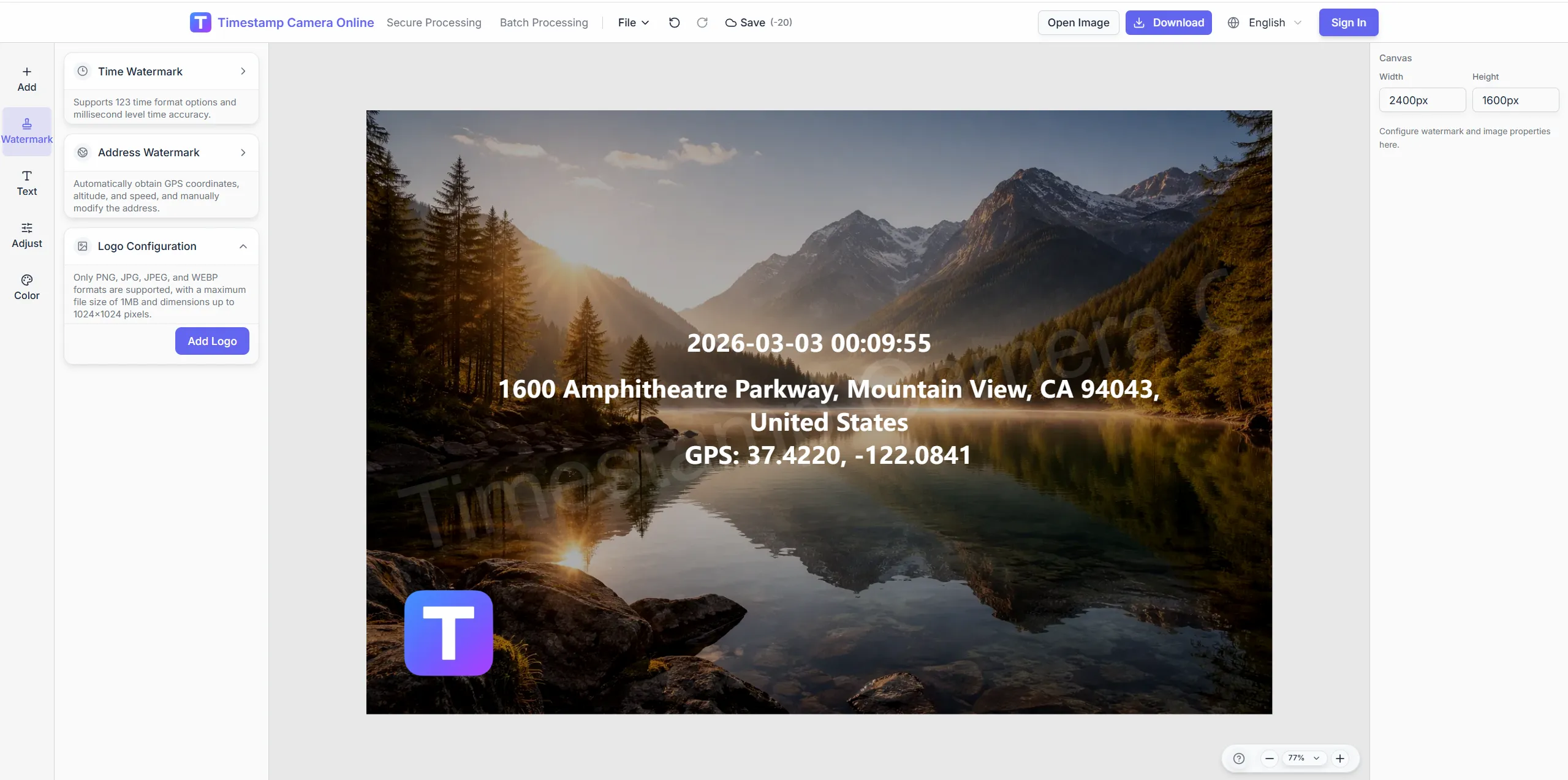
Add approver marks next to the revised clock line.
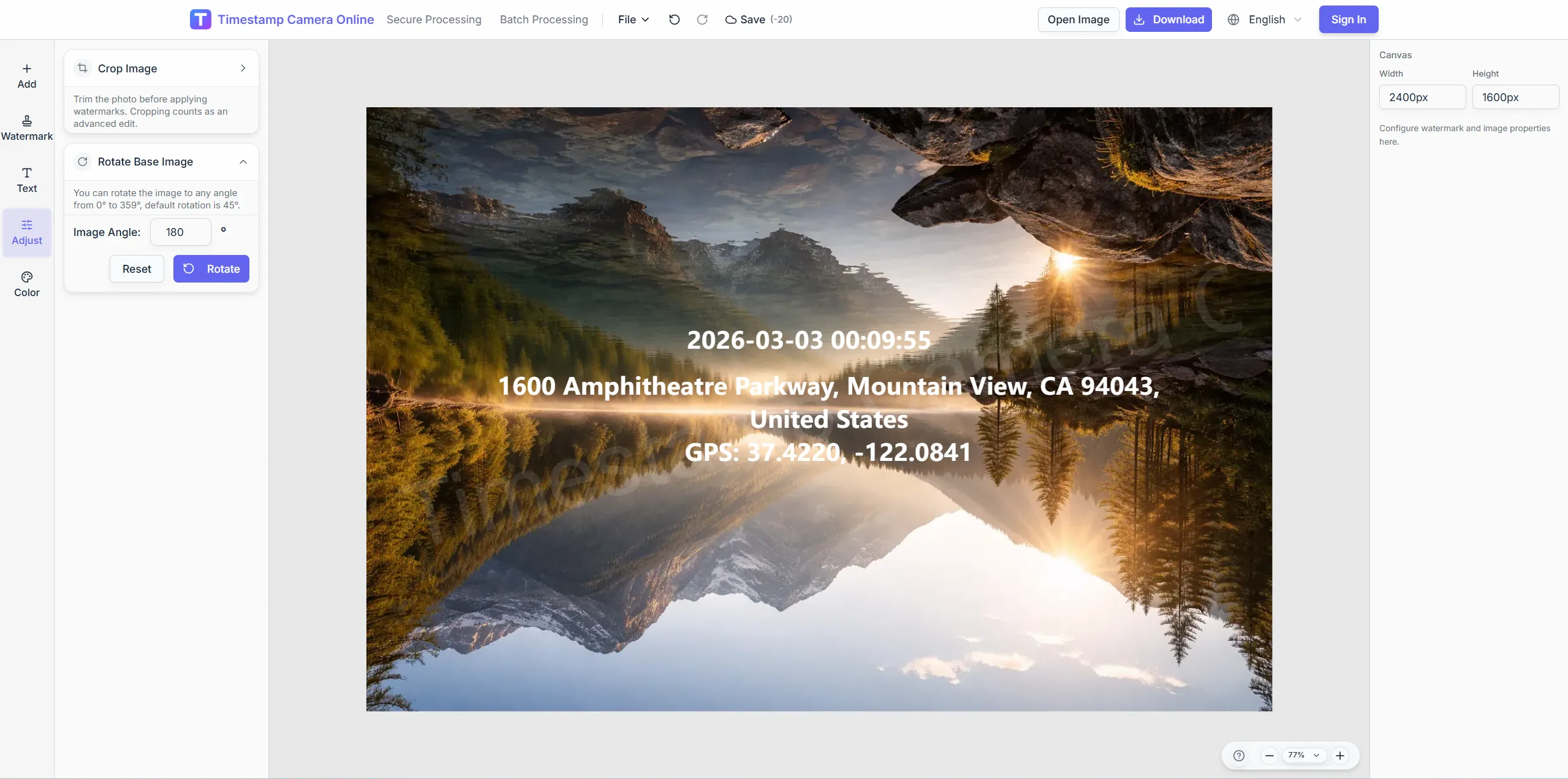
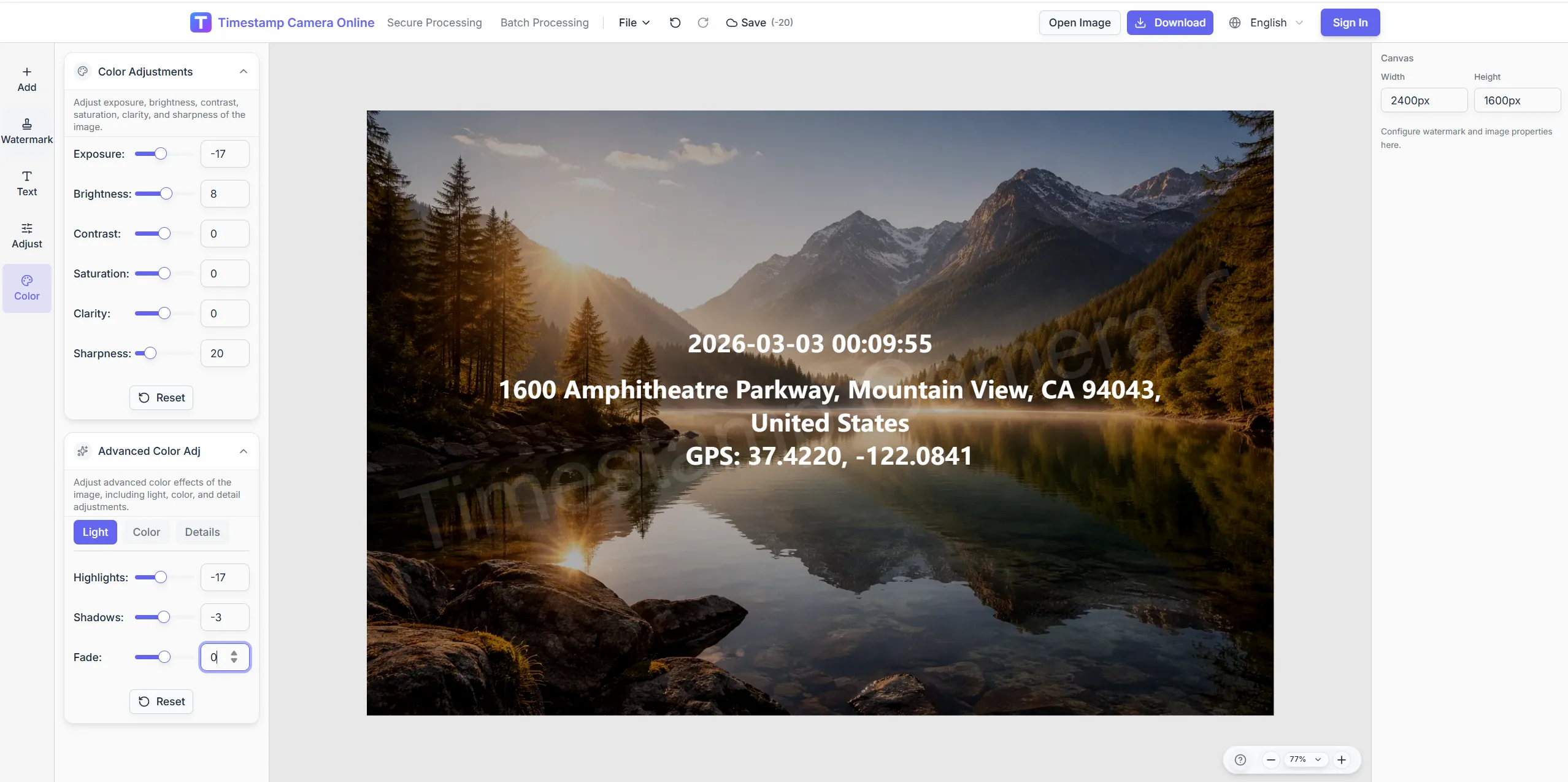
Ensure new time text reads on varied backgrounds.
Explore adjacent workflows teams pair with online timestamp correction—same overlay standards, different industries, and concrete field outcomes.
Overlay visible date and time on photos when attendance, inspections, claims, or milestones need a clear capture moment.
View scenario
Create standardized photo records with consistent time, place, and summary overlays when internal review or audit trails matter.
View scenario
Add logos, signatures, stamps, and custom overlays when you want a more branded or client-ready export.
View scenario
Prepare clearer incident photos with visible time and location details so claim records are easier to review and discuss.
View scenario
Keep trip photos organized with date, time, place, and styled overlays that are easier to browse later.
View scenario
Combine time, place, and proof-style marks when audit, claim, or compliance handoffs need stronger trust at a glance.
View scenario
Practitioners using online timestamp correction share measurable wins: fewer retakes, faster reviews, and cleaner handoffs to HR, owners, or carriers.
Compliance teams in Minneapolis fix wrong clock values on audit photos without restarting from raw captures. We strip old marks and rebuild with regulator-approved formats in minutes. ISO surveillance folders passed with zero timestamp format findings.
Nina Petrov · Quality systems, Minneapolis MN
Travel editors in Seattle corrected timezone labels on sponsor galleries after a redeye flight series. Browser cleanup beat re-exporting from Lightroom for eighty frames. Clients approved the relabeled drop overnight.
Emma Laurent · Travel creator, Seattle WA
Insurance agents in Tampa reposition timestamps on retaken rooms without losing redaction masks. Edit workflow kept claim IDs visible while clocks moved to readable corners. Retake volume dropped about thirty percent last quarter.
Grace Holloway · Independent adjuster, Tampa FL
Jump straight into the workflow that matches your task: quick timestamps, location overlays, batch processing, QR code overlays, privacy cleanup, or secure proof-style exports.
Add a timestamp online
Upload a photo and add date and time in the browser, then fine-tune format and placement.
Add time and location
Show capture time, address, and GPS-style location details on the same image.
Batch watermark photos
Apply one shared timestamp and overlay layout to many photos for inspections and field records.
Add a QR code
Place a scannable code together with timestamps, logos, or summary text on the final export.
AI photo location online
Upload photos to analyze shooting location and details online. Batch processing, Excel export, and labeled metadata watermarks.
Hide sensitive information
Mask or blur license plates, faces, addresses, and other privacy areas before sharing.
When a photo already shows date or time and you need to correct values, reformat, or reposition, clean up the old mark and rebuild. Ideal for fixing wrong clocks or aligning team formats.
Yes. You can adjust the visible date and time overlay, including its wording, layout, and formatting.
Use the cleanup tools first if needed, then rebuild the timestamp with a clearer format and position.
Use it when your photo already contains a visible date or time display and you want to revise the wording, format, placement, or final appearance.
Yes. Drag the time block anywhere and adjust font, shadow, and background boxes.
Upload the image, clean the old mark, and set new date-time values.